AI Connector
This plugin enables a connection to OpenAI services. It allows users to input their API key, necessary for making API calls, and includes a test page to verify the functionality of all connections. This plugin serves as a foundation for other plugins, such as 'local_aisimplifier' (currently in progress).
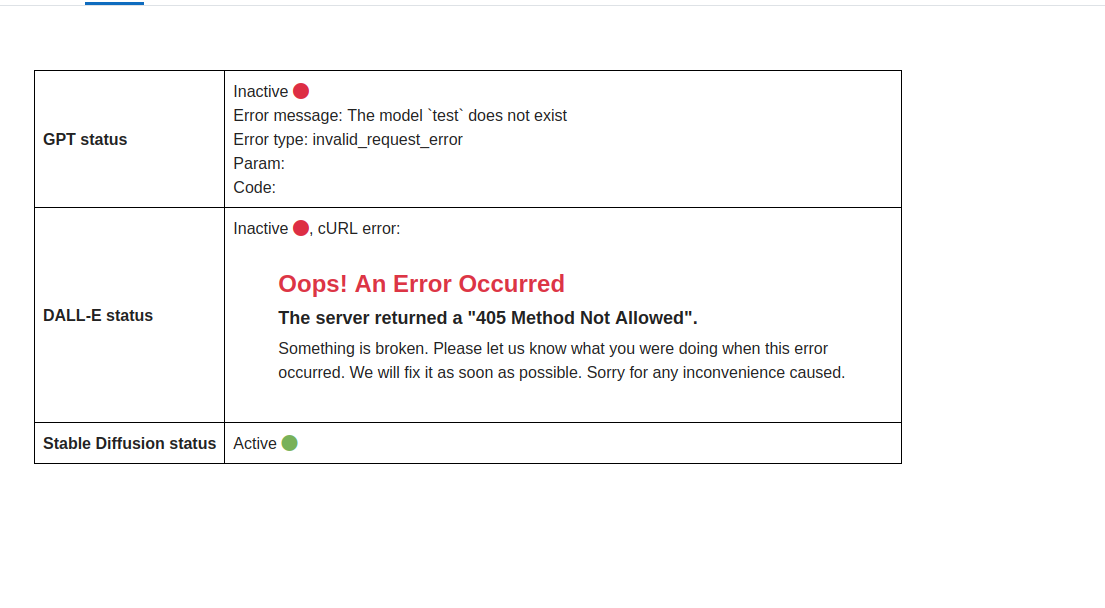
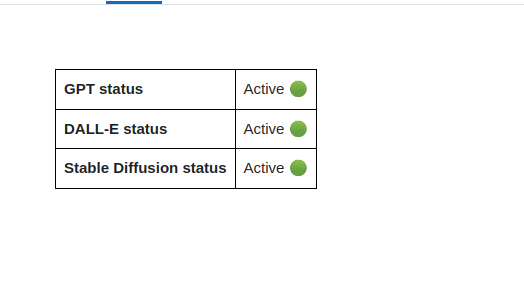
This plugin also includes a test page to verify the functionality of all AI endpoints.
Test page is available at: /local/ai_connector/test.php
API Keys:
For OpenAI services you can retrieve your API key from: https://platform.openai.com/account/api-keys
Example usage
To use the OpenAI functions, follow these steps:
$openai = new \local_ai_connector\openai\openai();

$openai->chat()->create_completion([

        'model' => 'gpt-4',

        'messages' => [

                [

                        'role' => 'user',

                        'content' => 'Hello, this is test message.'

                ]

        ]

]);
OpenAI Functions:
Assistants
create: Creates a new assistant on the OpenAI API.
add_file: Adds a file to an existing assistant on the OpenAI API.
list: Lists all assistants available on the OpenAI API.
list_files: Lists all files associated with a specific assistant on the OpenAI API.
retrieve: Retrieves information about a specific assistant from the OpenAI API.
retrieve_file: Retrieves a specific file associated with an assistant from the OpenAI API.
modify: Modifies the details of an existing assistant on the OpenAI API.
delete: Deletes an assistant from the OpenAI API.
delete_file: Deletes a specific file associated with an assistant from the OpenAI API.
Audio
create_speech: Creates a speech.
create_transcription: Creates a transcription from a CURLFile.
create_transcription_from_moodle_resource: Creates a transcription from a Moodle resource.
create_translation: Creates a translation from a CURLFile.
create_translation_from_moodle_resource: Creates a translation from a Moodle resource.
Chat
create_completion: Creates a chat completion.
Embeddings
create: Creates an embedding.
Files
upload_moodle_resource: Uploads a Moodle resource to the OpenAI API.
upload_file: Uploads a file to the OpenAI API.
list: Lists all files in the OpenAI API.
retrieve: Retrieves a file from the OpenAI API.
delete: Deletes a file from the OpenAI API.
retrieve_content: Retrieves the content of a file from the OpenAI API.
Fine Tuning
create: Creates a fine-tuning job.
list: Lists all fine-tuning jobs.
list_events: Lists all events of a specific fine-tuning job.
retrieve: Retrieves a specific fine-tuning job.
cancel: Cancels a specific fine-tuning job.
Images
create: Creates a new image generation.
create_edit_from_moodle_resource: Creates an edit from a Moodle resource.
create_edit: Creates an edit from a CURLFile.
create_variation: Creates a variation from a CURLFile.
create_variation_from_moodle_resource: Creates a variation from a Moodle resource.
Models
list: Lists all models.
retrieve: Retrieves a model.
delete: Deletes a fine-tuned model.
Messages
create: Creates a new message.
list: Lists all messages.
list_files: Lists all files of a message.
retrieve: Retrieves a message.
retrieve_file: Retrieves a file of a message.
modify: Modifies a message.
Threads
create: Creates a new thread.
retrieve: Retrieves a thread.
modify: Modifies a thread.
delete: Deletes a thread.
runs: Creates and runs a new thread.
Moderations
create: Creates a moderation.
Runs
list: Lists all runs.
list_steps: Lists all steps of a run.
retrieve: Retrieves a run.
retrieve_step: Retrieves a step of a run.
modify: Modifies a run.
submit_tool_outputs: Submits tool outputs for a run.
cancel: Cancels a run.
Configuration Settings
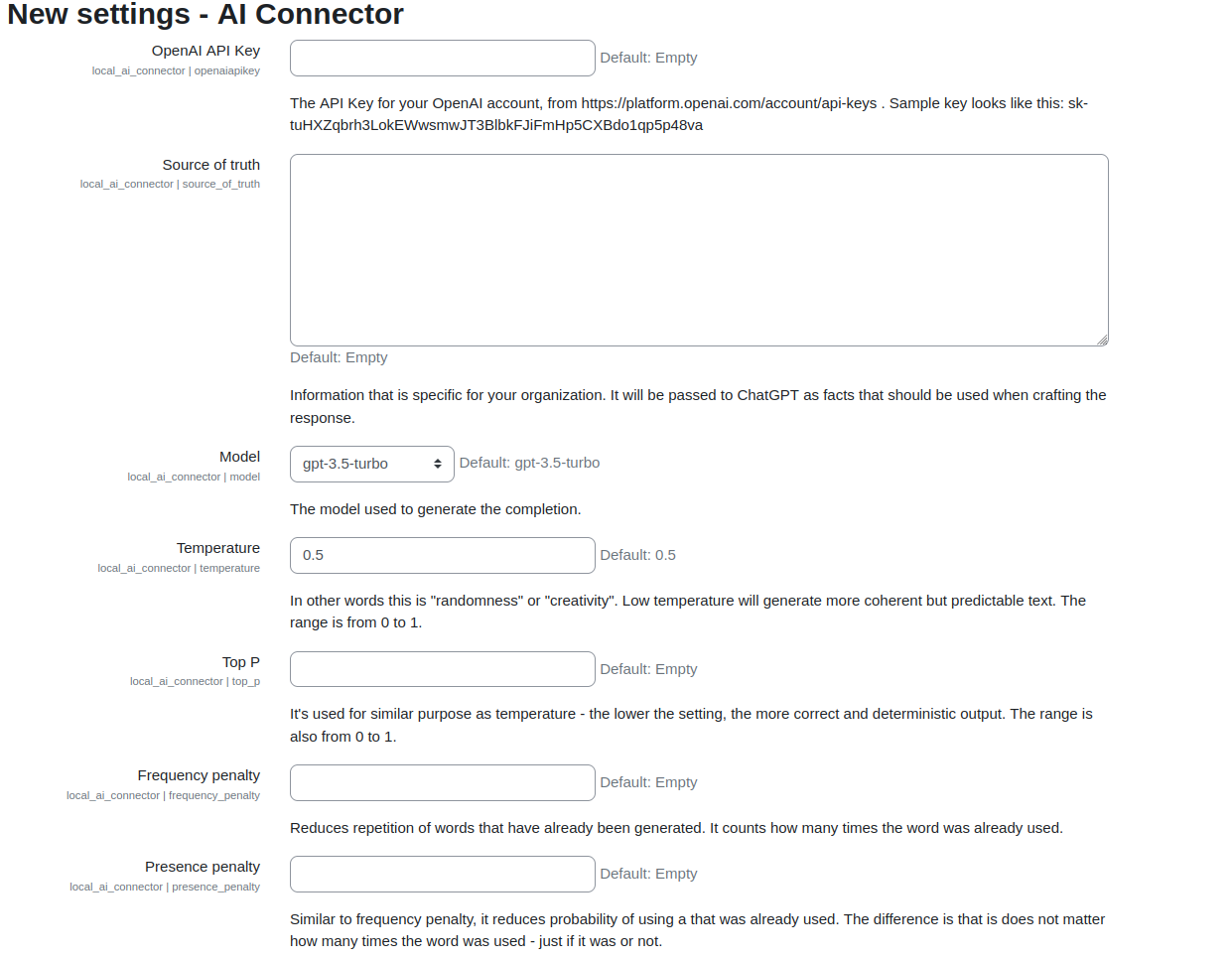
To configure the AI Connector plugin, you can use the following settings:
OpenAI API Key: Provide the API key for authentication with OpenAI services.
Error Handling
The AI Connector throws moodle_exception exceptions in case of errors. You should handle these exceptions appropriately to provide meaningful feedback to the user.