
Teaching Assistant Block
Maintained by
David Wipperfurth
OpenAI powered Teaching Assistant chatbot that understands your content.
Comments
Comments are no longer open for new posts. Existing comments remain available to read.
Mohon arahannya Pak David. Terima kasih
Great questions! Yes, with the prompt engineering feature you can give your chatbots special instructions like "If you don't know the answer, say `Hmmm, I'm not sure. Please message the Teacher.`". We've found, however, that in most cases where the chatbot has hallucinated a response, the cause has been misconfigured filters that result in the chatbot not having access to ANY data. Usually if the chatbot has access to data, even if the full answer is not contained in that data, the chatbot will provide very acceptable answers, noting lack of information where possible. It can really struggle when the filters remove all sources of information though. --So, I'd first recommend making sure your filters are working properly.
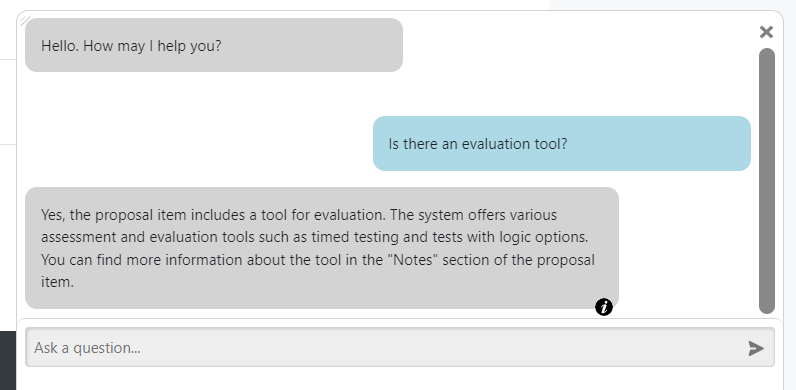
I would suggest (at least temporarily) turning on the "show sources" feature, if you don't already have it enabled. Then when you ask it a question, the chatbot's response should have a little "i" icon in the bottom right corner. Clicking that icon will expand the response to show snippets of source related to the response. If no "i" icon appears, that means the chatbot didn't find any relevant source material (often because the filters didn't give them access to it). You can use this to determine if your filters are giving your bots access to the information you expect.
If you find you are having difficulty getting the filters working (or want help with prompt engineering), please don't hesitate to request support using our website's contact forms. The plugin's comment section is a bit unwieldy compared to email or a zoom call.
Hope that help,