Messages in Moodle are not deleted since the messaging overhaul and sometimes they made the system slow even when both users
deleted them, this plugin creates a task that deletes these messages in the database.
This plugin allows you to perma delete these messages. And also mark read messages or all messages to deletion after
some time. In the same way, Moodle enables you to do notifications.
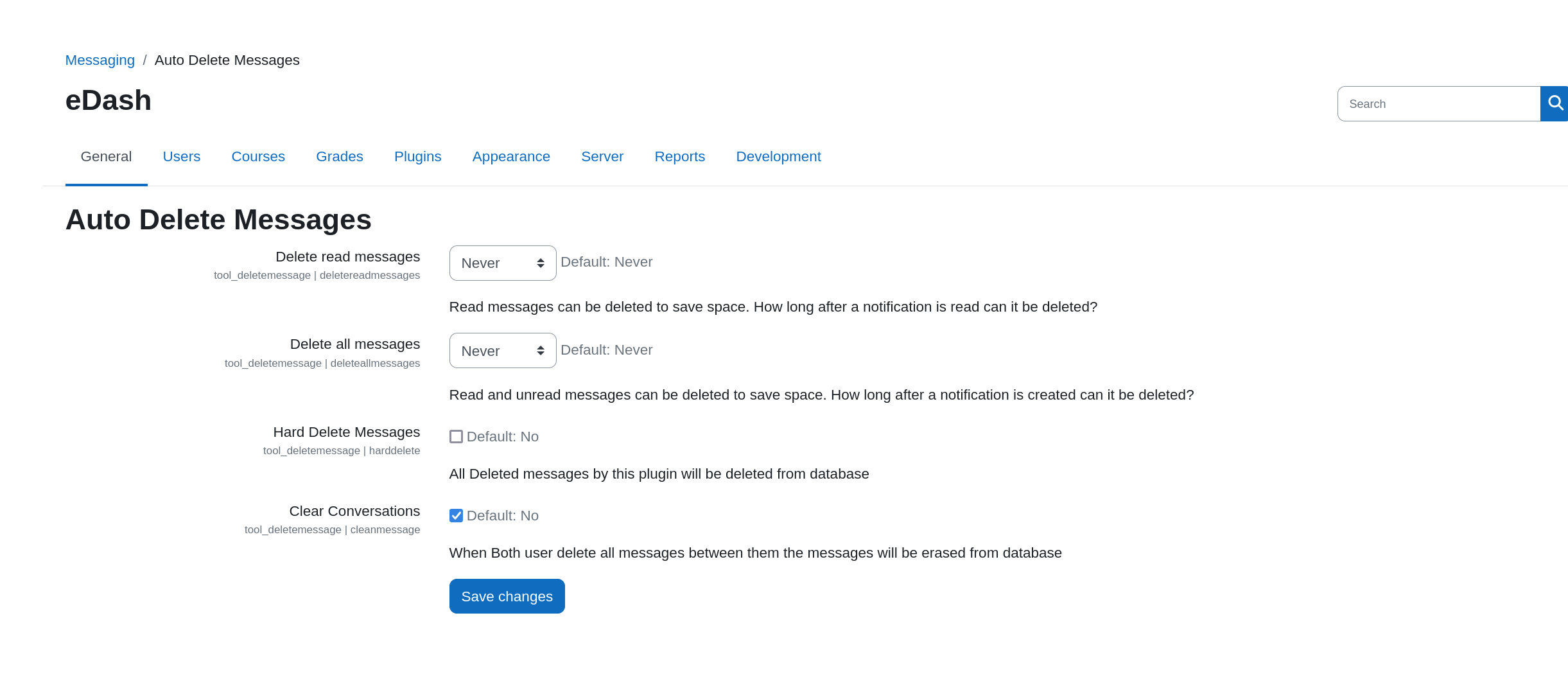
To use it go to Administration > Messages > Auto Delete Messages and set the time
when you want messages to be auto deleted. There are also options to purge the deleted messages from database and conversations that do not have messages of database.
To install the plugin use the admin panel or put it in the tools folder in MOODLE_DIR_ROOT/admin/tool