
Enrollment Application
Maintained by
Sokunthearith Makara
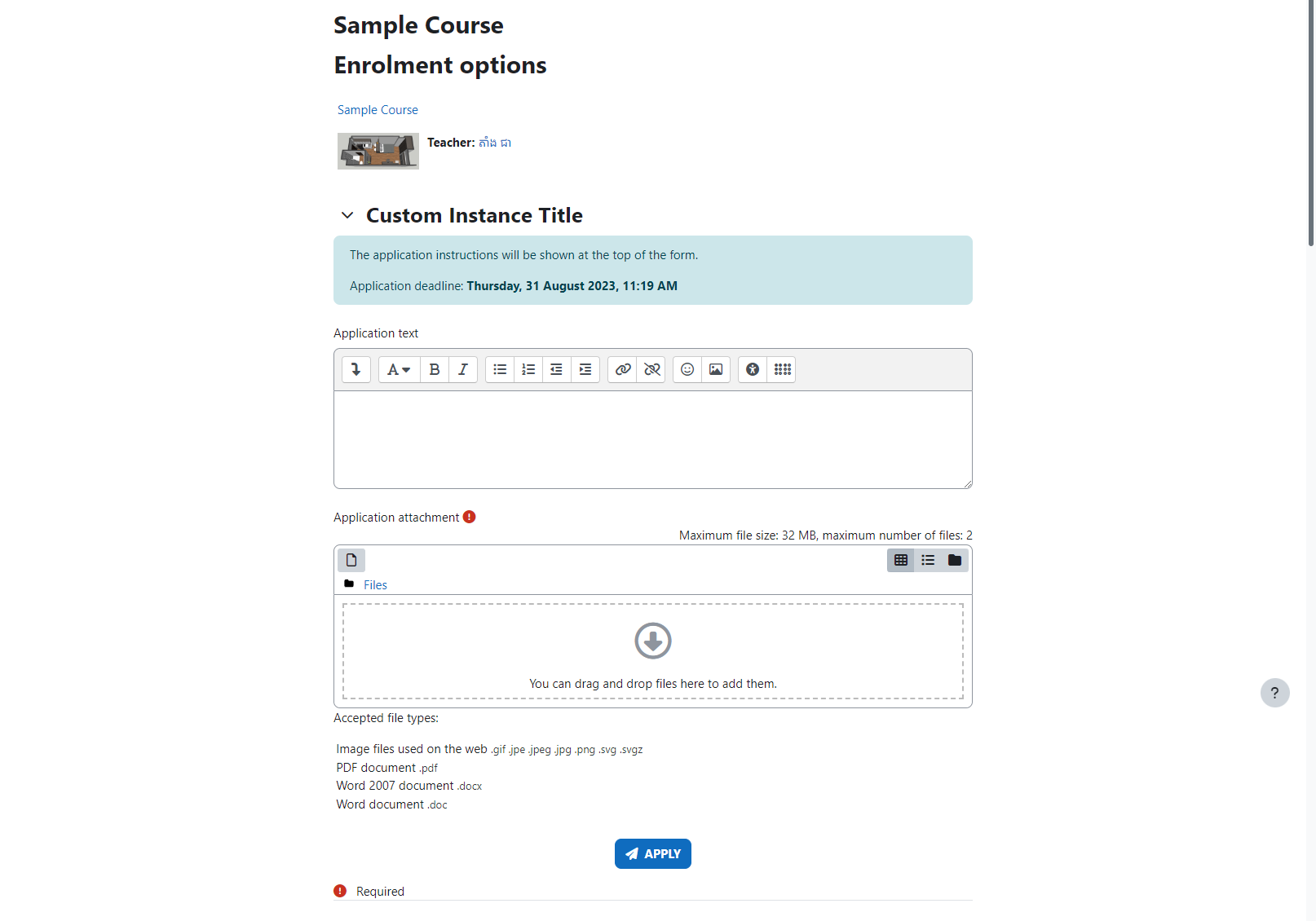
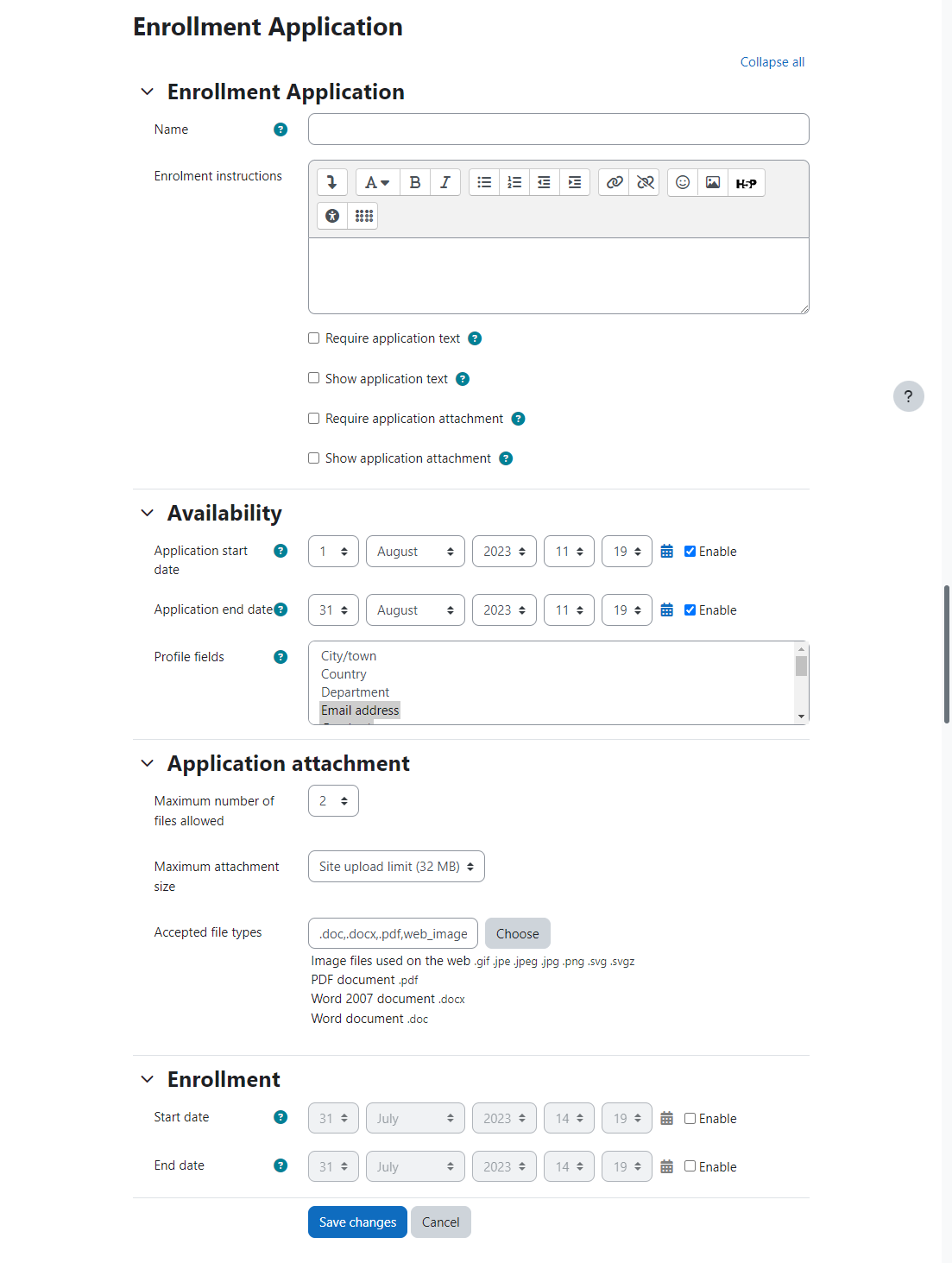
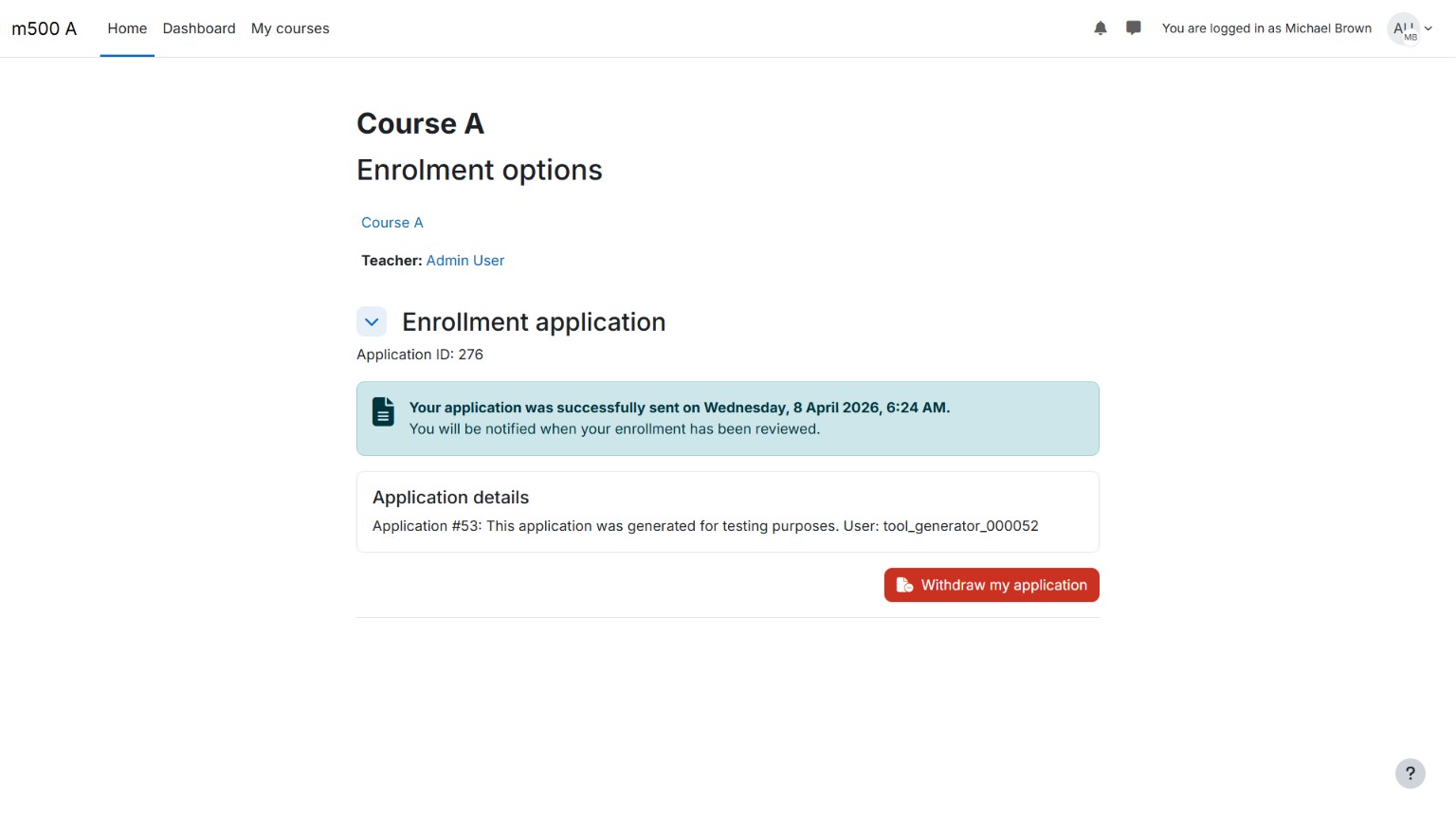
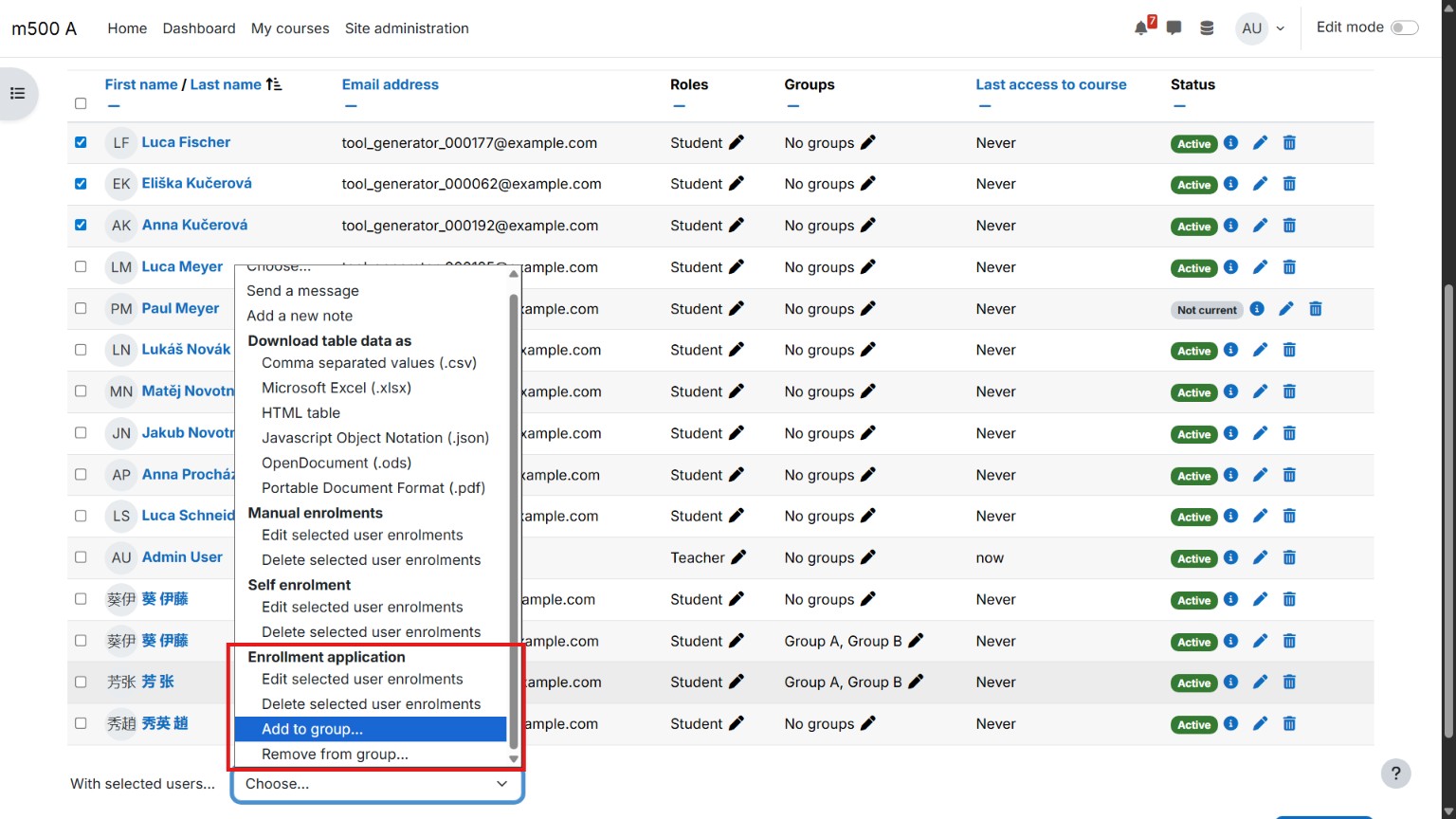
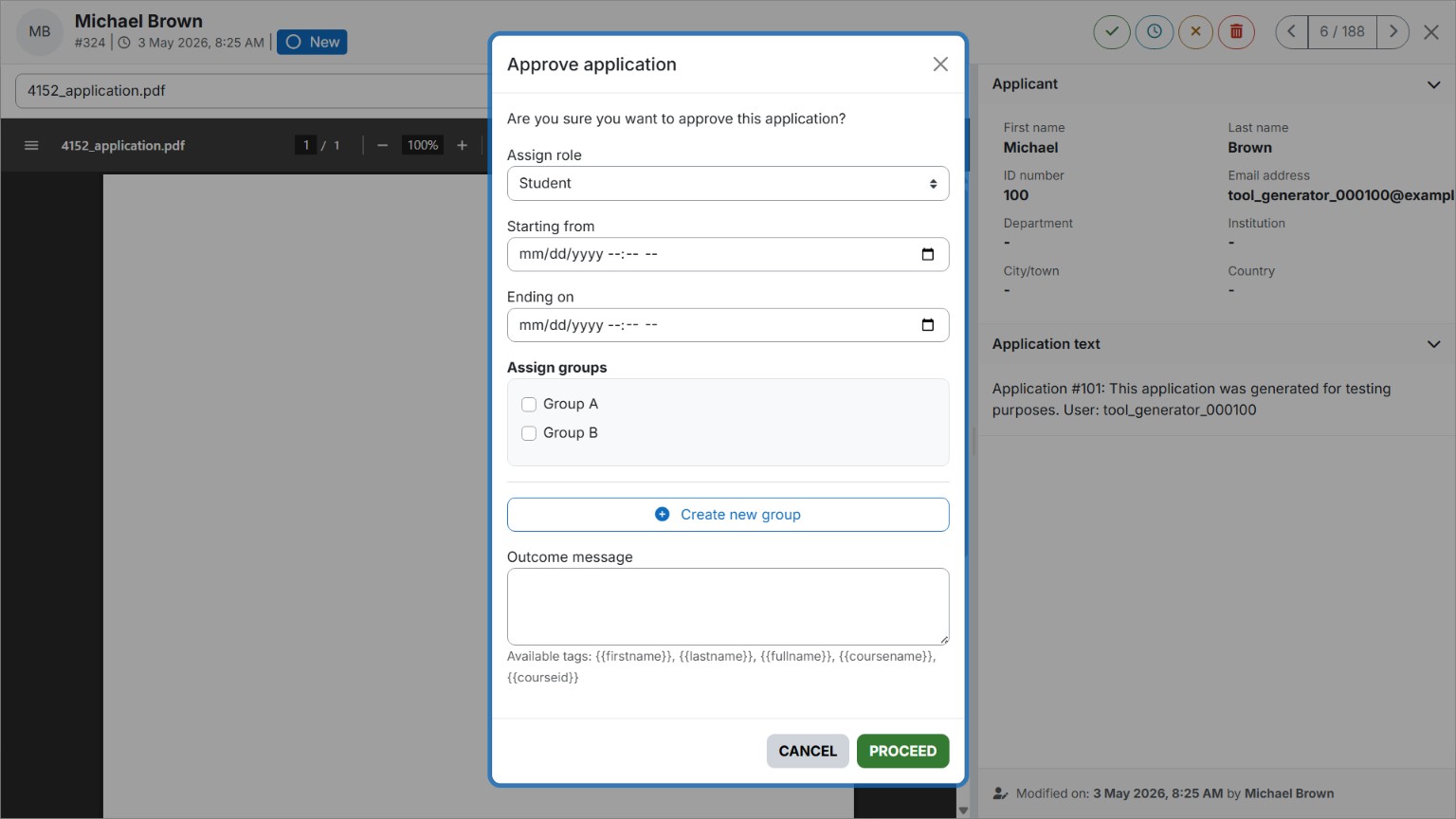
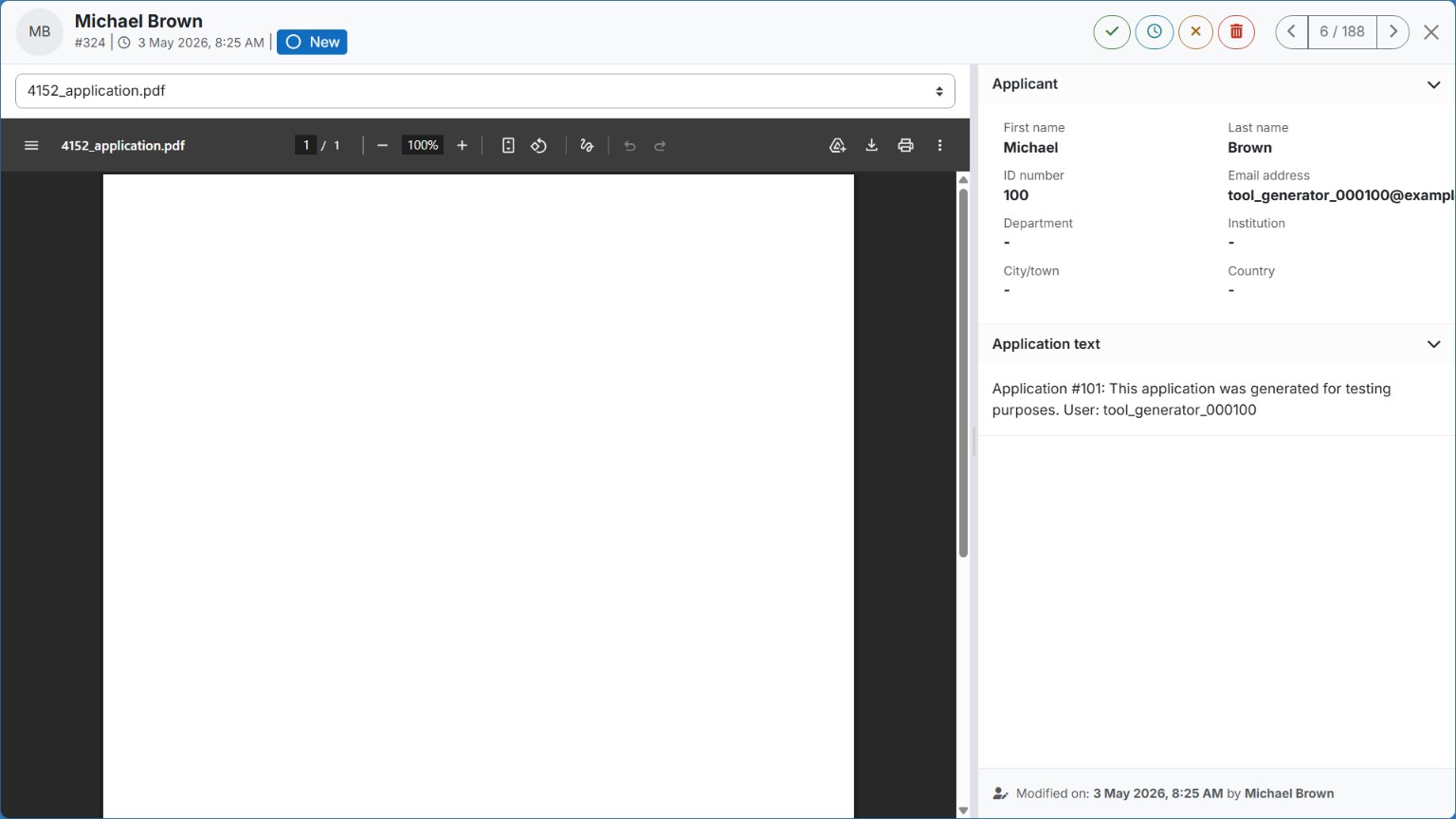
This plugin is another enrollment method that allows learners to apply for a course using application text and/or application file(s).
Comments
Comments are no longer open for new posts. Existing comments remain available to read.
The browser console shows this error:
Uncaught Error: No define call for core/modal_types
if you can please help (
Currently, only the profile image/photo field is being validated correctly. The other selected profile fields are not being required from the user before submitting the application.
I installed the plugin (Moodle 5.1), no issues, but it shows as "disabled" in the plugin overview, and there is no notification either. It cannot be added as an enrolment method. What am I missing in the configuration and where would I enable it?
Thanks!
When planning new features, could you add the ability for the course administrator to include various structured questions in the registration form, such as drop-down menus, radio buttons, dates, dependant options, etc.?
To answer your questions,
1. Yes, it does have a settings page: yoursite.com/admin/settings.php?section=enrol_gapply_settings . However, the global settings do not cover disabling attachments. But it's a good idea; I might look into it in the next release.
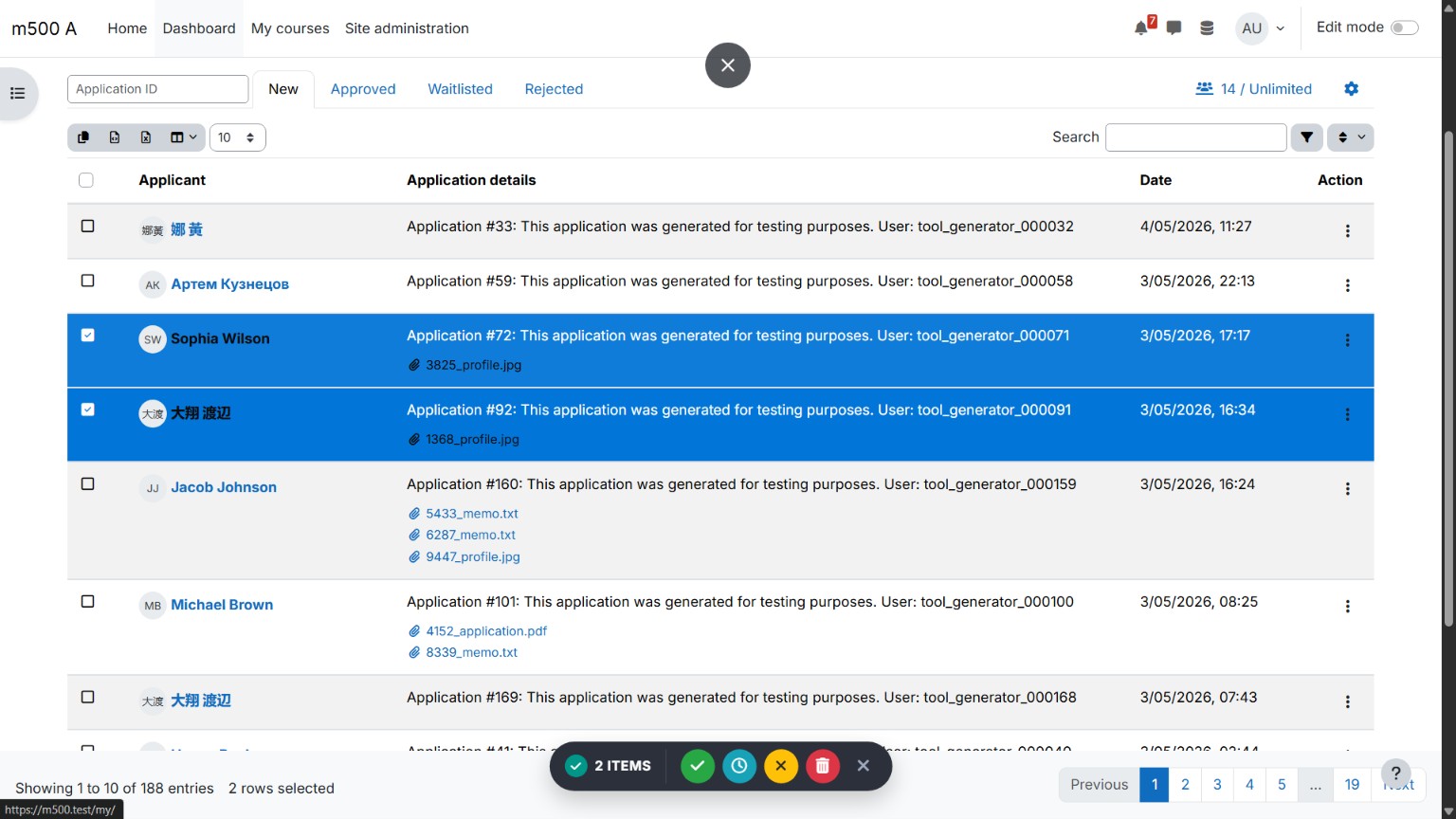
2. No, it doesn't have (never had) a global report page. Also, the first and second choice options aren't available either. The outcomes only include Approve, Reject, (Delete), and Waitlist.
3. It sends out a generic outcome message to the applicants (e.g., your application for Course A has been approved, etc.).
I don't see where to set global configuration for the plugin. (Manage enroll plugins page doesn't have a settings button for this plugin.) For example we want to disable attachments.
Also in previous versions it was possible to see all applications at once, without going to each course. Is this still possible? We have registrars that handle applications for a category of courses and they like to be able to see all courses at once to handle things like second choices if a first choice is full.
And to confirm, does it use the course welcome message to send to students when an enrollment is approved? This is also something we'd like to set globally.
We're still setting up our 4.5 environment for testing, so I apologize if some of these questions are naïve. I'm trying to estimate how much testing and configuration we'll need to do to get ready.
Thanks for any help.