Tiny HTML Blocks
Maintained by
Stephan Robotta
Note: the development of this plugin has been stopped in favour of https://moodle.org/plugins/tiny_elements.
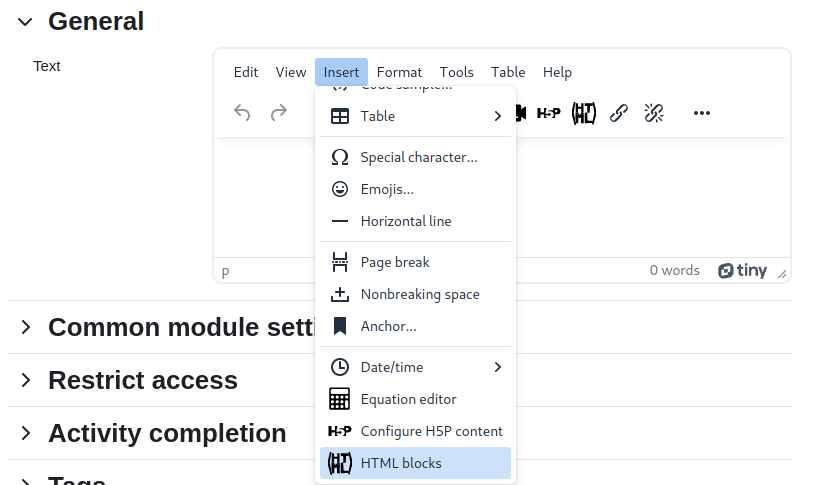
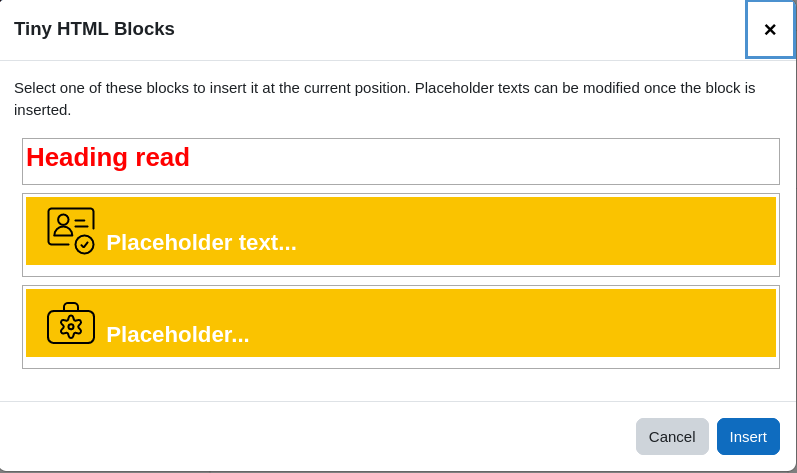
A plugin for the TinyMCE editor to insert predefined HTML blocks when editing a text in Moodle.
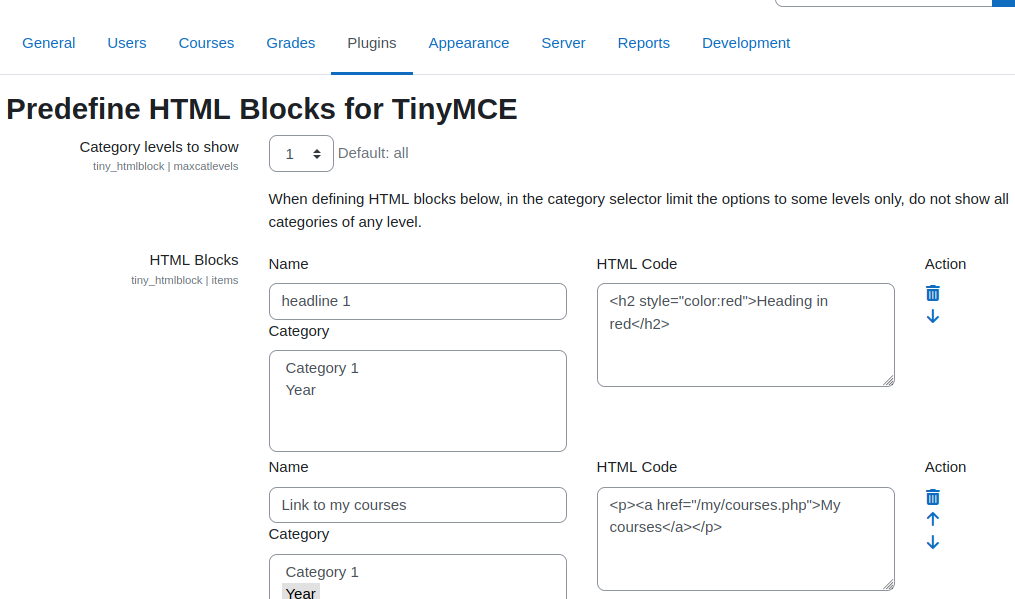
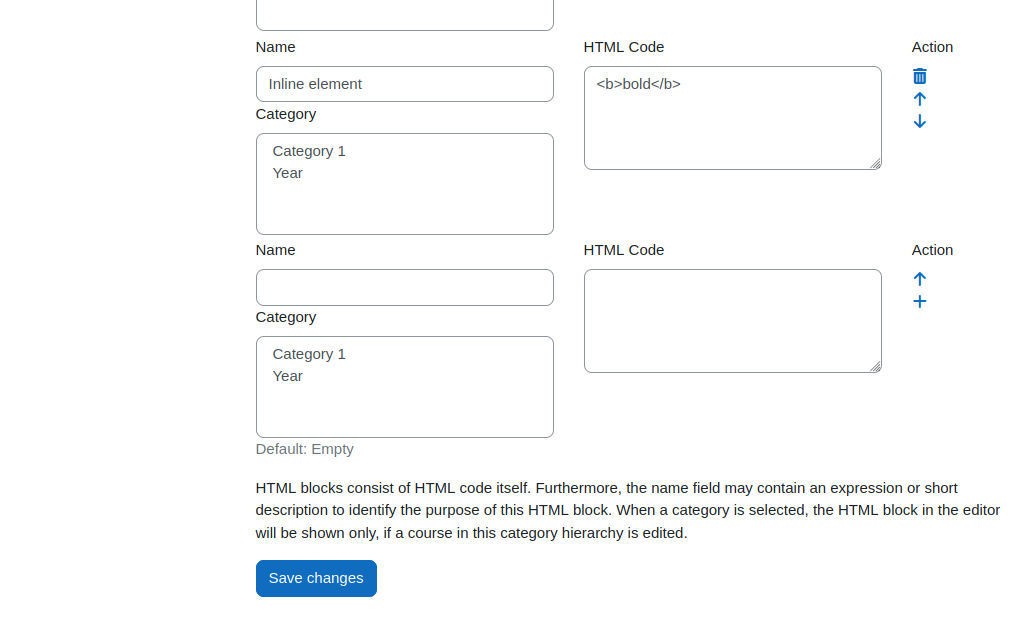
This enables users that are not so experienced in HTML still use predefined snippets in places containing text. The idea is to have Moodle courses designed in an appealing way and only using the WYSIWYG mode of the editor. Also the courses and other places look more alike and preserve a certain corporate identity using the same snippets.
Comments
Comments are no longer open for new posts. Existing comments remain available to read.
indeed, your findings depend on a solution to the MDL-79120. This seems to too easy though. Please vote for it. That may bring more progress in doing it.
Best regards, Stephan
https://tracker.moodle.org/browse/MDL-79120
But this plugin developper already reported this issue
So wait and see ...
I try to use this plugin to propose custom styles like atto_styles.
It works fine except that custom classes, defined in theme_boost | scsspre field, are not active in editor preview.
I could apply a local style, but it is not a good practice.
Does somebody succeed to make Boost theme custom classes to be active in TinyMCe editor preview ?
Kisses,
Zabelle
this plugin is intented to provide predesigned html blocks that are setup by the admin and can be used by teachers when creating and designing their course content. You might be better of with https://moodle.org/plugins/tiny_fontcolor that is designed to change the color of a font.