The free tool for thoughtful,
inclusive discussion.
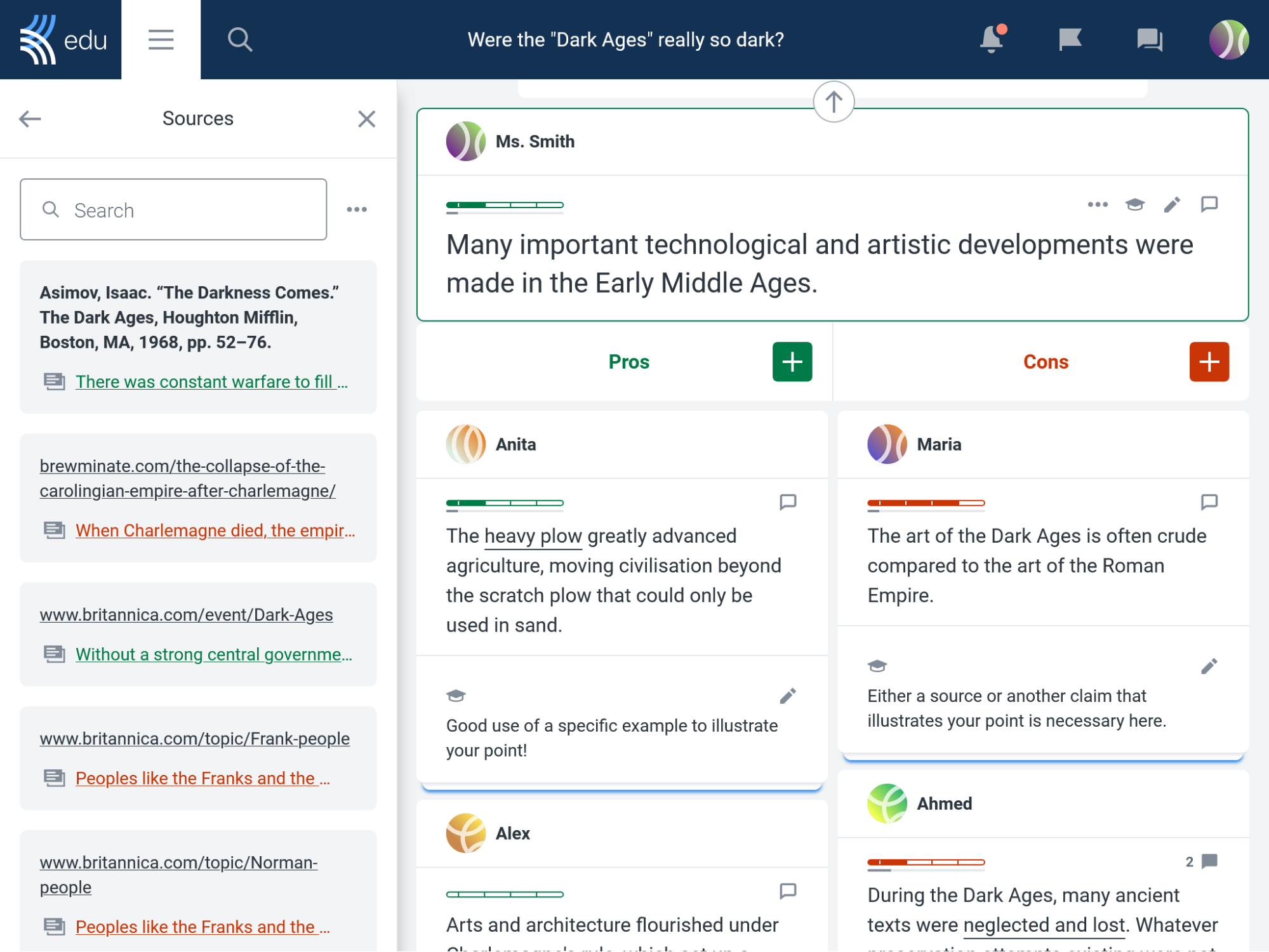
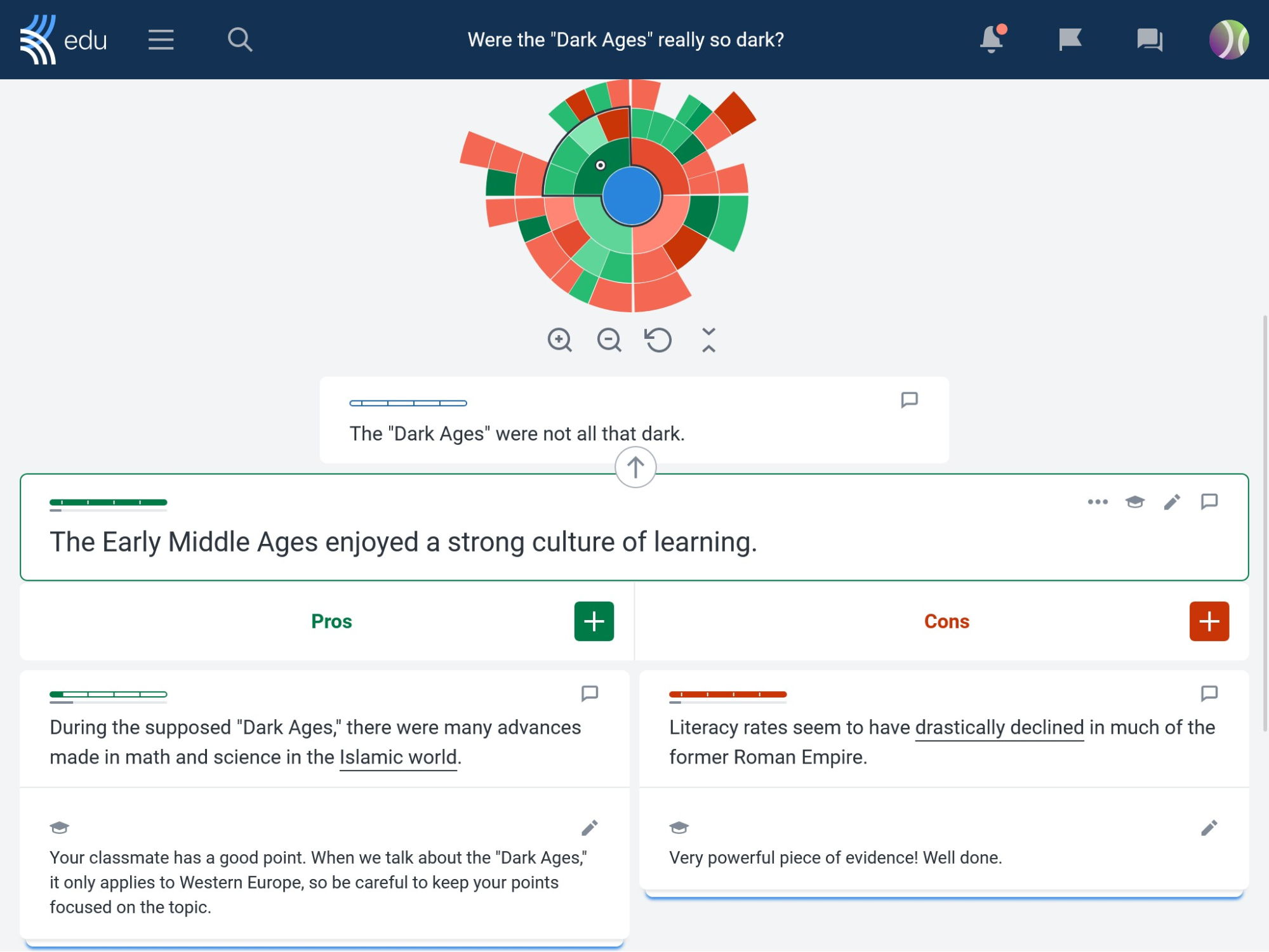
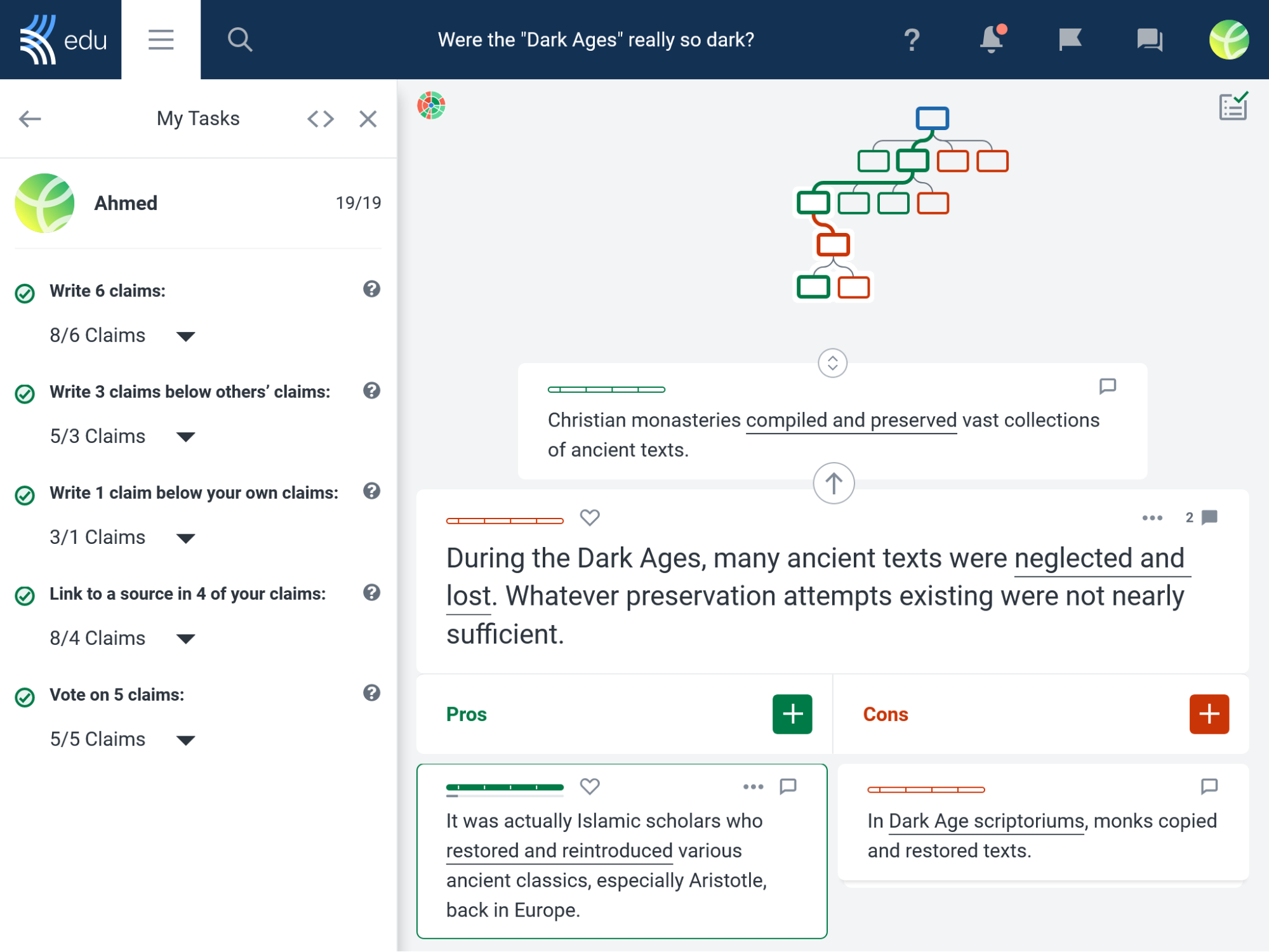
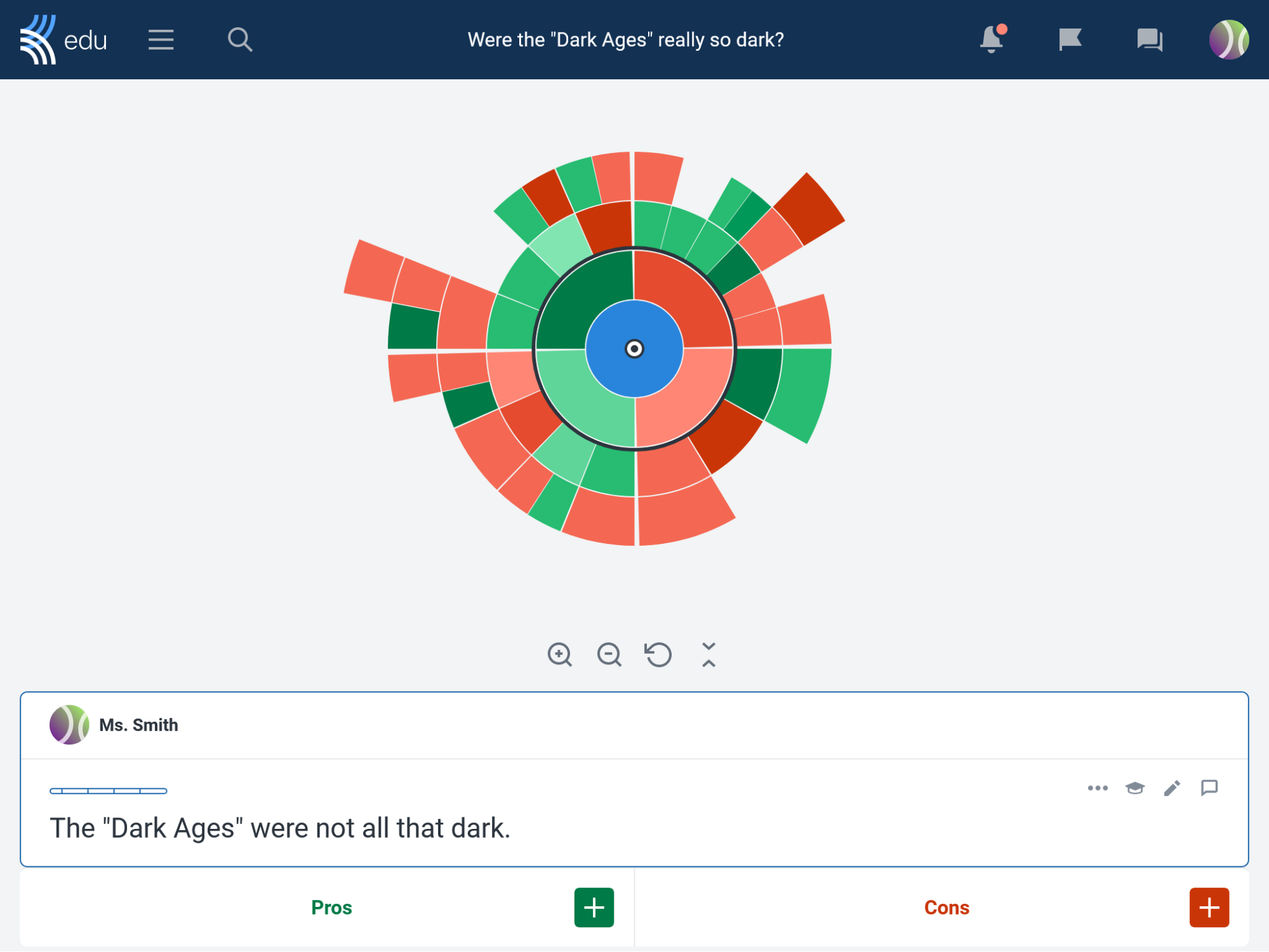
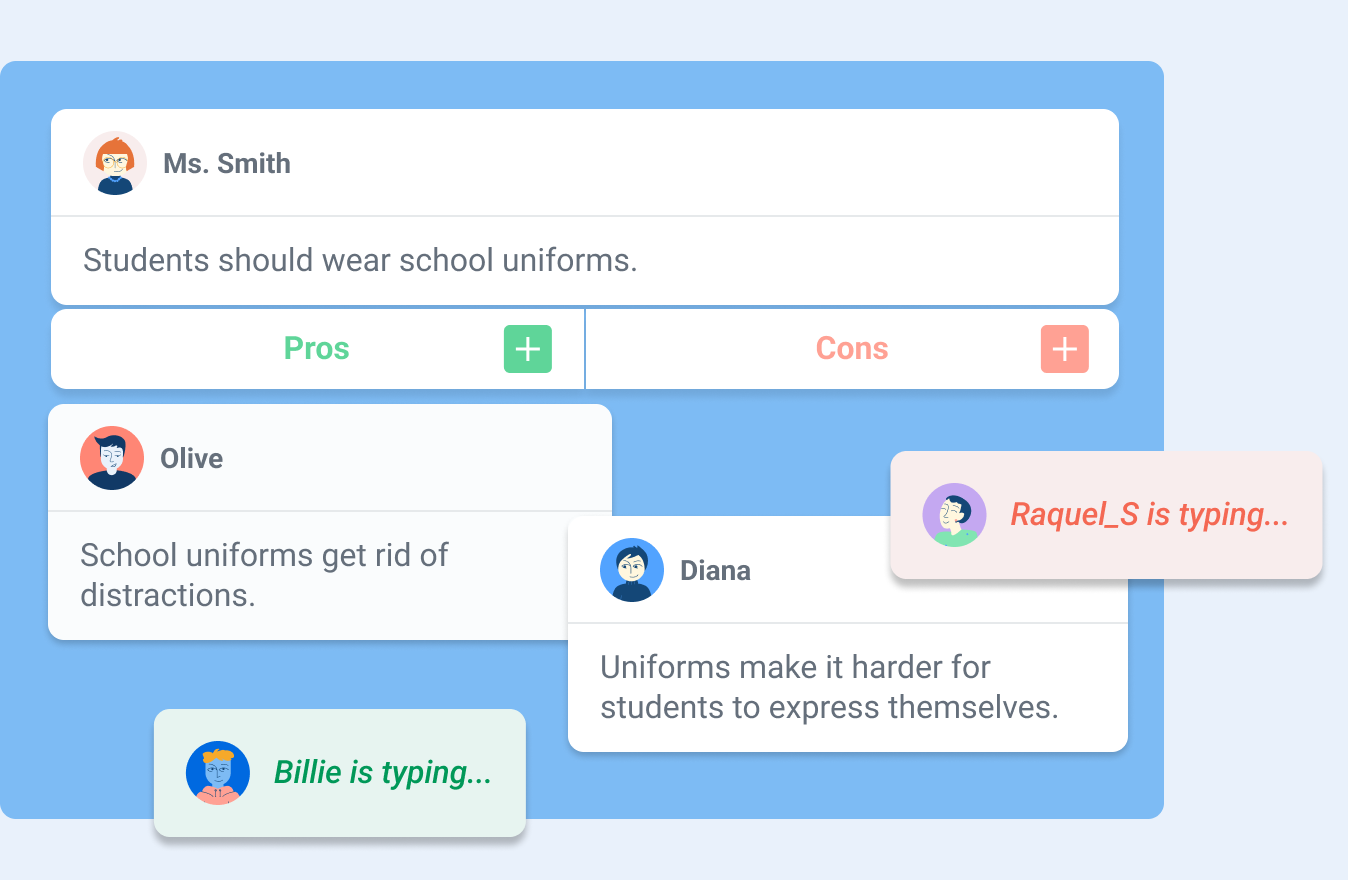
By writing pros and cons below each others’ points, students create an interactive discussion map.
Over 1 million users!
Explore Kialo for yourself in a demo discussion - no signup required.
![]()
Why Kialo?
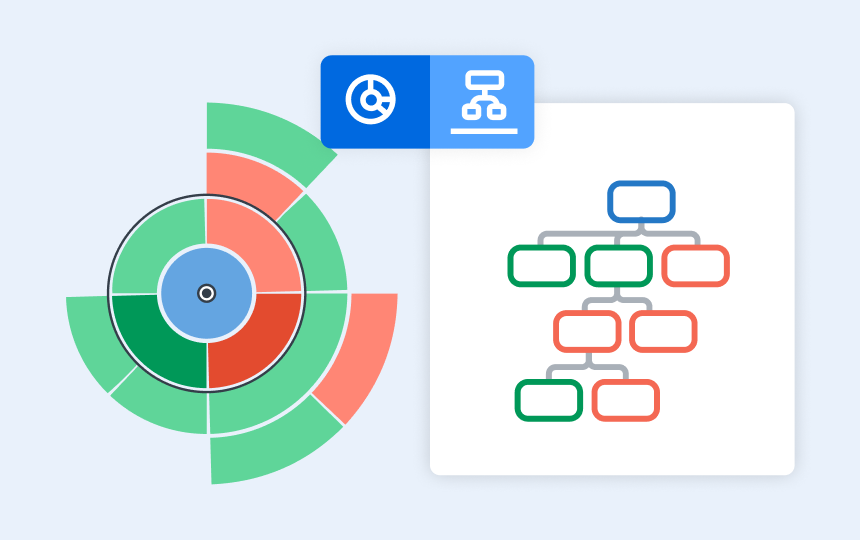
Intuitive visual discussion map
An intuitive argument-mapping format that creates a visual map of the discussion — a perfect alternative to hard-to-follow forum threads.
|
 |
|
Increase participation and confidence
Educators have reported up to 5x more participation in Kialo discussions compared to classroom discussions.
Features like Anonymous Participation ease common discussion anxieties.
|
Moodle integrated features
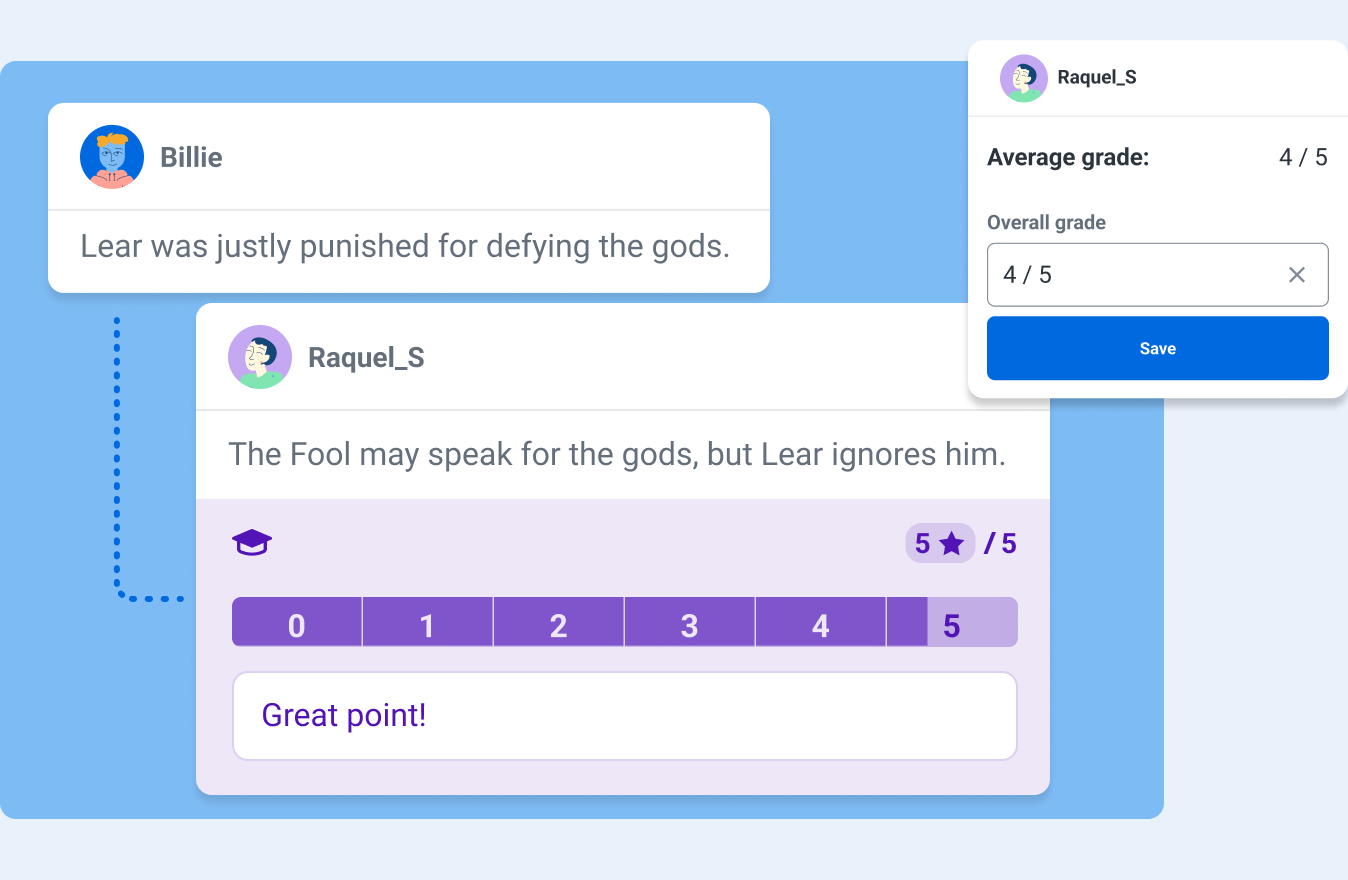
Kialo’s comprehensive Grading and Feedback feature sends grades back to your Moodle gradebook.
Group compatibility allows you to bring your Moodle groups into Kialo.
|
|

|
Moodle Certified Integration
As a Moodle Certified Integration, Kialo Edu meets Moodle’s highest standards for security, privacy, and performance.
|
|
|
|
|
|
|
Testimonials
|
|
|
|
|
|
|
|
|
|
Christine O.,
High School Teacher
"Having an anonymous mode is fantastic for students… THANK YOU for an awesome platform!!"
|
|
Dr. Peter Ellerton
Director of the University of Queensland’s Critical Thinking Project
"For teachers, it can be an absolute revelation."
|
|
|
|
|
|
|
|
Education Alliance Finland
93% Pedagogical Approach
"The platform is easy to use, easy to moderate, and offers the teacher a good toolkit."
|
|
Dr. Nathan Lang-Raad
Author of Never Stop Asking
"[Kialo Edu] makes it simple to follow a discussion’s logical framework and encourages intellectual engagement."
|
|
|
|
|
|
|
|
|
|
|
|
|
|
For admins
-
Kialo is totally free for all educational uses.
-
The Kialo plugin allows teachers and students to use Kialo in Moodle without manually creating new accounts.
-
Kialo follows the strictest privacy and security standards in the world, including compliance with ISO 27001, GDPR, COPPA, and many others.
-
Simple installation — no configuration required.
-
Kialo can also be used via LTI 1.3.
-
Simple for educators to use — just create a Kialo Discussion as an activity, and when students click on it they are brought into Kialo.
-
|
|
|