
Accessibility
Maintained by
Adam Jenkins, Ponlawat Weerapanpisit
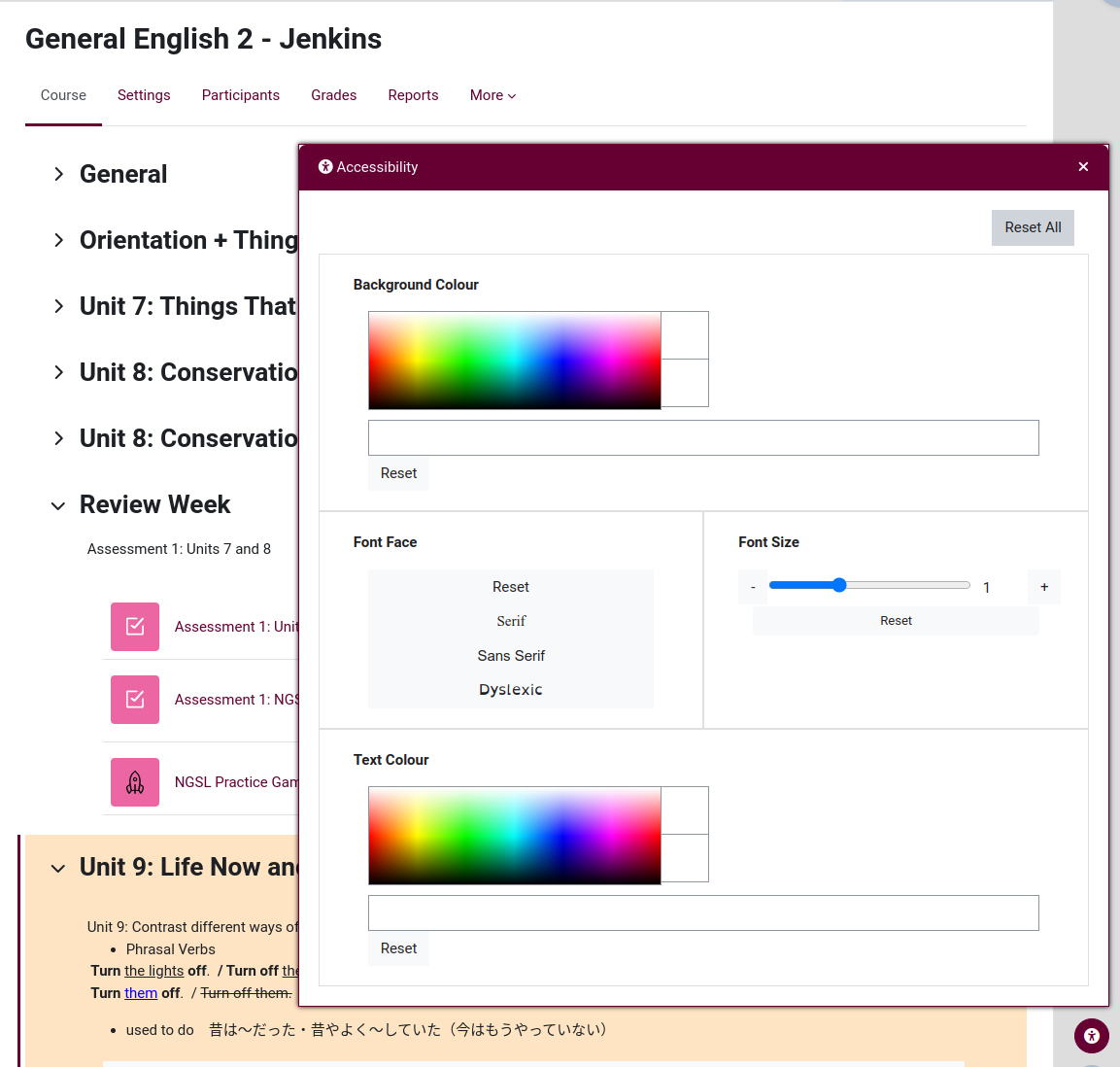
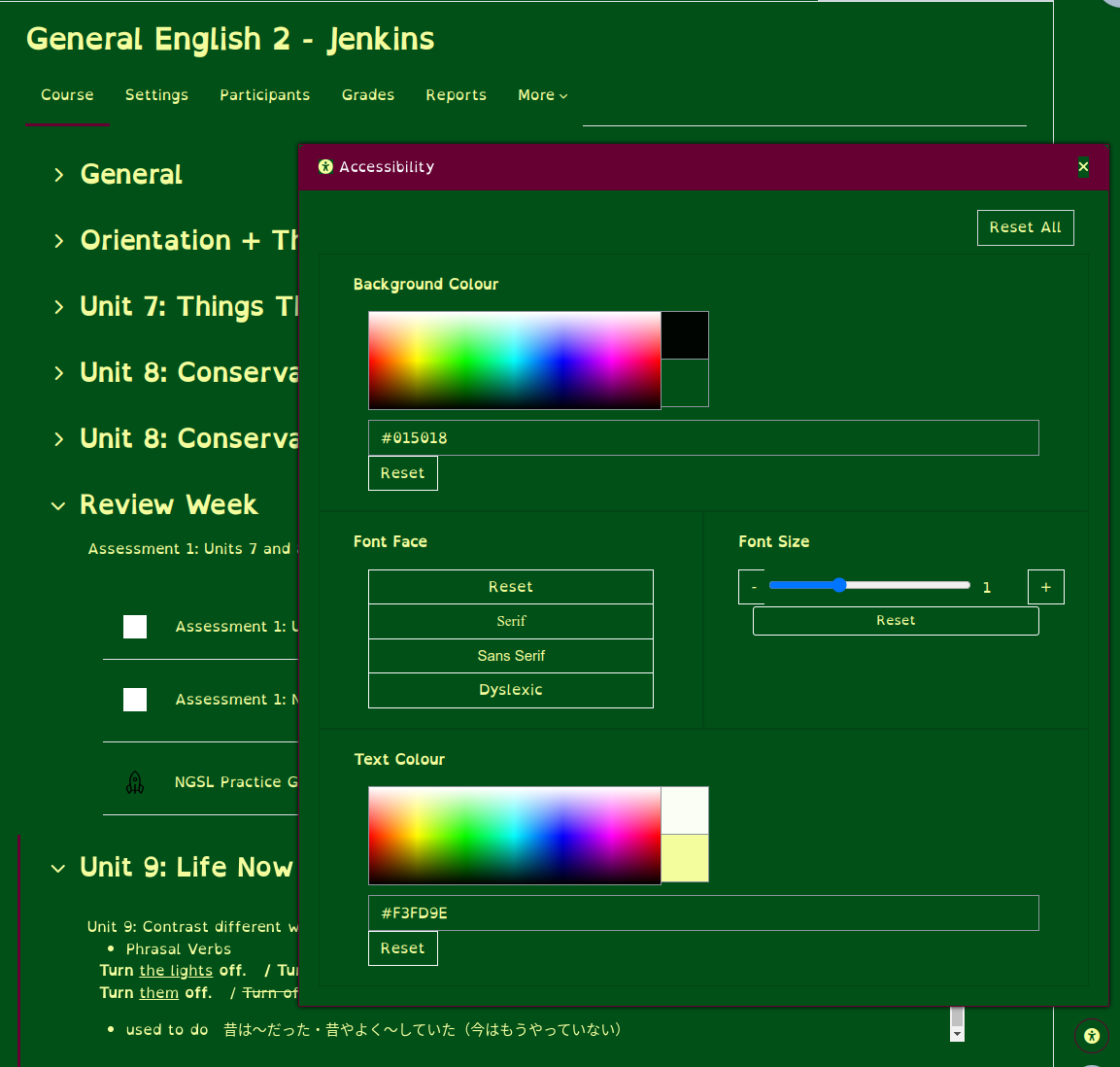
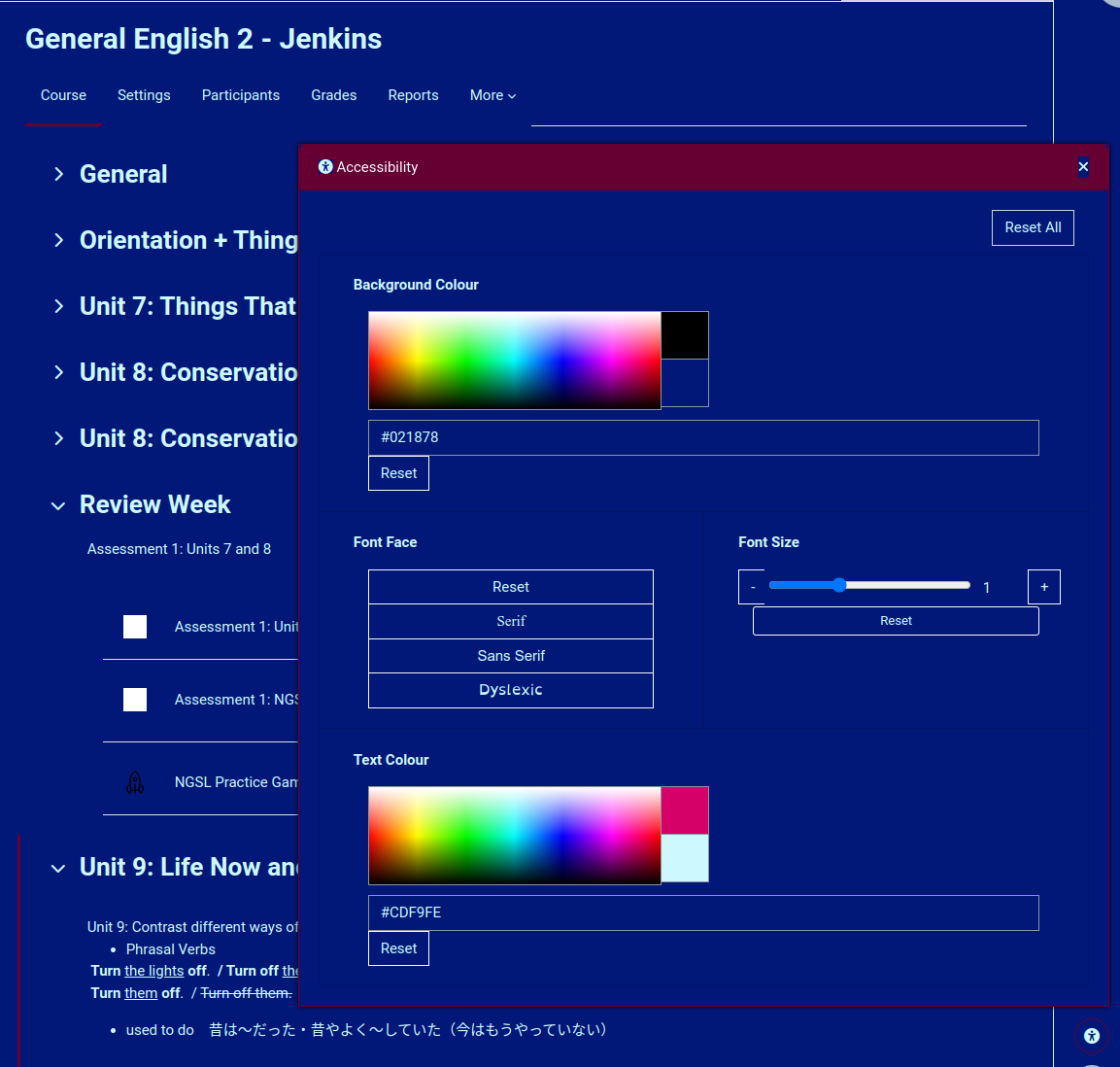
An accessibility plugin that allows users to customize the visual appearance of a Moodle to suit individual preferences. Widgets can be developed separately to the base plugin.
Comments
Comments are no longer open for new posts. Existing comments remain available to read.
If you (or anyone else) knows how to replicate it, please add a comment here https://github.com/ponlawat-w/moodle-local_accessibility/issues/30
>> Could you add a widget with predefined accessible color combinations (background + text)? Choosing colors separately can result in unreadable combinations, like black text on a black background. Is this possible?
This is, of course possible (other plugins have taken this approach), but it's not on the current road map. This plugin is about freedom. If the user wants (for whatever reason) black text on black backgrounds, then they should be free to do so. Rather than prevent impossible to see combinations, we're more looking for a way to ensure that the reset button be forced to have contrast and visibility. As for preset palettes, we would invite you Mr. "Web Developer" to build a widget for that. Instructions for building your own widget can be found on the Github page. We'd love to incorporate other widgets, so don't hold back.
We are facing the same issue as @Monica and @David
We tried to apply the fix mentioned in https://github.com/ponlawat-w/moodle-local_accessibility/issues/30 but it didnt solve the problem.
Do you have any prediction on the new version?
At;
Answers:
@Fran, When I get some time, I will try the Lambda theme and see what the issue is there. Until then perhaps you could contact the Lambda creators and see if they have any ideas?
@Justin, yes, black text on a black background is possible to set. I've been trying to think of a way to solve this while at the same time maintaining the freedom of choice. Not sure what you mean about the images though.
@Al, For screen-reader capabilities, we would love for someone like Readspeaker to offer to make a widget that we could include. Otherwise, we're looking towards having the plugin connect to whatever TTS solution the user's browser/OS is using. Yes, we definitely want to add TTS to this soon.
@Monica and @David, I have just started noticing this happening myself. Thanks for adding this issue to the Github David, we will work on getting it fixed soon.
@Ezzeddin, The goal of the plugin is to put as much control as possible in the hands of the users, not so much the admins. That said, as it grows more complex, a settings page will soon become necessary I expect. Re: the login page question, if you could perhaps make an issue on Github https://github.com/ponlawat-w/moodle-local_accessibility/issues preferably with screenshots, that might help us understand the issue. From your description, it sounds like some CSS for the login page is interfering with the panel display. Perhaps a tweak to your theme's CSS might fix the issue.
Thank you all, and I'll try to respond sooner in future.
Cheers
A nice plugin.
I also add the need to make it controllable in terms of colors and availability of every feature. I think it will need a settings page to control every thing.
In the login page, when I use a narrow login popup/area accessibility shows as a narrow popup which does not look nice. In this case, it should be wider.
It's happened to us a couple of times too. It seems to be with some keys but we have not been able to detect when it happens.
Saludos
It works perfectly with several design themes
Except one in particular: Lambda. https://themeforest.net/item/lambda-responsive-moodle-theme/9442816?ref=eva_pi
I've tried different CSS settings (z-index, etc.) and I can't get it to be the button visible. What else can I do?
I'm running moodle 4.0