
Quilgo® Proctoring for Moodle
Certified Integration
Maintained by
Quilgo Team
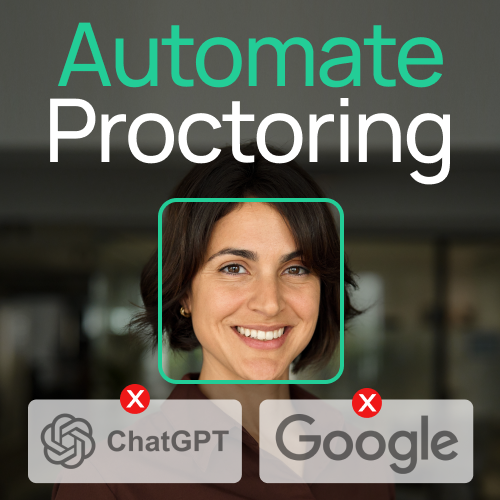
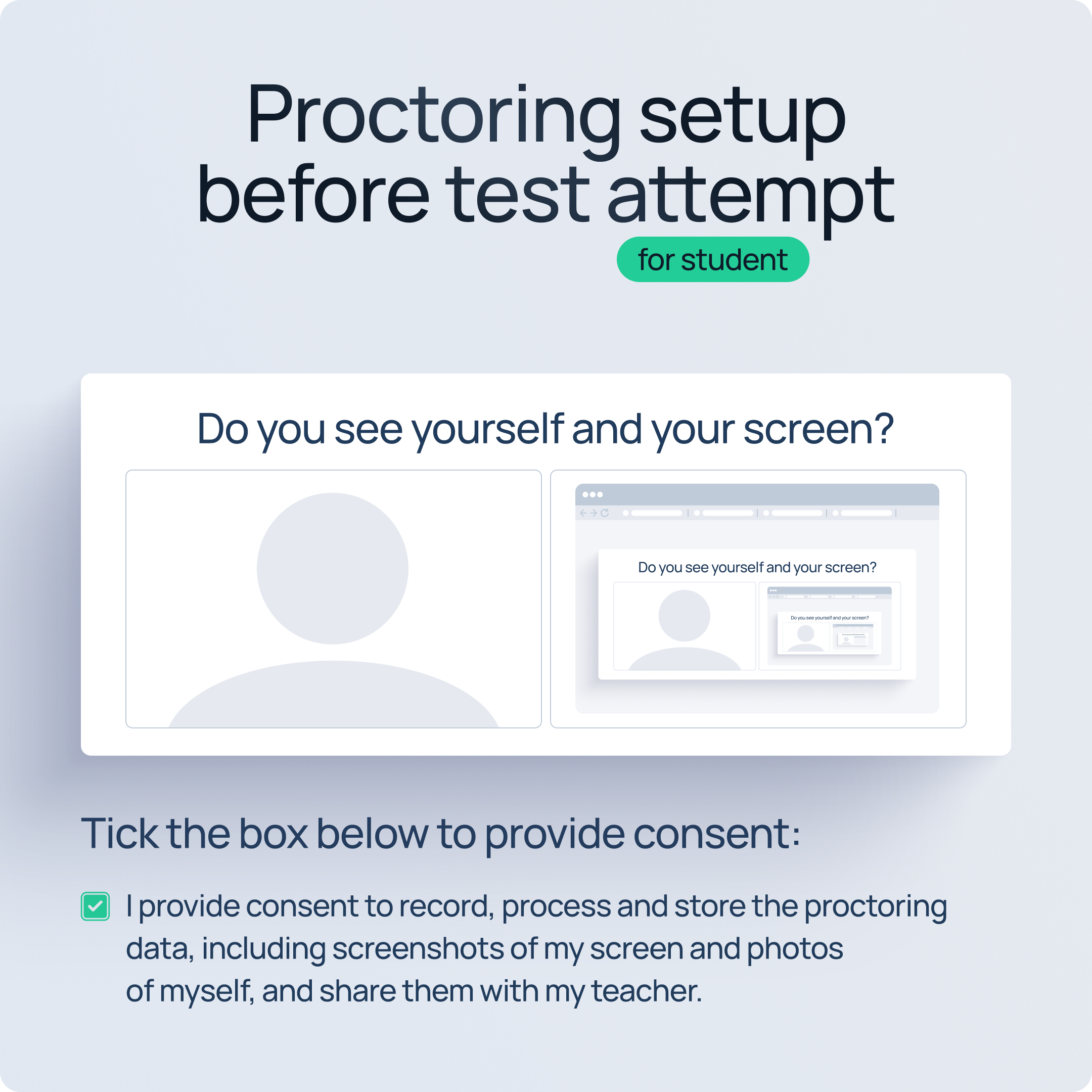
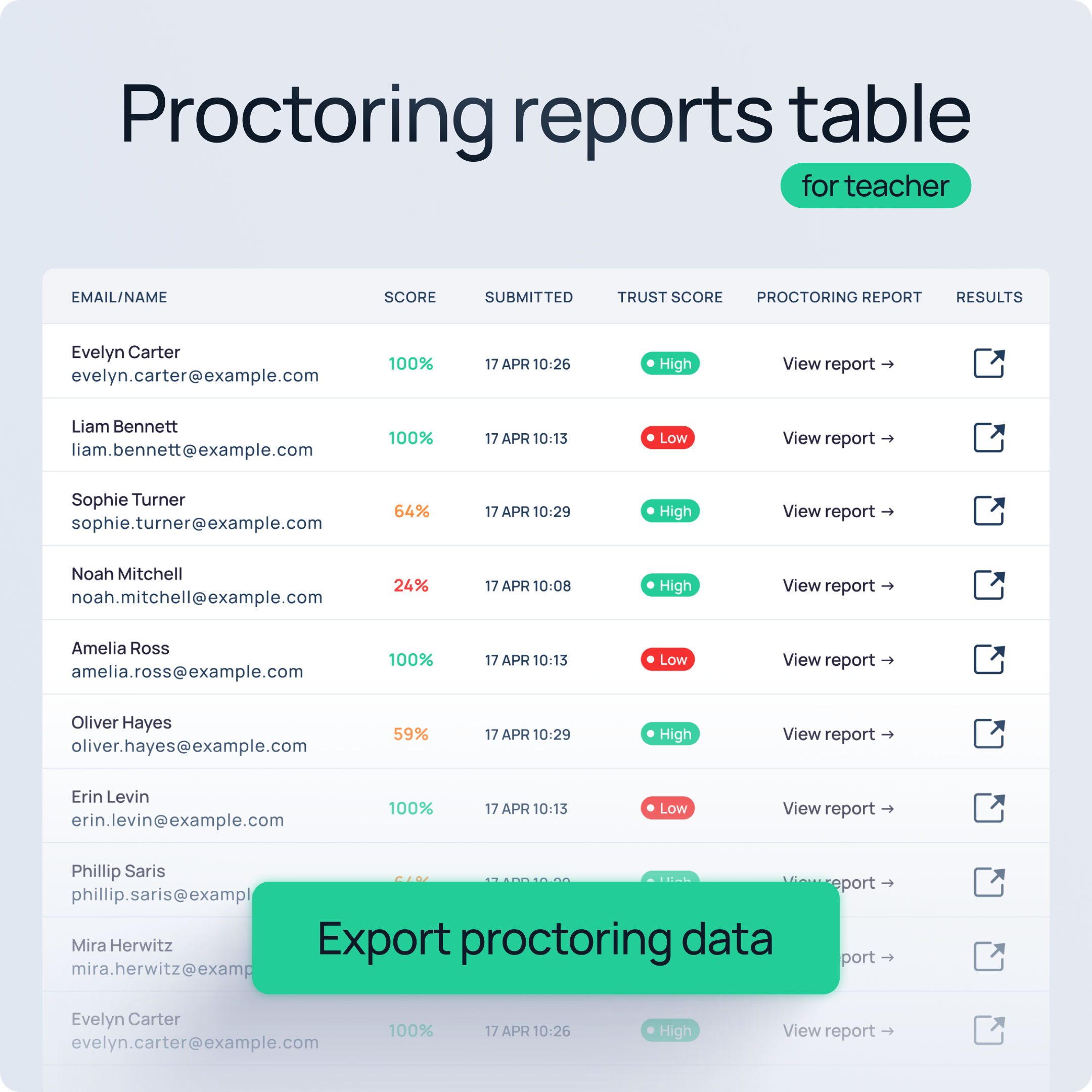
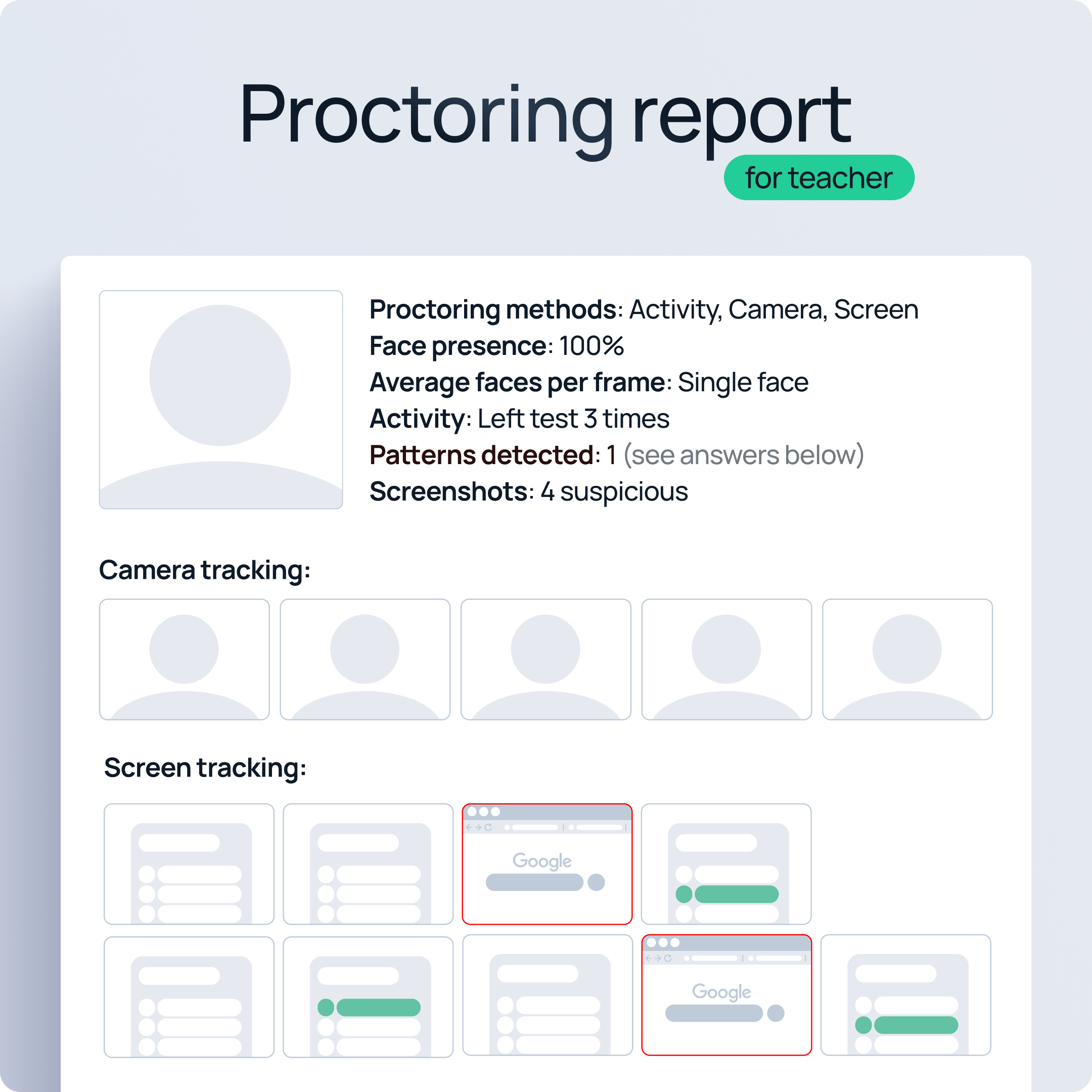
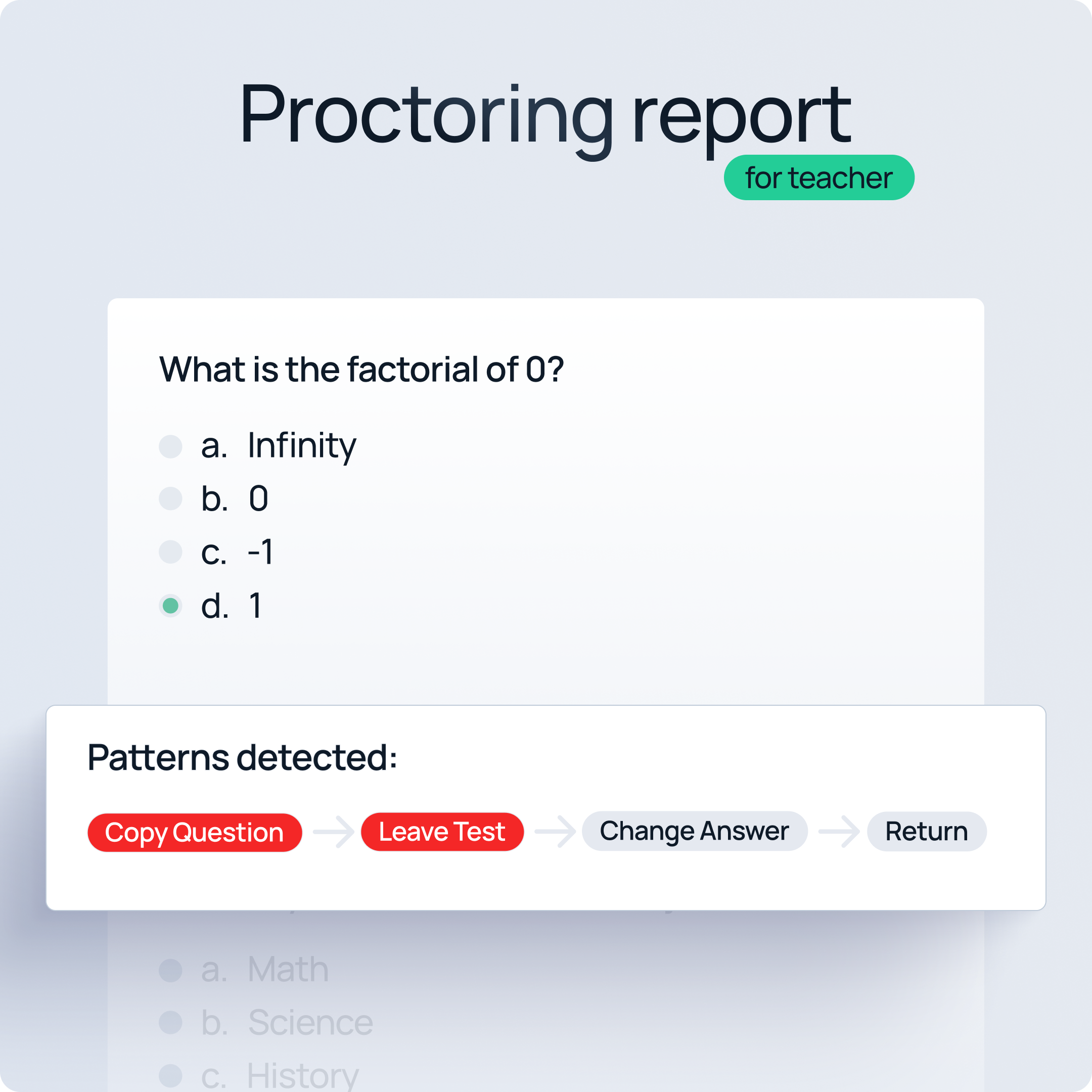
Quilgo® Proctoring for Moodle is a scalable, easy-to-install plugin that enhances Moodle quizzes with camera capture, screen tracking, activity monitoring, and detailed reports. It requires no API configuration and does not impact site performance. Suitable for institutions of all sizes, Quilgo can support tens of thousands of students and millions of exam attempts.
Comments
Comments are no longer open for new posts. Existing comments remain available to read.
We're informing you that our pricing policy is changing. The free version of Quilgo Plugin for Moodle will be discontinued in 14 days, on August 1st, 2025.
Over the past few months, we have been proud to offer full access to the plugin with generous limits, allowing new users to explore Quilgo without any barriers. However, as our platform continues to grow, we must make adjustments to ensure fairness and sustainability.
Here's what this means for you if you:
- In 14 days, your free access will be deactivated.
- To continue using Quilgo without interruption, please select one of our paid plans.
- Rest assured, all your test data will remain safe and accessible after upgrading.
We sincerely hope that Quilgo has met your expectations and has proven valuable in your teaching or assessment process. If this is the case, we would be delighted to welcome you to our global community of customers.
If you have any questions or need assistance in selecting the right plan, please don’t hesitate to contact us at hello@quilgo.com.
Quilgo Team
How many students does the monthly subscription cover?
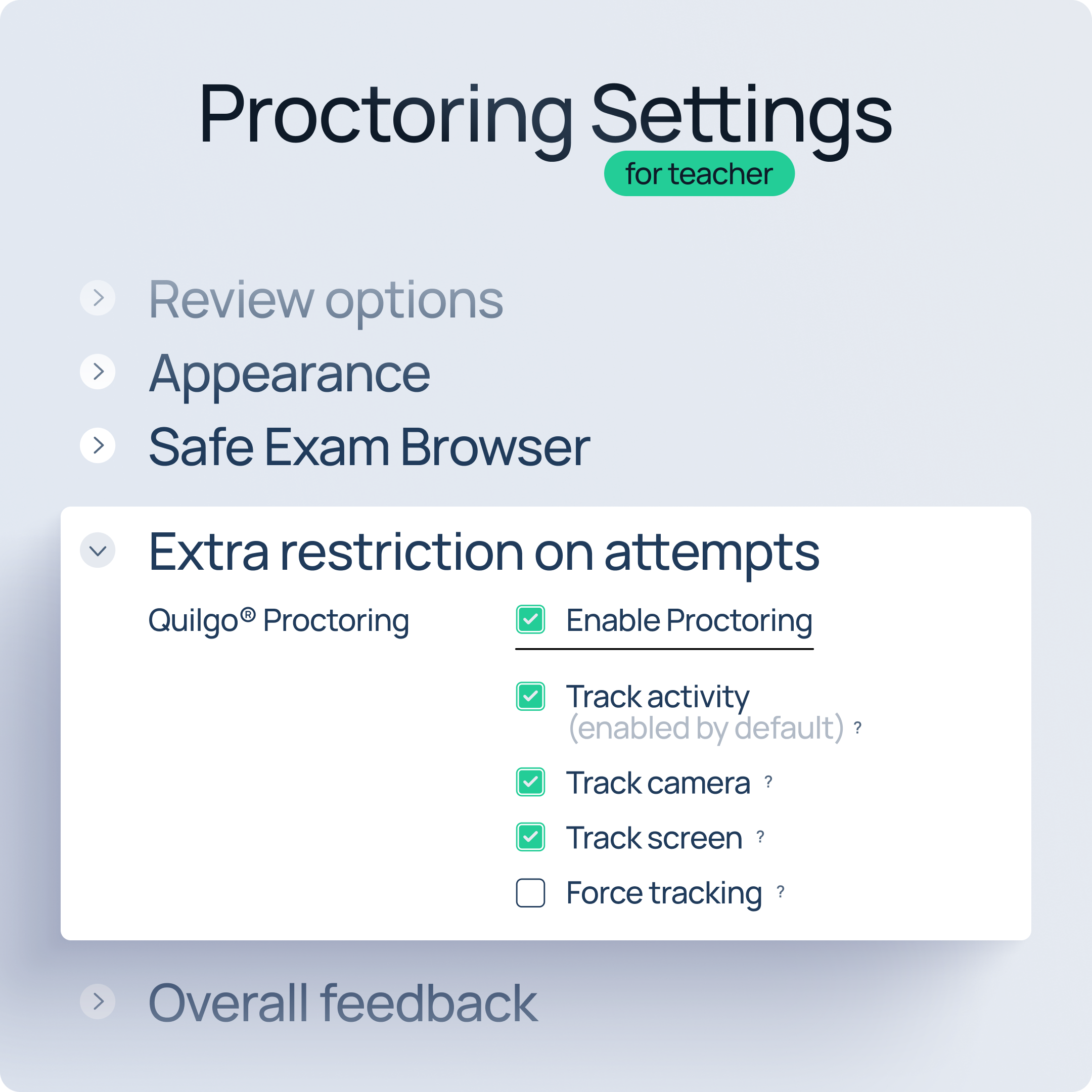
1) Your quiz settings, the expanded "Extra restrictions on attempts" section
2) Your quiz page (where the button should be)
Love the new option to only enforce proctoring on certain test.
Please give us the option to print out / download as PDF proctoring reports with and without the test transcript.