Moodle Levitate Plugin
The Levitate plugin that enables LMS users
to explore a wide range of interactive, immersive, microlearning courses and
programs in both English and Arabic..
Main features
- An immersive and
engaging eLearning library, that not only enhances employee skills but also
simplifies organization’s learning strategy.
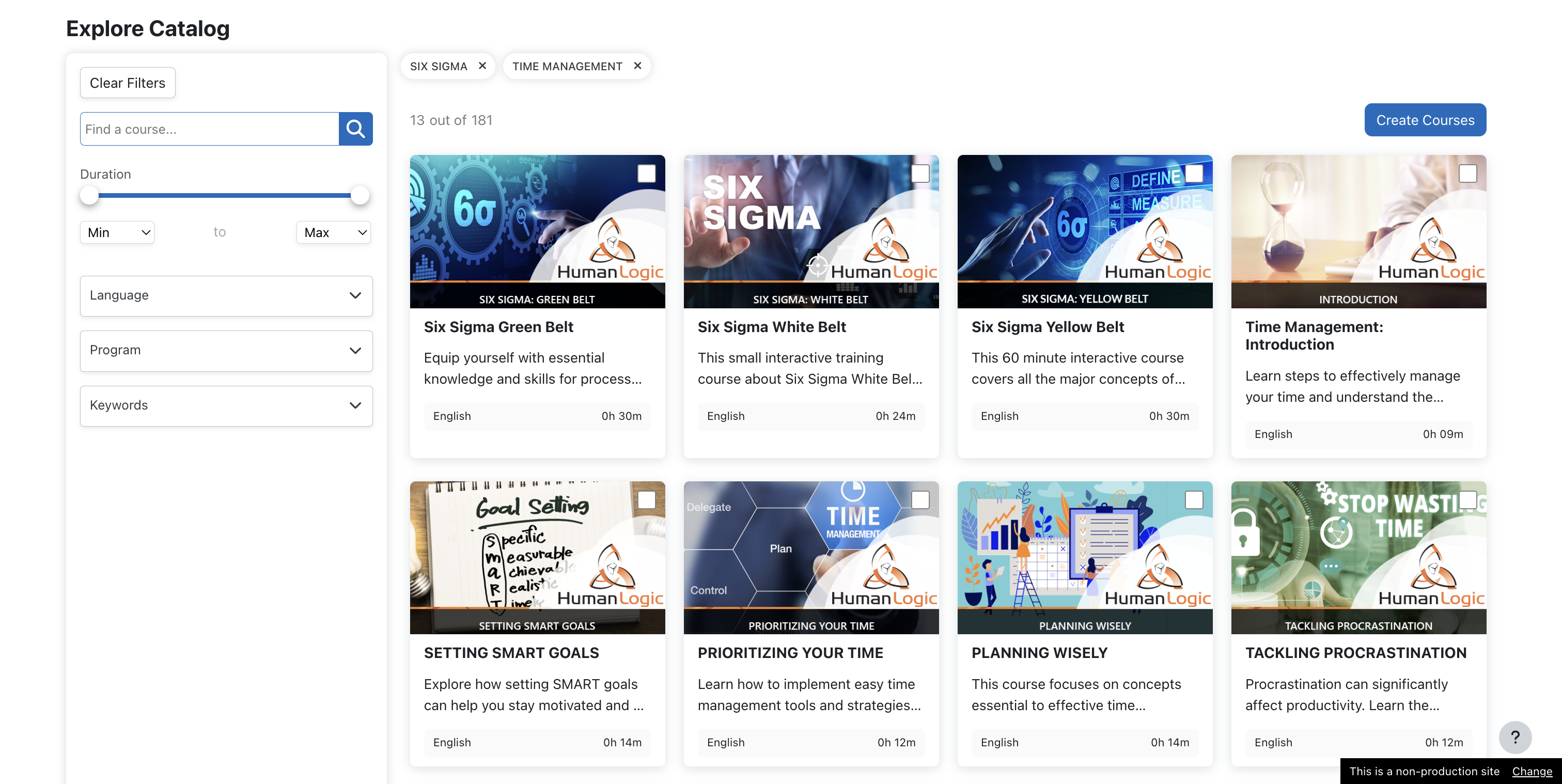
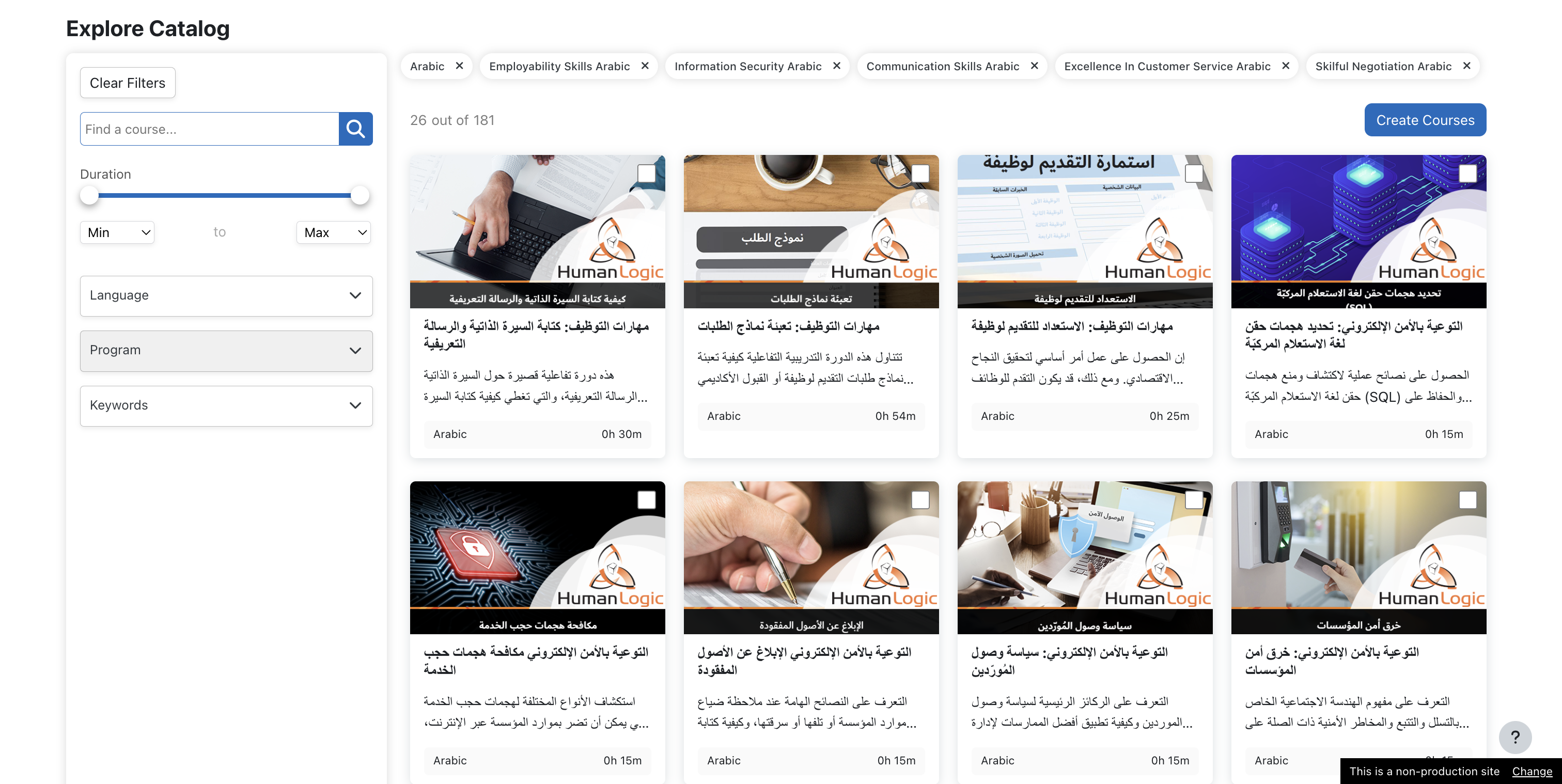
- A comprehensive catalog
populated with
- Course metadata and relevant information such as Course Duration,
Description, Learning outcomes.
- Multiple options to filter course selection, such as Time range, Keywords, Language, and Program filters.
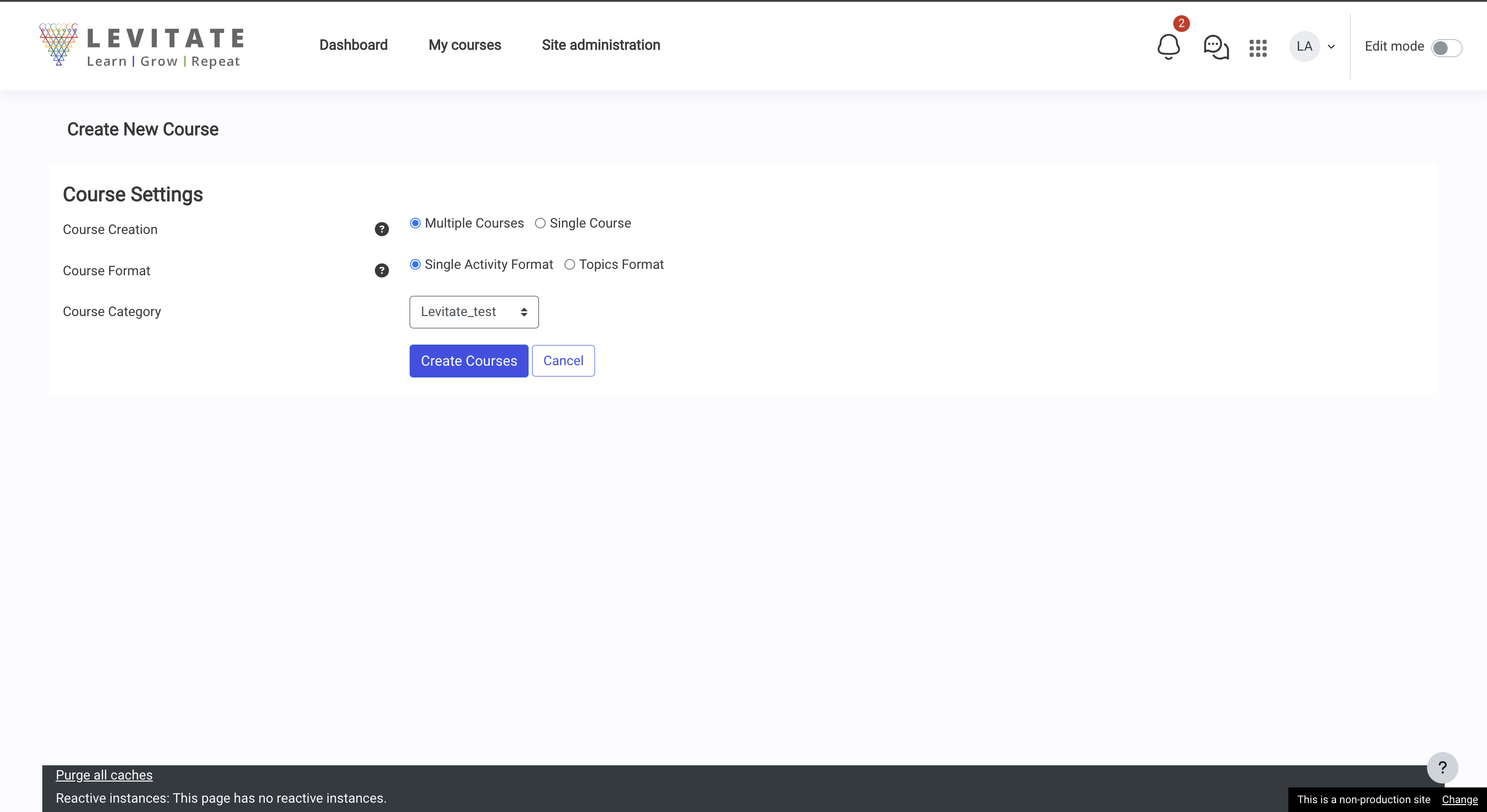
- Selected courses
can be created as a single course with multi-activities or different courses
with a single activity.
- Course creation
will be executed in the background as a scheduled task.
- Levitate
subscription tokens for the Domain(s) can be updated through the plugin
settings page
- A detailed analytics
page will display a comprehensive dashboard with dashlets showing:
- Seat consumption
- Course consumption
- Learner progress tracking
- Course completion tracking
Prerequisites
The Levitate plugin requires Levitate library subscription. The subscription will provide you with the login credentials to used to obtain the token. The subscription can be obtained through https://www.levitate.coach/contact-us/ or by writing directly to levitate@human-logic.com
Installation
- Copy this levitate plugin to the
local directory of your Moodle instance: git clone
https://github.com/Human-Logic-Software-LLC/moodle-local_levitate.git local/levitate
- Visit the notifications page to complete the
install process.
For more information, visit documentation for installing contributed modules
and plugins.
Settings
- To subscribe to
Levitate, kindly contact us through https://www.levitate.coach/.
- Navigate to Levitate
section under local plugins.
- Click on "get token," and login with your Levitate credentials
to obtain the license token automatically.