
Juan Pablo de Castro
Coordinator

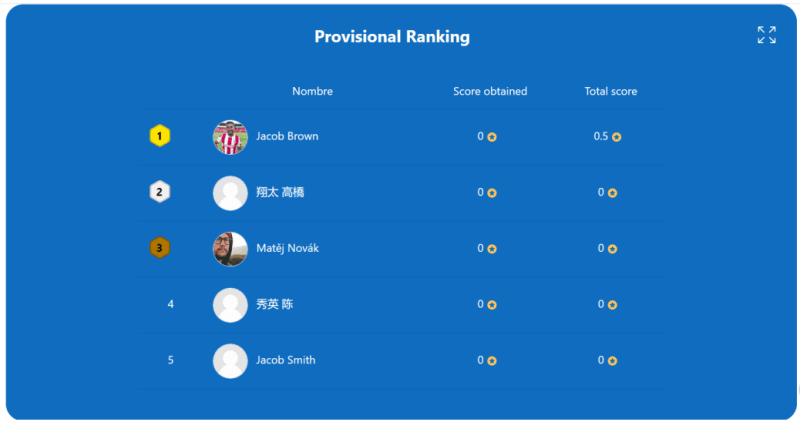
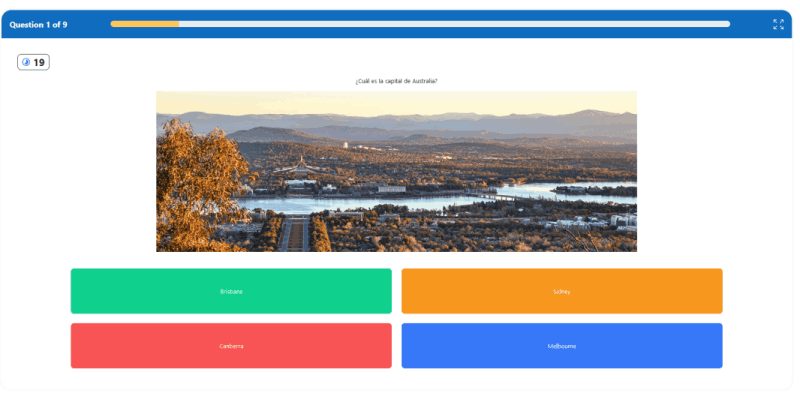
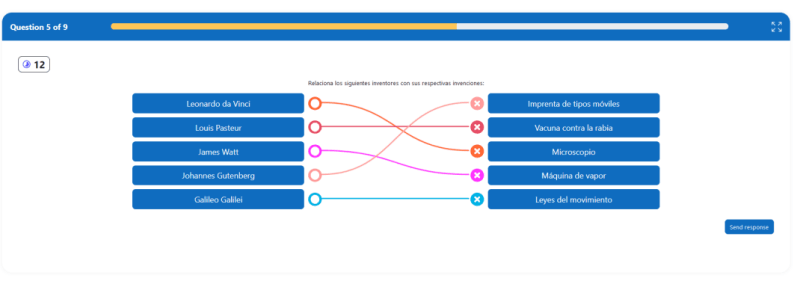
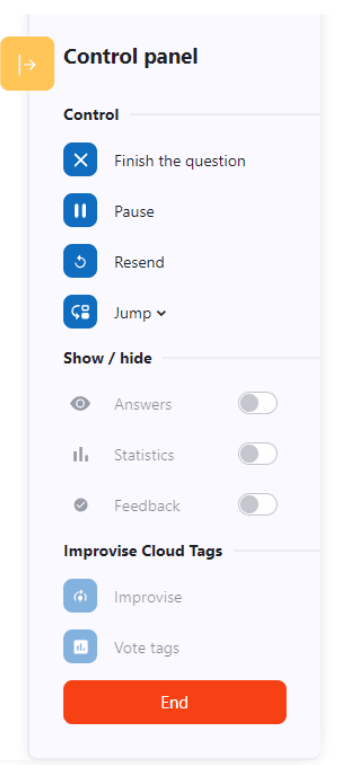

Welcome to the Kuet plugin, a Moodle module developed by a consortium of 16 Spanish universities (Valladolid, Complutense de Madrid, País Vasco/EHU, León, Salamanca, Illes Balears, Valencia, Rey Juan Carlos, La Laguna, Zaragoza, Málaga, Córdoba, Extremadura, Vigo, Las Palmas y Burgos).
Kuet introduces an innovative way to conduct interactive, engaging, and competitive voting sessions, quick responses, and gamified quizzes directly within your Moodle platform. It is an innovative gamified questionnaire module developed collaboratively by a consortium of 16 universities in Spain. This module is designed to make learning interactive, engaging, and competitive by incorporating various gamification elements into Moodle activities.
Kuet introduces an innovative way to conduct interactive, engaging, and competitive voting sessions, quick responses, and gamified quizzes directly within your Moodle platform. It is an innovative gamified questionnaire module developed collaboratively by a consortium of 16 universities in Spain. This module is designed to make learning interactive, engaging, and competitive by incorporating various gamification elements into Moodle activities.
Participation Modes
Kuet offers various participation modes to cater to different teaching strategies and to enhance the gamification aspect of quizzes:
Beyond Moodle's standard group modes (separated or visible), Kuet allows for team-based participation. When this feature is activated, each group within a selected grouping operates as a team, sharing points and appearing together in feedback screens. This setting is configured within the task settings, and access to the session is restricted to participants of the specific grouping.
To support real-time polling, brainstorming, and tag cloud generation, Kuet allows for the creation of questions without designated correct answers. This flexibility enables the integration of surveys and open-ended questions alongside traditional quiz questions. An option to ignore correct answers and scoring is available for specific questions, and a tag cloud visualization feature is added for on-the-fly improvisation. The student page refresh issue during voting is also addressed.
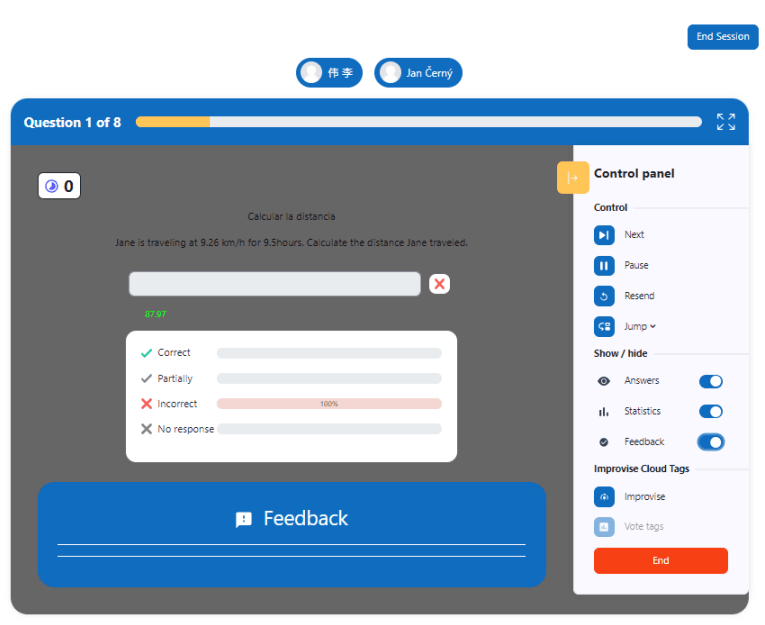
The presentation of questions, answer options, and results is designed for visibility in large spaces or on small mobile screens, suitable for both projector and mobile device use. Kuet emphasizes full-screen display modes with minimal user interface and distinctive color panels for clear visibility.
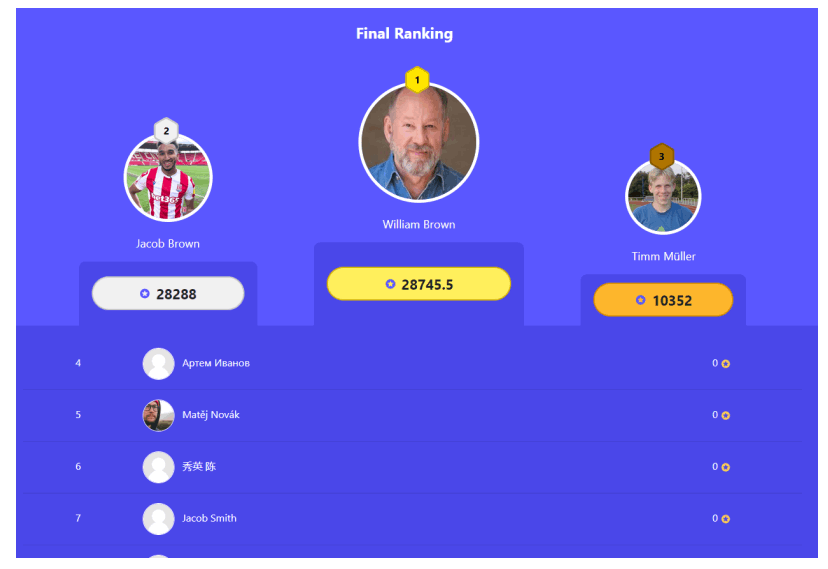
Kuet offers sophisticated result presentation options:
Students can see whether their answer was correct, the points scored, and any feedback provided. They can review their responses after the session, and their results are integrated into Moodle's Gradebook.
To install Kuet, clone this repository into your Moodle's mod directory and follow the standard Moodle module installation process. Detailed instructions can be found in the INSTALL.md file.
git clone https://github.com/UNIMOODLE/moodle-mod_kuet.git path/to/moodle/mod/kuet
After installation, you can configure Kuet through the Moodle plugin settings page. Here, you can set default options and technical data to use a Websockets server (included).
Kuet leverages WebSockets to enhance real-time interaction and scalability, ensuring that quizzes and polls are responsive and engaging, even with a large number of participants. WebSockets provide a full-duplex communication channel over a single, long-lived connection, allowing Kuet to deliver immediate updates and feedback to and from users.
KUET was designed by UNIMOODLE Universities Group
KUET was implemented by Moodle's Partner 3iPunt

This project was funded by the European Union Next Generation Program.

