UNIMOODLE Consortium
Lead maintainer

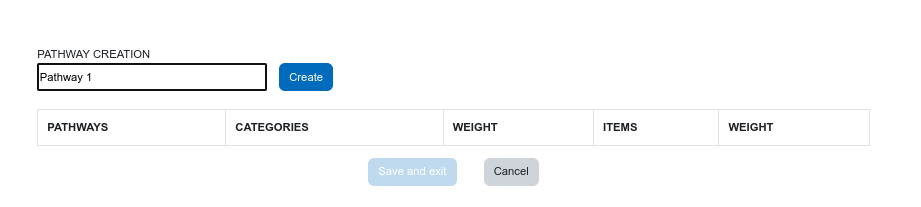
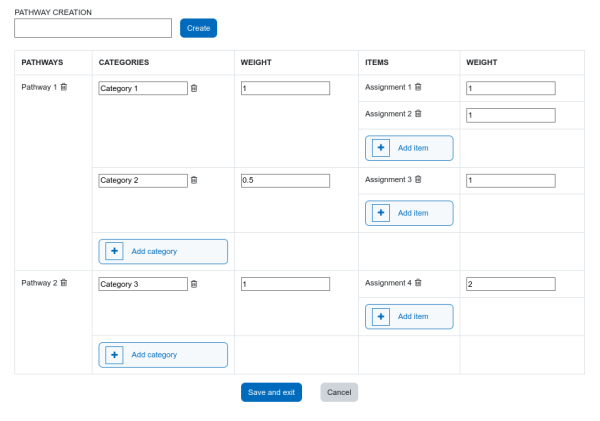
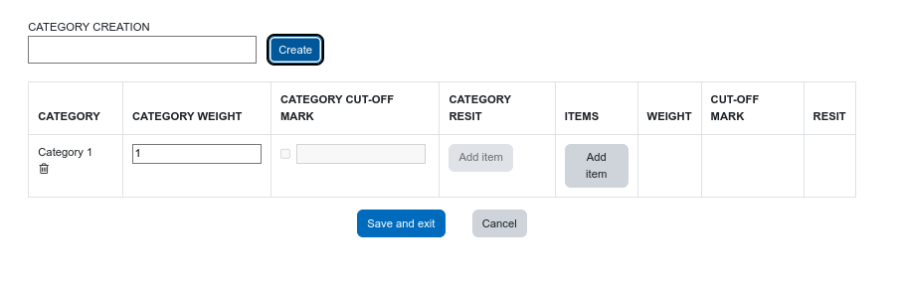
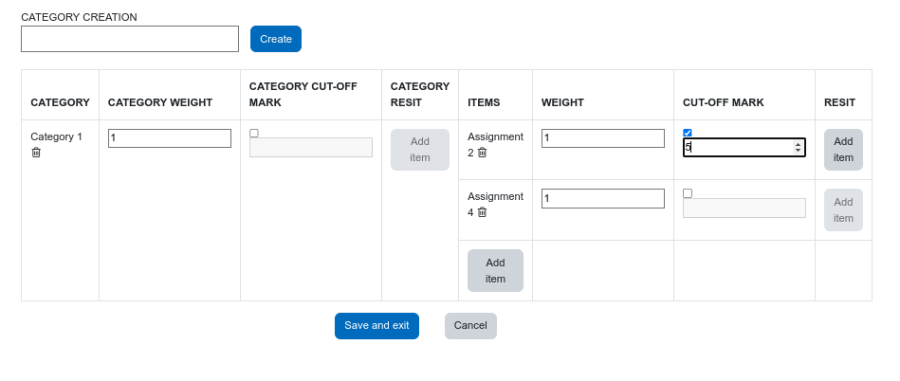
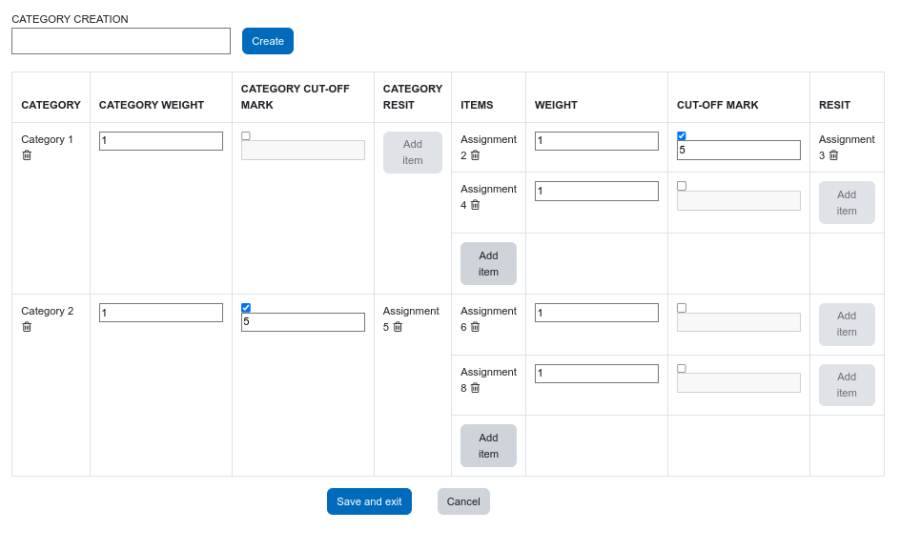
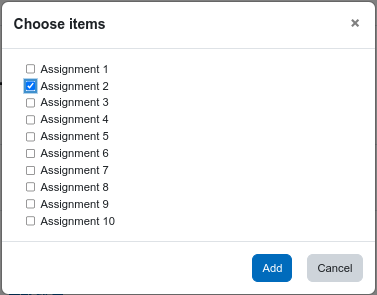
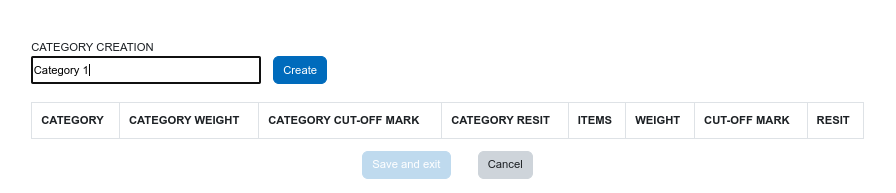
The 'Grade Setup Wizard' plugin allows you to perform certain basic tasks in setting the Gradebook quickly and easily. The goal of the plugin is to facilitate the organization of the Gradebook in complex situations. At a logical level, the changes made both in the dashboard and in the formula editors and evaluation schemes are applied in the native Moodle Gradebook, either by creating elements, modifying the organization of categories and subcategories, or creating formulas.
The plugin is made up of 3 components:
To see the 'Grading Setup Wizard', which is the main element to use all the functionalities, it is necessary:
The dashboard of the aims to centralize the different utilities of the plugin, in addition to allowing some functionalities in a fast and intuitive way.
The 'Grade Setup Wizard' dashboard view is a replica of the configuration done in the native Moodle Gradebook. Any changes applied to the Gradebook will appear in the dashboard upon next access, just as any changes made to the dashboard will be replicated in the native Moodle Gradebook.
The 'Improved Formula Editor' allows you to create formulas based on aggregation methods in a simple and intuitive way. To access it, you must display the 'Edit' menu for category totals or manual rating items and click 'Edit calculation'.
The 'Multiple Assessment Editor' makes it easy to create a Gradebook with weighted elements and a cut-off grade for retrieval. To access the editor you must go to the dashboard and click on the 'Access to the multiple evaluations editor' option.
The 'Assessment Pathway Editor' facilitates the creation of a Gradebook with several assessment pathways for the same subject. To access the editor you must go to the top of the dashboard and click on the 'Access to the assessment pathway editor' option.
This plugin was designed by UNIMOODLE Universities Group
This plugin was implemented by Moodle's Partner iThinkUPC

This project was funded by the European Union Next Generation Program.
