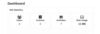
Site Statistics
Maintained by
Santosh Nagargoje
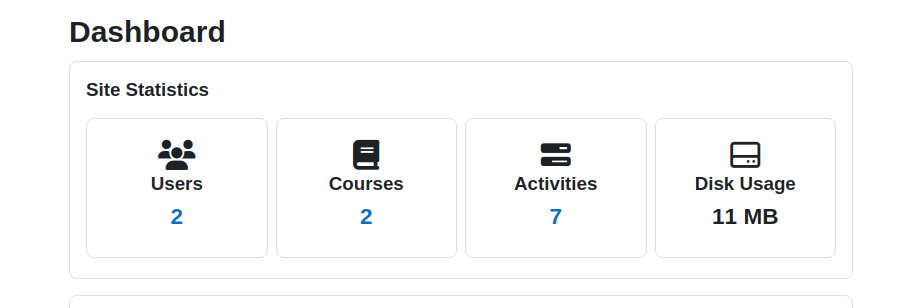
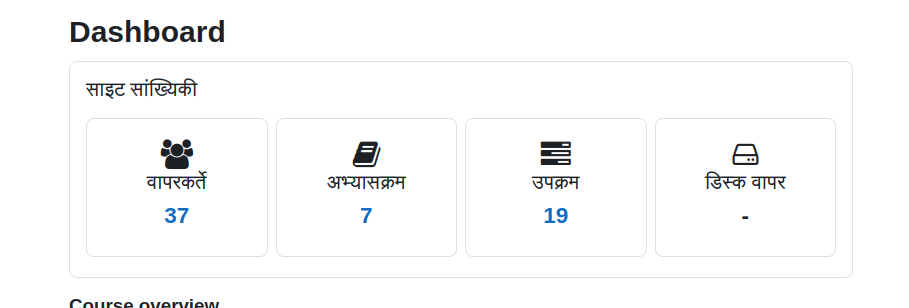
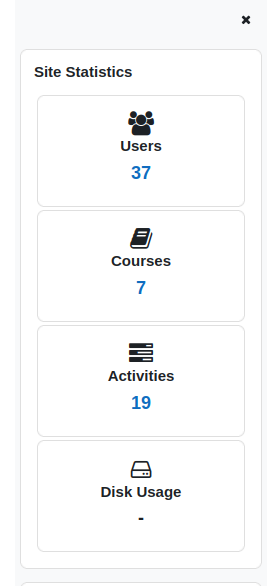
This block displays the site statistics (total number of active users, courses, activities and disk usage) on dashboard. It also provides hyperlinks to the user management, course management and activity management page.
Comments
Comments are no longer open for new posts. Existing comments remain available to read.
My mistake!
I had a cron job that purge all caches at 00:05.
The plugin runs as expected!
Ricardo
Yes, the diskusage task is scheduled at 00:00 so that will calculate that once in a day. if you purge all cache after that schedule then that time it will erase the data. So, I suggest you reschedule diskusage task by editing it to every 15 or 30 minutes as per your requirement.
Hope this will help you. Feel free to ask if you face any issue.
Thanks
Cron is running every minute. But the scheduled task "\block_site_stats\task\diskusage" is set do run at 00:00 (default value)
Execute scheduled task: Calculate Disk Usage (block_site_stats\task\diskusage)
... started 00:00:01. Current memory use 28,9 Mb.
... used 0 dbqueries
... used 4.0226199626923 seconds
Scheduled task complete: Calculate Disk Usage (block_site_stats\task\diskusage)
Only when I ran the scheduled task manually, the HD usage info appeared.
Ricardo
That will get updated whenever disk usage task gets executed. So please schedule your core cron to every minute.
Also, you can run that scheduled task from Site Administration --> Server --> Scheduled task
Thanks,
It works! Thanks!
But why the "Disk Usage" has a "-"?
Ricardo
This block can be added on dashboard page only. So, try to add it on dashboard page.
Just installed the latest version (1.0.1), but I can not find it when I try to insert the block in a course page.
Need some guidance here.
Ricardo