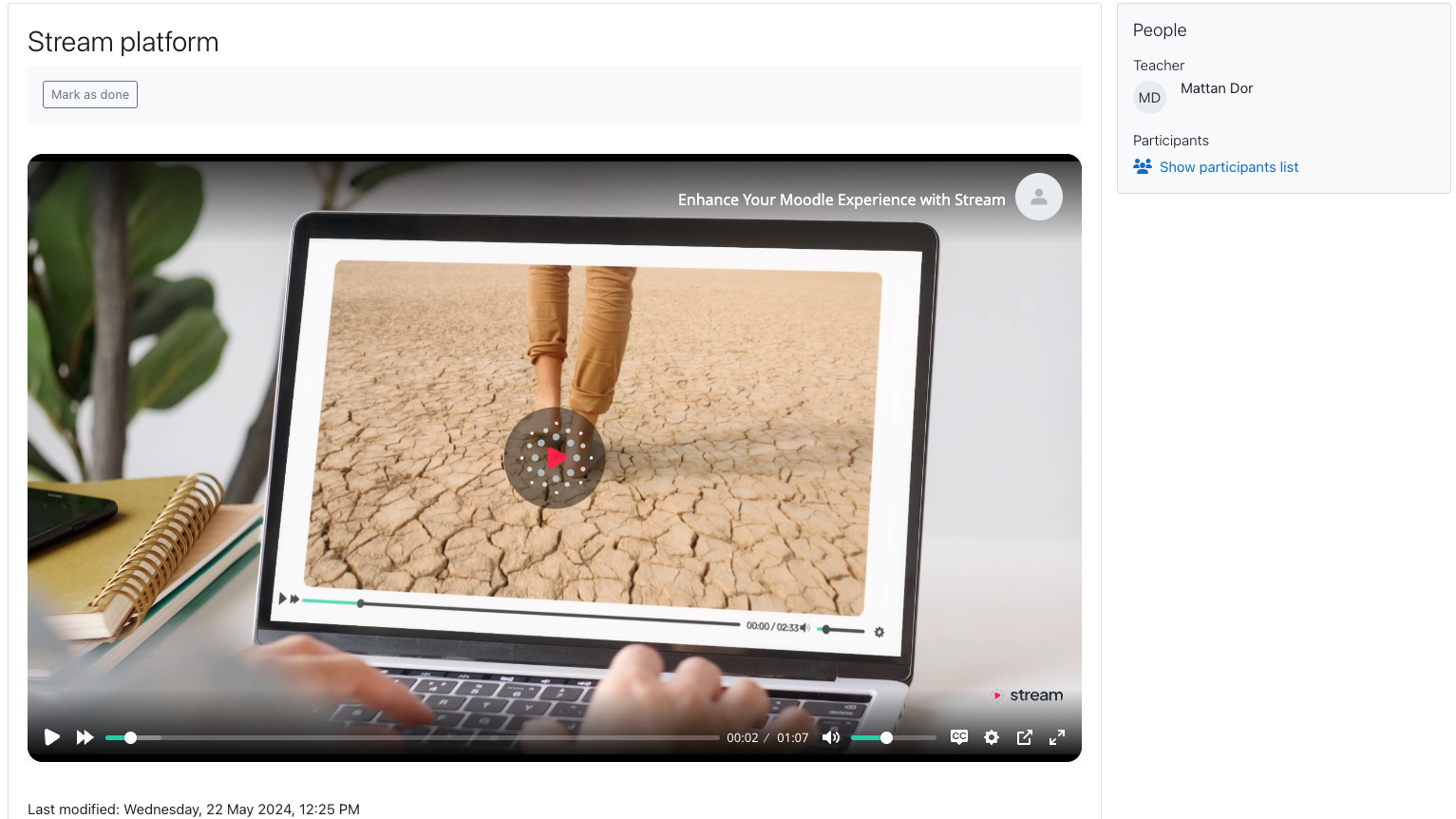
The AI Revolution in Learning is Here – Try it for FREE! 🚀
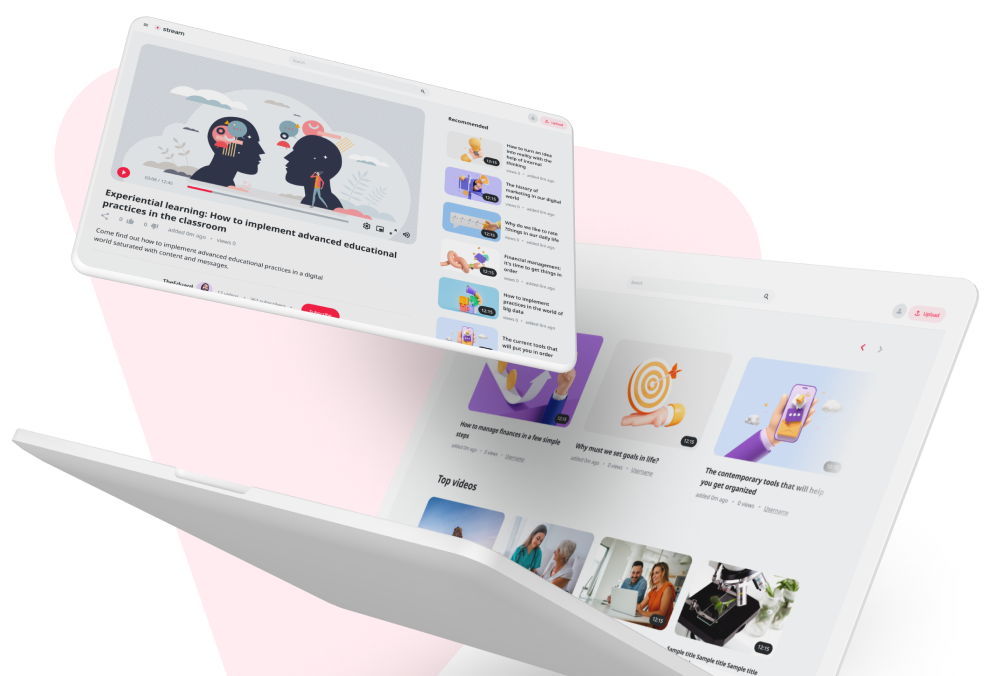
Meet STREAM: The smart video platform that transforms lectures into interactive learning experiences, with zero extra effort.
What makes it a game-changer?
- In-Class AI Agent: Students can ask questions about the lecture and get instant answers in real-time.
⏱ Zero Effort for Lecturers: Just teach as usual. No manual uploads, no complex setups.
🌍 Auto-Transcripts & Captions: Instant translation into 98 languages.
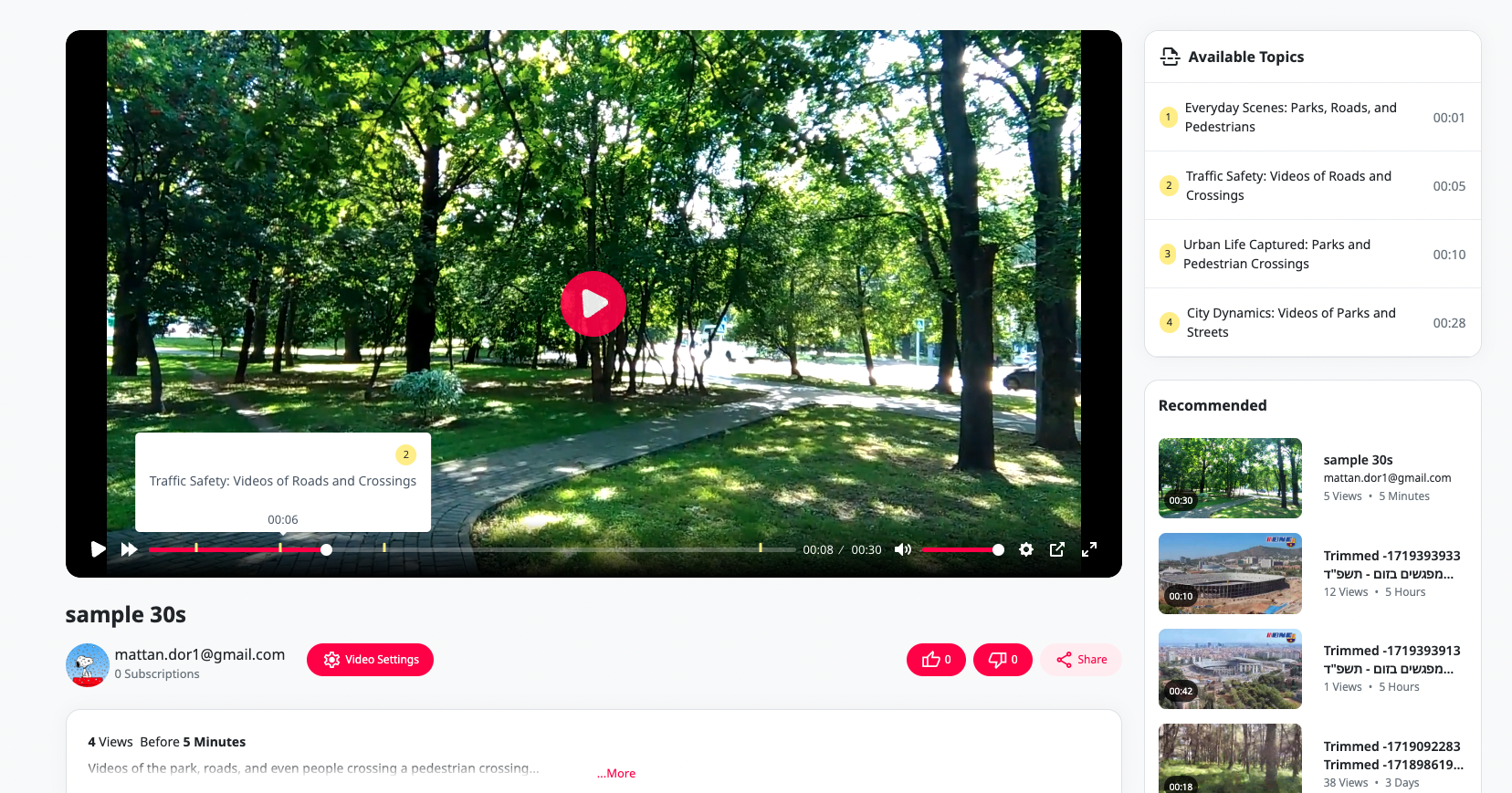
🔍 Search Inside the Video: Type a keyword and jump directly to the exact second it was spoken.
Stop wasting time on manual notes and endless scrubbing through videos.
' Get instant access & start your free trial (No commitment):
https://stream-platform.cloud/campaign/?utm_source=moodle&utm_campaign=free_trial
Features
Seamless Meeting Synchronization
- Multi-Platform Integration: Automatically sync meetings from Zoom, Webex, and Teams with your Moodle courses.
- Effortless Setup: Quick and easy configuration to start syncing meetings in no time.
Automatic Meeting Embed
- Instant Embedding: Automatically embed meeting URLs into your Moodle courses, ensuring students always have access to the latest sessions.
- Consistent Access: Ensure all meetings are readily accessible within the Moodle course environment, streamlining the learning experience.
Simplified Video Management
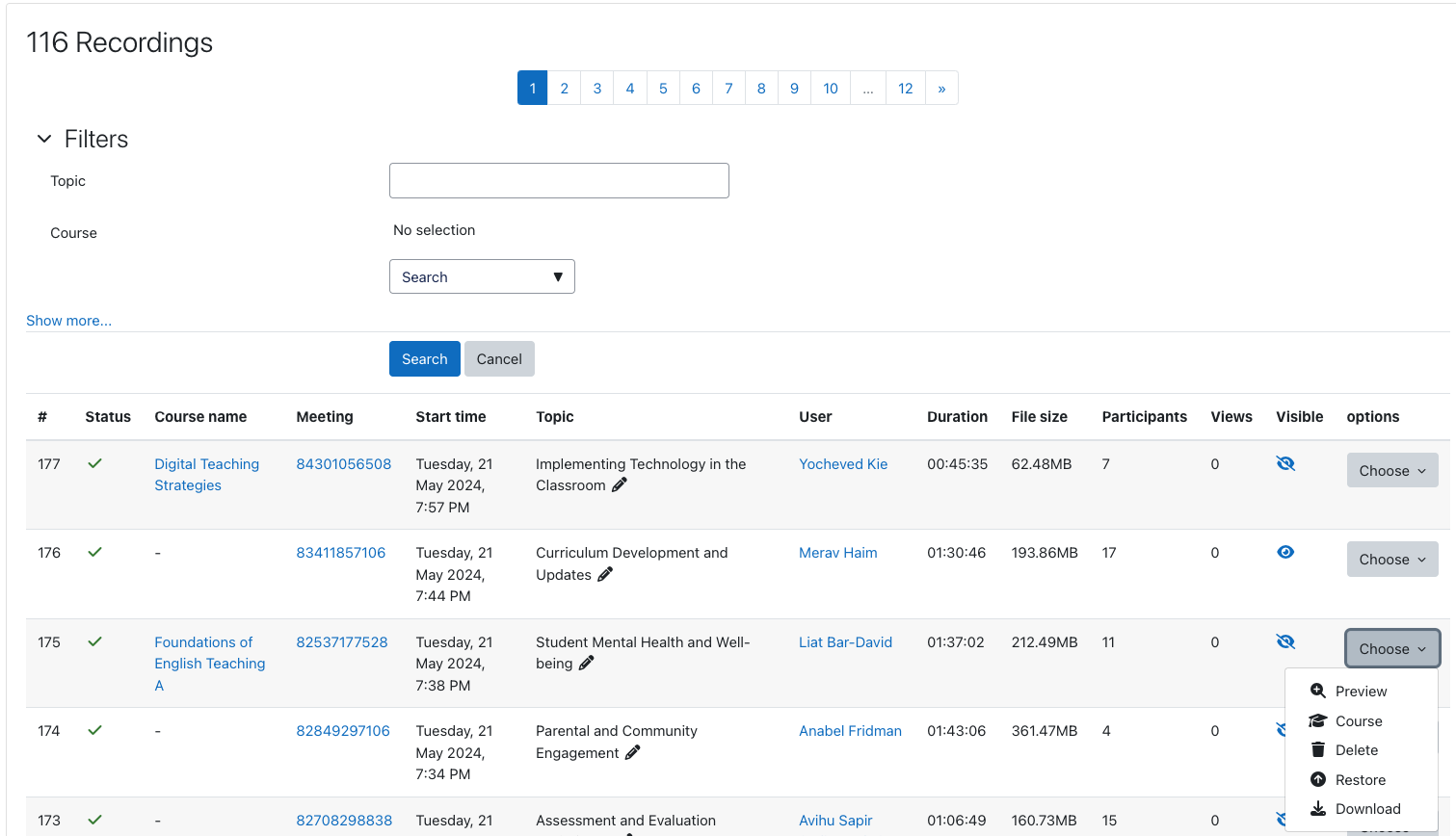
- Centralized Management: Manage all your video content from multiple platforms through a single, intuitive interface.
- User-Friendly Controls: Upload, edit, and organize your videos with ease, directly within Moodle.
Professional Editing and Transcription
- Advanced Editing Tools: Utilize professional editing features to create polished educational videos.
- Multilingual Transcription: Automatic transcription available in 98 languages, promoting inclusivity and accessibility.
Enhanced Educational Experience
- Tailored for Academia: Designed specifically for academic institutions, ensuring a smooth and intuitive user experience.
- Collaborative Tools: Facilitate collaboration and engagement through integrated communication channels and interactive features.
Customization and Branding
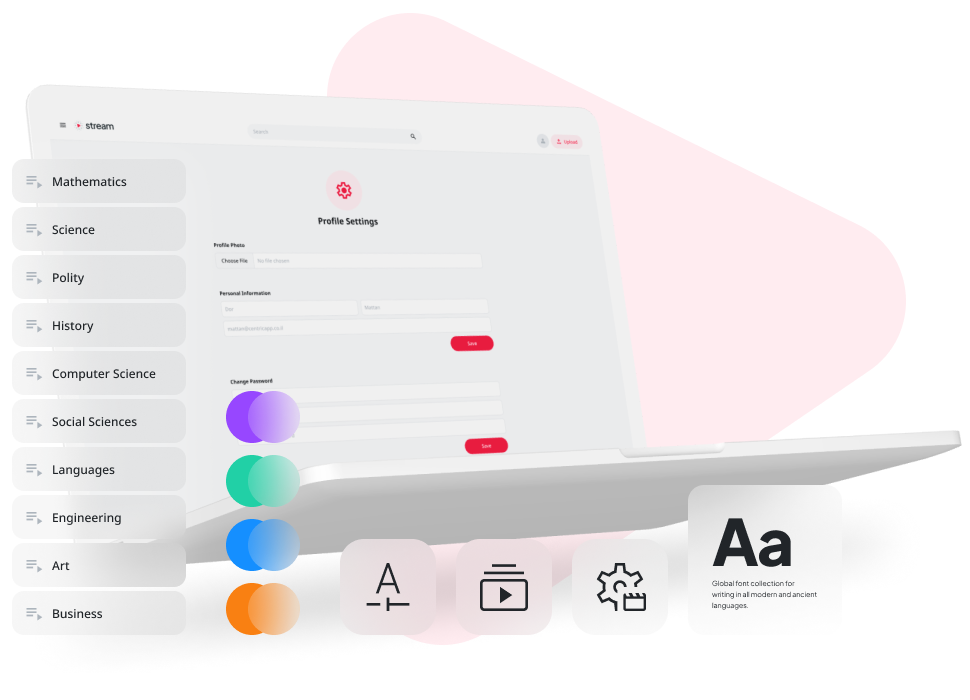
- Personalized Interface: Customize the plugin interface to match your institution's branding and layout preferences.
- Branded Learning Environment: Create a cohesive digital space that reflects your organization's identity.
Data-Driven Insights
- Engagement Metrics: Access real-time statistics and insights on video engagement to inform teaching strategies.
- Continuous Improvement: Utilize data-driven insights to enhance the educational experience continually.
Installation and Setup
- Download and Install: Obtain the Stream Integration plugin from the Moodle plugins directory.
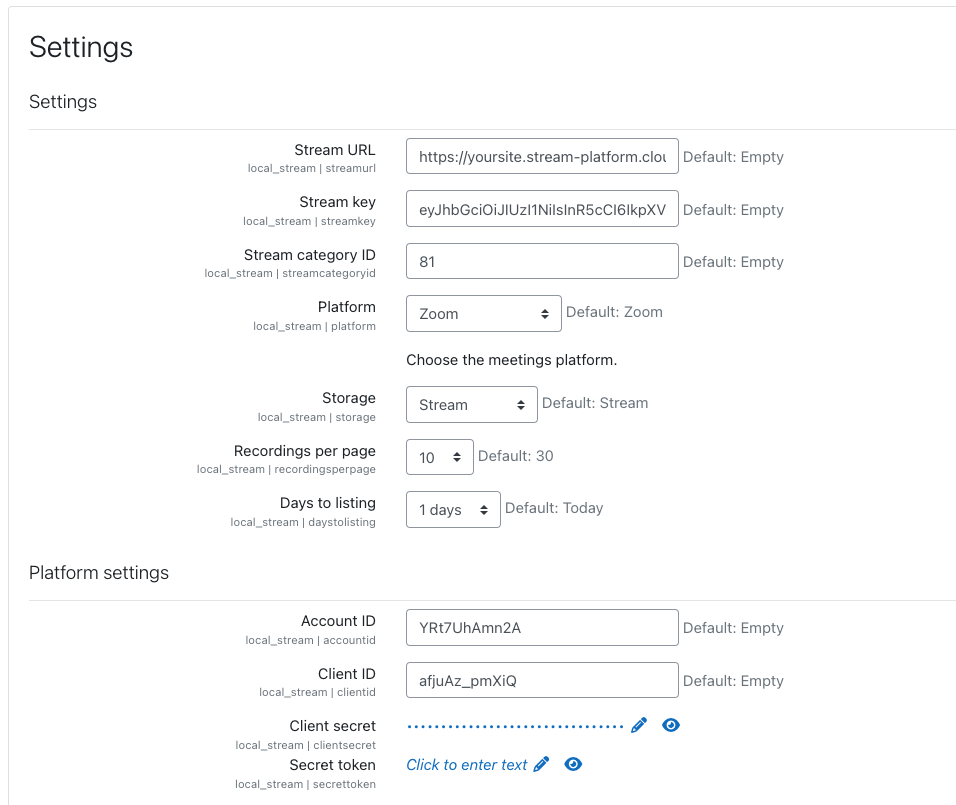
- Configuration: Follow the detailed setup guide to configure the plugin for your institution's needs.
- Connect Platforms: Link your Zoom, Webex, and Teams accounts to start syncing meetings.
- Embed and Enjoy: Meetings will automatically be embedded into your Moodle courses, ready for immediate use.
To fully leverage the capabilities of the Stream feature in Moodle, we recommend installing the following plugins:
https://moodle.org/plugins/mod_stream
https://moodle.org/plugins/filter_stream
https://moodle.org/plugins/local_stream
Installing filter plugin is recommended if you want to embed Stream links directly into your Moodle courses.
Want to talk? Great, so do we!
Drop us a line and we’ll get back to you ASAP.
https://stream-platform.cloud/
Transform your Moodle environment with the Stream Integration plugin and provide an enriched, streamlined educational experience for both instructors and students.