Kerem Can Akdag
Lead maintainer

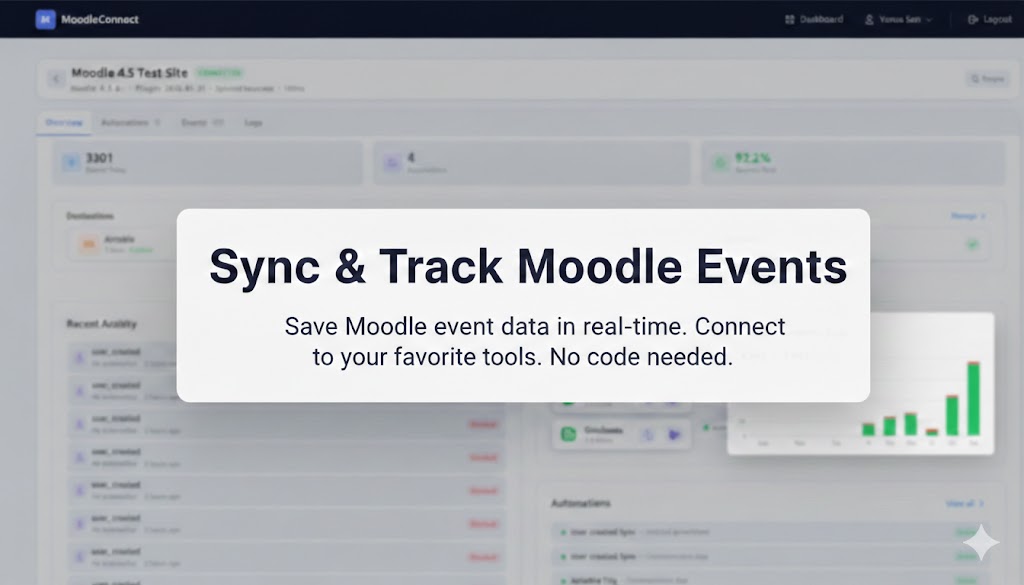
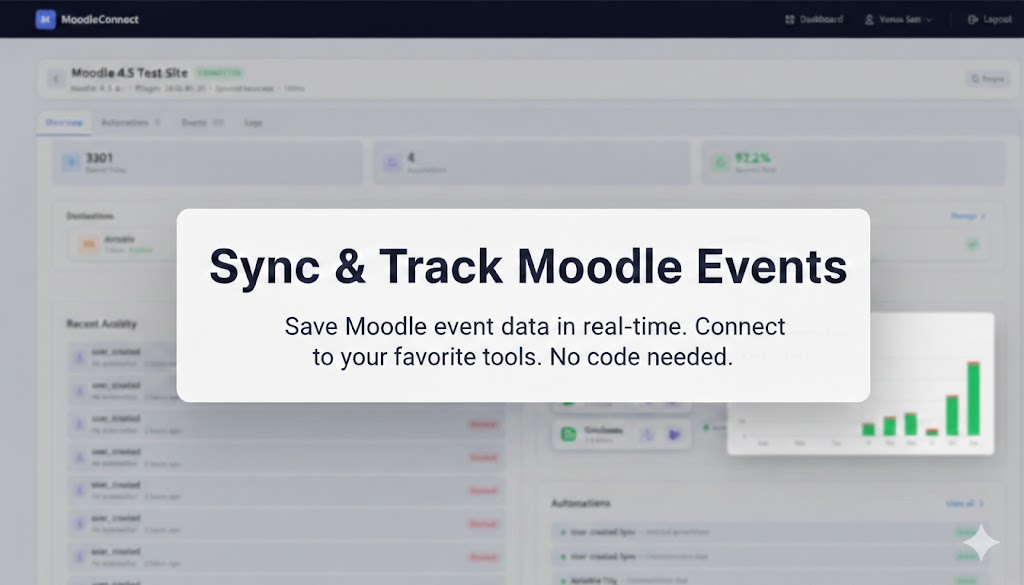
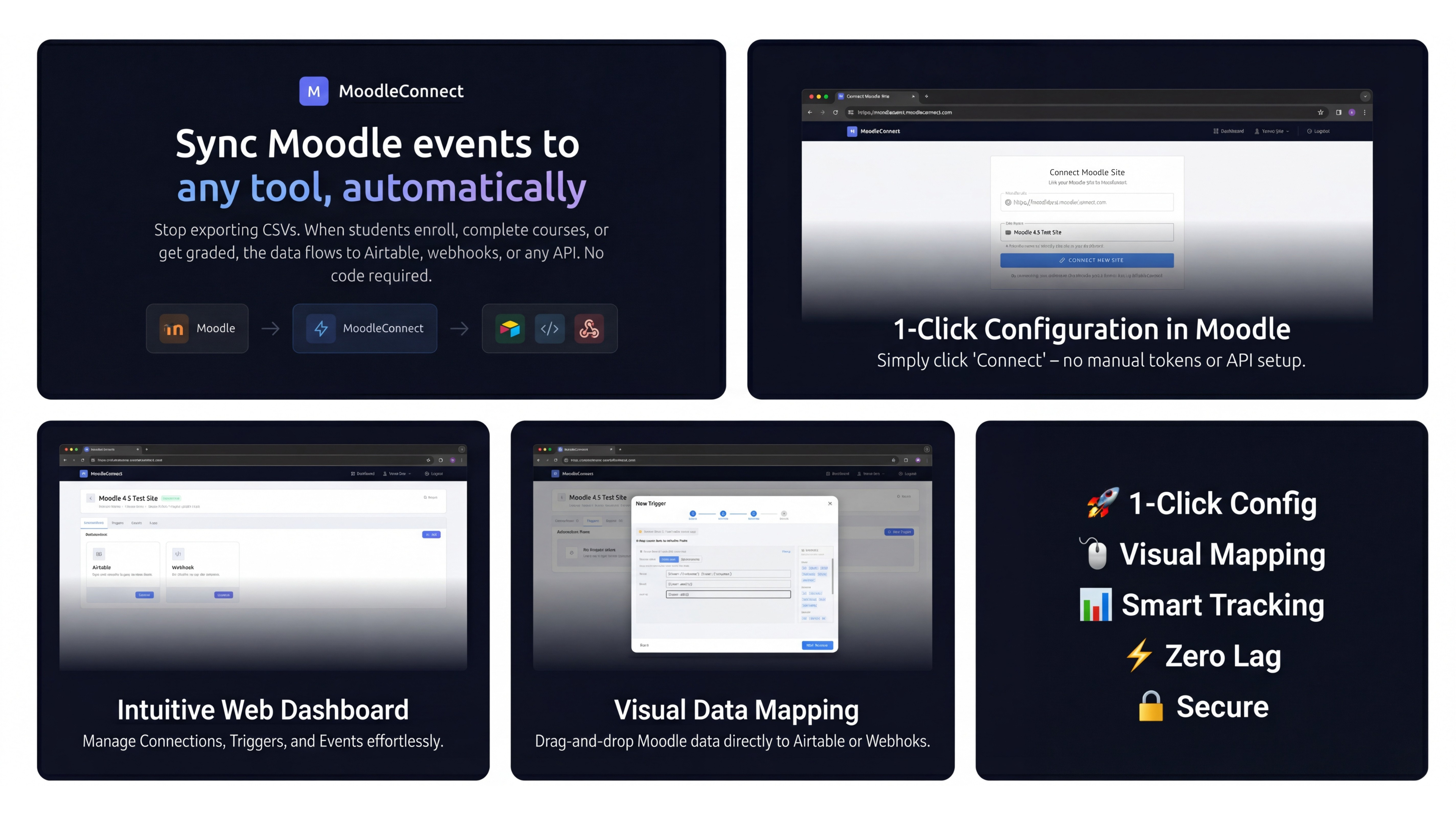
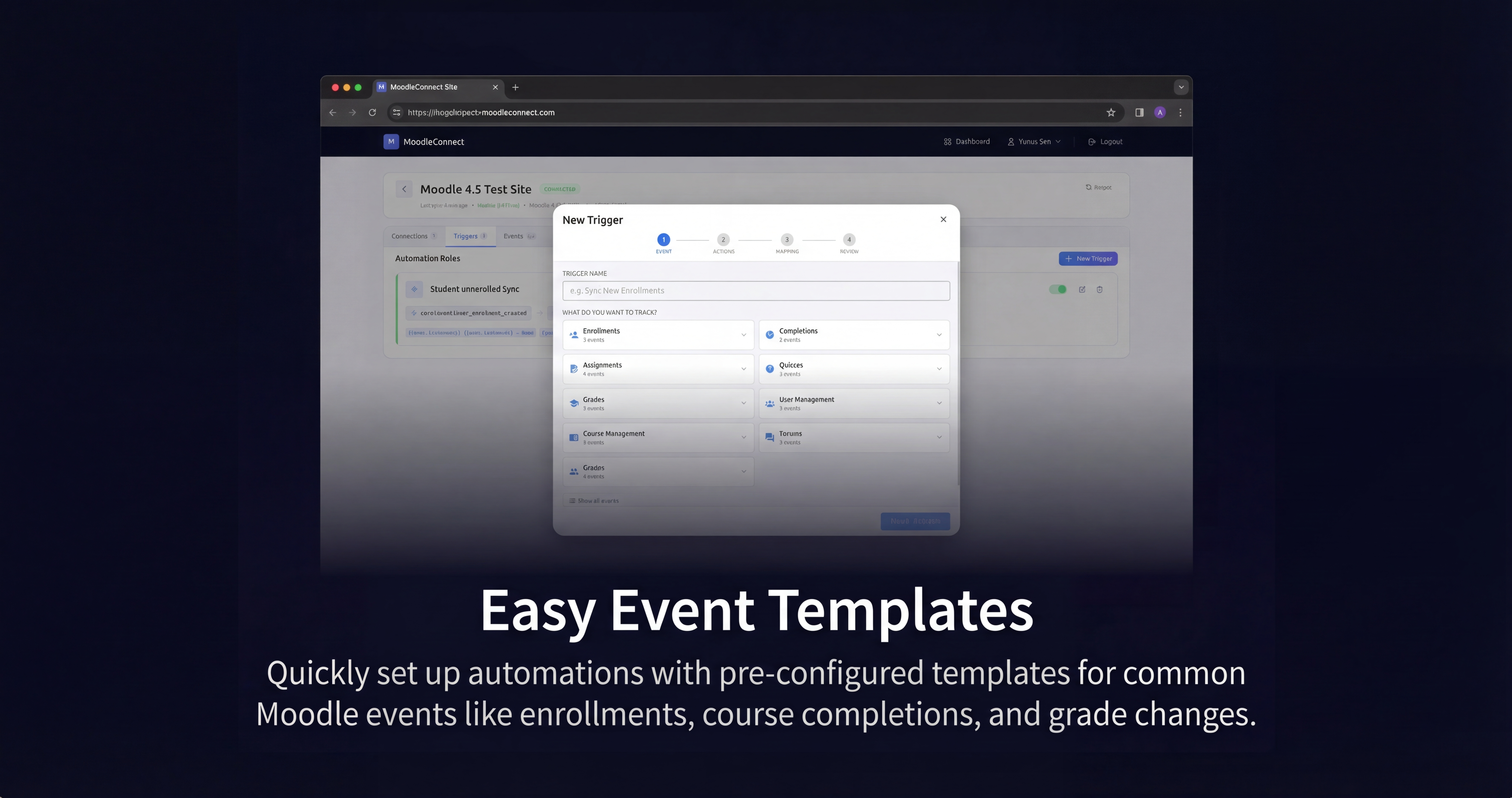
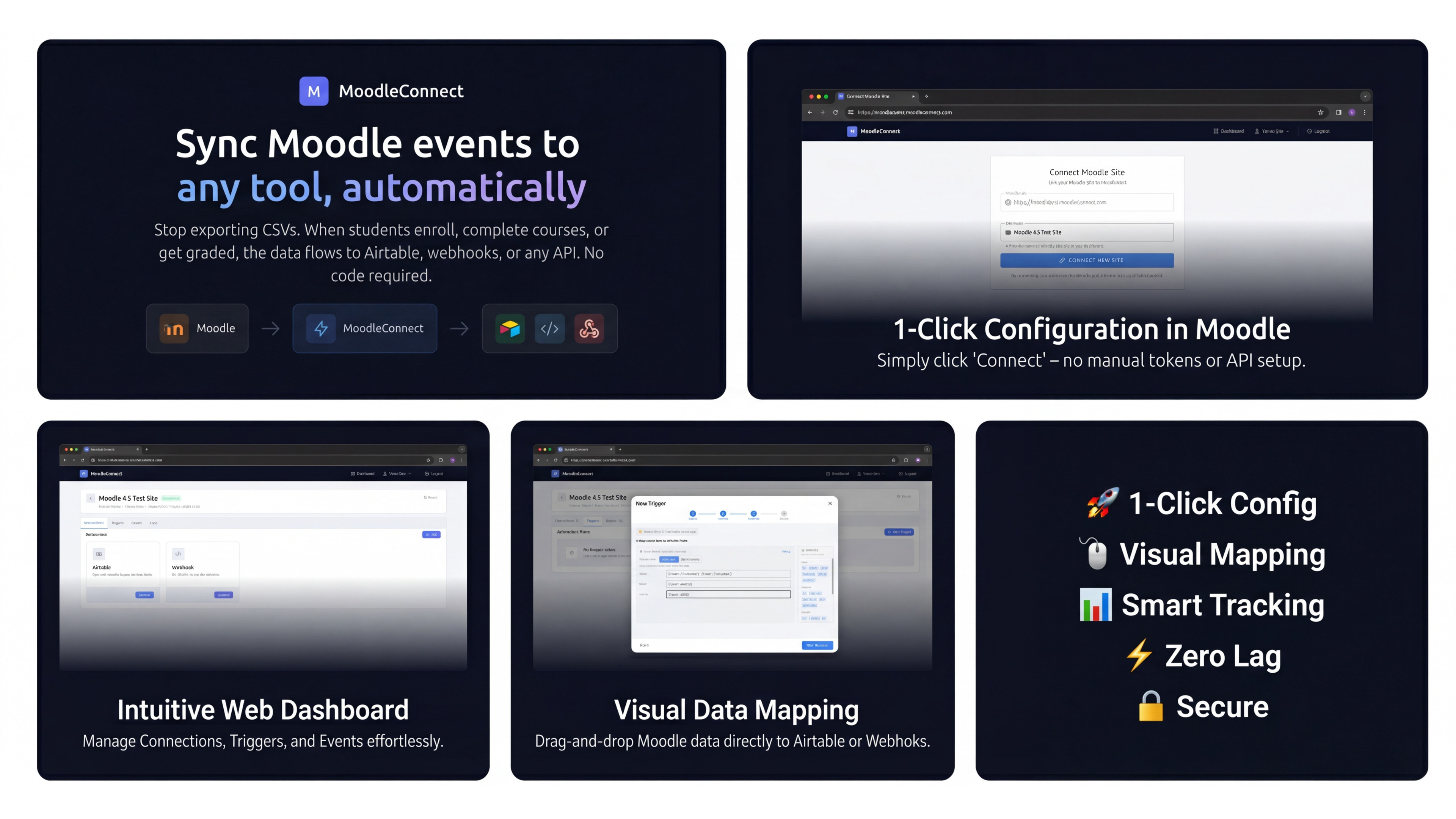
MoodleConnect is a no-code automation plugin that connects your Moodle LMS to external tools and triggers actions inside Moodle itself. Send data to Airtable, Google Sheets, SendGrid, webhooks, or custom APIs. Auto-enroll users, award badges, issue certificates, send messages, and manage groups, all from a visual dashboard.
What does it do?
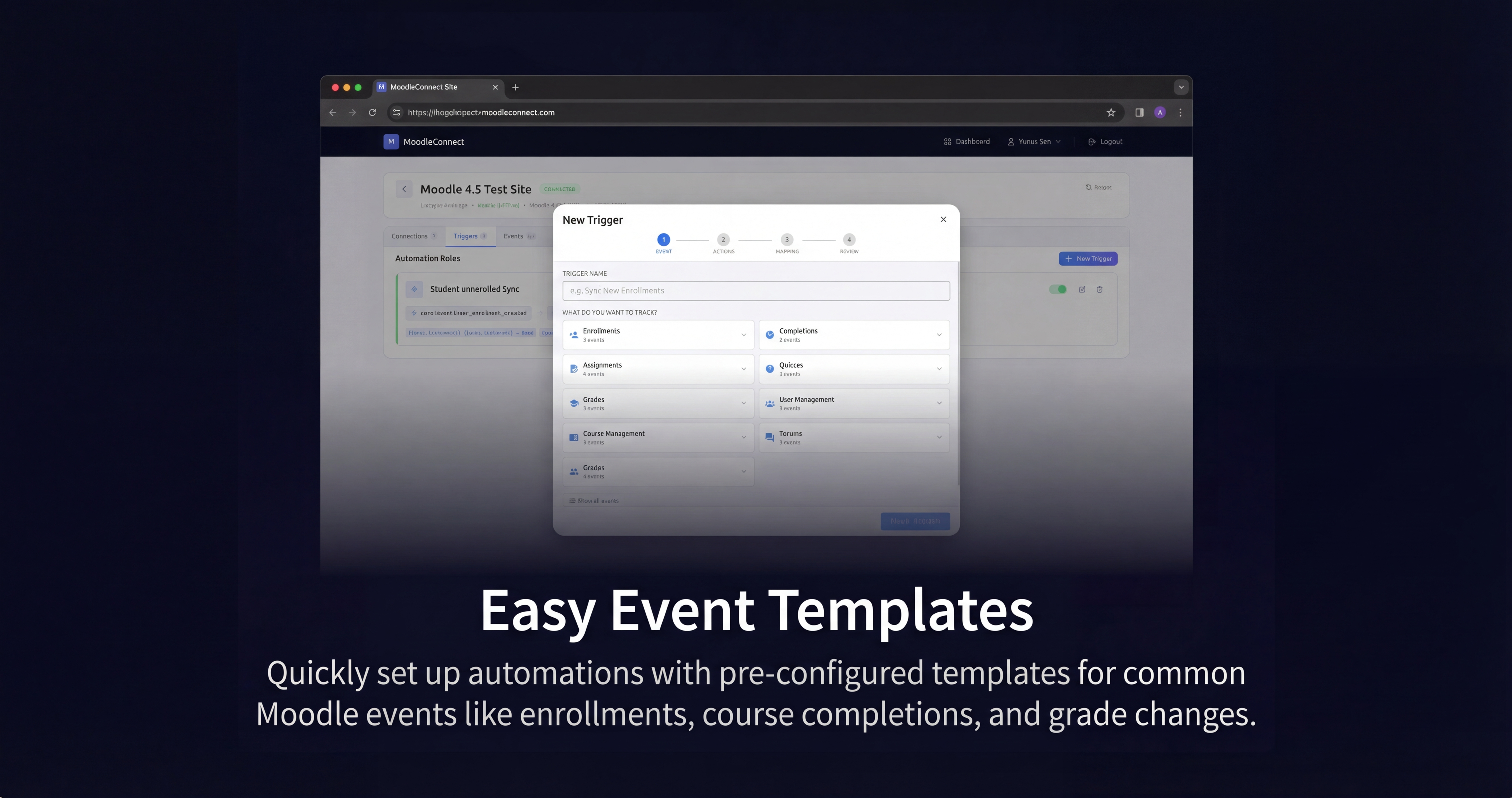
This plugin captures Moodle events (user registrations, course enrollments, completions, grades, etc.) and transmits them to the MoodleConnect service. Through a web dashboard, you create automations that route event data to external tools or trigger actions directly inside Moodle. No coding required.
Key Features:
• One-Click Connection - Secure OAuth-style flow connects your Moodle site to MoodleConnect in seconds. No manual credential copying or complex configuration.
• Automatic Event Configuration - When you create automations in the dashboard, the plugin automatically knows which events to capture. No manual event selection needed in Moodle.
• Moodle Actions - Trigger actions directly inside Moodle: enroll users in courses, award badges, issue certificates, send messages, add users to groups and cohorts, or suspend enrolments. All executed locally on your Moodle server.
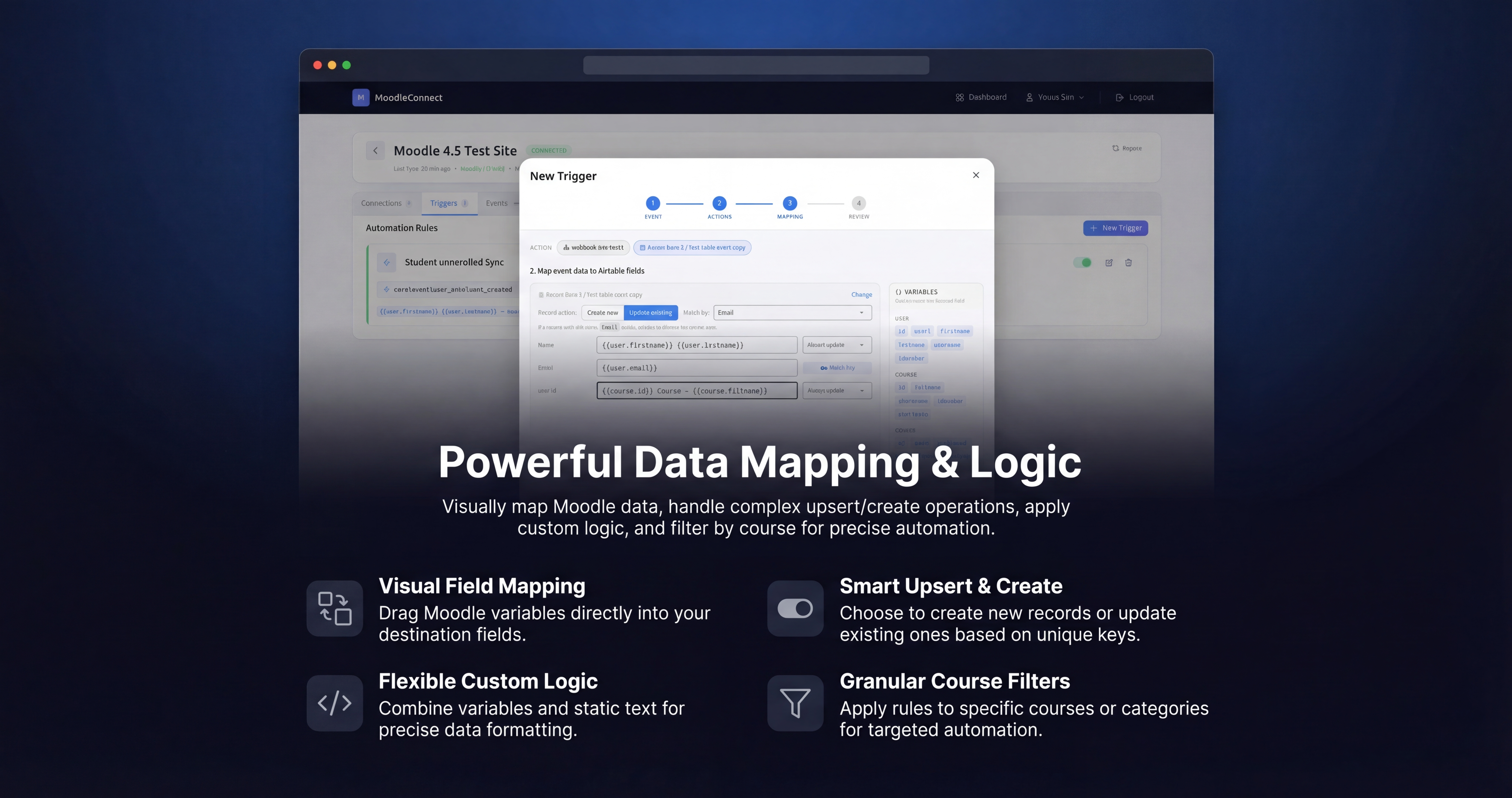
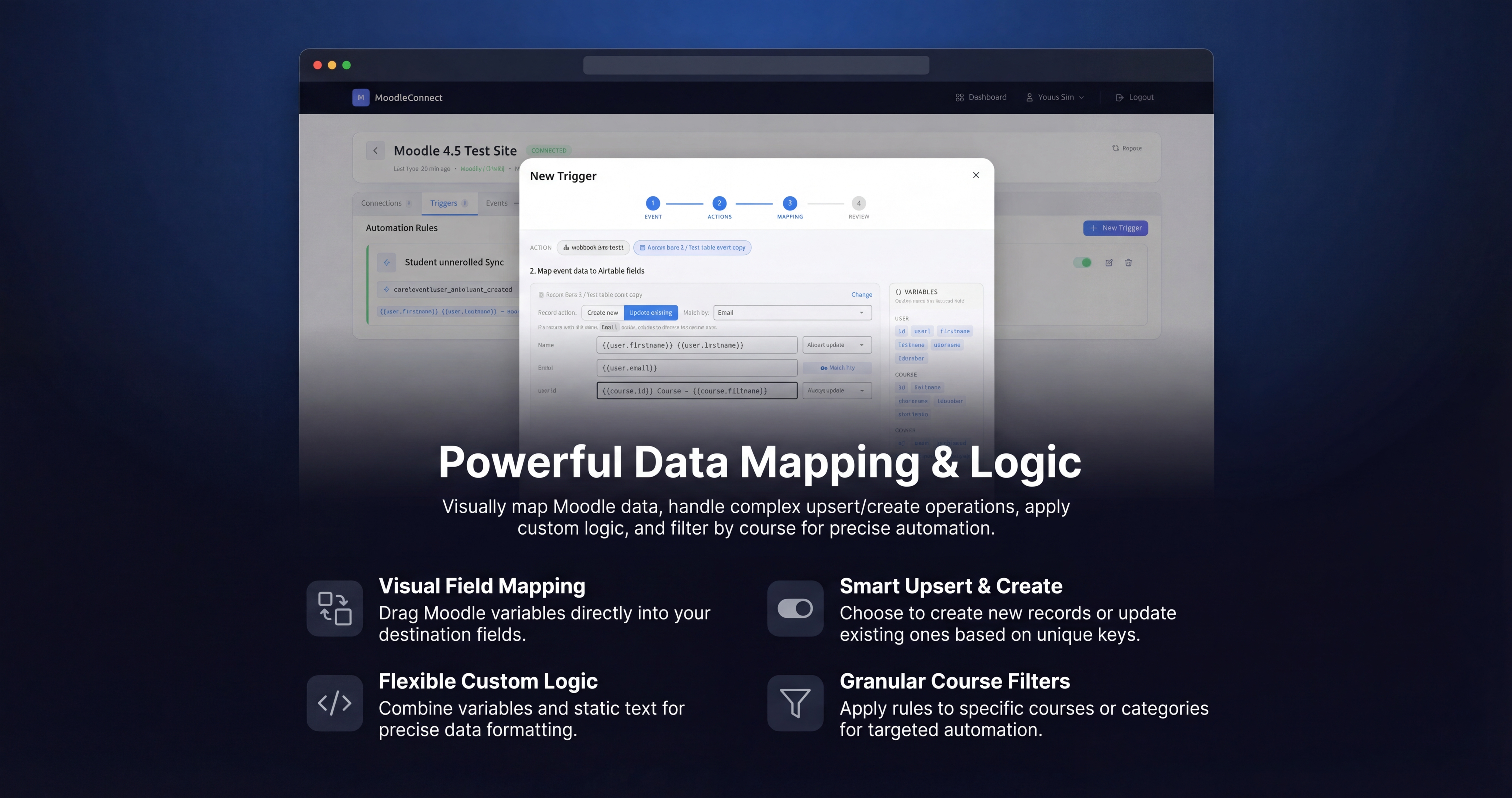
• Visual Field Mapping - Point-and-click interface maps Moodle event data to your destination fields. Use template variables like {{user.email}} and {{course.fullname}}.
• Course Filtering - Filter events by specific courses. Include only certain courses or exclude test/sandbox courses from your automations.
• Multiple Actions per Automation - One event can trigger multiple actions simultaneously. Send enrollments to Airtable, log them to Google Sheets, and enroll the user in another course, all in a single automation.
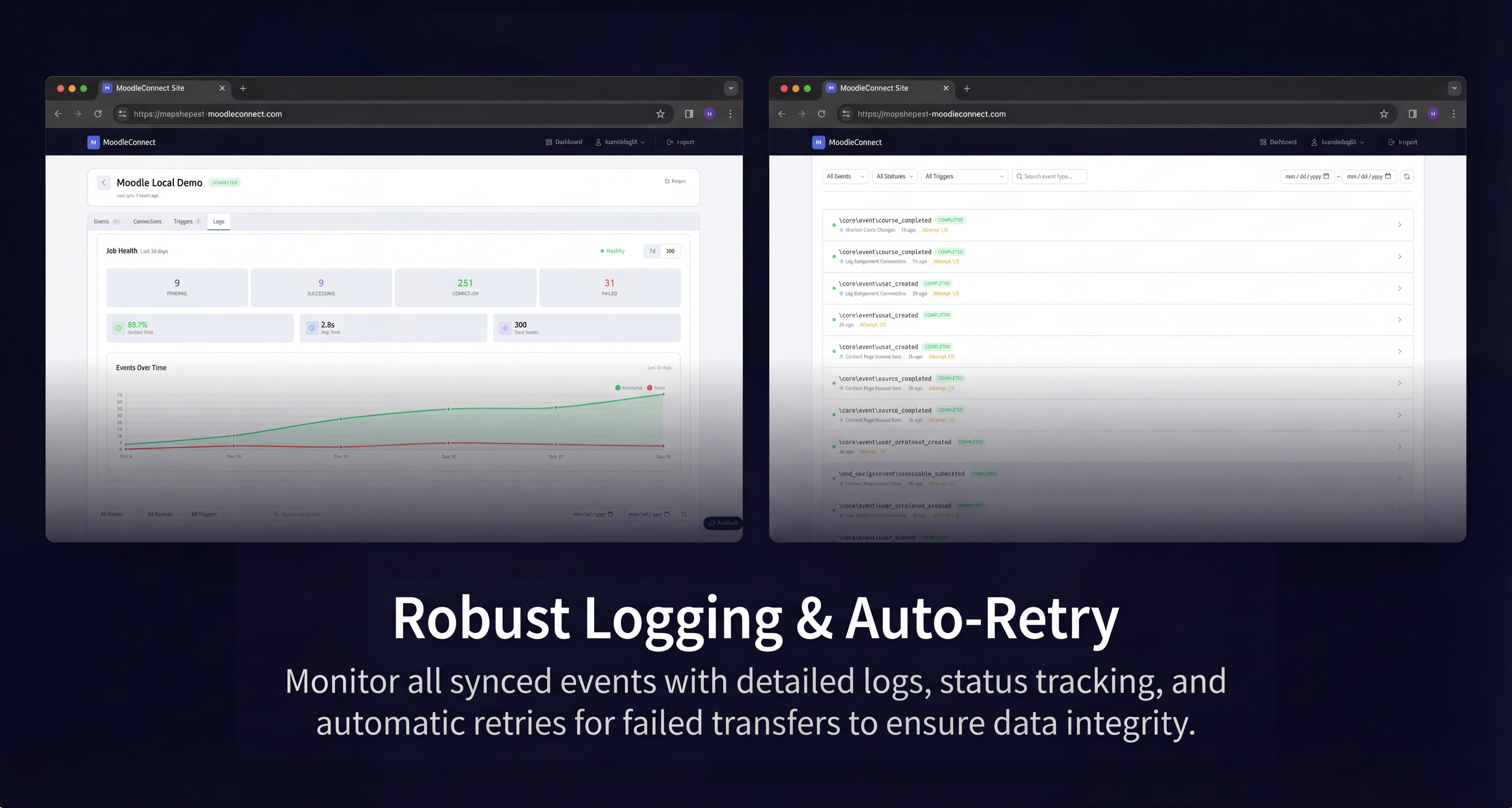
• Analytics Dashboard - Built-in analytics page showing event activity, top courses, top users, and activity timeline with date range filtering.
• HMAC Authentication - All data transmission is secured with HMAC-SHA256 signatures, ensuring only authorized communication occurs.
• Zero Performance Impact - Asynchronous event handling ensures your Moodle site performance remains unaffected.
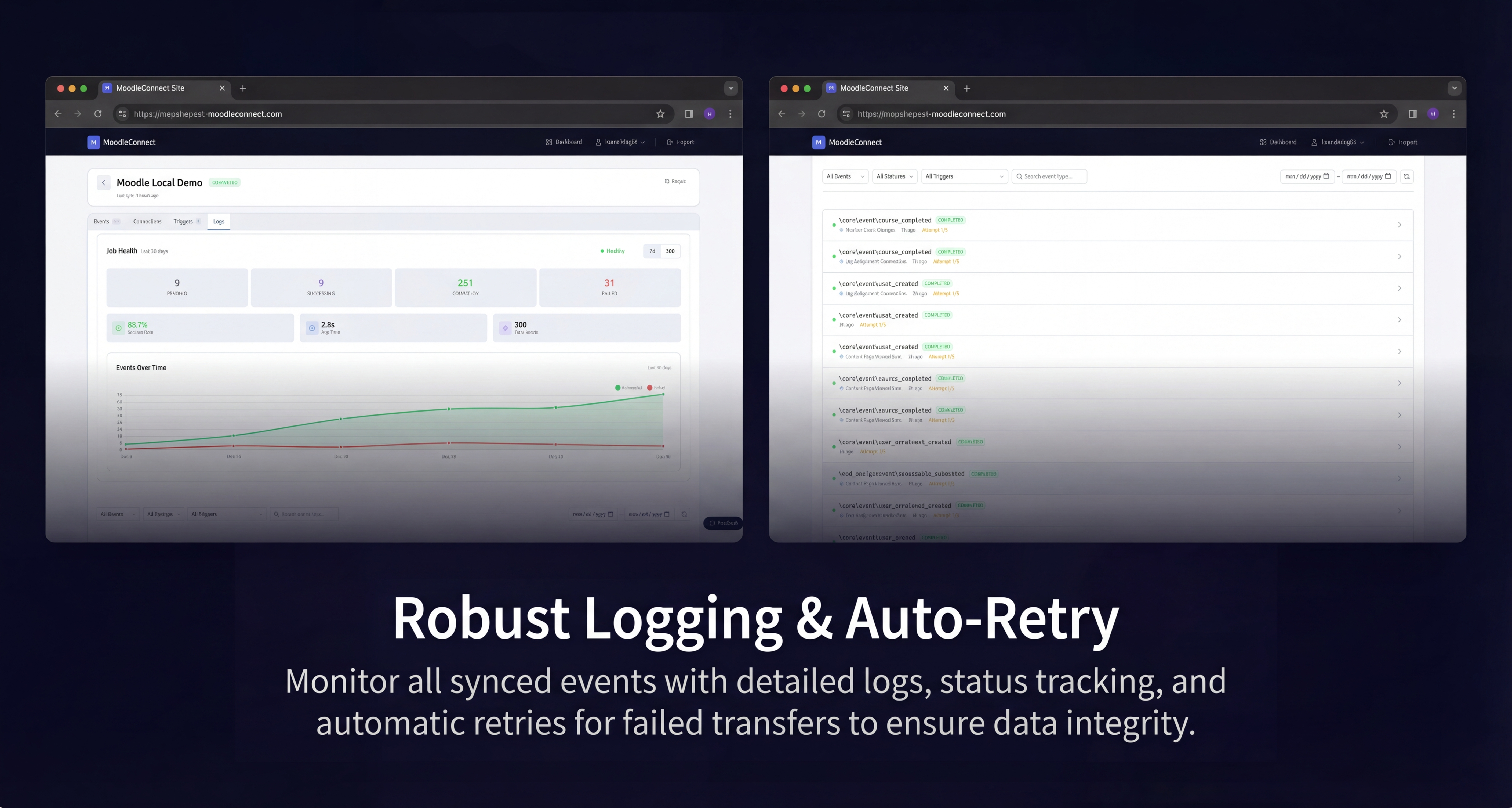
• Built-in Debug Mode - Comprehensive logging helps troubleshoot issues and monitor event flow during setup.
Supported Destinations:
• Airtable - Sync data to bases with create, update, or upsert modes and field behaviors
• Google Sheets - Append or update rows in spreadsheets with automatic column mapping
• SendGrid - Send branded transactional emails using dynamic templates with variable mapping for password resets, welcome emails, completions, and more
• Webhooks - Connect to Zapier, Make, n8n, or any HTTP endpoint
• Moodle Actions - Enroll users, award badges, issue certificates, send messages, manage groups and cohorts, suspend enrolments
Common Use Cases:
• Automated Learning Paths - Auto-enroll students in the next course when they complete the previous one. Build multi-course programs without custom development.
• Student CRM - Automatically add new users to Airtable or Google Sheets for enrollment tracking and communication workflows.
• Branded Transactional Emails - Replace Moodle's plain-text emails with branded SendGrid templates. Send professional password reset emails, welcome messages, or completion notifications with your organization's branding.
• Certificate Automation - Issue certificates when students complete courses, pass quizzes, or finish multi-course programs. Works with the Custom Certificate plugin.
• Badge Gamification - Award badges based on any Moodle event. Build achievement systems that go beyond Moodle's built-in badge criteria.
• Enrollment Tracking - Log all enrollments to external databases for compliance or billing integration.
• Custom Workflows - Connect to any service via webhooks for unlimited automation possibilities.
How It Works:
The plugin uses reverse sync. When you create an automation, MoodleConnect tells the plugin which events to capture. No manual event selection or schema syncing required.
Privacy & Security:
You maintain complete control over what data is transmitted. Only events with active automations are sent. All communication uses HTTPS encryption with HMAC-SHA256 authentication. The plugin implements Moodle's Privacy API for GDPR compliance. Self-service data export and deletion available.
Requirements:
• Moodle 4.0 or higher
• PHP 7.4 or higher
• Free MoodleConnect account at moodleconnect.com
Pricing:
• Starter (Free) - Unlimited sites and automations, 100 actions/month, 7-day log retention
• Pro ($23/mo) - 5,000 actions/month, 30-day log retention, priority support
• Scale ($63/mo) - 25,000 actions/month, 90-day log retention, priority support
• Enterprise - Unlimited actions, 365-day retention, dedicated support
Code Quality:
This plugin is fully compliant with Moodle coding standards and passes all moodle-plugin-ci checks including phpcs, phpdoc, and structural validation. Tested against Moodle 4.0, 4.5 (LTS), and 5.0 with PHP 7.4 through 8.4.
Support & Documentation:
Comprehensive documentation is available on the GitHub Wiki, including installation guides, automation configuration, troubleshooting, and FAQ. Email support: kerem@moodleconnect.com
Start automating your Moodle workflows today. No code required.


