Site backup and Developer Assist

Maintained by Mohammad Farouk
Easy tool for admins to backup all data and download it in local machine and restore it via upload, this is usefull for migration. For plugin developers: Sort language strings alphabetically by key. Search for missing lang strings. Create a translation in other language in lang directory directly from browser interface. Add or Edit capabilities in access.php file in easy human readable way. Edit plugin files and test a php code. and more to come.
Price option: Free

Supports Moodle 4.1-5.0 See all versions
Latest release: 1 year ago
Installations: 44
Downloads (last 90 days): 19

Frankenstyle name: local_devassist
Local plugins

Description

Site backup and Developer Assist

Site backup and Developer Assistance provides several tools helping admins and developers

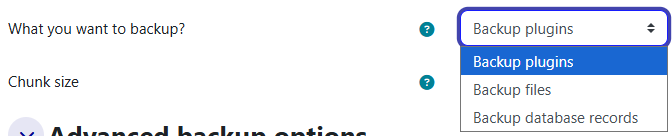
  • Backup:
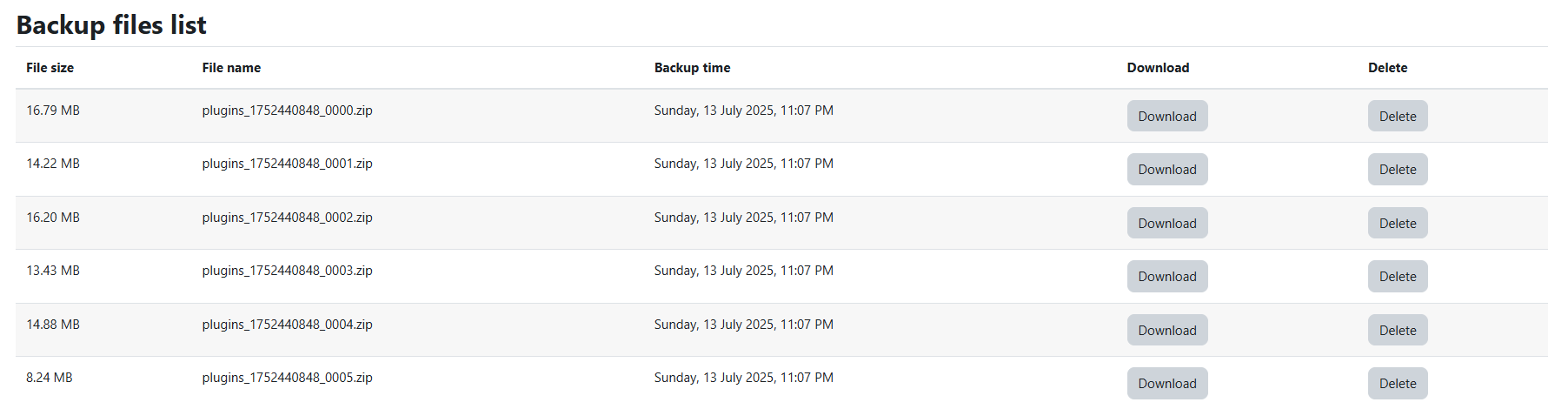
    • Plugins: Create a backup of all additional plugins in your moodle installation and download it as a zip file.
    • Database: Create a backup of your Moodle database records and download it as a zip file.
    • Files: Create a backup of all files stored in moodle system and download it as a single zip file.
  • Restore:
    • Restore plugins, database records and files that has been backed up by the same plugin in another moodle installation.
  • Missing language strings and local translation:
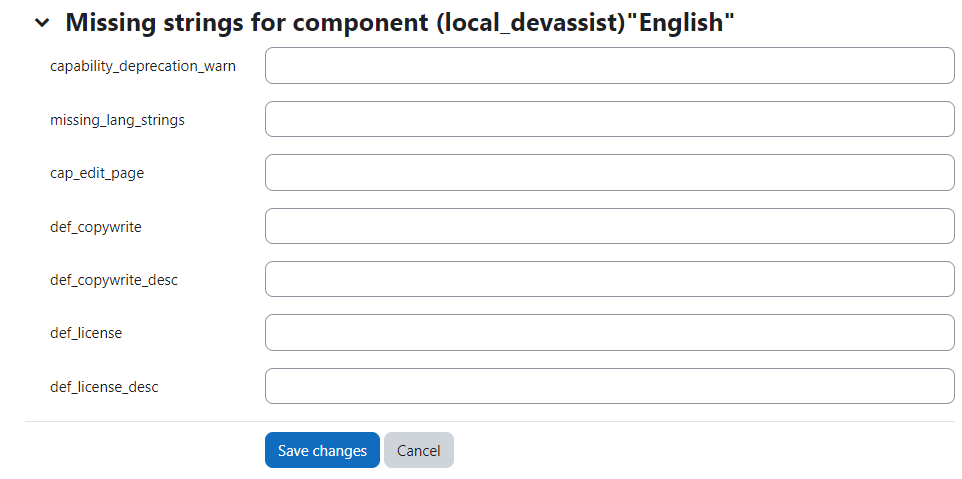
    • Searching all php files for any missing lang strings and easily adding them to lang files.
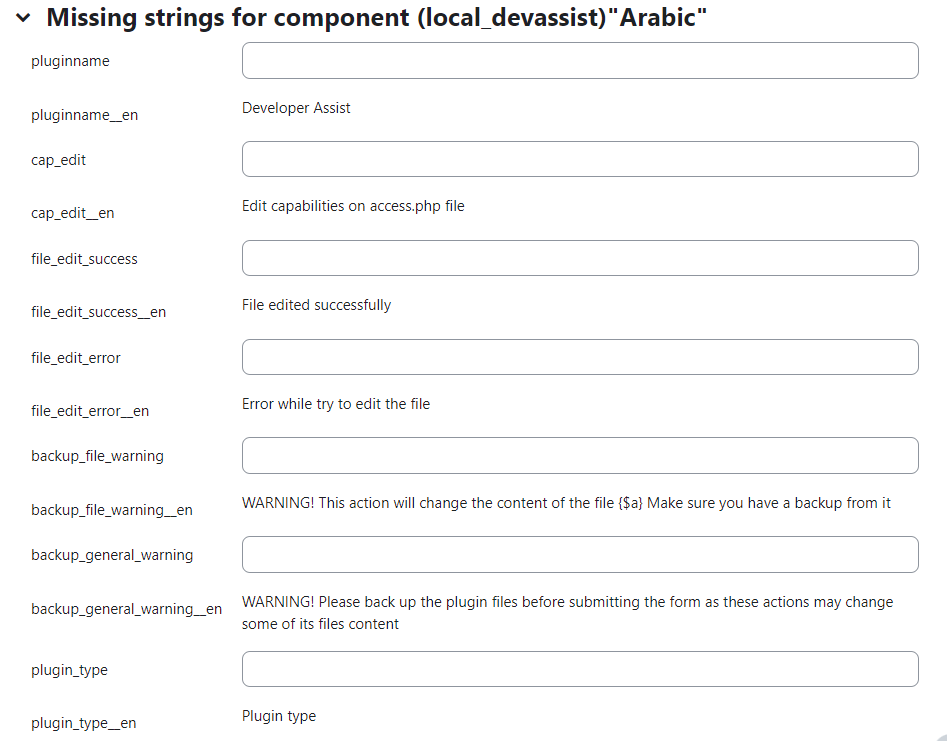
    • Also this tool is excellent to create local translation files for other languages.
  • Language string sorter:
    • Automatically sort lang-strings for selected plugin
  • Editing and Adding capability
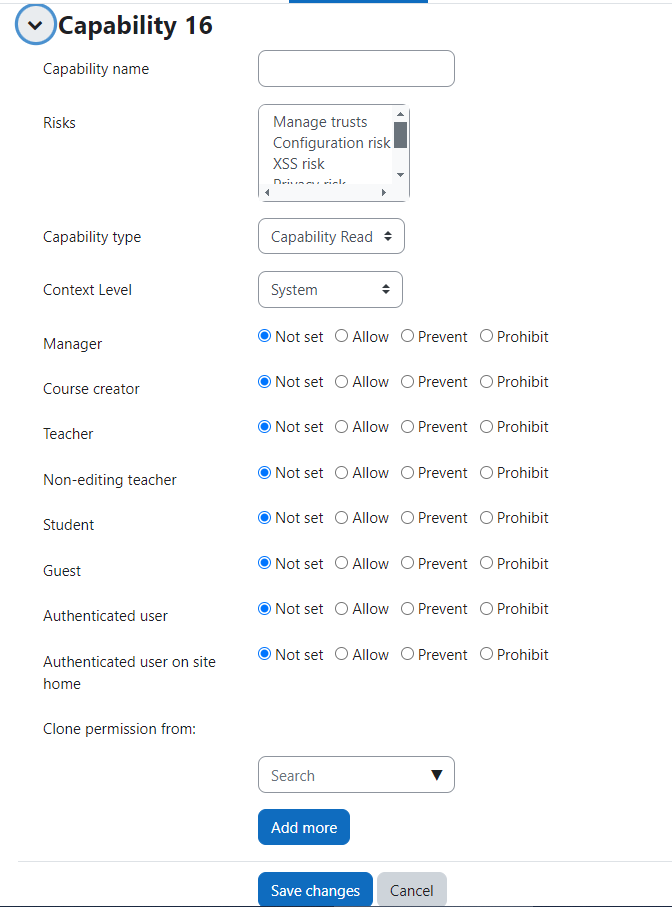
    • Easily add or edit capabilities in your plugin access.php file.
  • Advanced utilities for developer users
    • Execute a php code from browser interface.
    • Edit plugins files from browser interface.

Contributors

Awards

Privacy friendly