
Showcase
Maintained by
David Herney
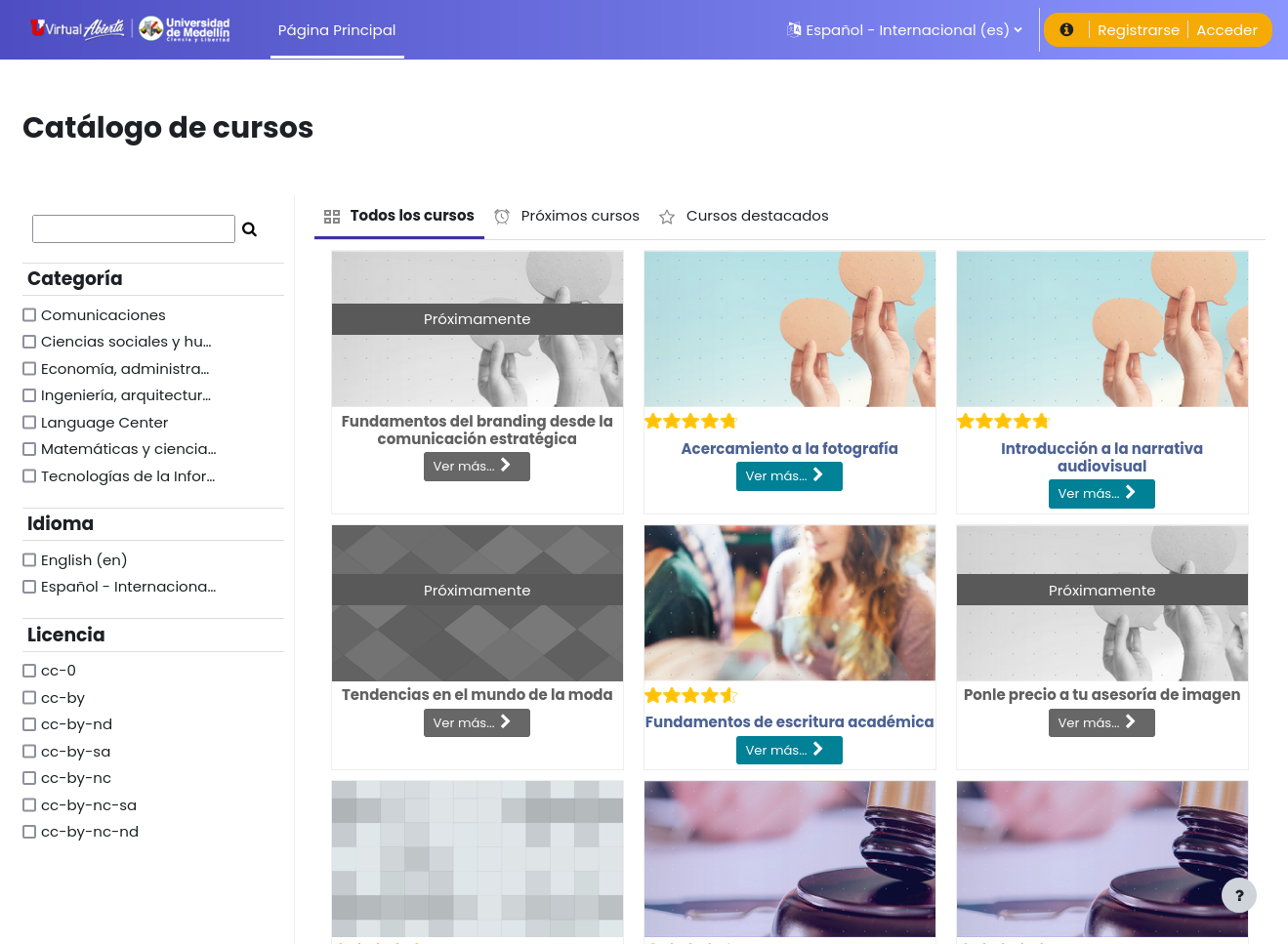
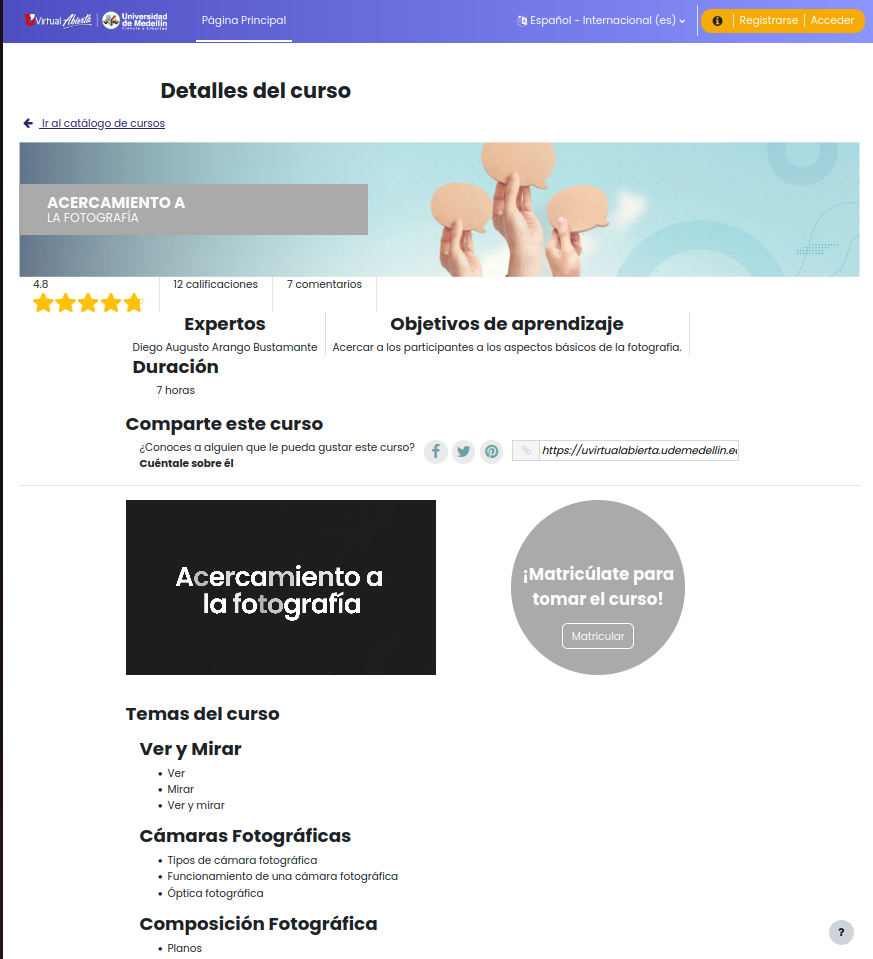
The Showcase block allows listing and highlighting the courses that are available on the platform so the people can know them and learn more about their characteristics before enrolling in them.



Comments
Comments are no longer open for new posts. Existing comments remain available to read.
Los errores, si te llega a pasar de nuevo, por favor reportarlos en https://github.com/bambuco/moodle-block_vitrina/issues, allí se les puede dar mejor trámite.
Sobre lo que comentas ¿qué versión de Vitrina estás usando? Porque la línea que sale en el error corresponde a otra instrucción y el error que comentas fue solucionado precisamente con ese cambio, no debería de pasar si tienes el componente actualizado. Revisa por favor y si tienes el componente actualizado o se te sigue presentando el error, repórtalo por favor en Github y allí seguimos revisando.
Saludos
You don't need to be logged in to view the catalog, but due to how Moodle works, you must set automatic guest access to view almost any page. This doesn't grant access beyond the catalog, but it is a minimum Moodle requirement.
You can view it at this site: https://comunidadmoodle.com/blocks/vitrina/
You don't need to log in to view the catalog.
On the other hand, what is the "showcase/splash screen"? The catalog doesn't have a "previous" page.
PD: Please submit requests for new features or complex reports at https://github.com/bambuco/moodle-block_vitrina/issues
Saludos
How can you make the catalogue visible for non-logged in users? I'm talking about users that don't even have the guest role (non-authenticated users). It seems to show the showcase/splash screen - but when you click the "View all" button it prompts you to log in. Shouldn't the catalogue be visible for non-authenticated users as well?
Have a nice day
Oh no... it's a mistake in the template documentation. It only includes the basic course information, and the course only includes the category ID, not the name.
You can request it on the issues page (https://github.com/bambuco/moodle-block_vitrina/issues), and I might add it later.
Saludos
I've created my own template for Vitrina and I would like to display category's name for each course.
But when I use {{{category}}} in my course.mustache, like it showed in the example context, it give me only the id and not the name.
Is there another variable which contains hte category's name?
Thanks in advance
I'm glad you find it useful; it really took us a long time to get here.
You can create your suggestions at: https://github.com/bambuco/moodle-block_vitrina/issues
I can't guarantee I'll be able to implement them soon, but I'll keep them in mind when I have more time. And there's always the possibility that someone would like to contribute code for new features or sponsor one of them.
Saludos
Additionally, I was wondering about the filtering options. Is there currently a way to filter by tags? And what about implementing "AND" filters? For instance, it would be fantastic to combine a category or custom course field with specific tags. If these features aren't available yet, would it be possible to consider them for future updates? I'm really excited about the potential of this plugin and appreciate any insights you can provide. Thank you so much for your time! Annie
The block is intended for the Web, especially because of its purpose. The Moodle App has a different approach. Anyway, I will try to review to what extent it could be made compatible. If you wish, you can make the report with the request at: https://github.com/bambuco/moodle-block_vitrina/issues
Saludos
Currently specific tags are used: og:title, og:url, og:description and og:image.
The information for each one is customized with the course information that is in context.
Saludos