AI Chat
Maintained by
Tobias Garske, Philipp Memmel, ByCS Lernplattform
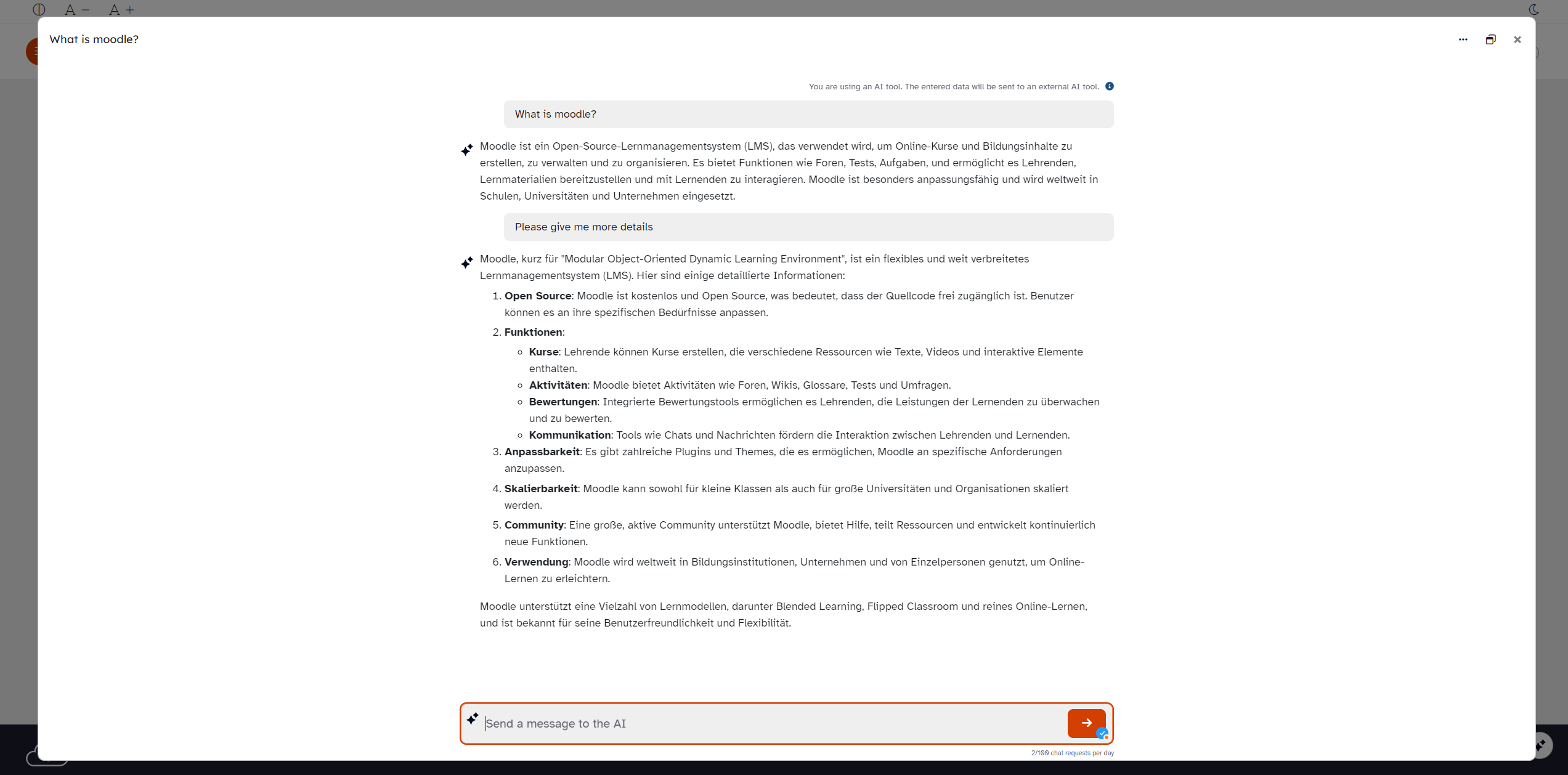
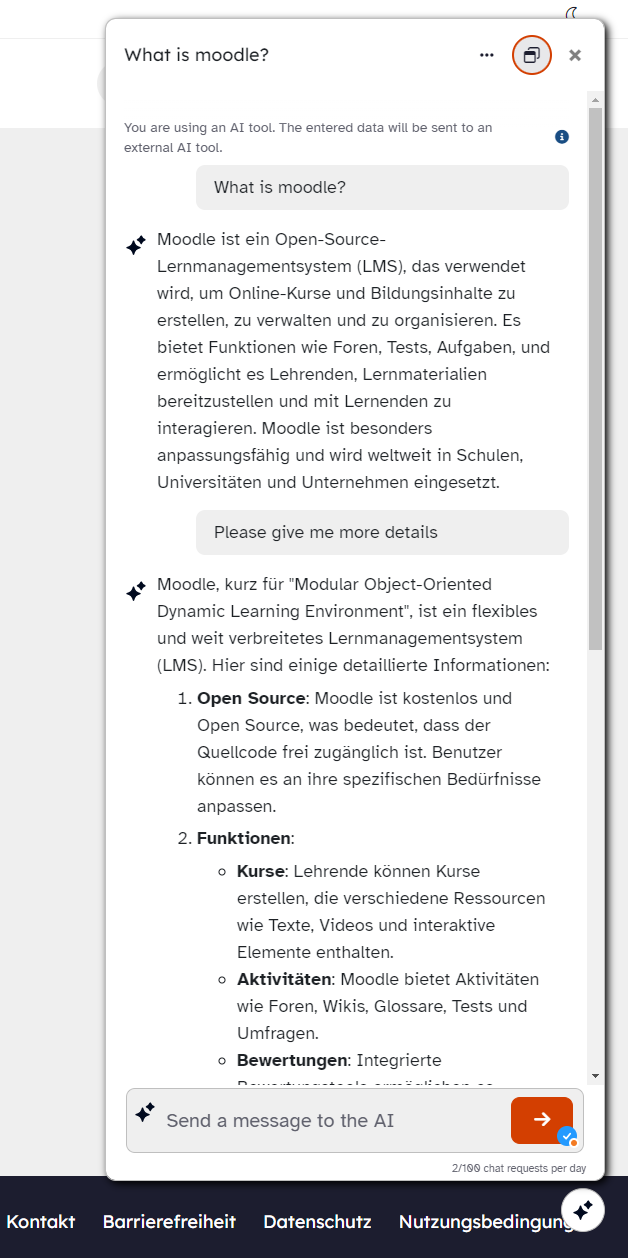
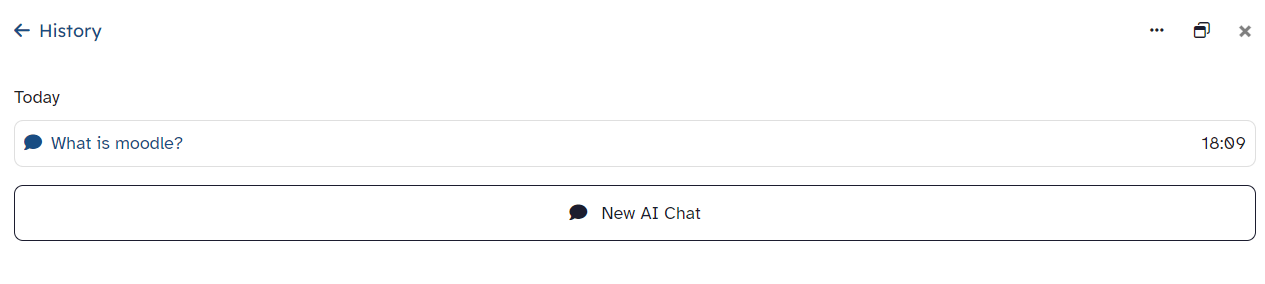
The "AI Chat Block" offers a fully-fledged chatbot client with chat history and various display options (docked on the right, modal and full-screen mode). It enables seamless integration of AI-supported communication into your Moodle platform.
Comments
Comments are no longer open for new posts. Existing comments remain available to read.
Regarding the second question: Currently, the chatbot does not support sending additional context from the course, no. This is a feature we are looking forward to, but are not there yet.
No: The Ai Chat plugin itself does not have a possibility, because it's part of a whole suite of AI plugins. For installing block_ai_chat you will need to install local_ai_manager which is the heart of the AI plugins. It will log all AI requests and also provides a possibility for teachers to see the prompts and responses from all AI interactions - of course also from the AI chat. So...
Yes: You can see all the chat messages of the students as teacher. Easiest way to allow teachers access to the messages is by using and installing the plugin block_ai_control. It allows teachers to control all AI activities inside a course and also has a button to access the "view prompts" feature of local_ai_manager.
Yes, I was referring to the possibility for teachers to access and review students’ conversations with the chatbot, in order to understand what they asked and how they interacted with the tool. Thank you!
Yes, I was referring to the possibility for teachers to access and review students’ conversations with the chatbot, in order to understand what they asked and how they interacted with the tool. Thank you!
thanks for reaching out!
What do you mean with "accessible for review"? Do you mean if teachers will be able to see the conversations that their students had with the chatbot?
Currently, it can't be used with ChatGPT 5, but we will update the local_ai_manager plugin soon to also support newest models.
The chatbot should answer in whatever language you are trying to talk to him. If you start the conversation with "ciao bella!" it's pretty likely that it will answer in Italian
Can it be used with GPT-5?
Also, I would like to ask if it is possible to engage in conversation in multiple languages, such as Italian, as the examples in the screenshots shows an English prompt and a German output. Thank you very much!