AI Chat

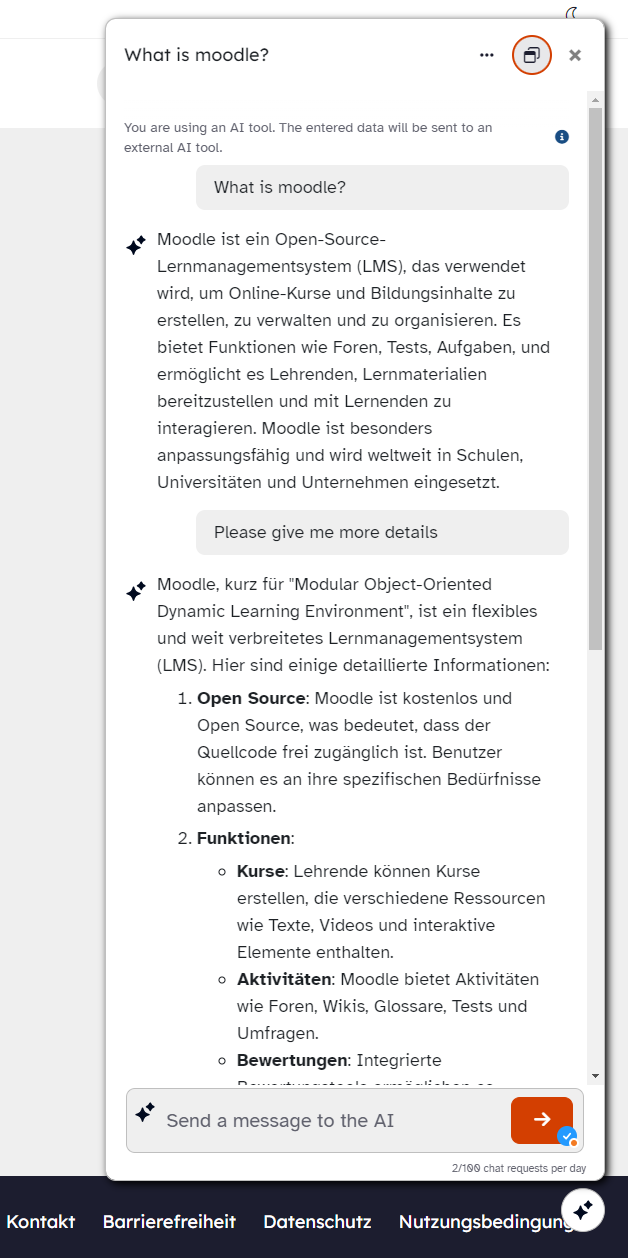
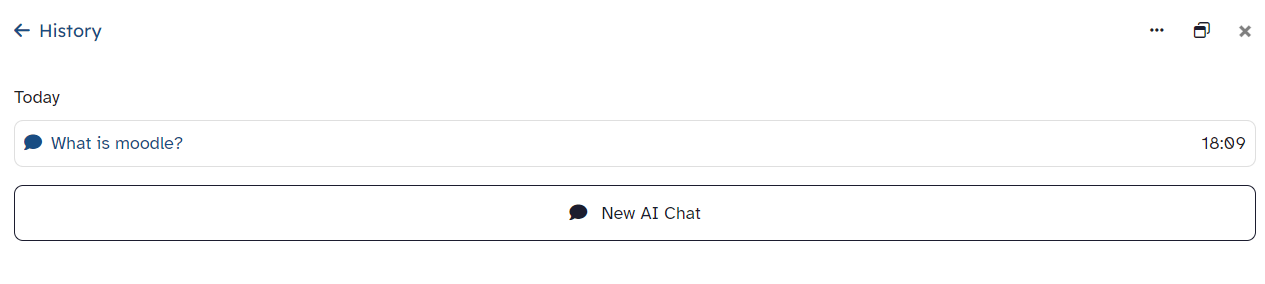
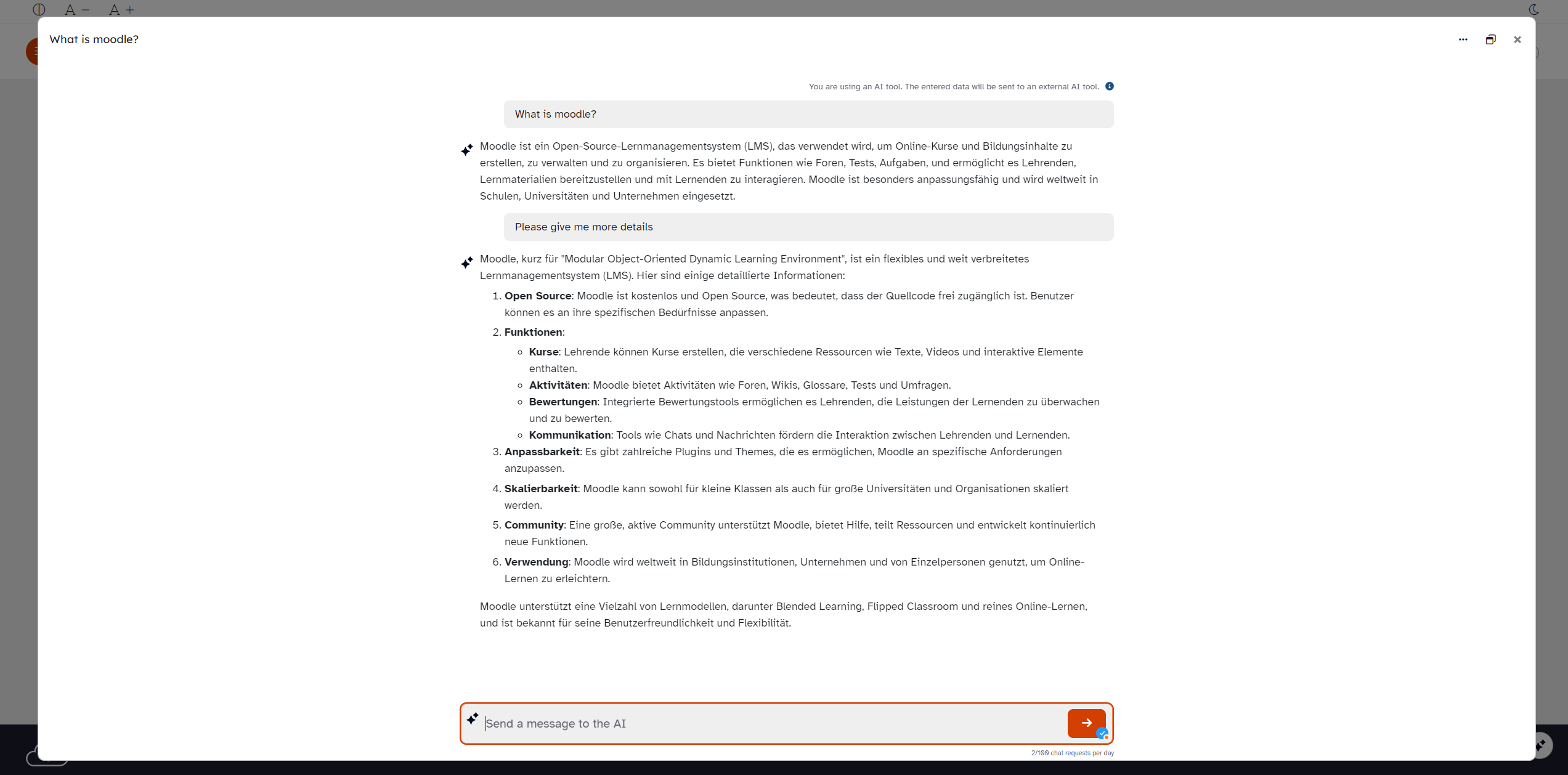
The "AI Chat Block" offers a fully-fledged chatbot client with chat history and various display options (docked on the right, modal and full-screen mode). It enables seamless integration of AI-supported communication into your Moodle platform.
Price option: Free

Supports Moodle 4.4-5.2 See all versions
Latest release: 2 days ago
Installations: 448
Downloads (last 90 days): 442

Frankenstyle name: block_ai_chat
Blocks

Comments

Comments are no longer open for new posts. Existing comments remain available to read.

I answered to your github issue.
Hello! How is called the div icon who calls the interactive chat? It's added on the footer?
I'm not sure if "blocks" are a thing in the moodle app. We do not use it, because it's super slow and extremely limited. If blocks are not supported in the moodle app, I recommend to have a look at https://moodle.org/plugins/mod_aichat. It's our activity version of this course wide block chat. Not sure, if it works on moodle app out of the box. Maybe that solves the issue for you.
Regarding persona images: We intentionally do not offer this option for pedagogical reasons. It's already very hard for students to realize and keep in mind that they are not talking to a person but to a machine generating random words. We want to avoid that teachers are tempted to add nice little images of real personas and personify the AI chat even more.
Hello. Most students use their cell phones to access course content. Could you tell me how I can display the Chat Bot in the Moodle app? I can see it on the desktop, I can see it in the mobile browser, but I can't see it in the Moodle app... Do I need to activate a specific feature? The institution I work for wants to purchase a Moodle App license, but I haven't been able to access the Chat Bot in the basic app.
Another request, if possible, could you consider setting up a small image for the personas (visually identifying the bots would be great)?
We had this bug at some point, but fixed it. I don't think the version for 4.5 has been affected by this. Besides that we are not maintaining actively for moodle version below 5.0. If you can update your site and use the latest version of block_ai_chat it will work.
I found the "three-dot menu", but when I click there, nothing happens. The same goes for the side button to maximize the window. Only the "x" to close the chat works.
You mean the chat docked on the right? There is a "three-dots-menu" in the top right corner of the chatbot modal.
Where can I set the options that are written in the plugin description? For example, to have the chat on the left. We have Moodle 4.5
OK,Thank you very much.
Please raise a separate issue on git with the precise versions of block_ai_chat as well as your moodle version. I cannot really reproduce this issue besides on latest moodle main the dropdown of the window mode button is not visible like the other menu. Besides that a bigger rework is on the way which is developed on the latest moodle main. So I'm confident that this issue will be resolved with this rework.
The toggle button is displayed properly, yet clicking the relevant button cannot switch to the corresponding window mode.
Could you please raise an issue in github with precise reproduction steps what exactly does not work? Is it that the window mode is not being saved across page reloads?
Additionally, the window mode switching function of the AI chat plugin does not work properly under non-HTTPS addresses that are also non-local addresses.
Hi. Thank you very much. I can reproduce the issue and will investigate. I raised https://github.com/bycs-lp/moodle-block_ai_chat/issues/43. If you find other bugs, feel free to report them directly on github.
Thank you very much for your reply! The AI chat plugin I am using is version 2.1 (2025101300). Through testing, it has been found that this version of the AI chat plugin works normally under Moodle 5.1, but the aforementioned abnormality occurs under Moodle 5.1+.