Interactive Video icon

Interactive Video

Maintained by Sokunthearith Makara
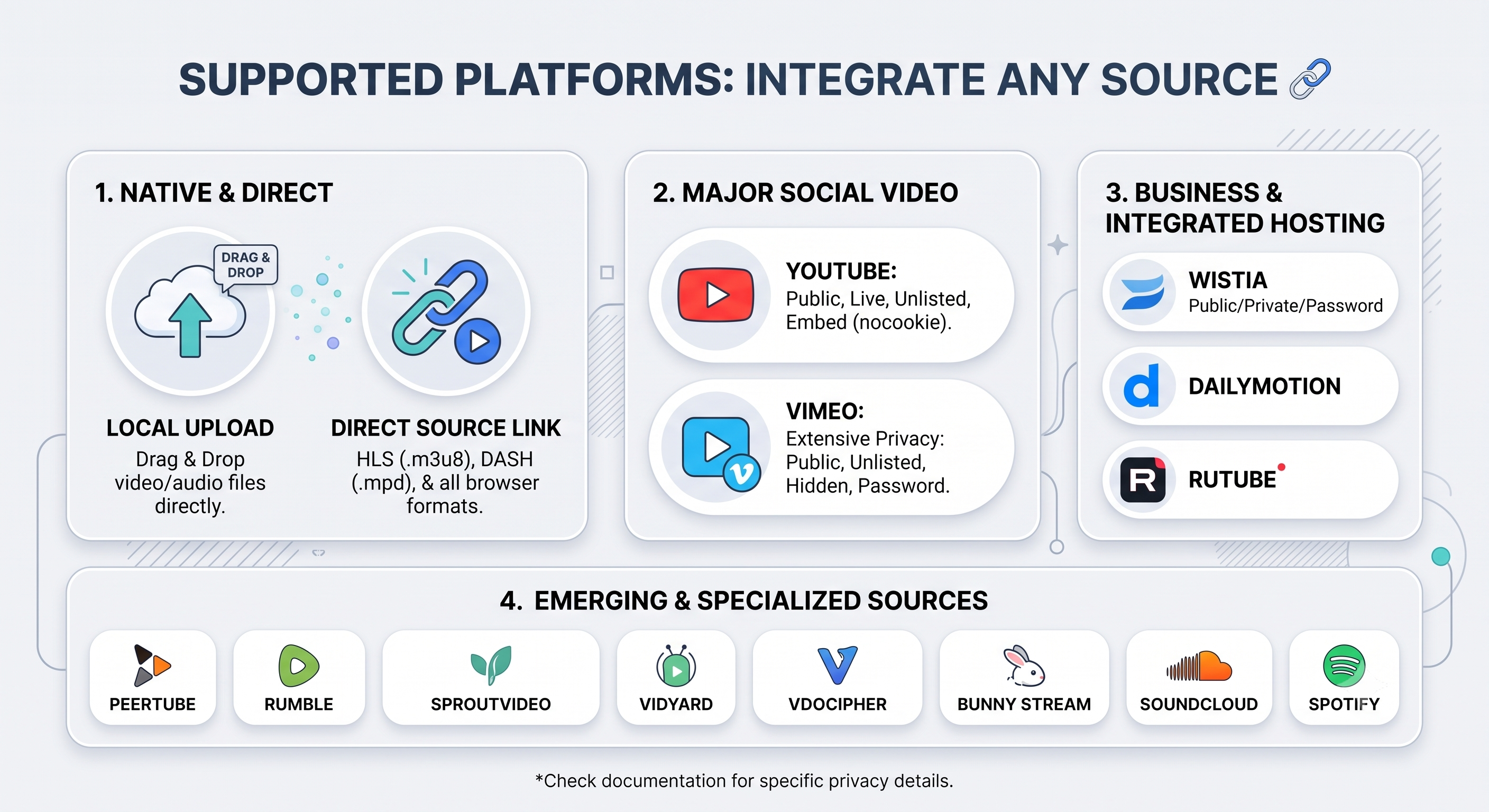
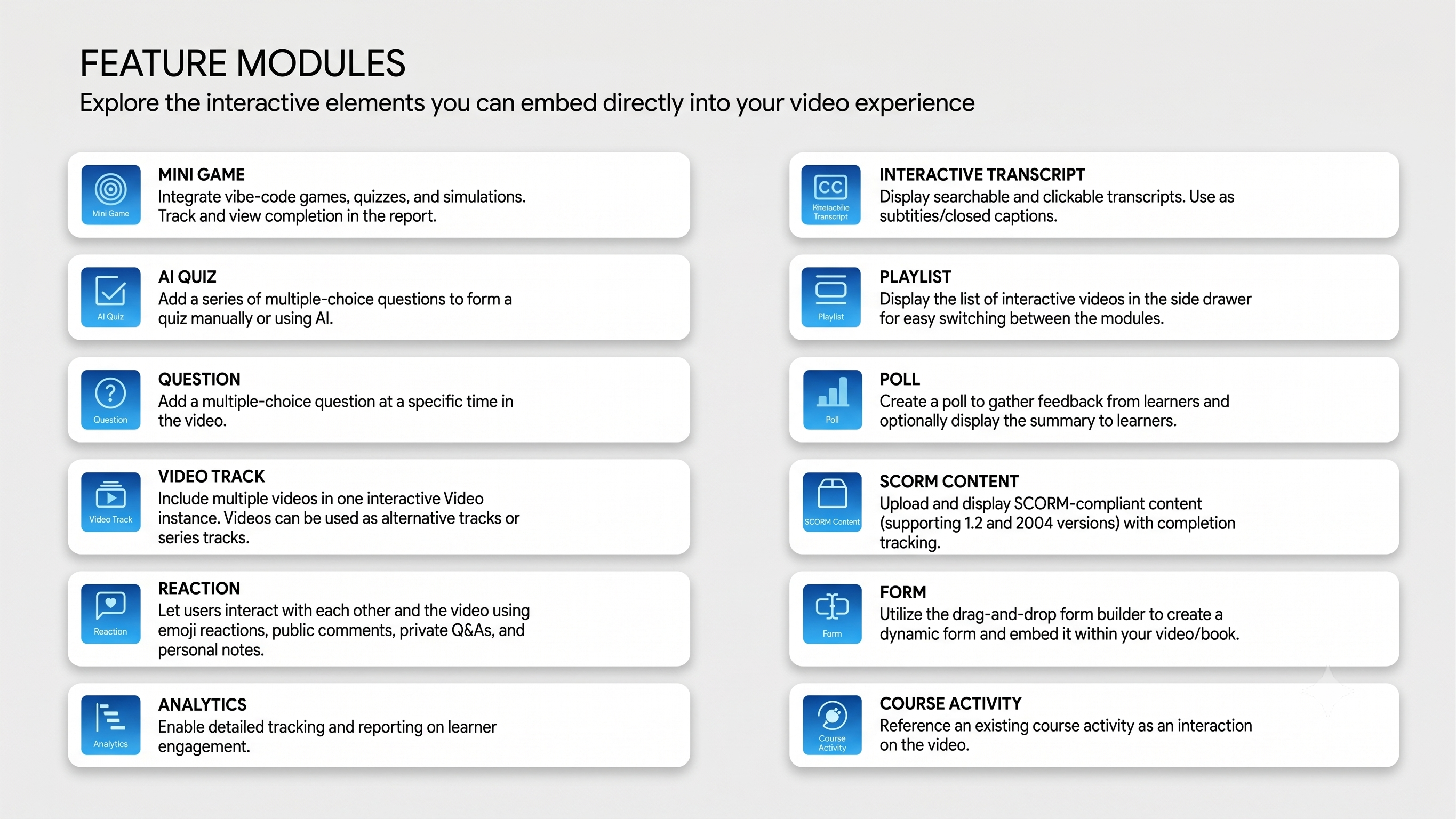
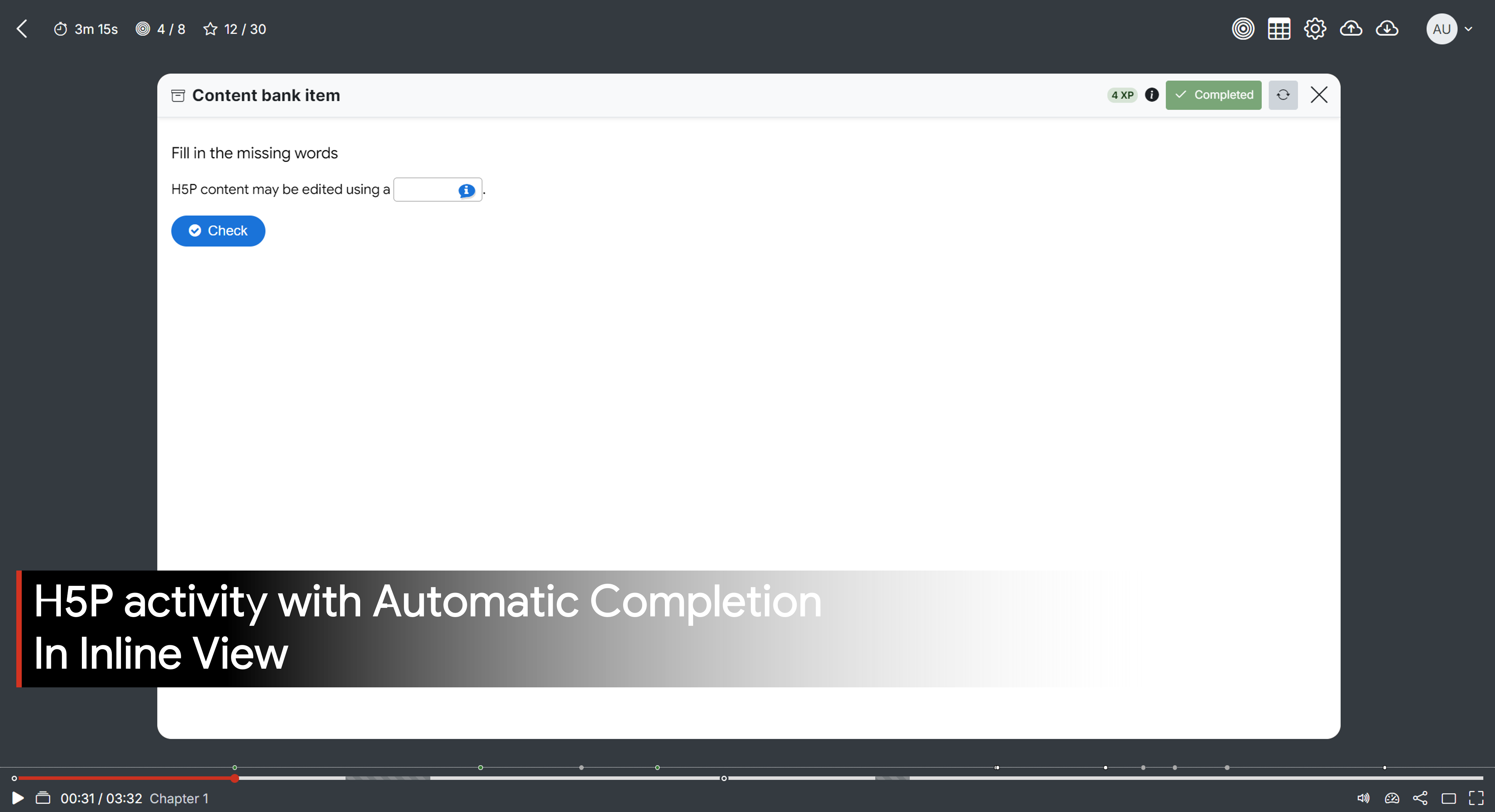
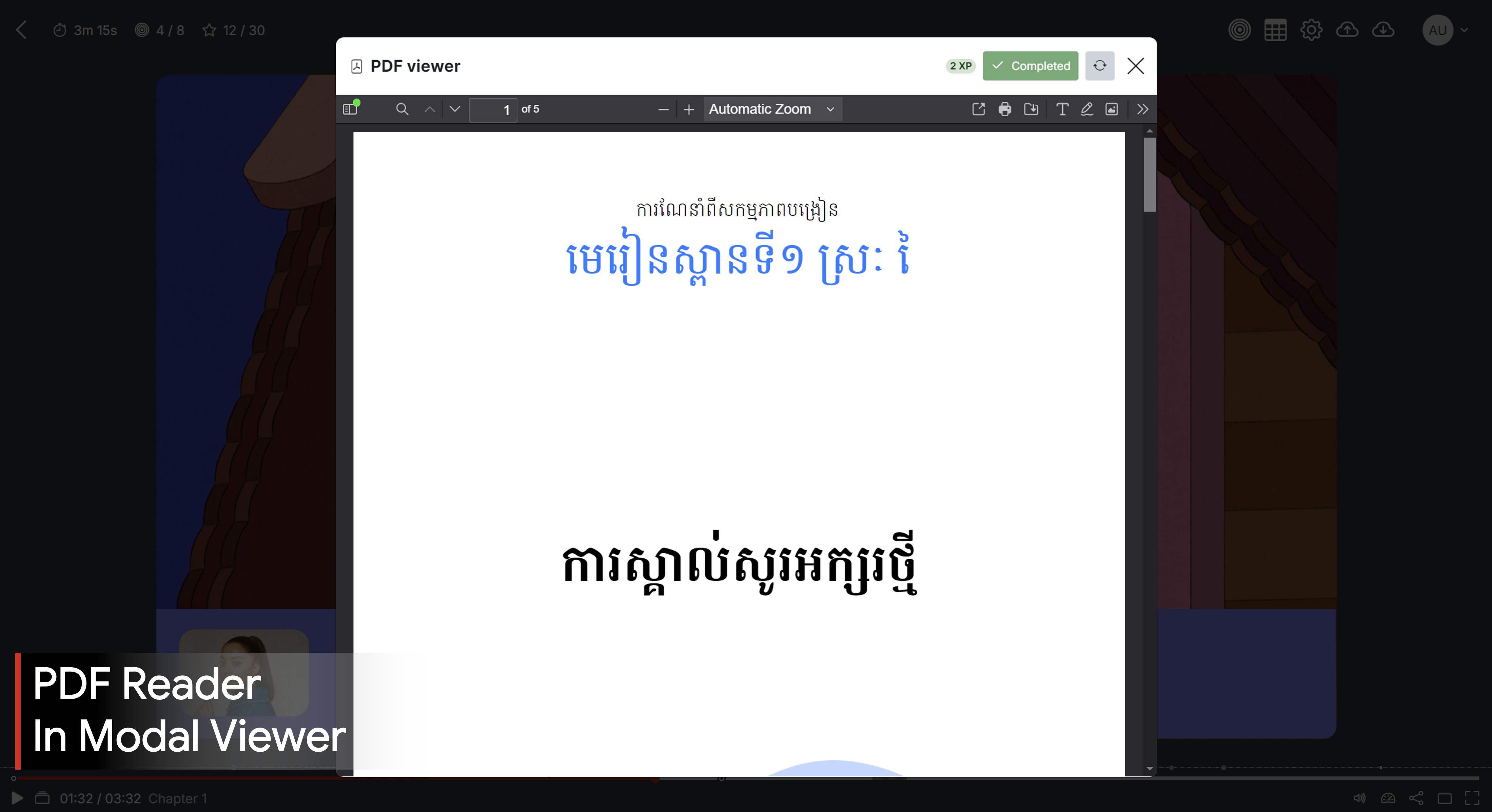
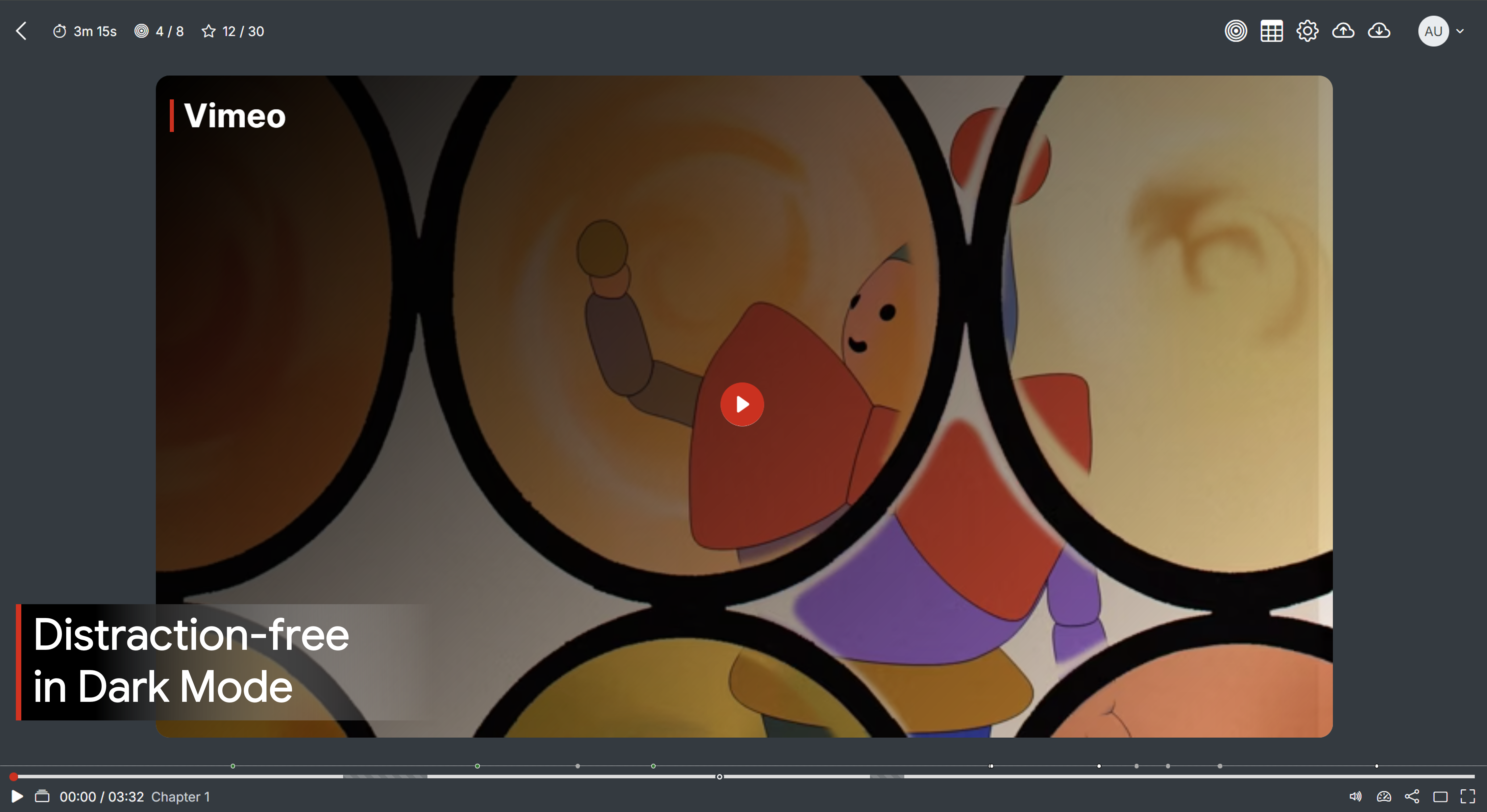
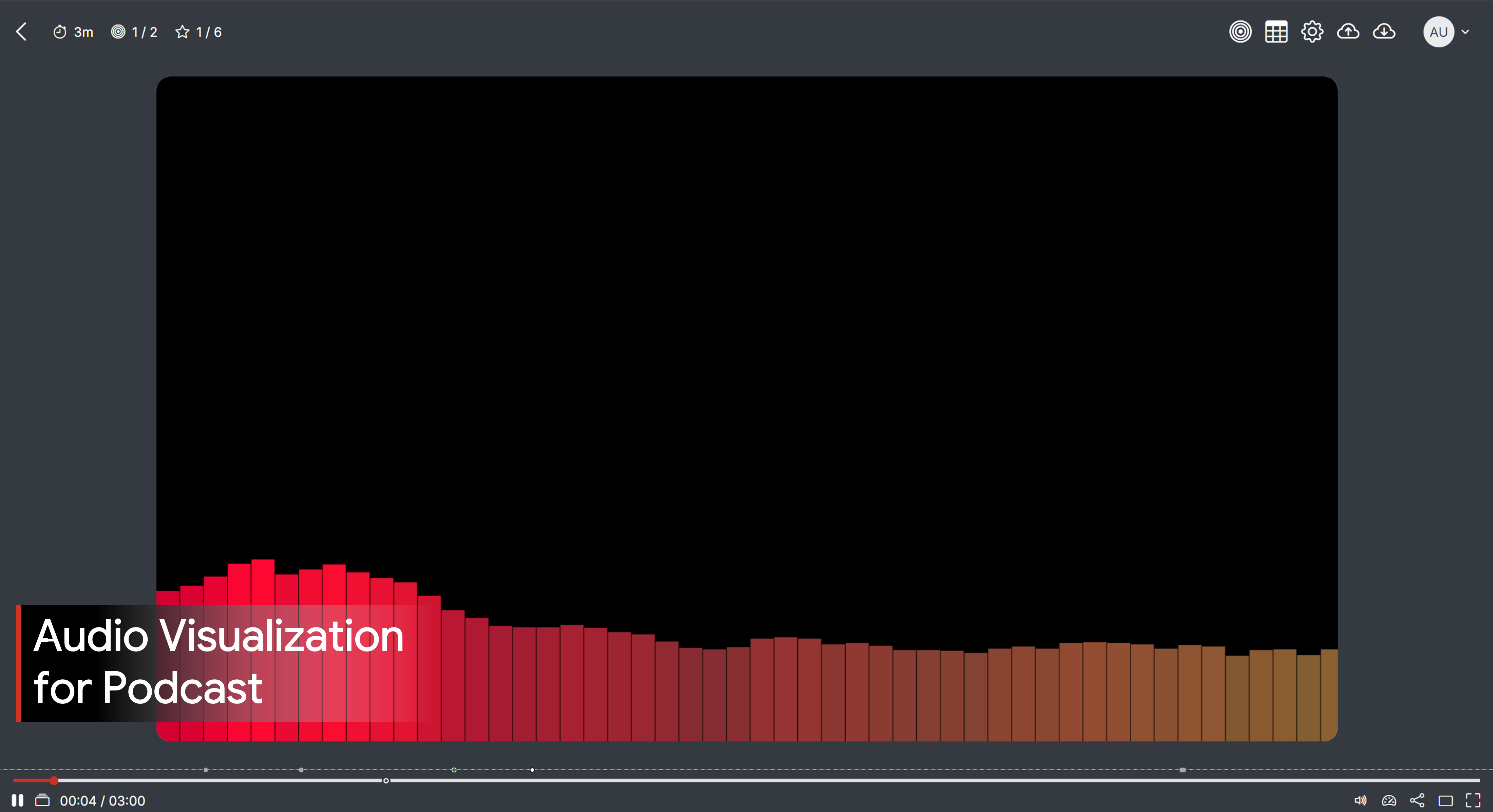
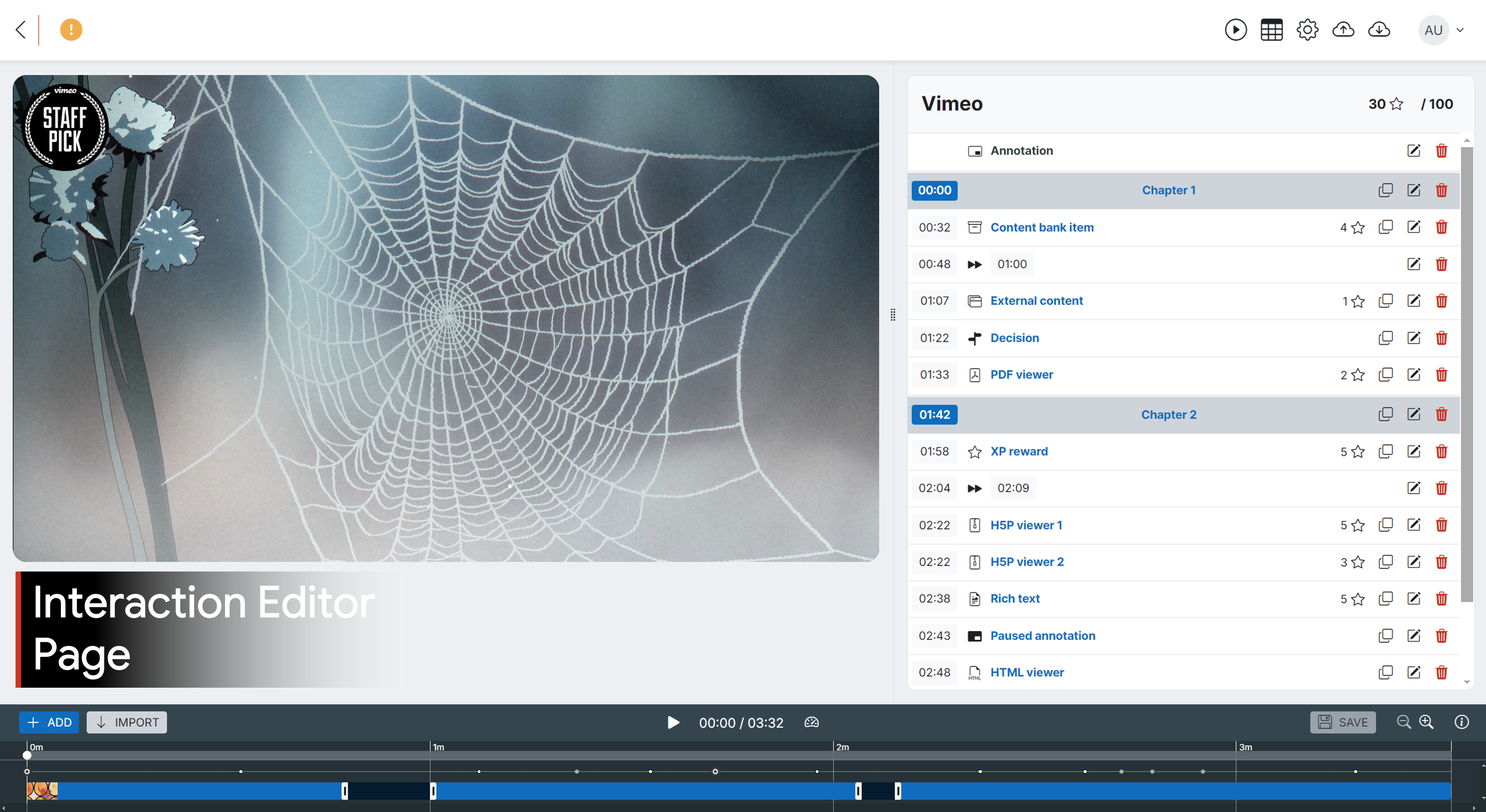
Transform your video/audio content into an interactive learning adventure! Add dynamic annotations and interactions like H5P activities, PDFs, HTML games/simulations, rich text, and more. Track every learner’s journey with detailed reports.
Price option: Free

Supports Moodle 4.0-5.2 See all versions
Latest release: 2 weeks ago
Installations: 1243
Downloads (last 90 days): 2207

Frankenstyle name: mod_interactivevideo
Activities

Comments

Product ratings and reviews are coming to Moodle Marketplace. Until then, existing comments remain available to read, but new posts have been disabled.

@claudio: An easy way is to add a CSS code to your theme or in the Additional HTML setting. This will hide the speed control button entirely for all interactive video instances.
Alternatively, you can purchase and install the Analytics plugin (see more info above). This plugin includes a setting where you can ensure a specific interactive video instance is playing at a normal speed.
Hi, Is there a way to eliminate or inhibit the play speed control
Thank you
@Claudio: I confirmed the Enlightlite theme is not supported. Please see the workaround in the video above at timestamp 2:00.
Hi, the Moodle version is 4.1.9 the theme ENLIGHTLITE
@Claudio: kindly provide the details of your issue on GitHub in your language with the screenshots. What theme and Moodle version are you using?
https://github.com/sokunthearithmakara/moodle-mod_interactivevideo/issues
Hi, installed in Moodle, the interaction menu does not open the window for entering content bank item
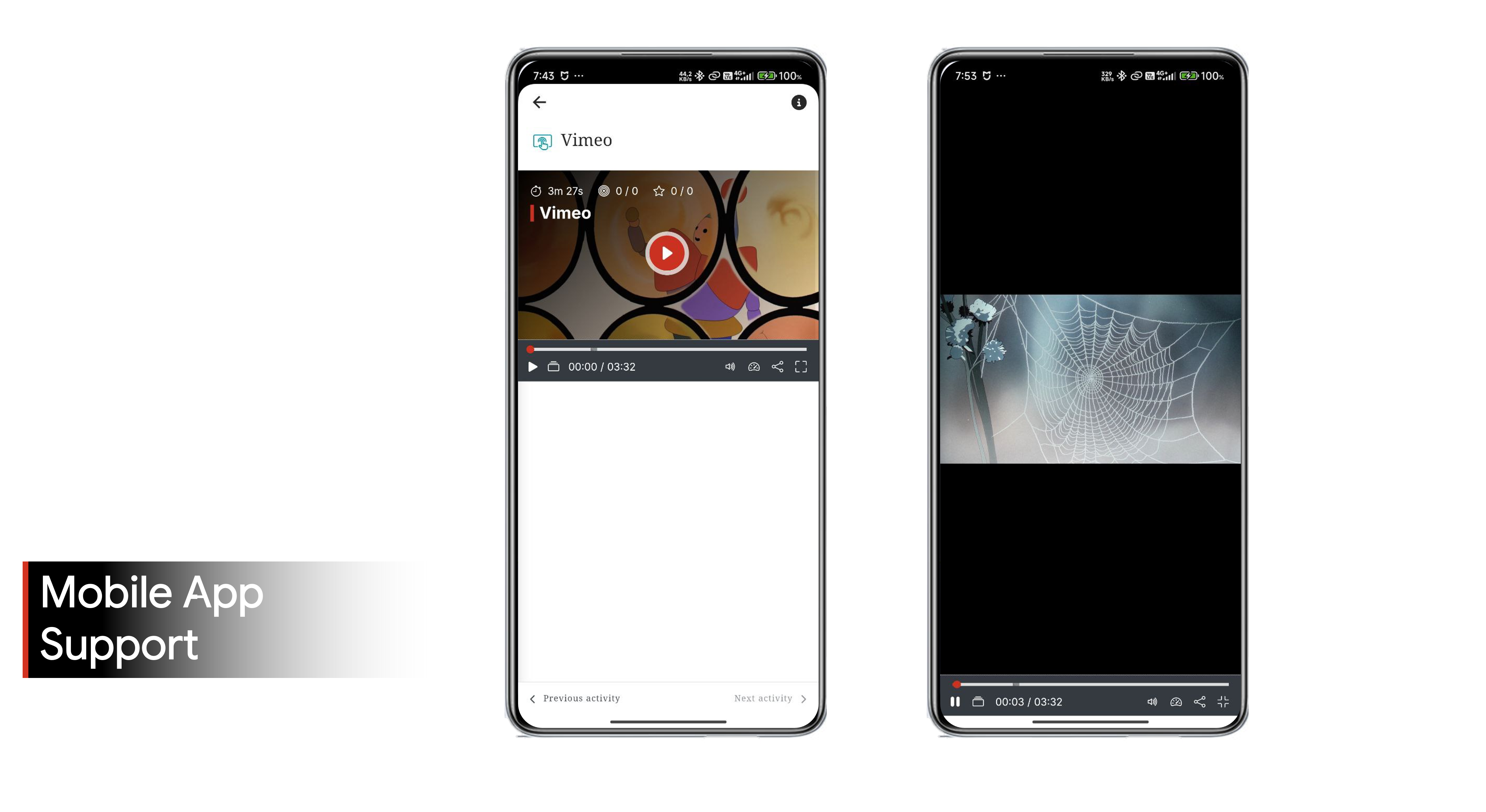
尊敬的Sokunthearith "T" Makara,我已经再次把问题进行了追加,您截图的下面,有一个全屏按钮,点击进入全屏模式,就会黑屏。特别是app中。
尊敬的Sokunthearith "T" Makara,我已经把问题,以及图片提交了,非常感谢您的支持。
曰国 张: 请在 GitHub 上报告此问题,并提供更多详细信息,例如:视频类型、Moodle 及插件版本、浏览器类型和版本,以及相关截图。我会进一步调查。
https://github.com/sokunthearithmakara/moodle-mod_interactivevideo/issues
您好,首先非常感谢此插件非常棒,功能很强大。
我在使用中遇到一个问题,就是视频在全屏中,显示黑屏,有没有办法解决。
Hello Makara!
After updating the plugin, the videos are working perfectly! I would like to thank you for the guidance and the development of an excellent plgin!!
I carried out several tests with the plugin and unfortunately it didn't work, the YouTube video freezes when playing! I updated the plugin and repeated the settings on other internet access networks but I was unsuccessful!
Hello Makara!
When inserting the YouTube video link in the activity's editing mode, it appears at the top of the form and I can play it without any problems. However, when testing in activity view mode, the same video does not load!! I will post them on GitHub for your viewing pleasure!!
Renato - were you able to play the video on the activity editing form? When you enter the YouTube link on the form, the player should show up at the top of the form. If you click play and the video loads without a problem, that means it isn't a VPN or cookie issue. Also, I suggest you use the GitHub link in the previous comment to provide information/screenshots.