Interactive Video icon

Interactive Video

Maintained by Sokunthearith Makara
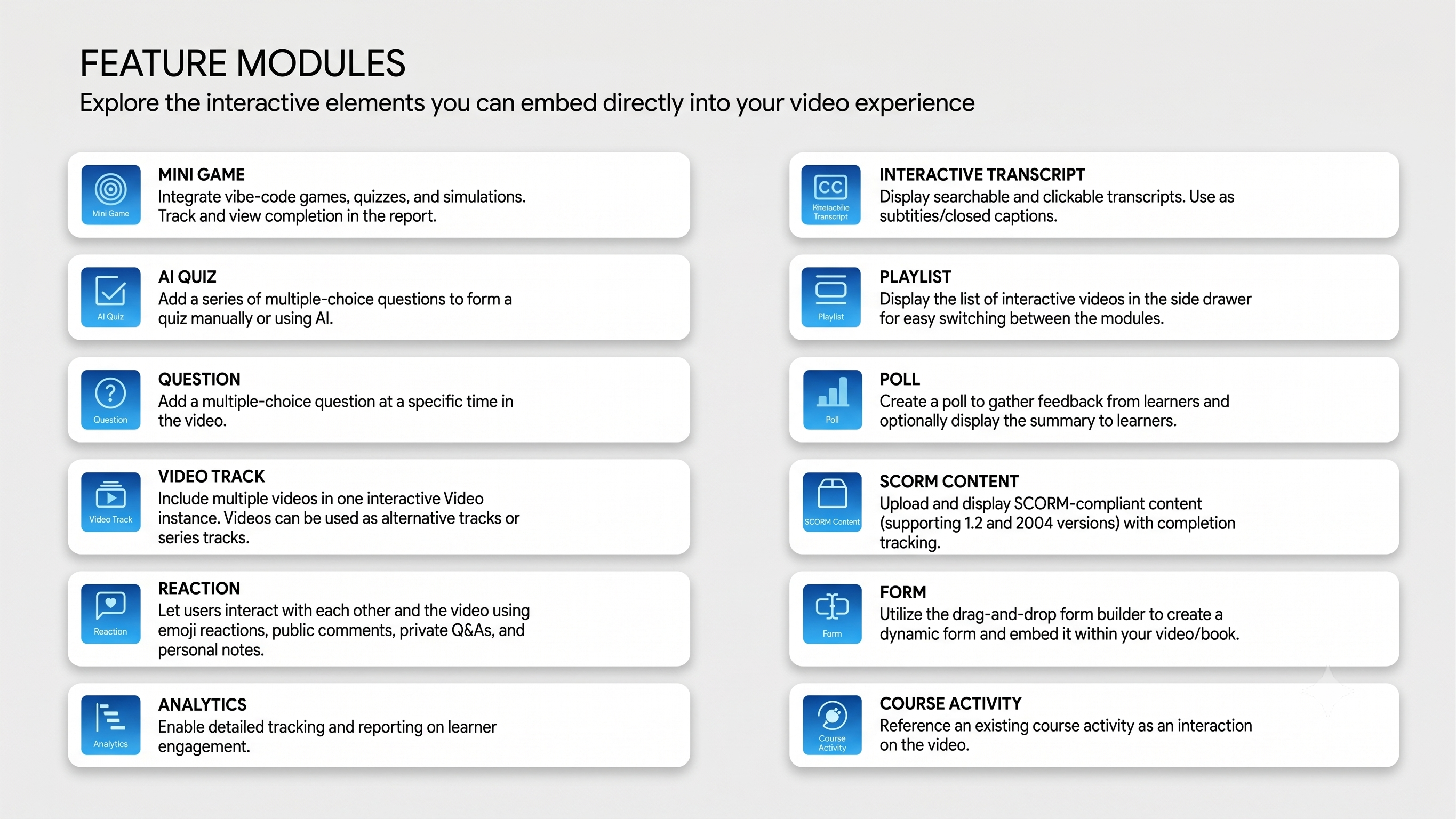
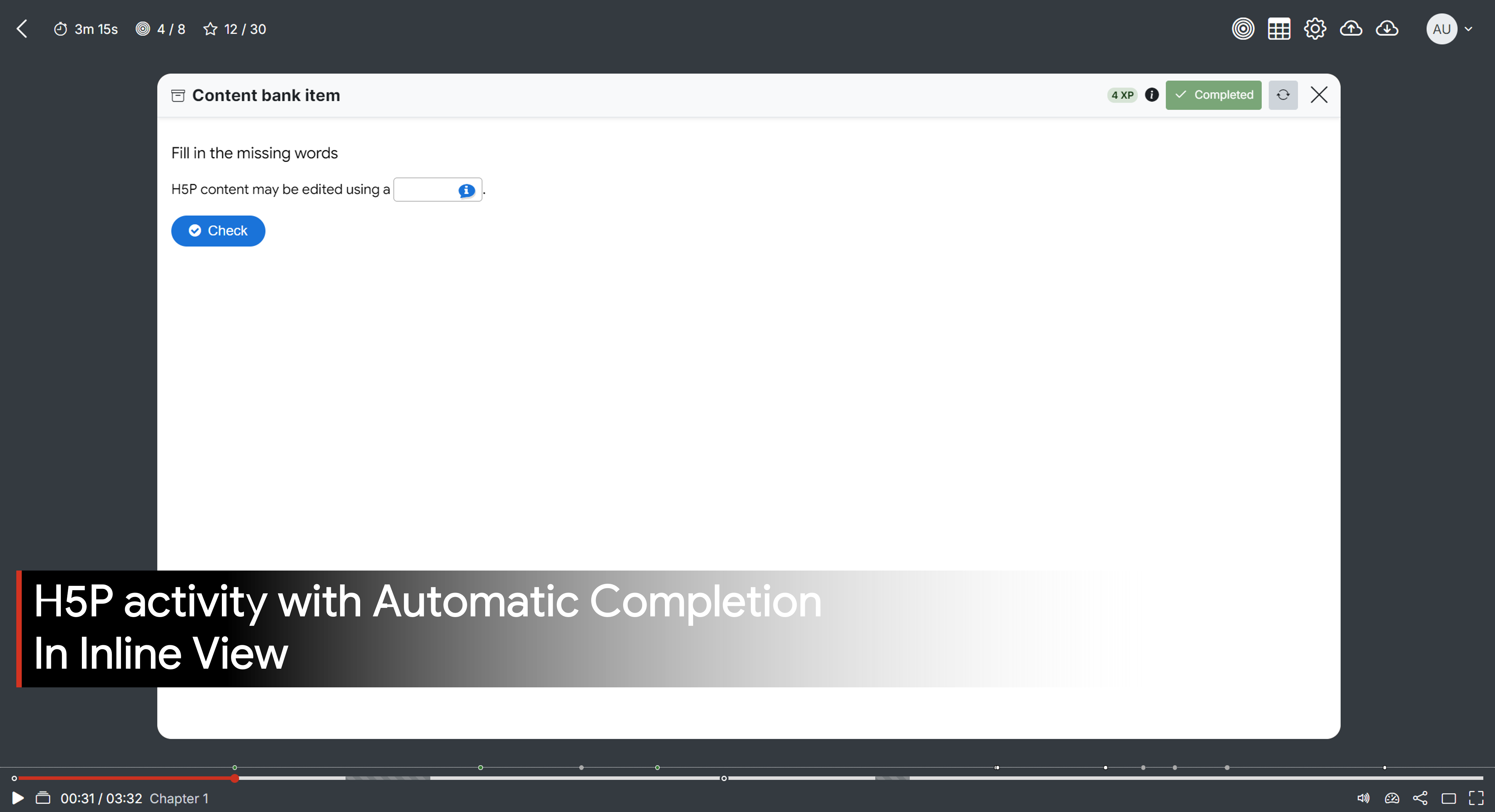
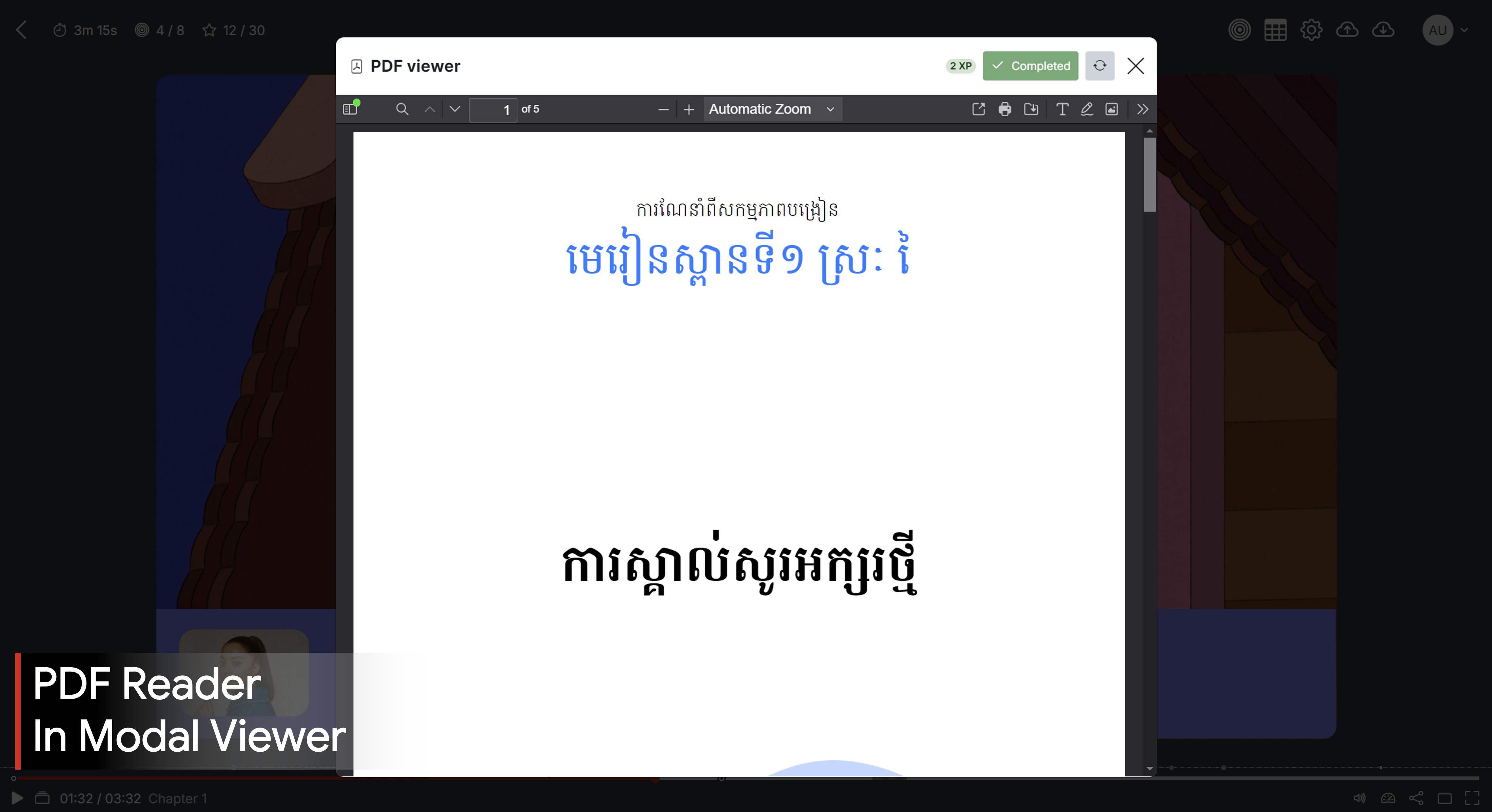
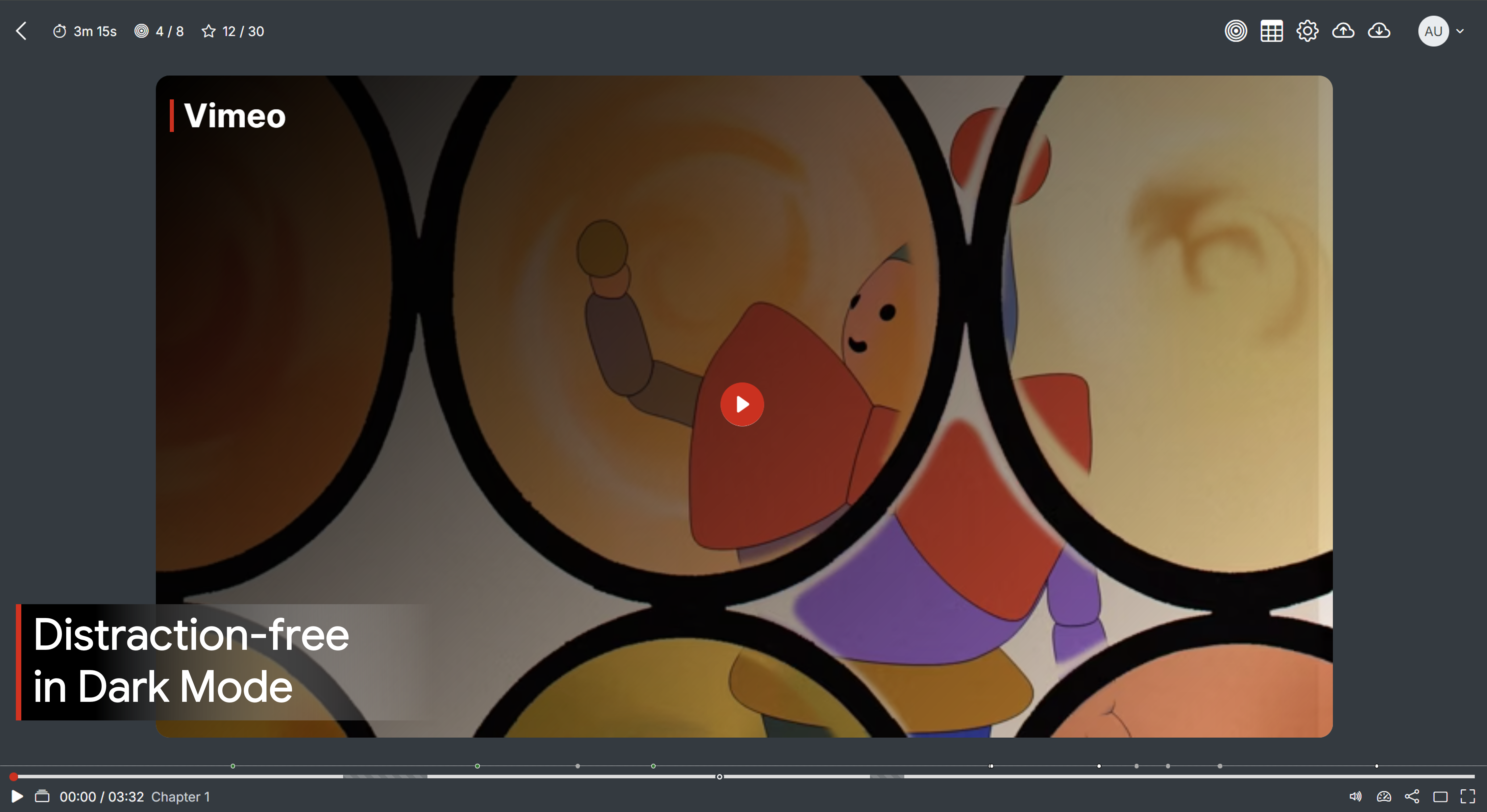
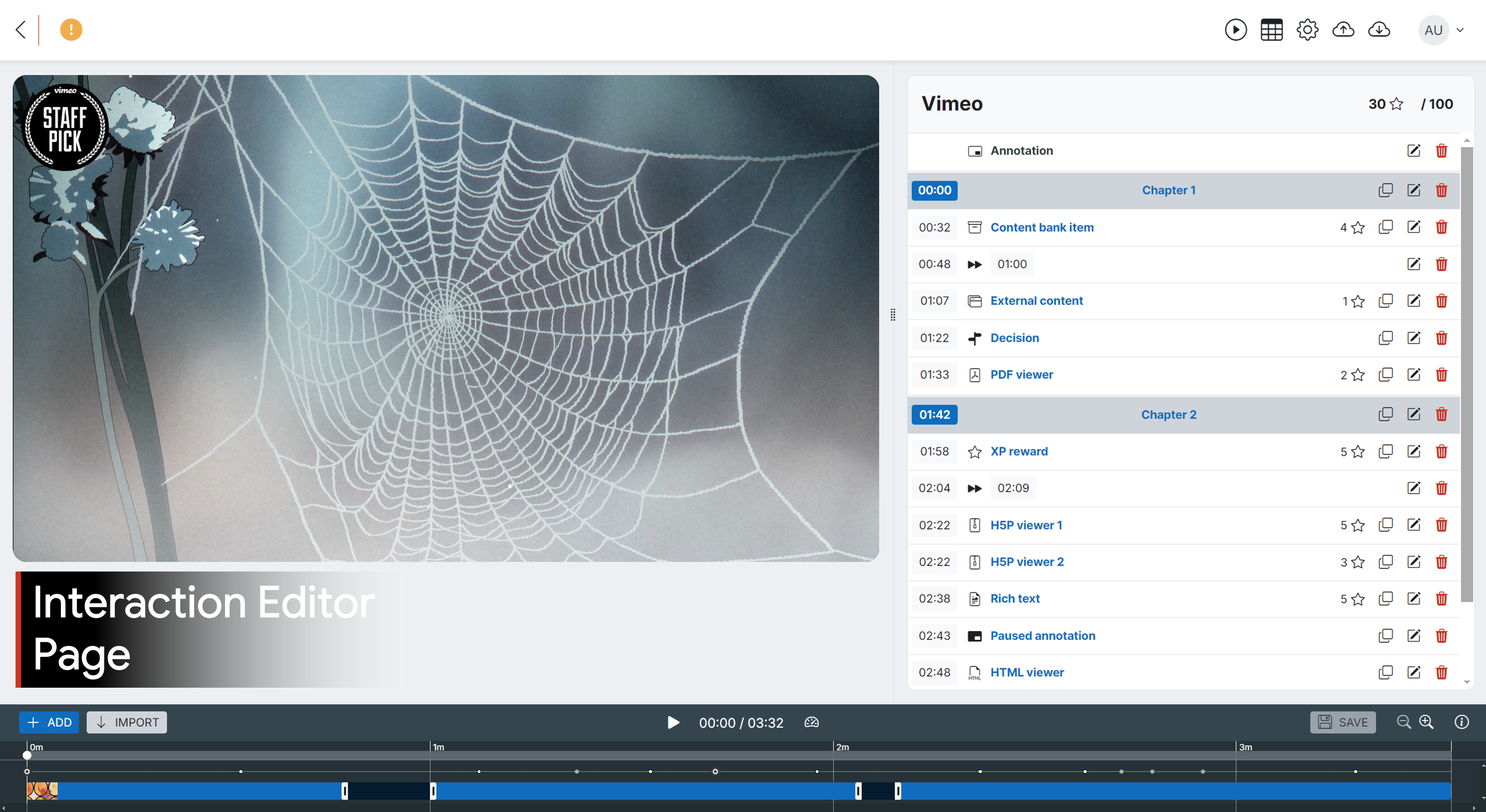
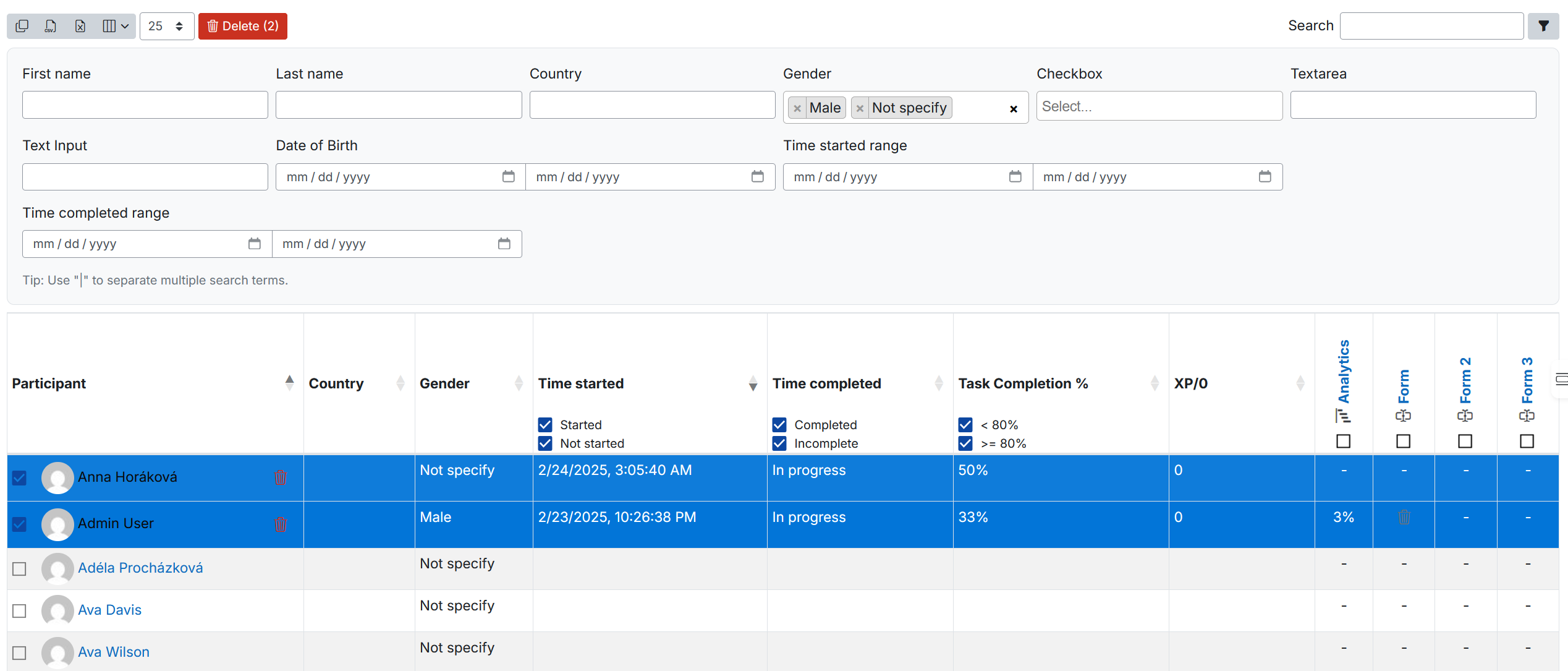
Transform your video/audio content into an interactive learning adventure! Add dynamic annotations and interactions like H5P activities, PDFs, HTML games/simulations, rich text, and more. Track every learner’s journey with detailed reports.
Price option: Free

Supports Moodle 4.0-5.2 See all versions
Latest release: 2 weeks ago
Installations: 1243
Downloads (last 90 days): 2207

Frankenstyle name: mod_interactivevideo
Activities

Comments

Product ratings and reviews are coming to Moodle Marketplace. Until then, existing comments remain available to read, but new posts have been disabled.

Hello Makara! Unfortunately the plugin didn't work!! I applied all the settings you recommended, I even tested it on another network and in fact the plugin is now crashing when I try to play the video! The system keeps loading the video and does not go forward!! Strange!
Ok, I posted the images on Github
@Renato - So far, I haven't been able to reproduce this issue on my end. I logged your issue here: https://github.com/sokunthearithmakara/moodle-mod_interactivevideo/issues/30. You should be able to create a free Github account and provide screenshots or the activity backup file in the comment.
Hello Sokunthearith "T" Makara!! Thanks for getting back!
The type of video I am inserting is a YouTube video link.
I didn't test the editing process with a different type of video
The video is not password protected
I didn't specify start and end times in the activity edit form.
I can't post images of the freeze screens here.
Thanks!
Renato - Thanks for reporting the issue. Can you kindly provide more details? What type of video were you using (e.g. YouTube, Wistia, etc.)? Did your screen also freeze when you edited a different kind of video? Was your video password-protected? Did you specify custom start and end time on the activity editing form?
Hello!
When installing Interactive Video in Moodle 4.1.11+ and editing the video, I encountered the screen freezing when editing the video! How can I resolve it?
Very nice plugin, I have been looking into this since it came for approval, nice to see its in plugin store finally. Nice work, thanks for providing such a nice plugin.
Approval issue created: CONTRIB-9704