
CAPQuiz
Maintained by
Sebastian Gundersen, George Schaathun, André Storhaug
CAP is short for Computer Adaptive Practice. In CAPQuiz, the proficiency is measured by a rating. Good answers increase the rating, and bad answers decrease it. To increase the rating, students need to give good answers more of than bad ones over time. Estimating question difficulty is known to be difficult. CAPQuiz automates this process to some extent. The question author must provide an initial estimate, but CAPQuiz improves the estimates based by comparing how the same student answers different questions. Hence the rated question sets will improve over time.
Comments
Comments are no longer open for new posts. Existing comments remain available to read.
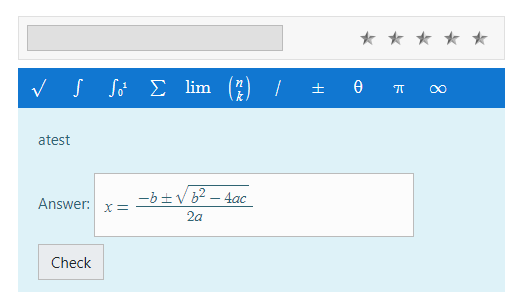
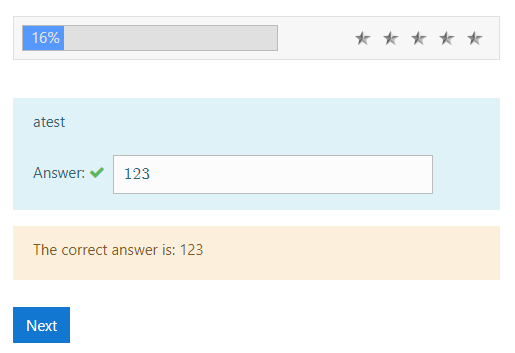
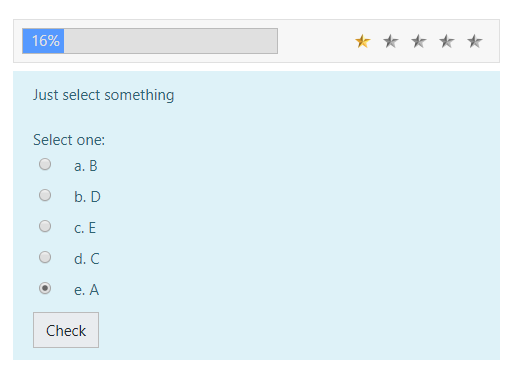
When the user answers, he can repeatedly click (quickly click) on the Check button - in this case, the test will skip sending the same form multiple times and if the answer is correct, the student can score several stars at once (if lucky, then all 5) or vice versa, may go into a deep minus.
I suppose the test does not check for sending the same response multiple times.
Когда пользователь отвечает он может многократно нажать (быстро накликать) на кнопку Проверить - в таком случае тест пропустит многократную отправку одной и той же формы и в слечае правильно ответа ученик может набрать сразу несколько звезд (если повезет, то вообще все 5) или наоборот, может уйти в глубокий минус.
Полагаю, что тест не проверяет многократную отправку одного и того же ответа.
I have no idea what the problem could be, but I will test again using the same version as you do when I am back in the office on Tuesday..
I do it as you say but when I click +, it is not transferred to the list of questions.
And if I create a new question, it is not added to the Question List either.
I am not sure if the doc's have been linked up where they should, I'll look into that, but for now, here: https://kqmath.github.io/docs/capquiz/
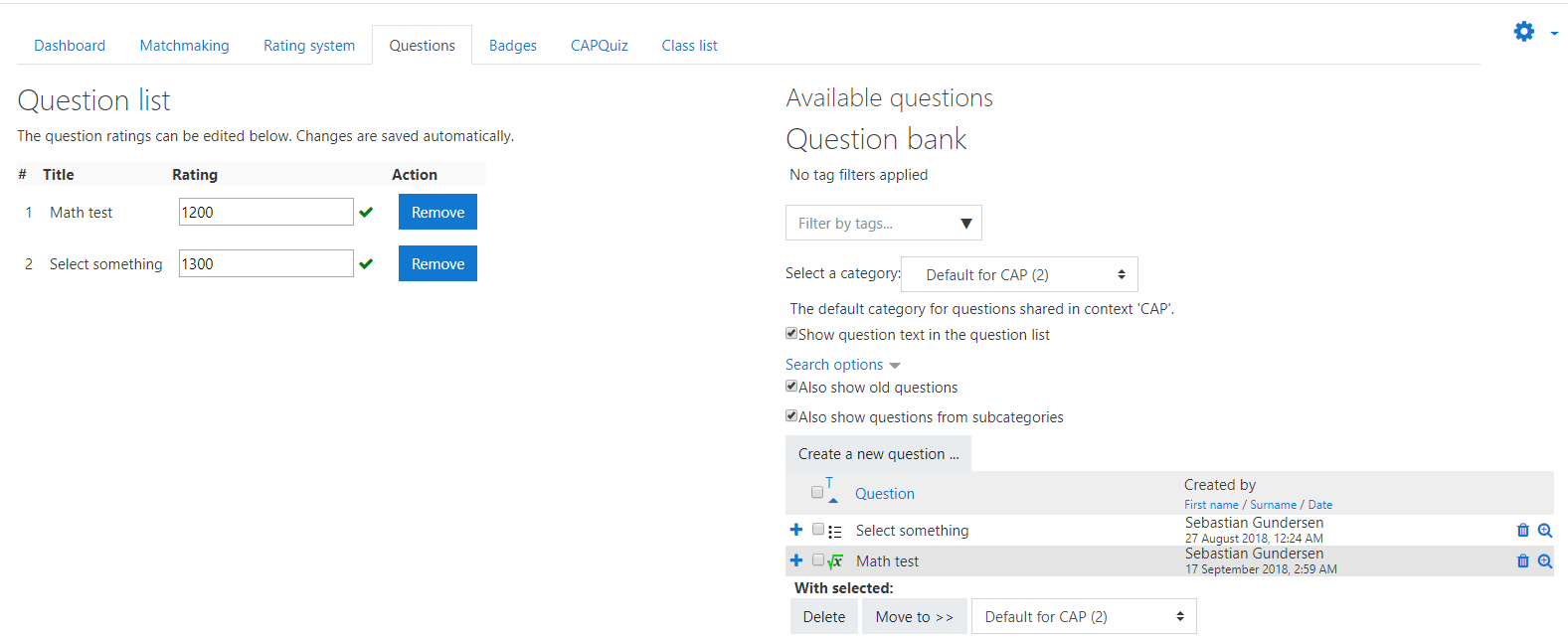
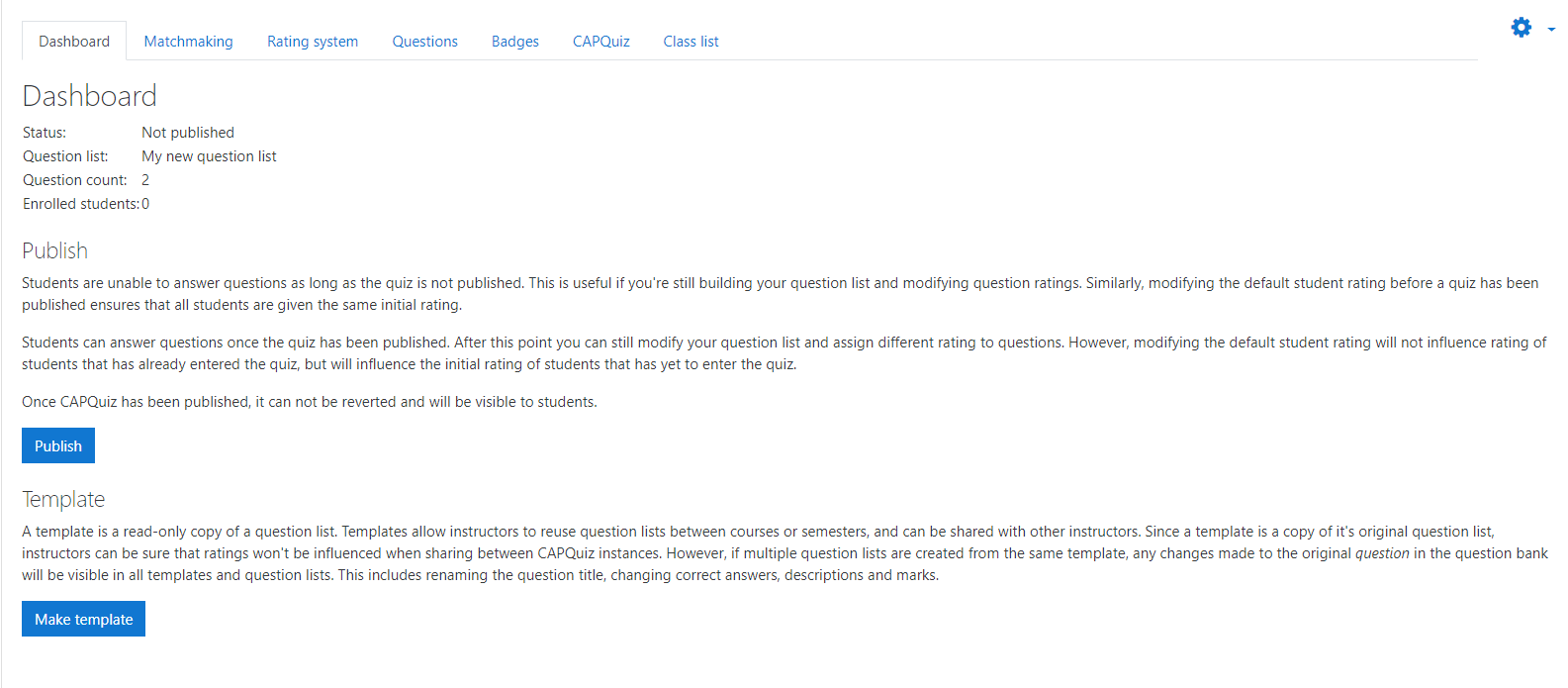
CAPQuiz uses a concept of question lists which may be shared between instances. You need to make or select a question list first. When you have, there will be a questions tab where questions are added. This has a pane to browse questions from the question bank. To add a question from the bank, you can hit the plus icon, or check multiple questions to add in bulk. There is also a button to make a new question, but it is not automatically added to the question list.
Does this help? If not, please provide more detail, and I'll keep helping.
I installed CAPquiz on moodle 3.11 and found that images are not displayed. I imported the question into a regular quiz and there was no problem. Could you please help?
Thank you very much.
I have tried to type up documentation for this here: https://github.com/KQMATH/moodle-mod_capquiz/wiki/Grading
Please let me know if it answers your questions.
That error message does appear for us too even when everything succeeds. We are working on this, but I think it is unrelated to your real problem. Either way, I need to know more about what you do and what happens.
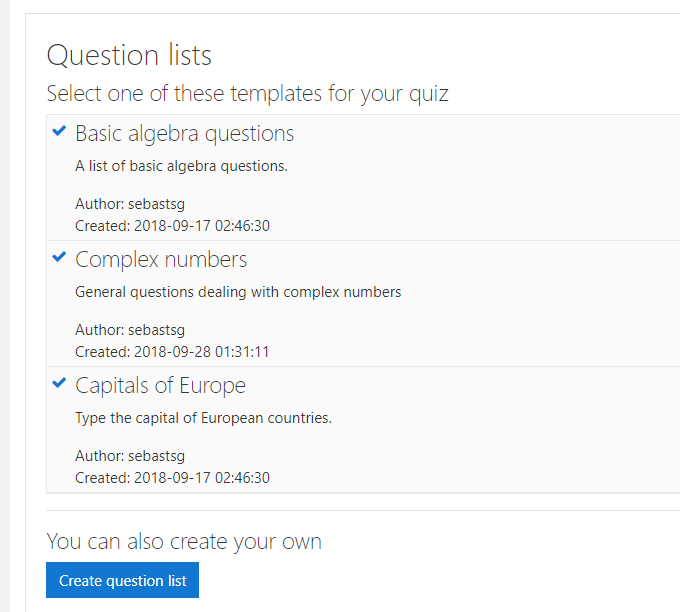
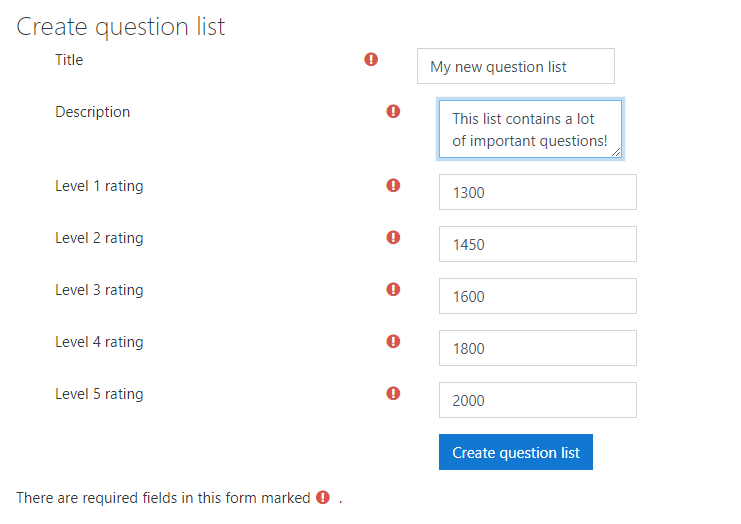
When you create the CAPQuiz (after the standard config screen), you should get a dialog with a button to «Create Question List» (if you have previously created templates, you can choose from them as well, but the create button is always there). Is this what you see? What happens when you hit the create button?
When a question list has been created or chosen, you get a multi-tab config interface. To add questions, choose the «Questions» tab (third one from the left I think). Here you see the chosen questions on the left and a question bank interface on the right, incl. a new question button, and a drop-down to choose a category in the bank. Do you see this?
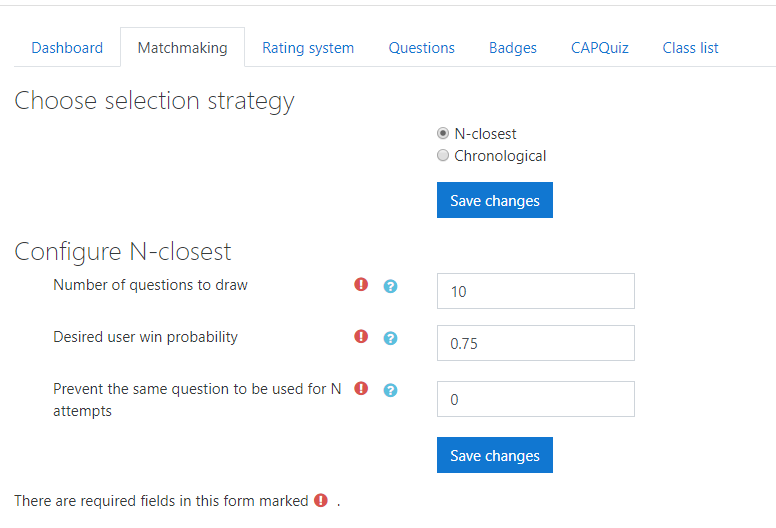
When you get the DB write error, which settings screen are you using? Via the gear menu? One of the tabs on the main screen?
BTW. If you post bugs and issues on github (https://github.com/KQMATH/moodle-mod_capquiz) instead, all the developers will see it too. I try to pay attention to this forum as well, but I need to move the discussion to github when I find that it requires action on our part. If you don't want to be on github, that's fine, but it gives you the opportunity to follow the issue all the way through.
We installed the plugin, created our first capquiz but for some reason, there is no way to add questions. We have a lot of questions in our question bank but there is no option to add any questions in the settings or anywhere else. Also, I got an error saying that it cannot write on database when I tried to update the settings.
Thanks,