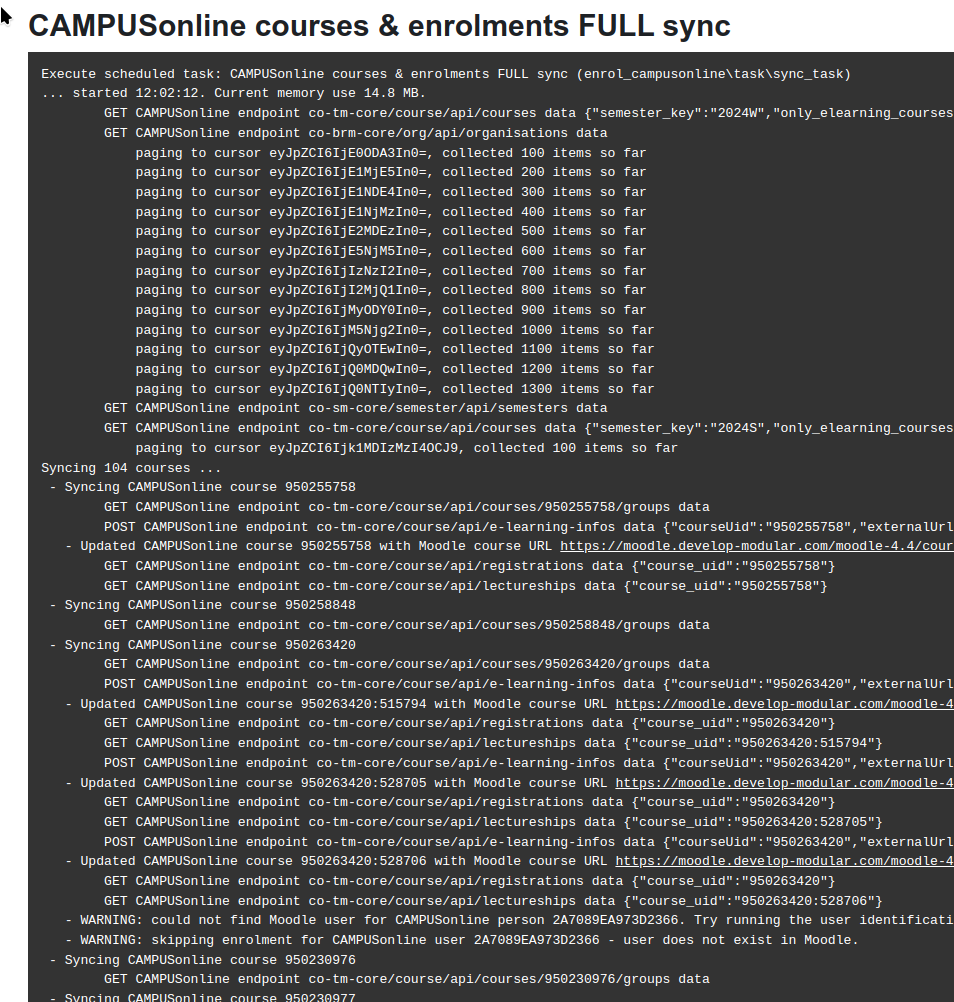
This plugin syncs courses, enrolments and (on demand) users from CAMPUSoline.
What is CAMPUSonline
- CAMPUSonline is a comprehensive campus management system designed to meet the needs of higher education institutions, built on decades of experience. It serves as the powerful and future-ready information and management system for Graz University of Technology and 43 other universities in Austria and Germany.
- Official website: https://www.campusonline.tugraz.at/
Installation
- Install like any other Moodle plugin (put the plugin into /enrol/campusonline in your Moodle installation)
- Enable CAMPUSonline sync in the 'manage enrol plugin' settings (/admin/settings.php?section=manageenrols)
Configurations
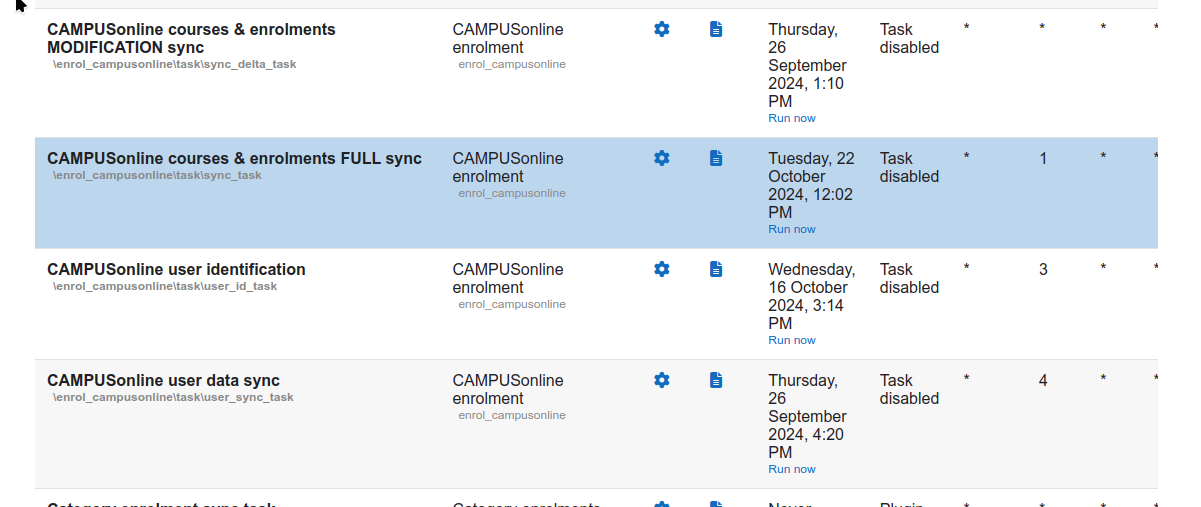
- Configure the plugin on its configuration page, and use the in-built preview functions to fine-tune your sync settings, before enabling the sync tasks.
- It is recommended to run a full sync manually or weekly, and then schedule only the modification sync task, to improve performance.
- Read the info on the settings page carefully, everything you need should be provided there.
Enrolment sync
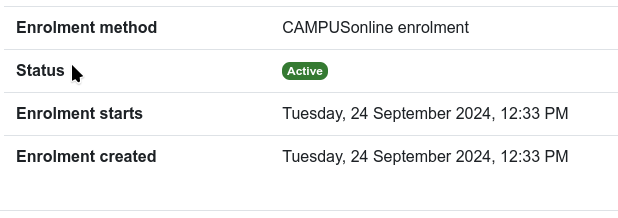
- CAMPUSonline enrolment sync will only remove roles and suspend enrolments of its own type.
- If users are added to the course manually (or with any other enrolment method), CAMPUSonline sync will not touch those role assignments or enrolments.