Justin Hunt
Lead maintainer


Poodll is a toolbox of features for Moodle, including audio and video recording, whiteboards, media players for the classroom and widgets such as tabs and stopwatches. Poodll was designed for language learners and teachers, though its so flexible that it is used in many other contexts too.
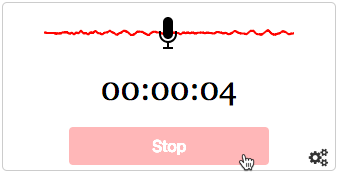
| Audio and Video Recorders The Poodll audio and video recording system is highly advanced technically and pedagogically. It uses HTML5 recorders where it can and falls back to older technology if necessary. Different HTML5 recorder skins are available for different purposes (or just for appearance) and all recordings are converted to a format that can be played back universally. |
|
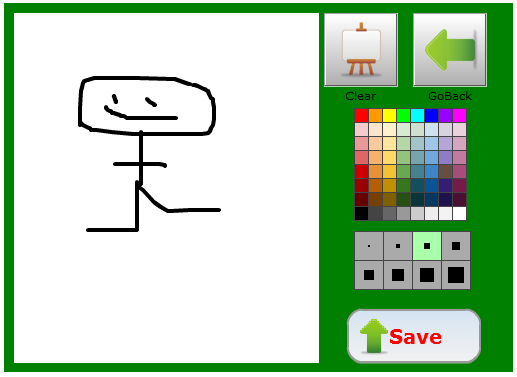
| Whiteboards Poodll includes whiteboards that can be used by the teacher for content creation, or by students when submitting assignments or forum posts. Use them for annotating diagrams or photographs, or just at your own creative whim. |
|
| Players for the classroom Poodll has lots of different audio and video players. Some play back just once (or twice, or three times), some have interactive captions, some are tiny, and some popup. If you need a different type of player, just let us know. |
|
| Widgets Poodll includes an extremely powerful templating system that powers both the players and widgets. This allows Poodll to bundle a truly amazing array of widgets. There are:
|
Watch a quick 1 minute video about the Poodll filter.
The Poodll filter is required by the following plugins:
Poodll Filter requires a Poodll API username and secret. These are available with a free trial or a paid subscription. To get your API username and secret:
Then you can install Poodll Filter as usual from the Moodle plugins directory. After installation you will be asked for your API user and secret. Please see the Poodll Filter support documentation for more information on installing and using the Poodll Filter.
Poodll has been making plugins for Moodle since 2011. Our software has helped teachers build and deliver language courses in thousands of Moodle websites worldwide. Search for "Poodll" in the Moodle plugins directory to see a list containing more than
25 of our plugins. Poodll is based in Nagasaki, Japan.

