
Poodll Repository
Maintained by
Justin Hunt
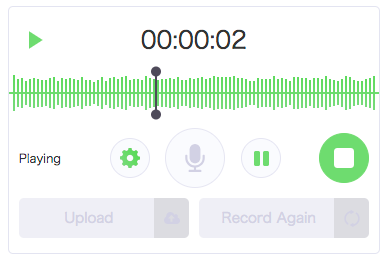
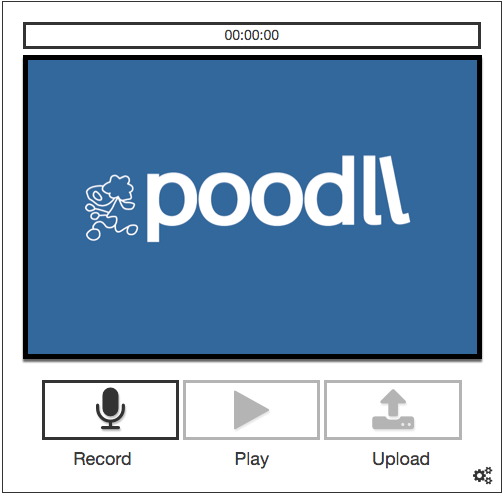
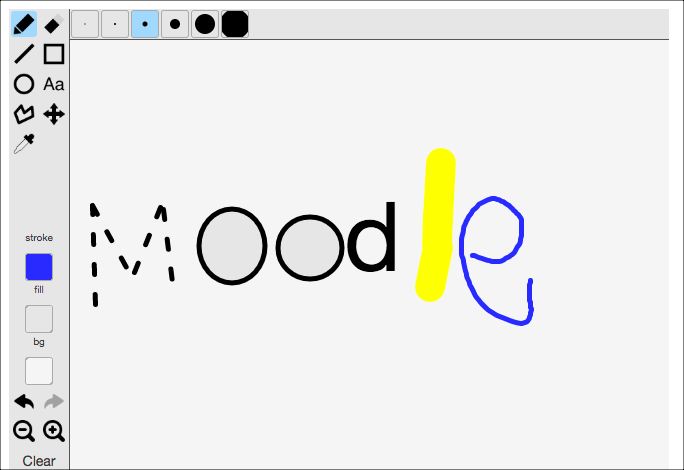
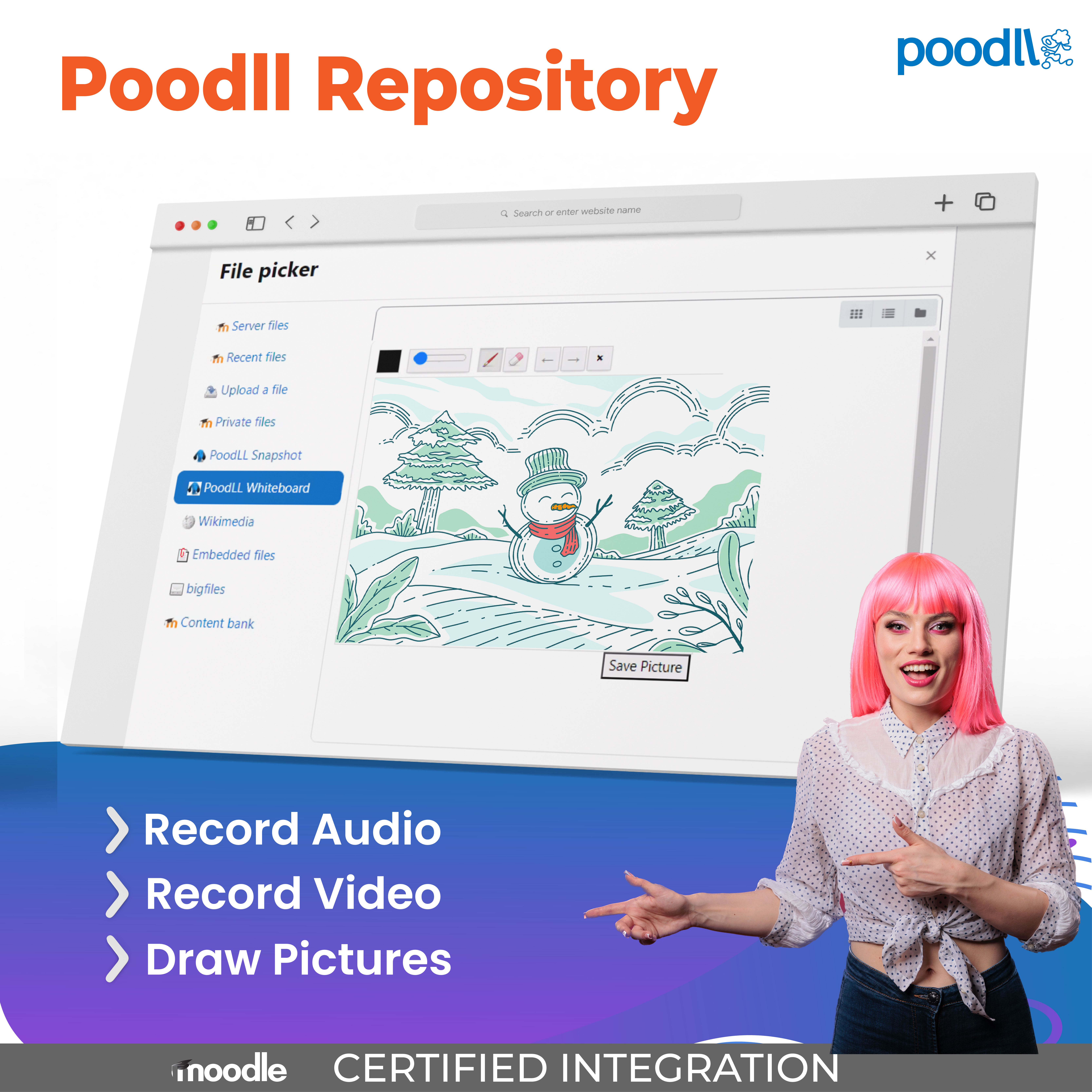
The Poodll repository allows you to record audio or video directly, to draw pictures or take webcam "snaps."
Comments
Product ratings and reviews are coming to Moodle Marketplace. Until then, existing comments remain available to read, but new posts have been disabled.
If you need more assurance, just hold off a week and it should be ok.
if you are using the Moodle assignment (2.2) then there is a PoodLL assignment type for that too.
https://moodle.org/plugins/view.php?plugin=assignment_poodllonline
Perhaps that is the best solution for you?
I have had a closer look into this, can you please advise if I am configuring the right type of repository?:
Moodle 2.2 (that means I only have the Moodle 2.2 assignment), I want that our students submit a short video recorder from their tablets or smartphones interacting with patients. This is not a webcam snapshot, it is a video that students will have to record in advance and submit for assignment.
In my Moodle course, I have created an assignment 2.2 (type: online set) with instructions prompting students to use the media button to upload a video file.
I have enable the Poodll repository for the whole site, and for the Moodle course, my understanding is that I have to create a new repository instance so that students can upload and save their videos in the repository.
However I don't know what type of Poodll instance I should use:
-Videorecorder (Red5)?
-Poodll widgets?
If I select Videorecorder (Red5) and I try to submit a video file impersonating a mock student the mock student, the video is not stored anywhere.
Do I need to create a folder in moodledata for the videos and link the Po0dll repository to the folder that I have created in moodledata?
I don't think it is a problems of permissions as the repository folder has the same permissions that the rest of moodledata.
Do I need to enable anything else?
I have installed the different Poodll add-ons for Moodle 2.2 and I have enabled the repository and created several instances using the Moodle administration menu.
I cannot see the repository anywhere from the html editor.
Can you please explain how can I make this happen?:
'Users with tablets and mobile devices will be presented with a different screen allowing them take videos/photos from their device and upload them. '
Thank you
me podrían ayudar a implementar poodll en mi moodle, les agradeceria muchisimo!!
Gracias.