April 30, 2026
Fixes
- Resolved an issue related to the integration of the provider's privacy API.
April 3, 2026
Fixes
- Fix layout and display issues resulting from the Bootstrap 5 migration in Moodle 4.x.
- Resolved an issue where error pop-ups appeared when manually assigning game elements to a user in a course set to automatic assignment before the user had answered to the questionary.
March 17, 2026
New Feature
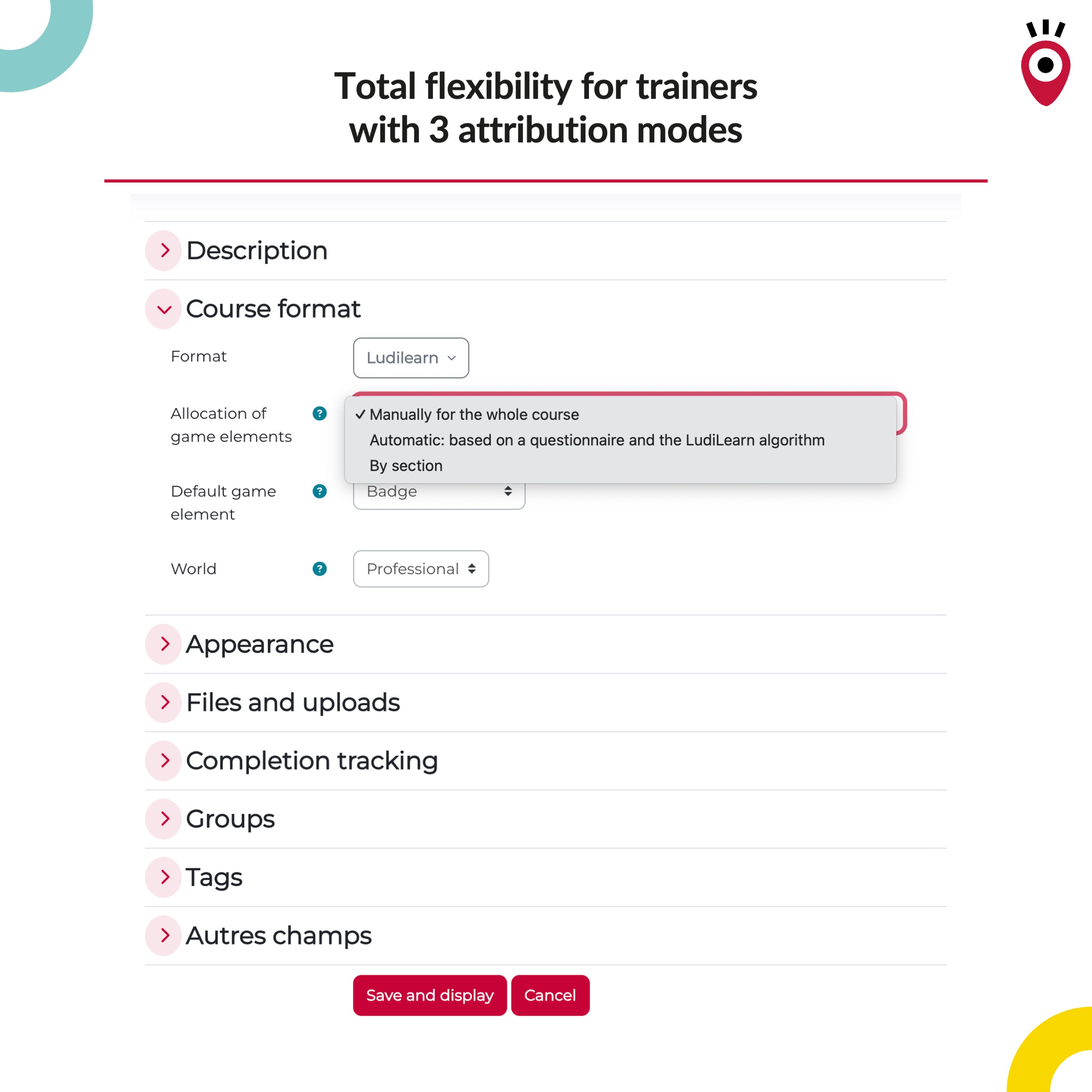
Ability to realistically simulate a student’s "first-time experience" using automatic assignment mode: In courses that use automatic assignment mode, an instructor can now take on the "Student" role and view the course as a student would see it upon first logging into Ludilearn.
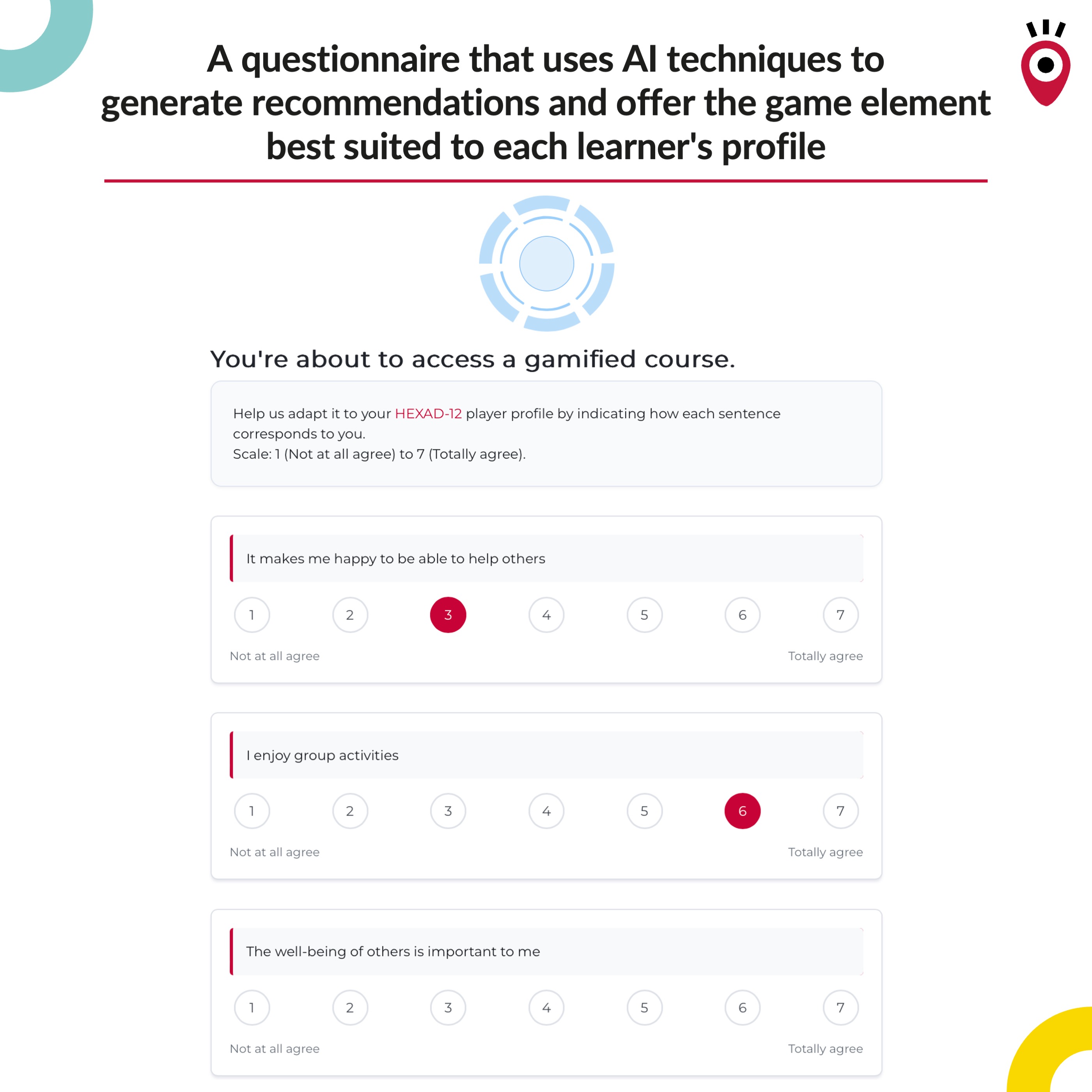
If the user simulating the view (teacher, admin, etc.) has never completed the HEXAD-12 questionnaire, the questionnaire will be presented at the start of the simulation so that Ludilearn can determine which game element to assign and display the course correctly.
Fixes
- Resetting the automatically assigned game element no longer triggers the "no permissions" error when a teacher uses the reset button
- A specific issue has also been fixed: in automatic assignment mode, a role change should no longer cause the course to display inconsistently (e.g., a course appearing as "non-gamified" when gamification should be displayed).
Technical Improvements
We have implemented stability and robustness improvements (automated testing and quality checks) to ensure secure updates and minimize regressions in the future
February 11, 2026
New Feature
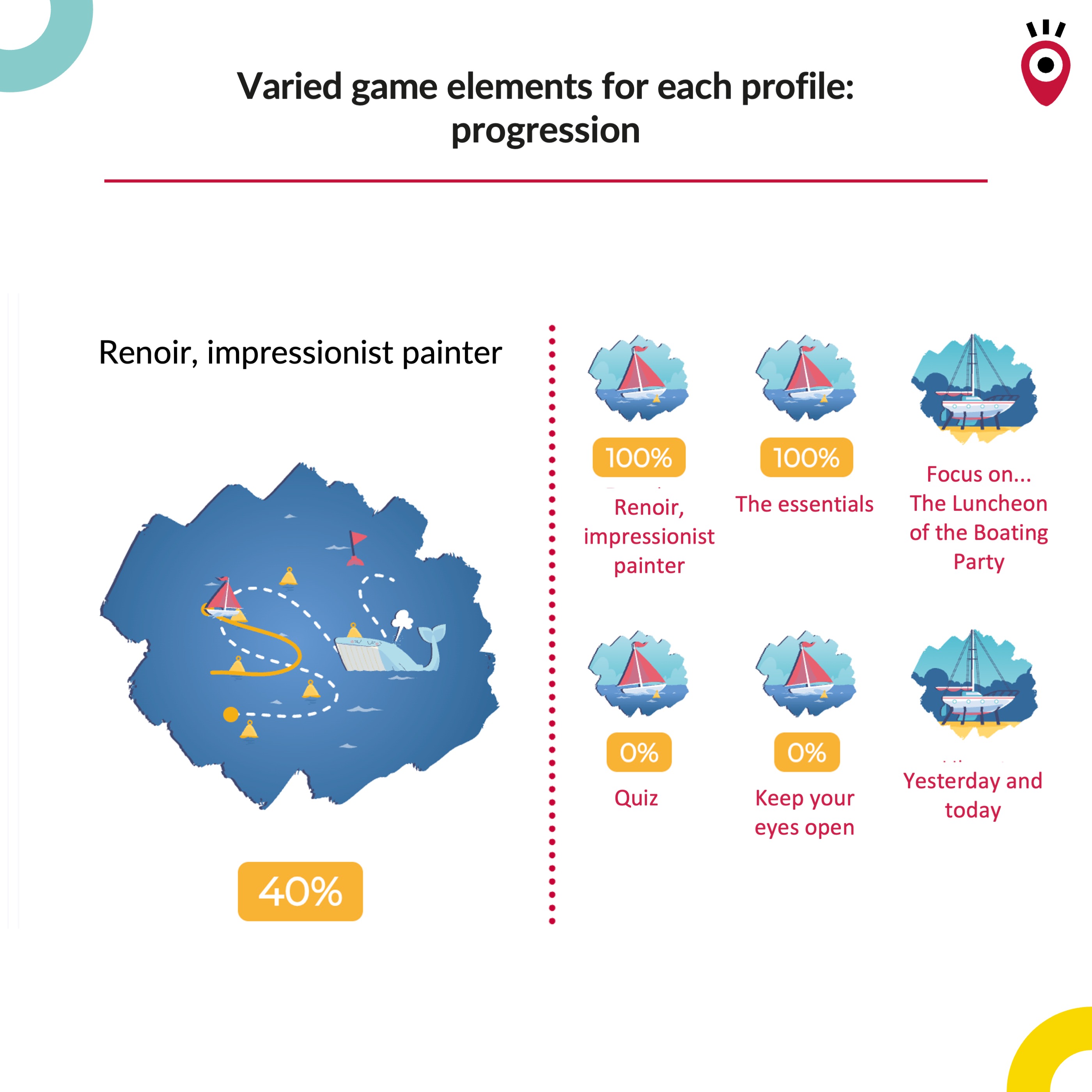
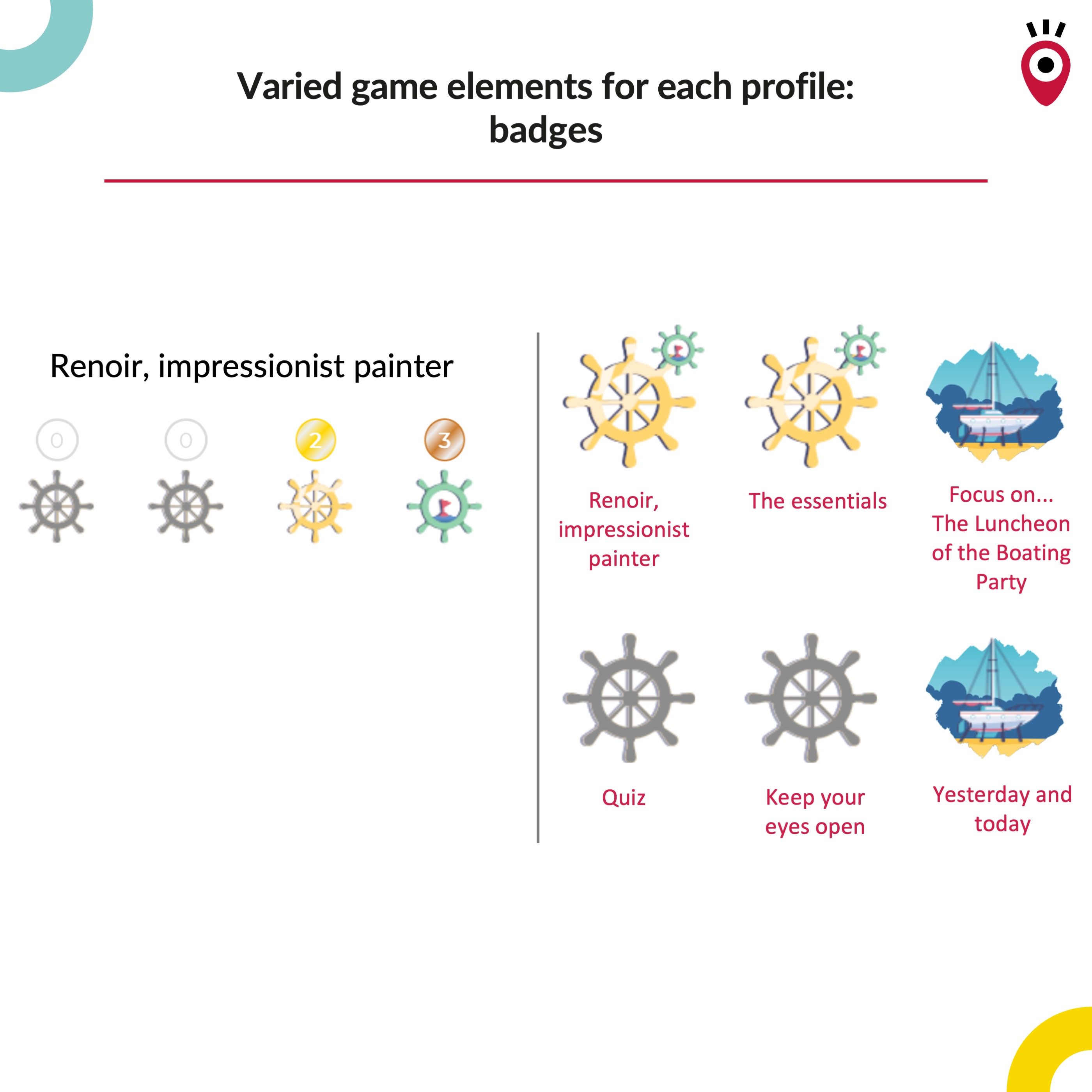
- Reactive UI: Game elements (score, badge, progress, avatar, ranking) now update automatically in real time, without requiring a page reload. This is especially useful for H5P activities, where changes can be reflected immediately in the course experience.
- Individual game element assignment: Teachers can now manually assign or change a game element for any specific learner directly from the report, regardless of the course attribution mode. This makes it easier to personalize the experience or adjust an assignment when needed.
- Reset automatic assignment: In automatic mode, teachers can reset a learner’s assignment so they retake the HEXAD'12 questionnaire. The learner’s progress in the course is fully preserved; only the assigned game element is recalculated.
Fixes / Notes
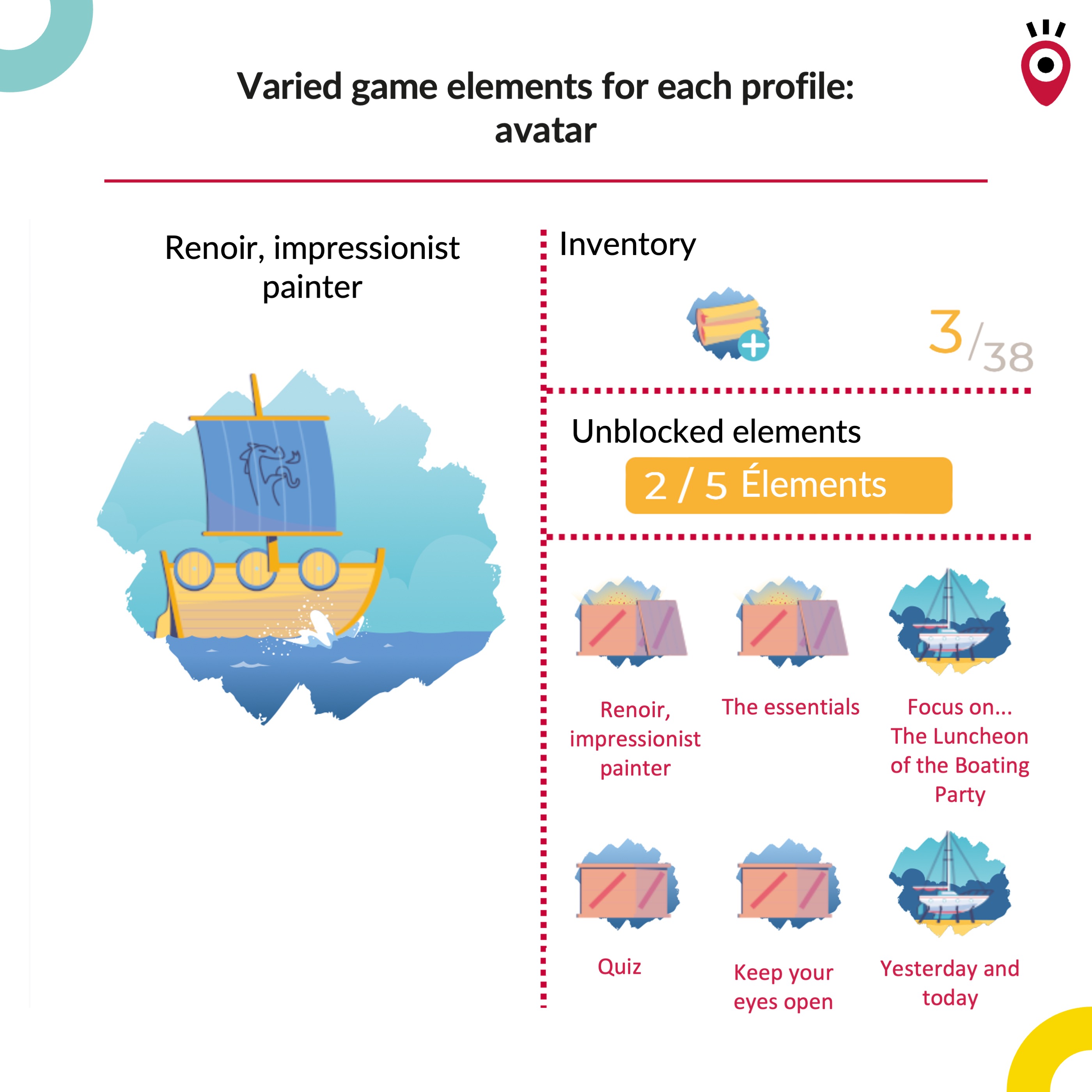
Avatar settings and display: Several fixes were delivered to address issues in the avatar game element settings and to correct some visual inconsistencies.
Connect with Us
We are passionate about improving e-learning experiences through technology. If you have any questions about our services or need custom Moodle solutions, don't hesitate to reach out!
@copyright Pimenko https://www.pimenko.com