CourseFlow Import Tool for Moodle
This Moodle plugin provides a tool to import course content from CourseFlow into a Moodle course. It allows you to paste JSON data generated by CourseFlow and import lessons, sections, and outcomes directly into your Moodle course.
Features
- Import CourseFlow-generated JSON into a Moodle course.
- Preview lessons, sections, and outcomes before importing.
- Automatically creates Moodle activities and outcomes.
- Integrates with Moodle’s gradebook and course structure.
Installation
Clone or download this repository into your Moodle local/ directory:
cd your-moodle-directory/local
git clone https://github.com/JChoquette/moodle-local_courseflowtool.git courseflowtool
Visit your Moodle site in a browser. Moodle will detect the new plugin and prompt you to complete the installation process.
Requirements
Usage
Go to a course where you want to import content.
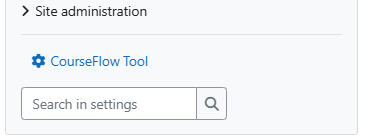
In the course administration block, you will see CourseFlow Tool. If using the Boost theme, it is located under the "More" tab at the top of a course.
Click the link to open the import tool.
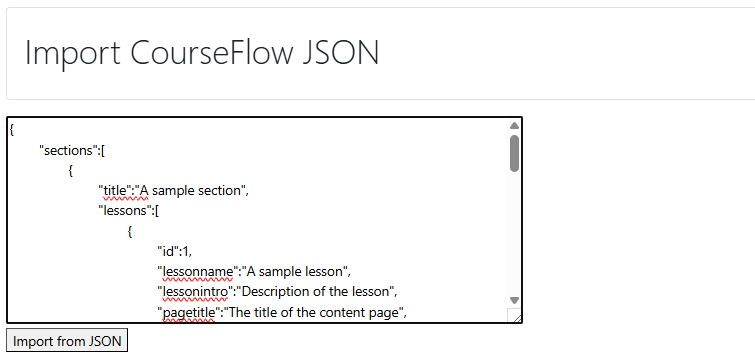
Paste your CourseFlow-generated JSON data into the text box.
Click the Import button to preview your data.
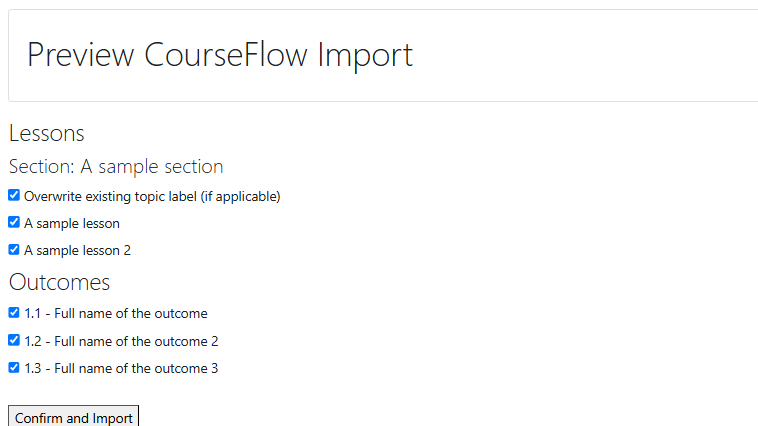
Select the items you want to import, then click Confirm and Import.
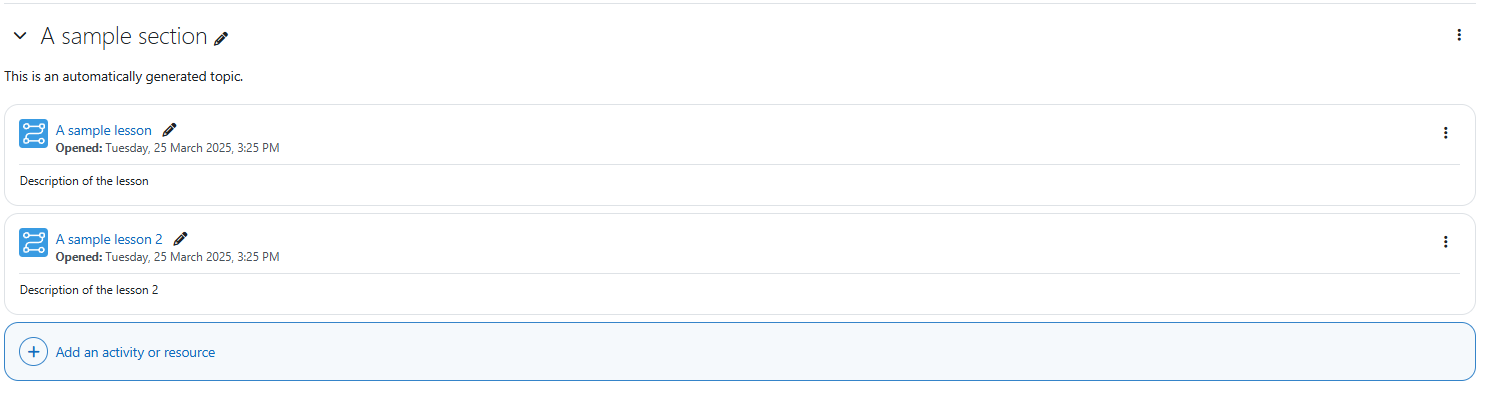
The plugin will create the appropriate sections, lessons, and outcomes in your course based on the JSON structure.
License
This plugin is licensed under the GNU General Public License v3 or later.
Copyright 2025 Jeremie Choquette