Agiledrop
Lead maintainer
The Bulk Roles Importer plugin allows Moodle administrators to efficiently import multiple role definitions from XML files. Roles can be imported either manually or automatically via integration with external repositories like GitHub or GitLab.
This plugin is ideal for Moodle sites managing custom roles across environments, supporting version control, or requiring regular role updates.
<role> definition.Invalid files are skipped with detailed error logging.
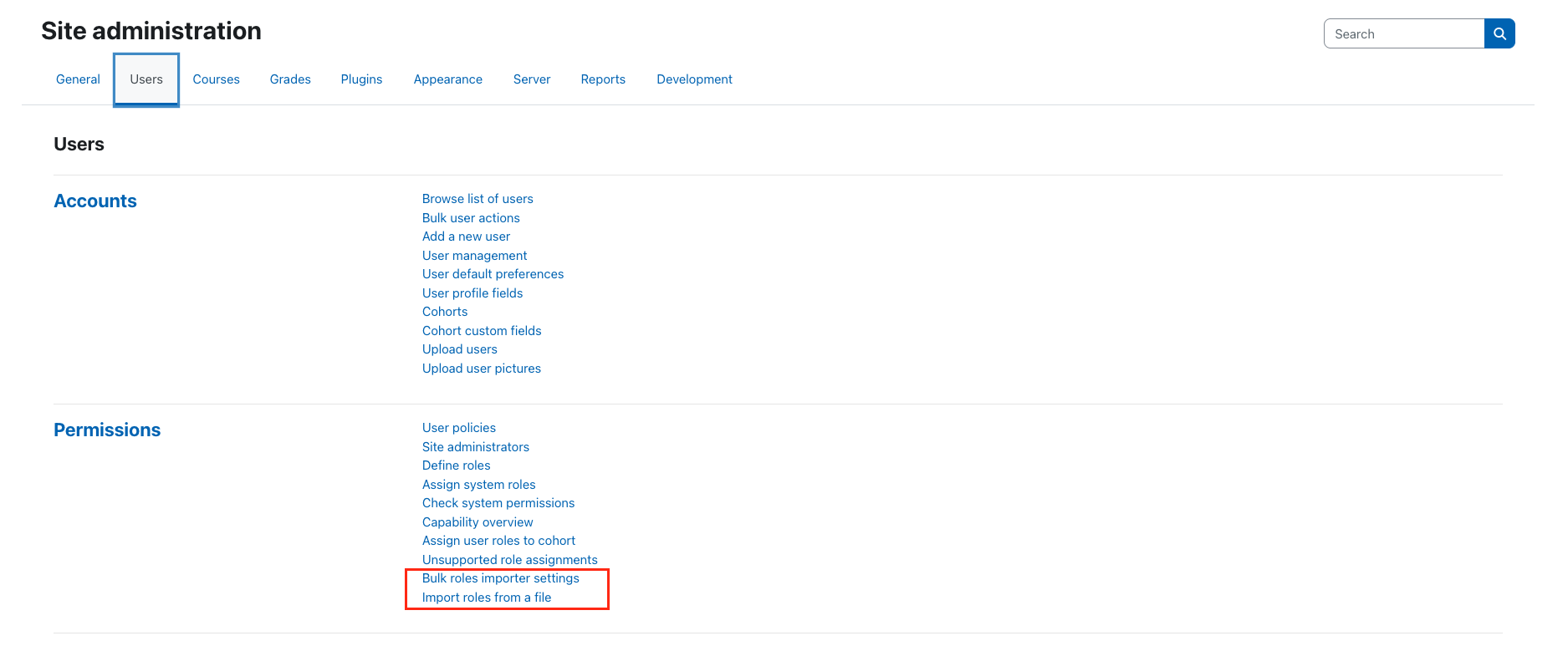
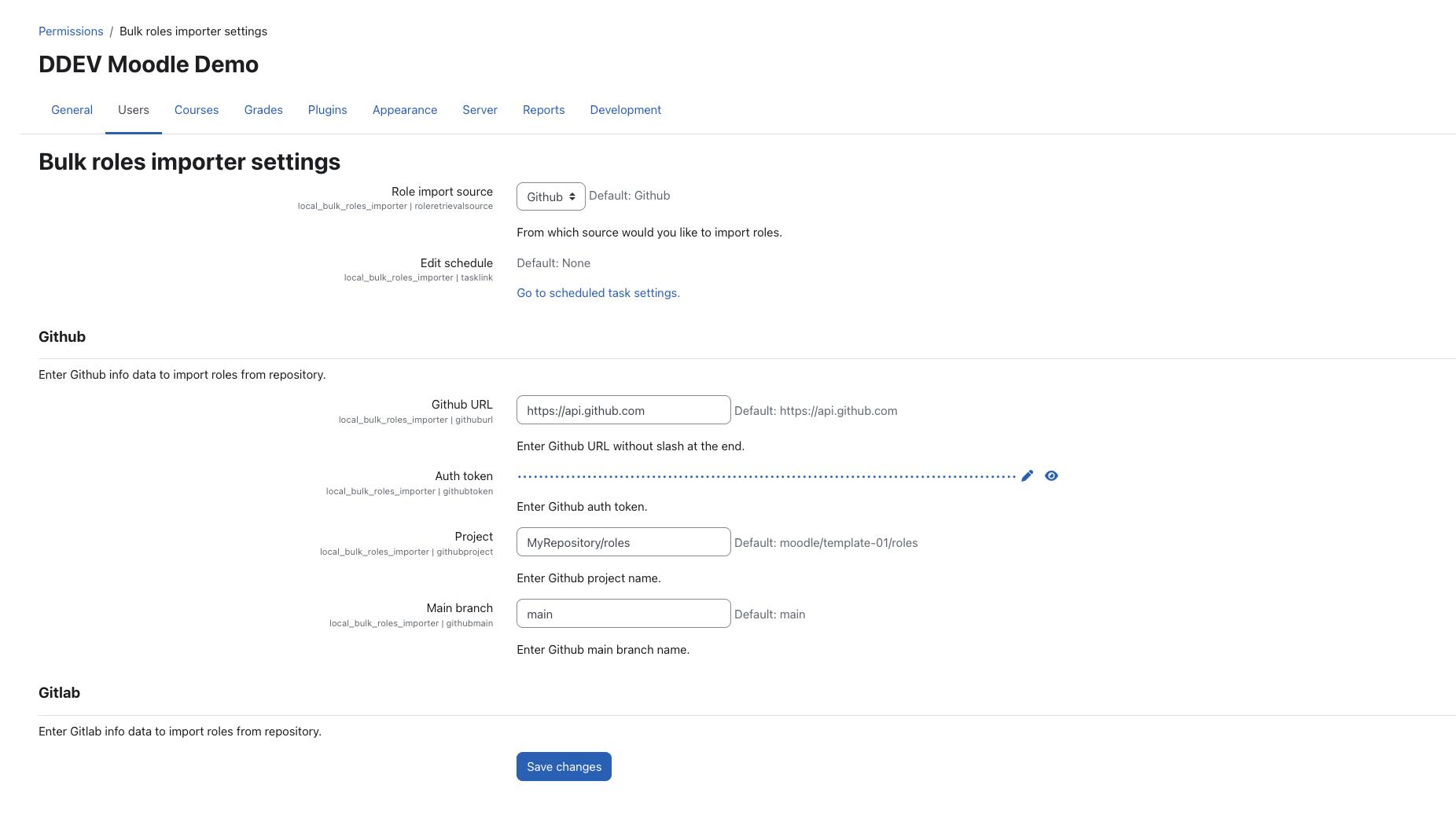
Accessible via Site administration ' Users ' Permissions ' Bulk Roles Importer settings:
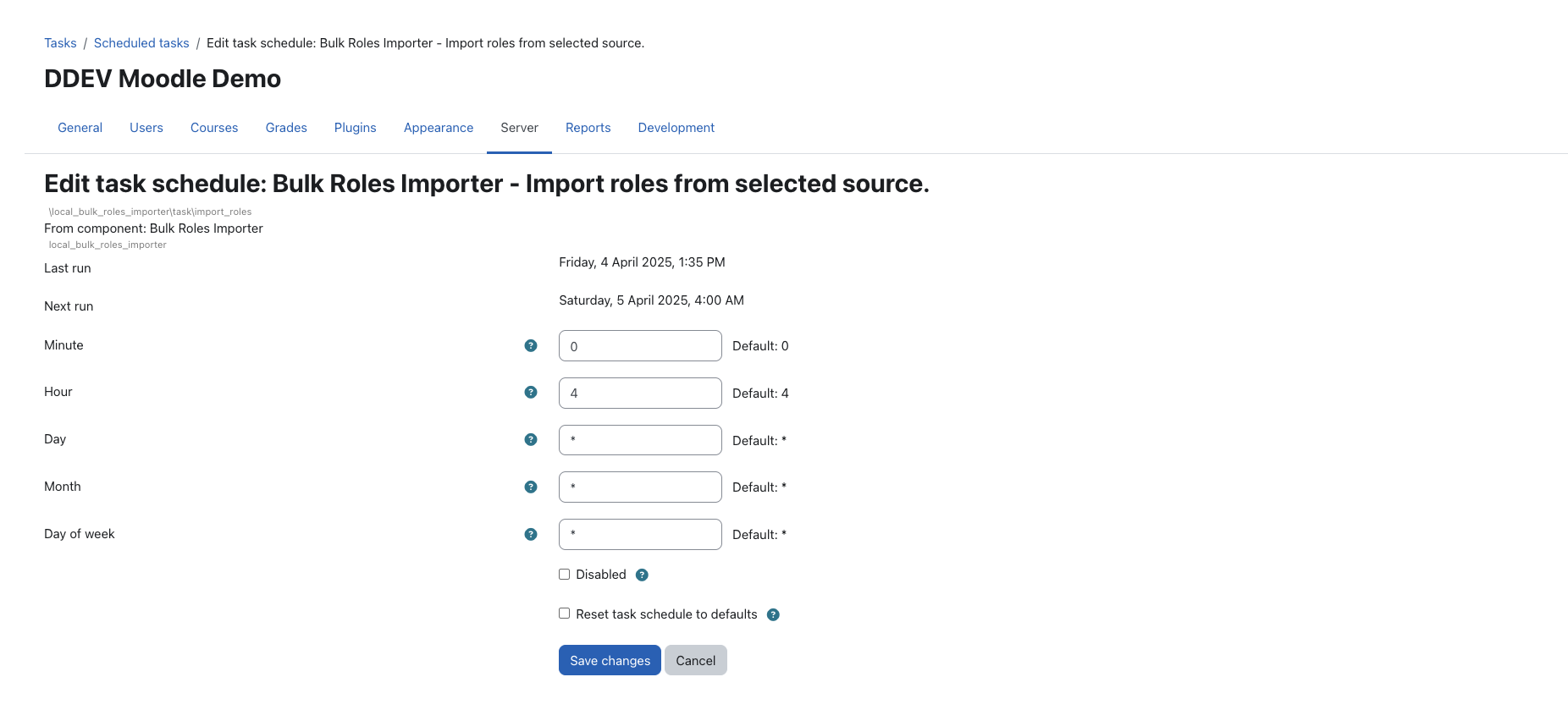
Link to Moodle’s Scheduled tasks interface to configure import frequency.
To fetch role definitions from private or rate-limited Git repositories, access tokens are required:
GitLab: Generate a project access token
Tokens must be added in plugin settings to enable automatic syncing from the repositories.
A sample role XML file is included in the /samples directory for demonstration and testing purposes. This provides a simple example of valid XML structure with a few basic permissions.
The interface follows Moodle’s multilingual conventions for both UI and logs.
Clone or download the repository into the Moodle local/ directory:git clone https://github.com/AGILEDROP/moodle-local_bulk_roles_importer.git bulk_roles_importer
Visit Site administration ' Notifications to complete the installation process.
Configure repository access and schedule under plugin settings.
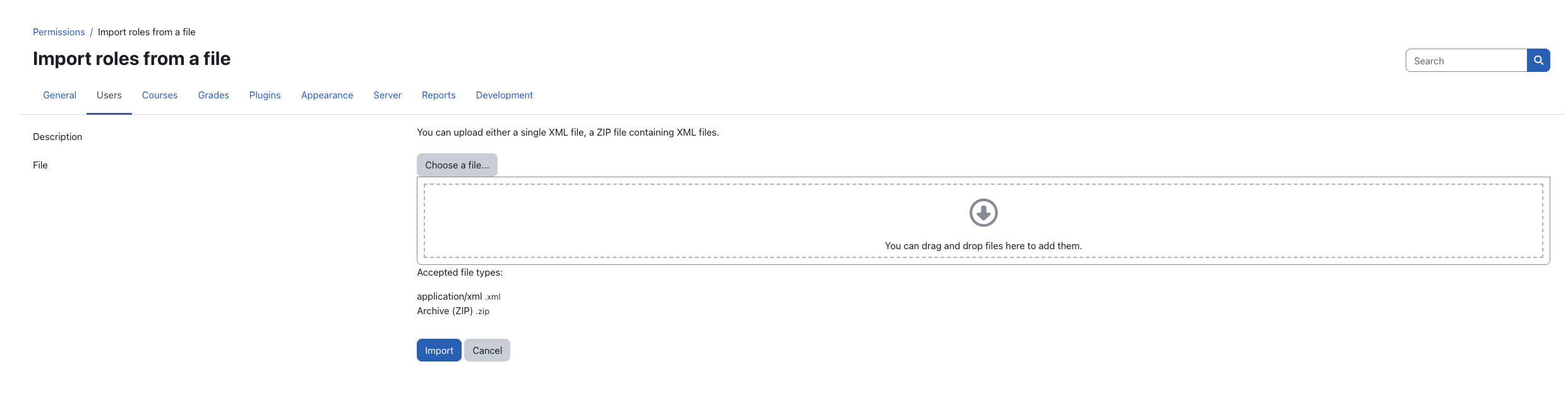
Upload files manually through the import interface.
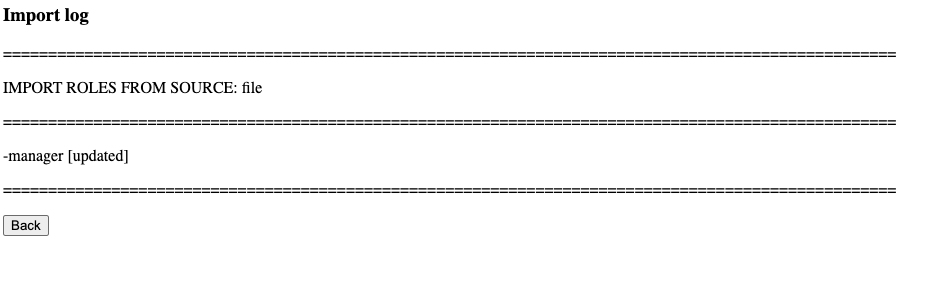
View logs of import results, including newly created or updated roles and any invalid files.
We welcome contributions to improve the Bulk Roles Importer plugin:
Translate: Contribute to translations via the Moodle AMOS system.


