
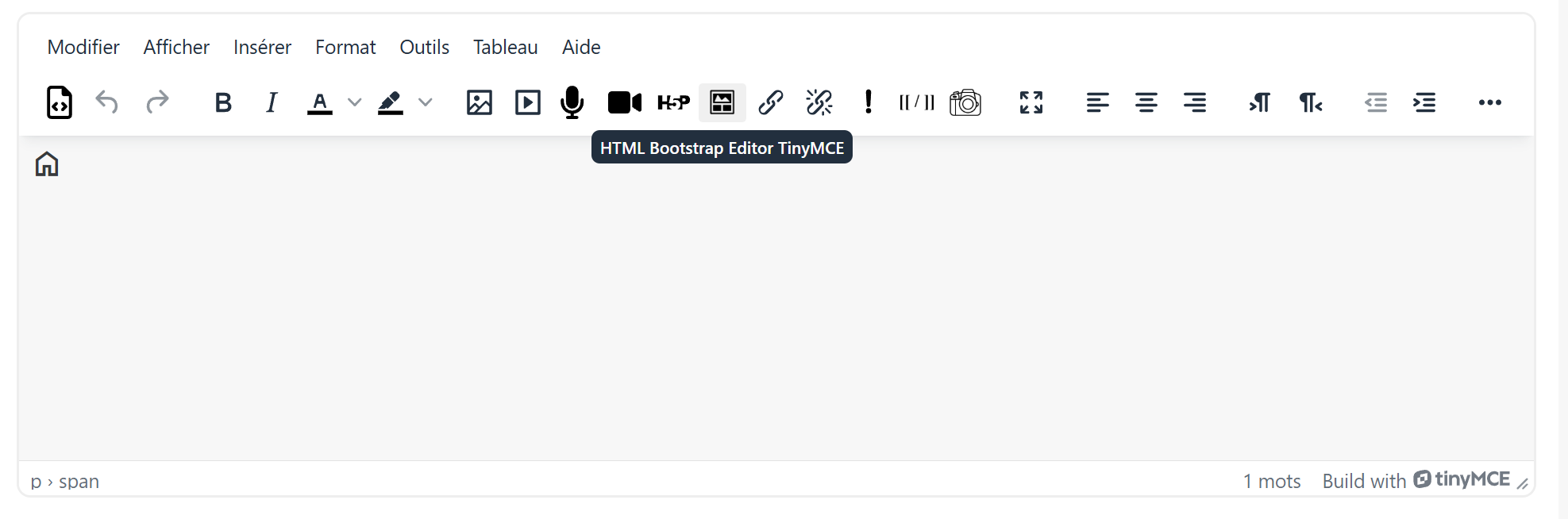
HTML Bootstrap Editor TinyMCE
Maintained by
Gustavo Bazzo, Étienne Roy, RÉCITFAD Service national, Emile Jacques
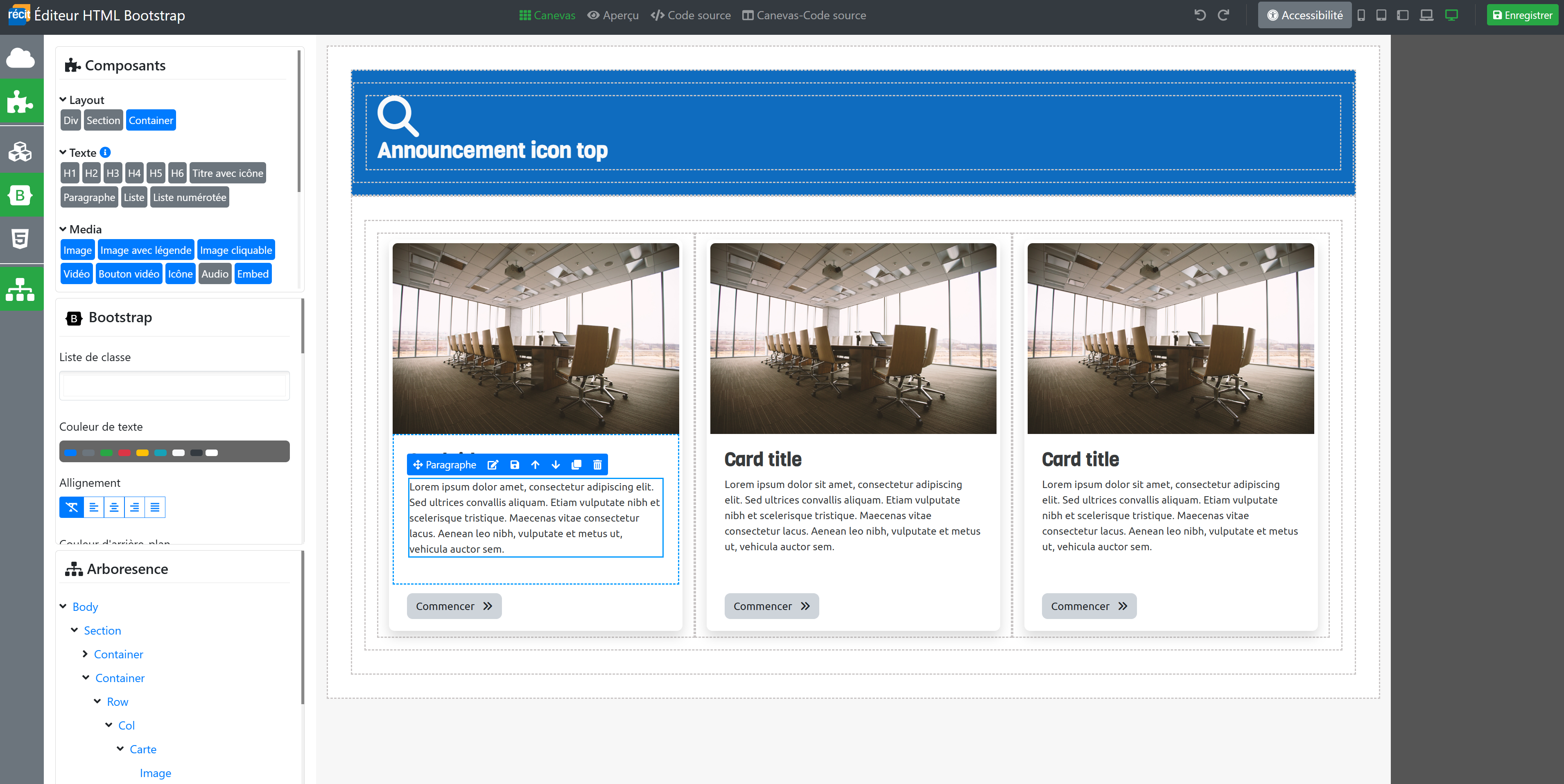
The HTML Bootstrap editor makes it possible to create a much more attractive and ergonomic layout.

Comments
Comments are no longer open for new posts. Existing comments remain available to read.
Thank you for your comment, and sorry for the late reply.
The newer version of the moodle‑tool_htmlbootstrapeditor has fixed several issues, including those related to the Tab component.
We are not completely sure what you mean by the following sentence: "When using the HTML Bootstrap editor, the button does not appear. We need to first save in the HTML editor, then save the Text and Media area again to see the applied changes."
All our plugins are now being upgraded to Moodle 5.1 and should be released in the coming months.
Thank you for adapting the plugin for Tiny.
We carried out several tests and identified a few suboptimal behaviors:
When using the HTML Bootstrap editor, the button does not appear. We need to first save in the HTML editor, then save the Text and Media area again to see the applied changes.
When creating a tab, it is not possible to insert a link within the tab, either via the HTML Bootstrap editor or the Tiny editor. We managed to do it by manually editing the HTML code, but this was not straightforward, as the modifications sometimes appeared in unintended parts of the code.
All tests were conducted on Moodle 4.5.8.
Thank you for your comment.
This feature hadn’t been considered yet, but I’ll make sure to include it in our Teams analysis moving forward.
Kind regards,