
LIVE-SCHOOL
Maintained by
Franck Chionna, David Jefferson
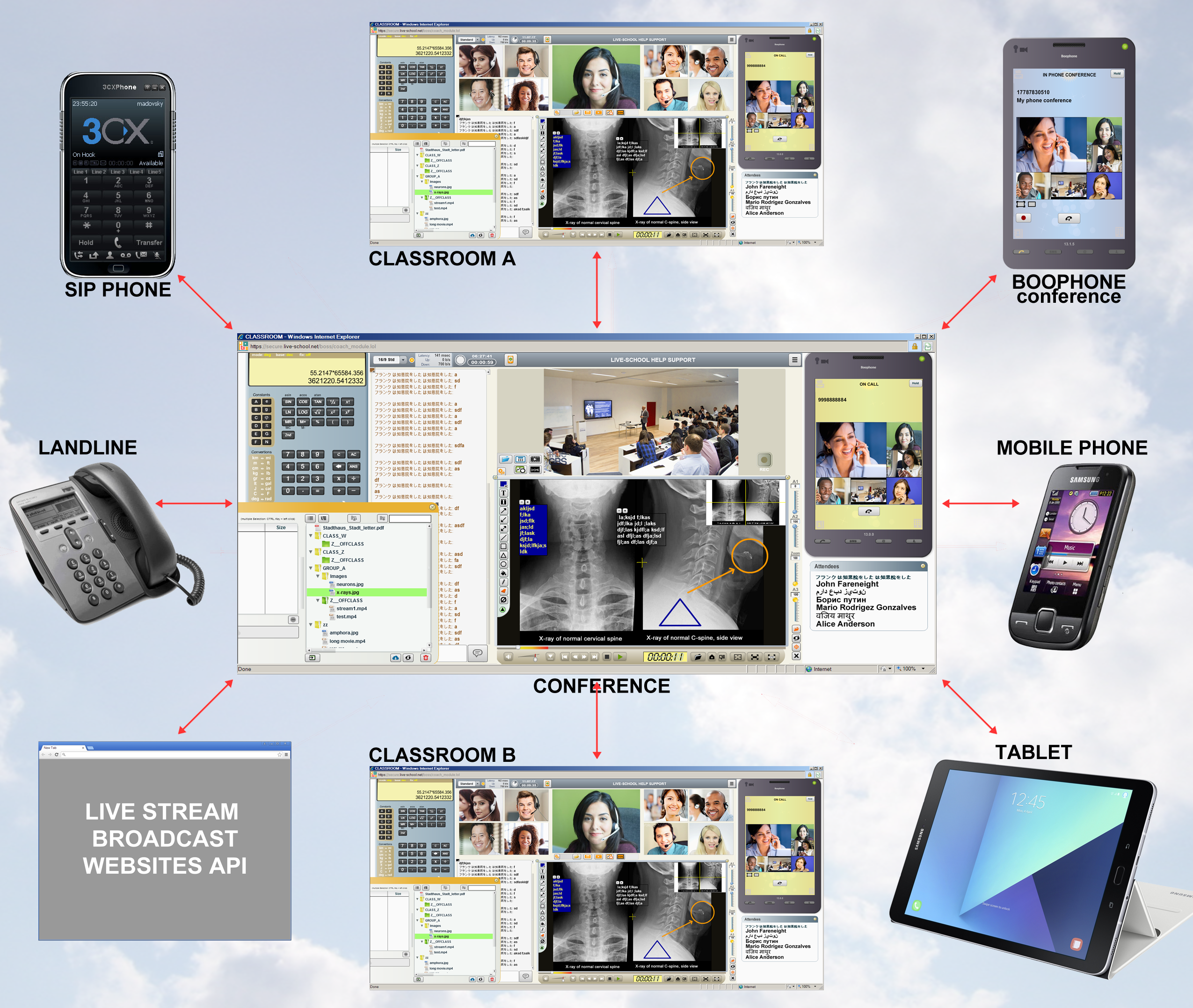
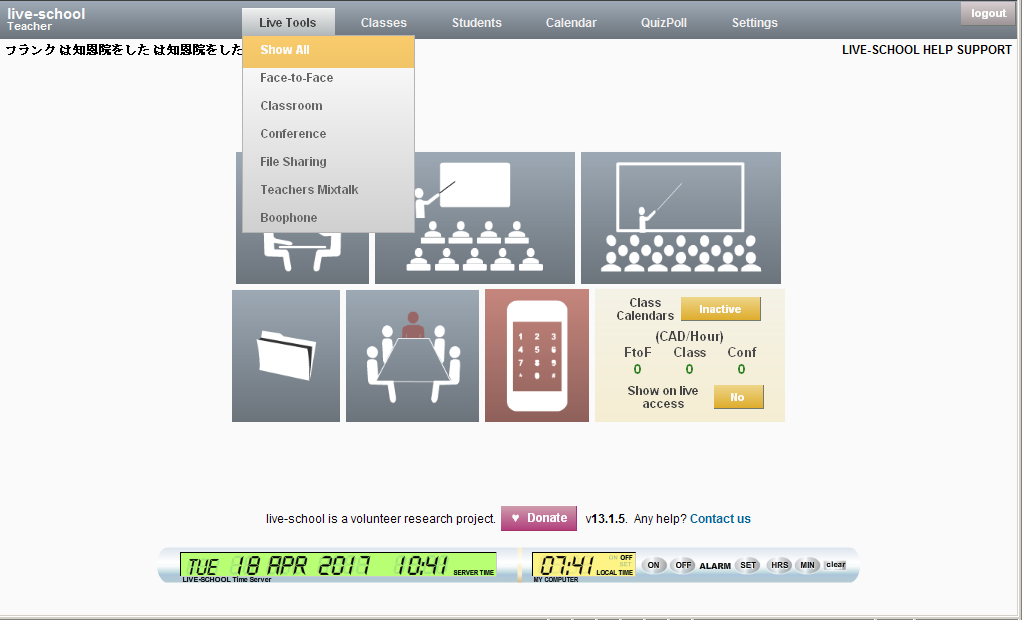
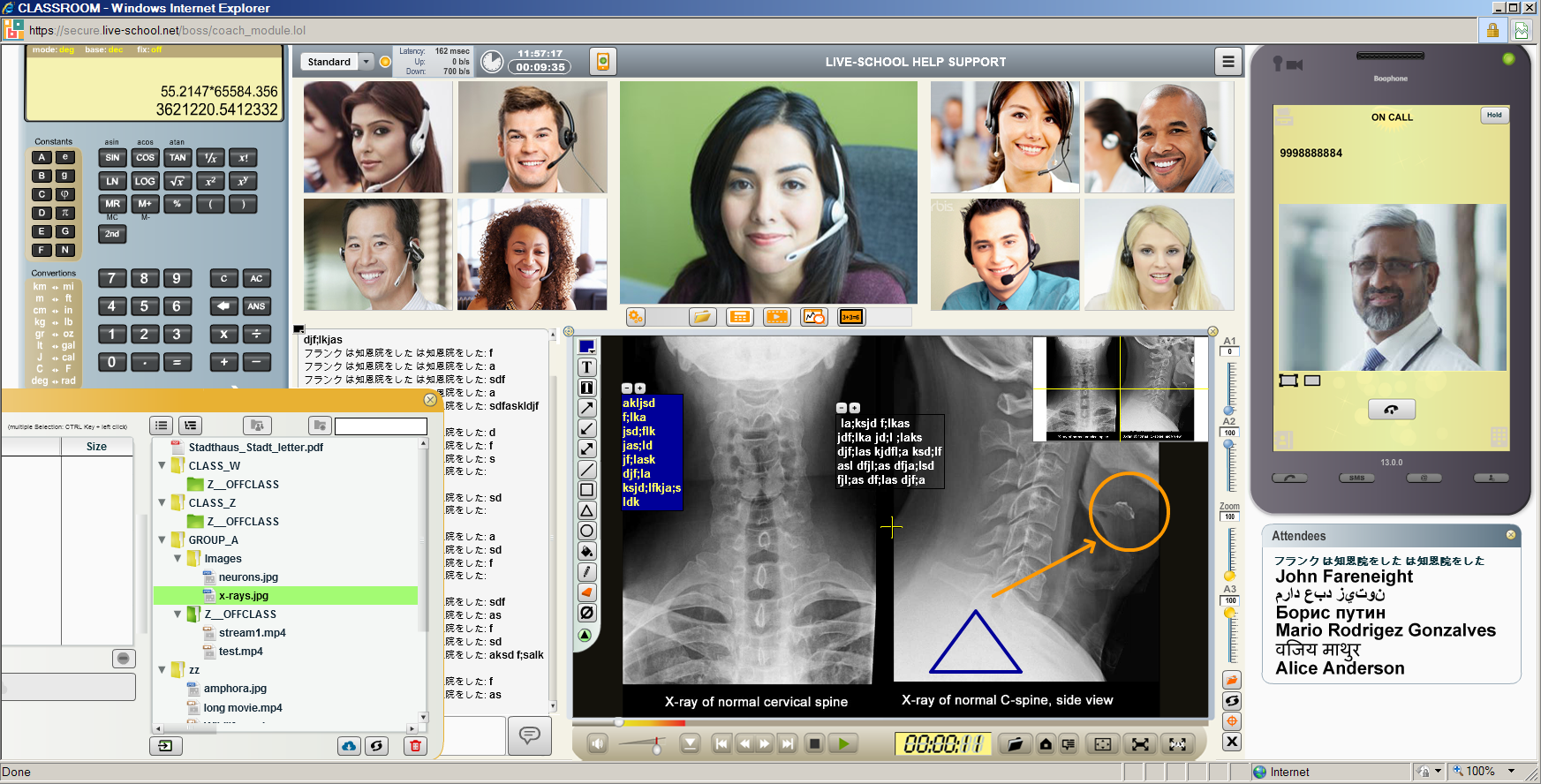
Live-School is a free unified communication web platform dedicated for live teaching through real time communication and teaching tools including face to face, classroom, conference, phone, SIP, FAX, SMS, phone meeting, desktop streaming, movie player, whiteboard, big image zoom, file/folder sharing, all document format import supported like PDF, DOC, EXCEL, POWER POINT. Create unlimited teachers and students and manage automatically your teachers income through an automated payment system. Live-School allows you to cross connect all existing communication protocols transparently from your computer/tablet/smartphone in one click. Each organization registered at Live-School is automatically referenced to the Live-School public dedicated search engine.
Comments
Comments are no longer open for new posts. Existing comments remain available to read.
Flash will mutate in webassembly soon, and it will be completely transparent for the user
I noticed this tool still uses FLASH. Are you going to bring out an updated version that uses HTML5? I just tried this tool. The idea is pretty cool but if it relies on the use of Flash I don't see how it will continue to be usable.
I noticed this tool still uses FLASH. Are you going to bring out an updated version that uses HTML5? I just tried this tool. The idea is pretty cool but if it relies on the use of Flash I don't see how it will continue to be usable.
if your lesson is a file (whatever printing or graphic format like pdf, psd, excel, doc etc...) so you can easily use the import tool and share it directly to all your students in the liveroom
Otherwise the screenshare button is at the bottom left of the teacher monitor once active, but keep in mind that share your desktop to (even 10) students ask a lot of network bandwidth (from the teacher line or server line, depending the liveroom and stream protocol you choose) and can affect the quality and latency of students with slow networks.
Or how can i share my desktop pc to my students please to see them the lesson ?
Please give a try a write back if there is an issue
thanks
David answered to you by email. I will answer briefly here for other users how have the same questions. Live-School is one to many server and server less, many to many audio/cam streaming technology.
There is no problem with more than 100 students in a group to stream videos, it really depends to the student internet line, it's the same conditions as watching a video on youtube.
there is no compatibility problems under moodle version 3.5
video tutorials are in standby since we are all working hard to make live-school running well on mobile systems and future browsers standard compatibility requests..
Thanks
Can you clarify if this is a one to many system (streaming video) (or only one-to-one?)
Can "attendees" be drawn from the course where this (presumably) activity is instanced?
You mentioned problems with a group pf more than 100 students in the live video?
I am unclear what your response was on compatibility below V3.5
More than anything else it would be really helpful if there is some sort of live-school set of video demos and perhaps tutorials?
Many thanks - look forward to hearing back.
Many thanks
Dom
Copy sent to infos@live-school.net
I'm going to read the README.txt file and try to set the block into my moodle platform. I'm sorry if my questions are a little bit stupid but I'm not so expert in Moodle
I like this project and I surely will make a donation for it.
Thank you
Daniele
> How can I put it into a course? I cannot find it in Activities or Resouce
Live-School livemood is a block, not an activity plugin. Please read the README.txt file into the livemood folder you just installed in order to set the livemood block.
> I cannot find a doumentation about this plugin
Make a documentation for live-school will take months, so for that we need some donation and a high percentage of users asking fot it, which is not the case since live-school is very intuitive (-12 kids are able using it after 5 mn).
> Another question: when A student is logged into a course, can he watch the live session, or he needs to be logged into LIVE-CLASS?
For security reasons all users from your moodle website (teacher and students) have to create their own live-school account (if they wish) at the entrance of the liveroom.
Once you add the live-school livemood block into your course so the teacher and student will see a big button "LIVE ACCESS". After click the student sees the LIVEROOM entrance and ready to access to the liveroom. If his account is not created yet he can click on "REGISTER" and create his own account, waiting automatically the confirmation from you organization email, or you can create students account from your teacher control panel.