
Image Fullscreen
Maintained by
Sandip Radadiya
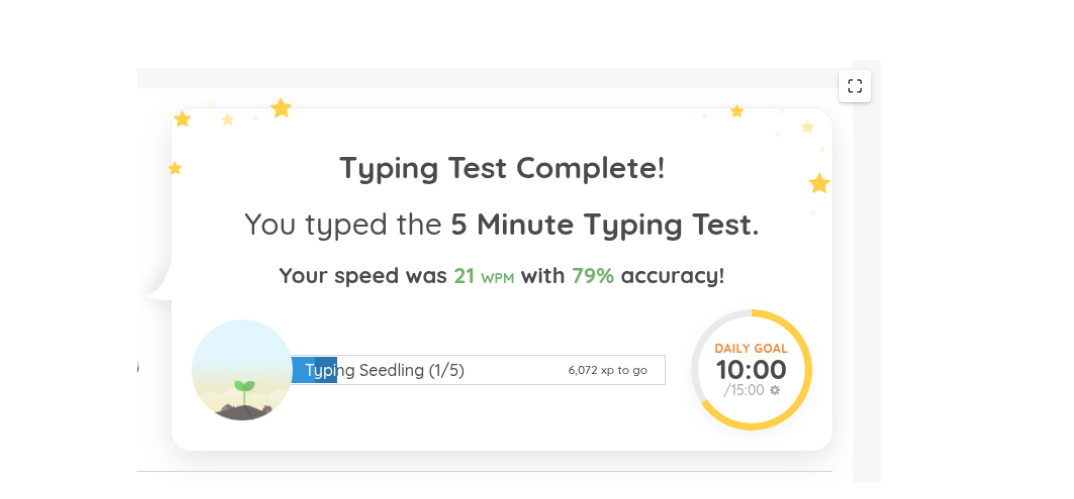
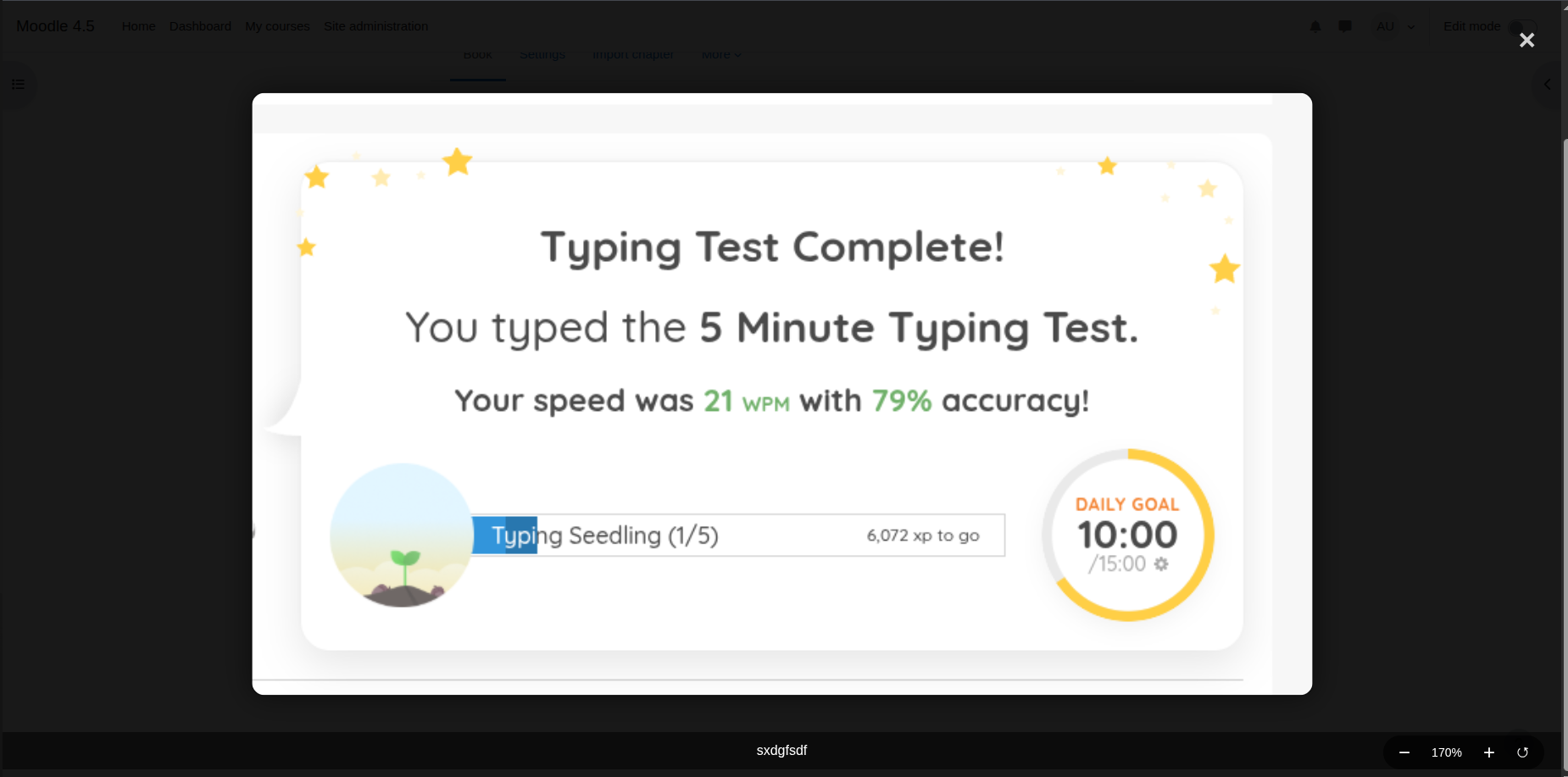
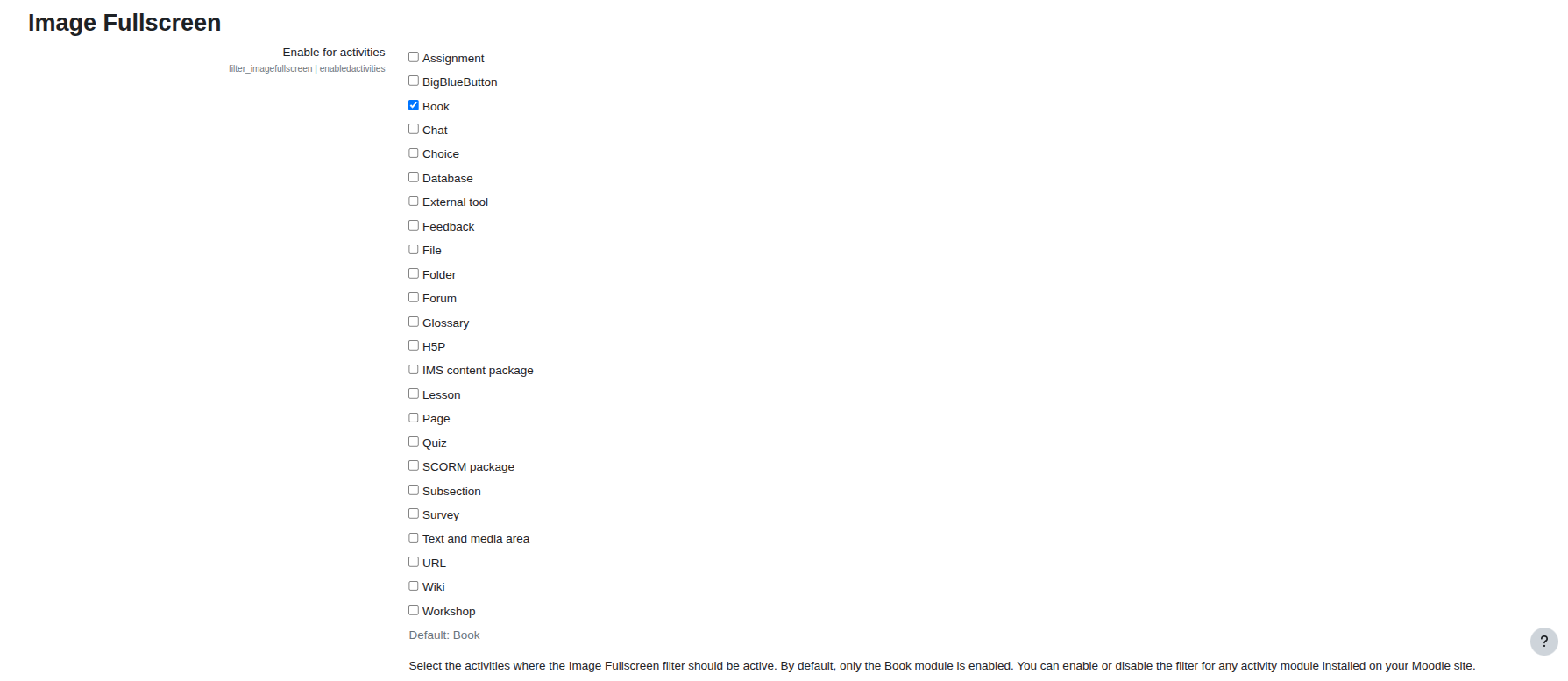
A modern Moodle filter plugin that adds fullscreen functionality to images in activity content. This filter enhances the viewing experience by allowing users to expand images to fullscreen mode with a simple click.
Comments
Comments are no longer open for new posts. Existing comments remain available to read.
i have checked all positoin like center right and left its working for my side
This is a really nice plugin that should almost be default in Moodle :D
But I'm encountering the same issue that was mentioned earlier: images that are supposed to be centred in the content are forced to appear on the left.
In fact, the text doesn't wrap around it at all either so it makes it impossible to add in-line images (example: screenshots of buttons in a step-by-step explanation).
Can you help me out?
thank you for responding quickly and doing the work, but I still have an issue—some problems were fixed, but the main one remains! In version 1.0.3, when editing, I would select an image and apply text-align: right, and everything looked correct in edit mode, but when exiting editing, the image would align to the left! Now, in version 1.0.4, if you set center alignment, the image still sticks to the left, but if you set right alignment, it displays correctly.
Just a quick heads-up – the new plugin version (1.0.4) is out now. That bug we talked about is fixed.