
SEO
Maintained by
Mohammad Farouk
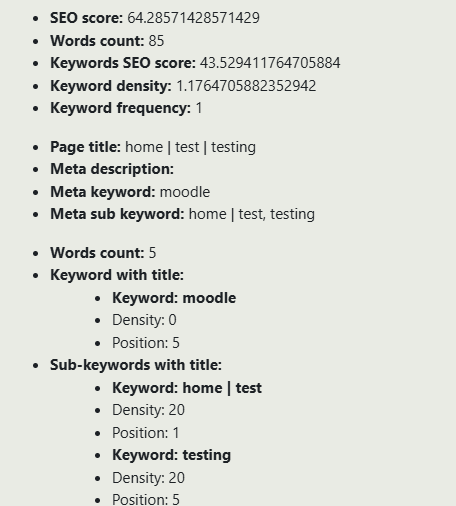
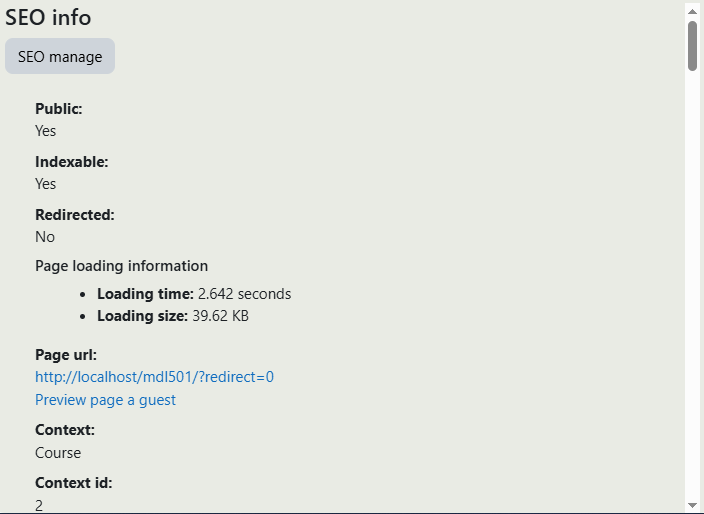
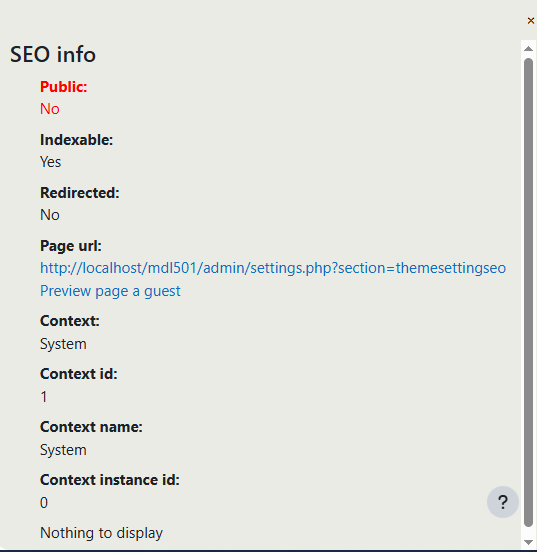
SEO superpowers for your Moodle site — meta tags, sitemaps, and schema, all without touching your theme.
Zero style changes, maximum search visibility.
Get your Moodle courses found. Automated SEO for every page, profile, and post.
A transparent SEO layer for Moodle — plug it in, keep your theme, rank higher.
Stop hiding in plain sight. SEO tools built deep into Moodle, not bolted on top.
Comments
Comments are no longer open for new posts. Existing comments remain available to read.
Make sure this is the latest version of the theme 2.1
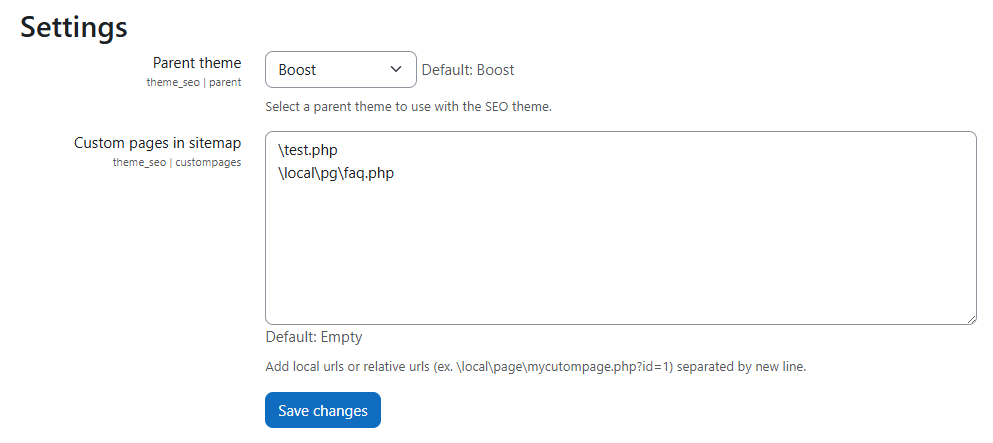
1. Go to Site Administration → Appearance → Themes → SEO Settings
2. Choose your current theme as the parent theme.
3. Go back to themes and select SEO as the active theme — no visual styles will be changed.
But you can never get the option to go to step 2, because after installation you get this error 'Exception - Call to undefined function theme_seo_get_parent_theme()'. Which makes sense, because this would probably be step 2.
Try a clean install yourself. It probably works perfect as an update for an old version, but on a clean install I think we are experiencing a chicken-egg problem