Kewayne Davidson
Lead maintainer

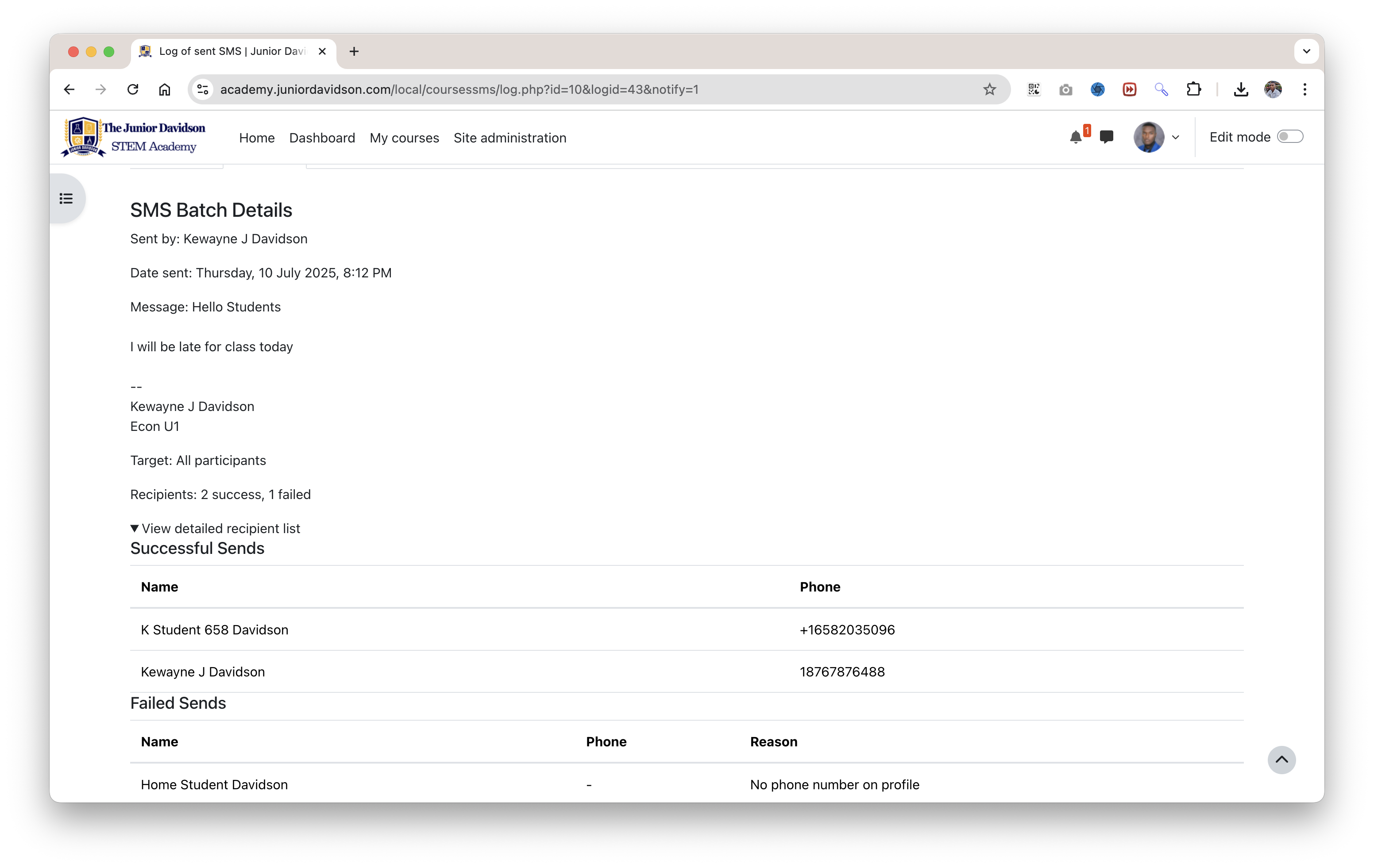
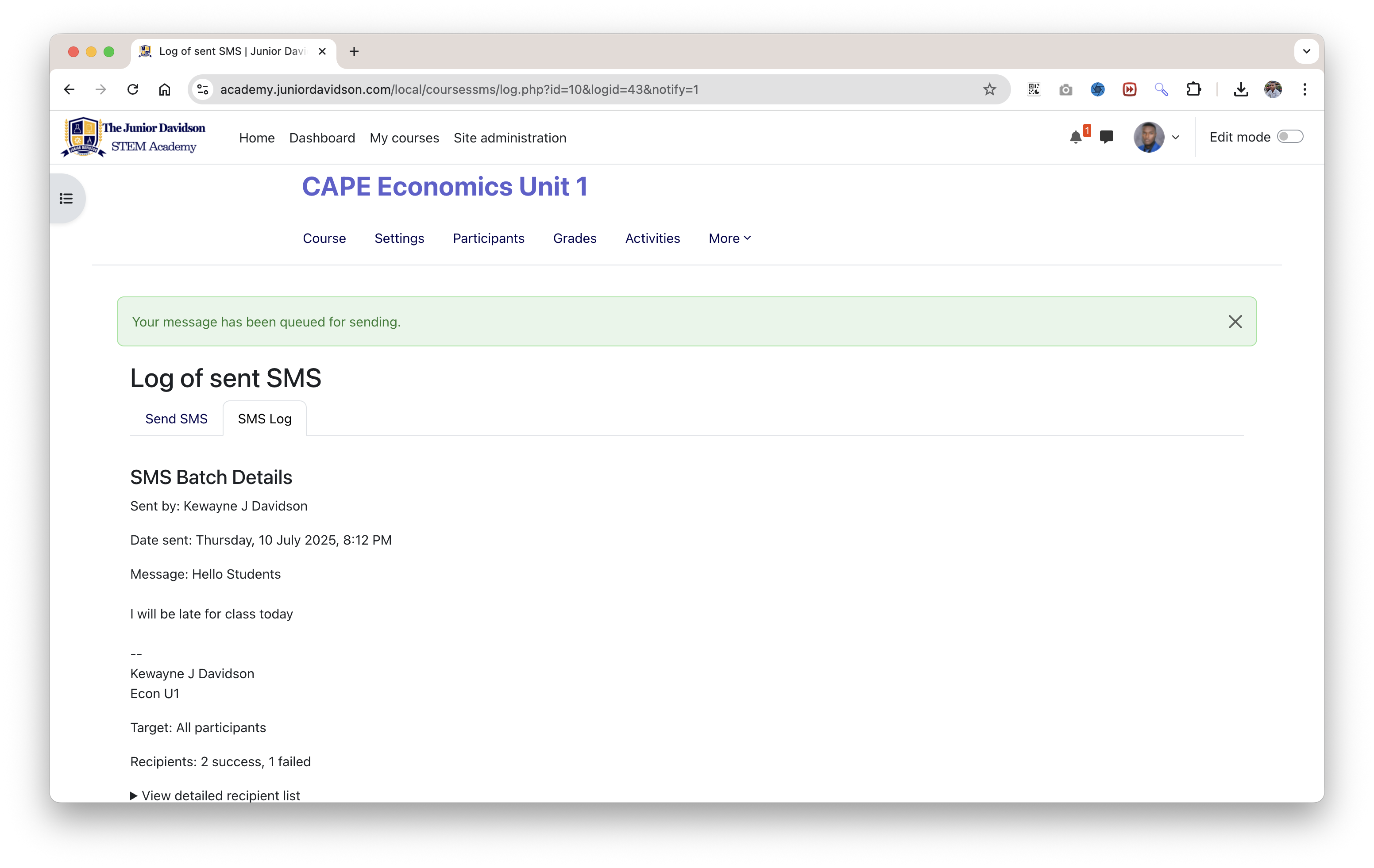
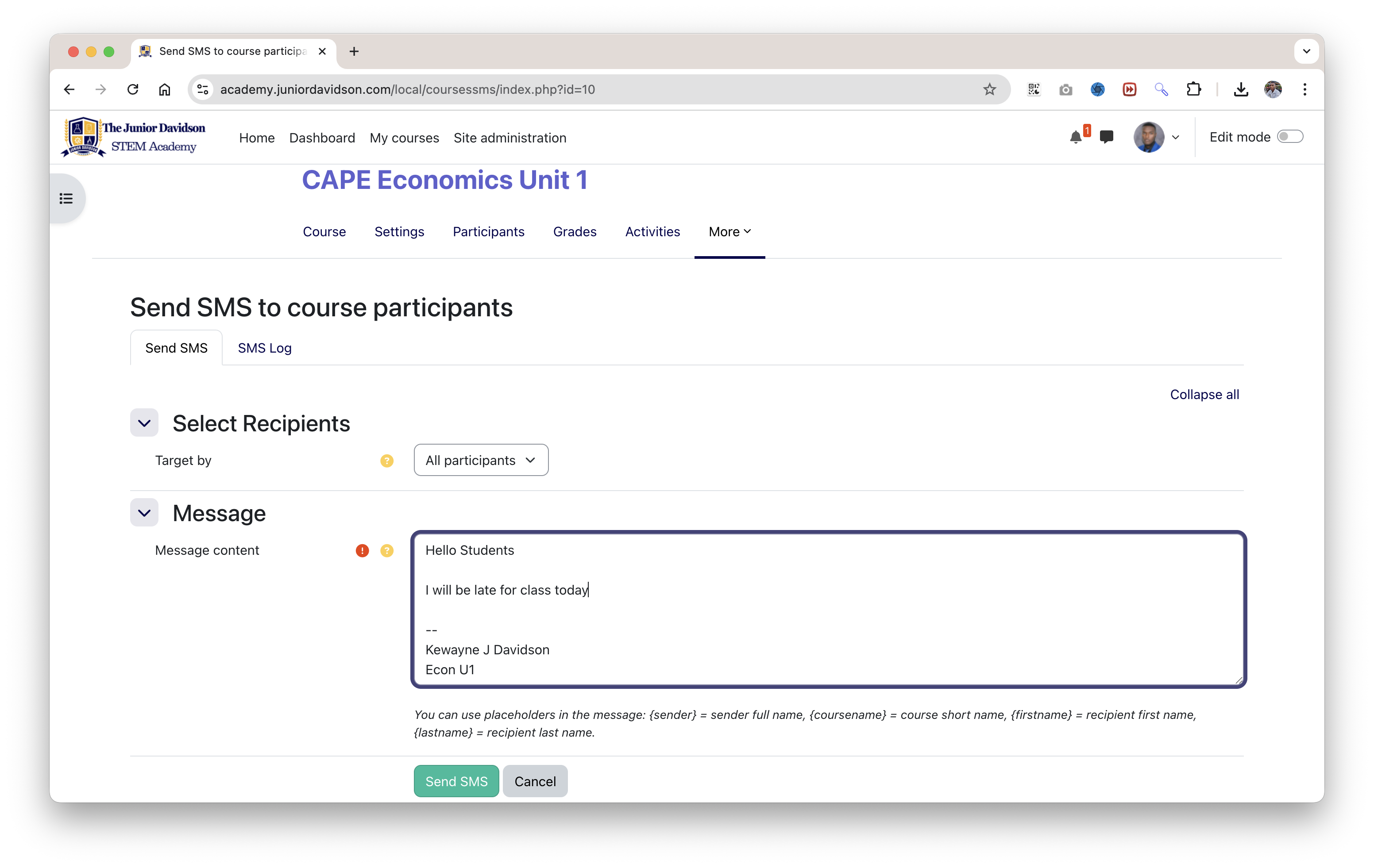
Course SMS is a Moodle local plugin that empowers instructors and administrators to send SMS messages directly to course participants from within Moodle. This tool provides a direct and immediate communication channel, perfect for urgent announcements, reminders, or personalized messages.
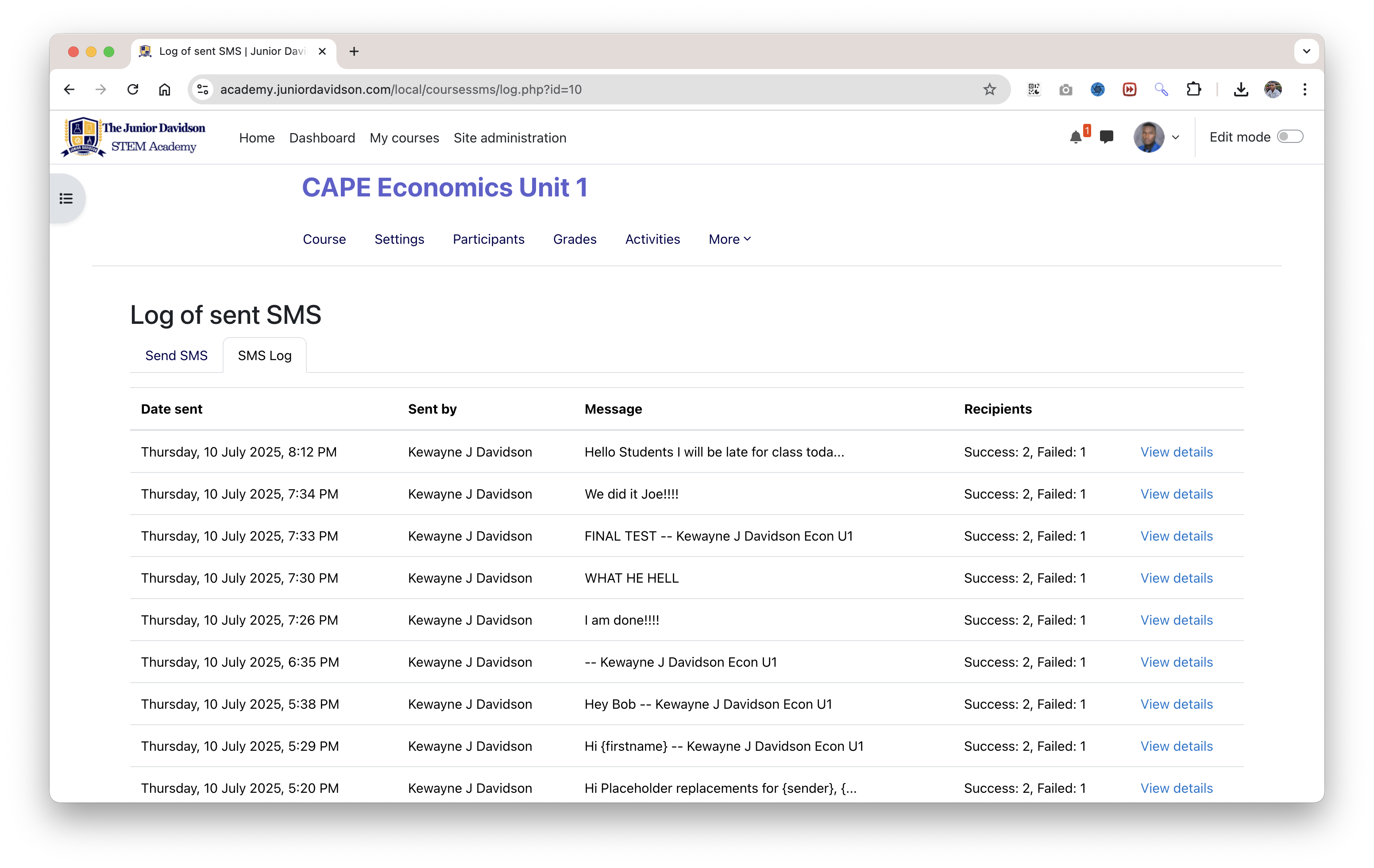
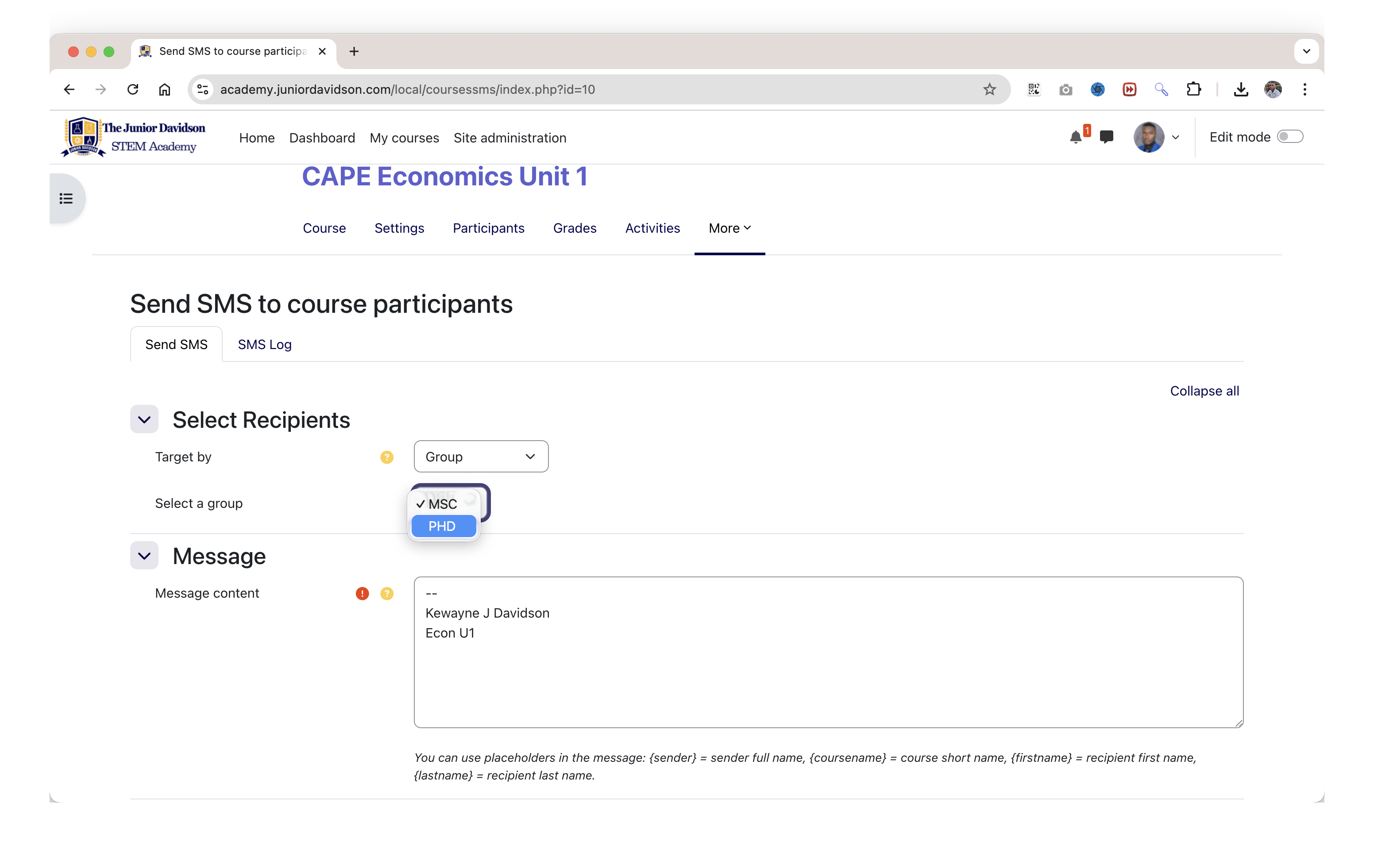
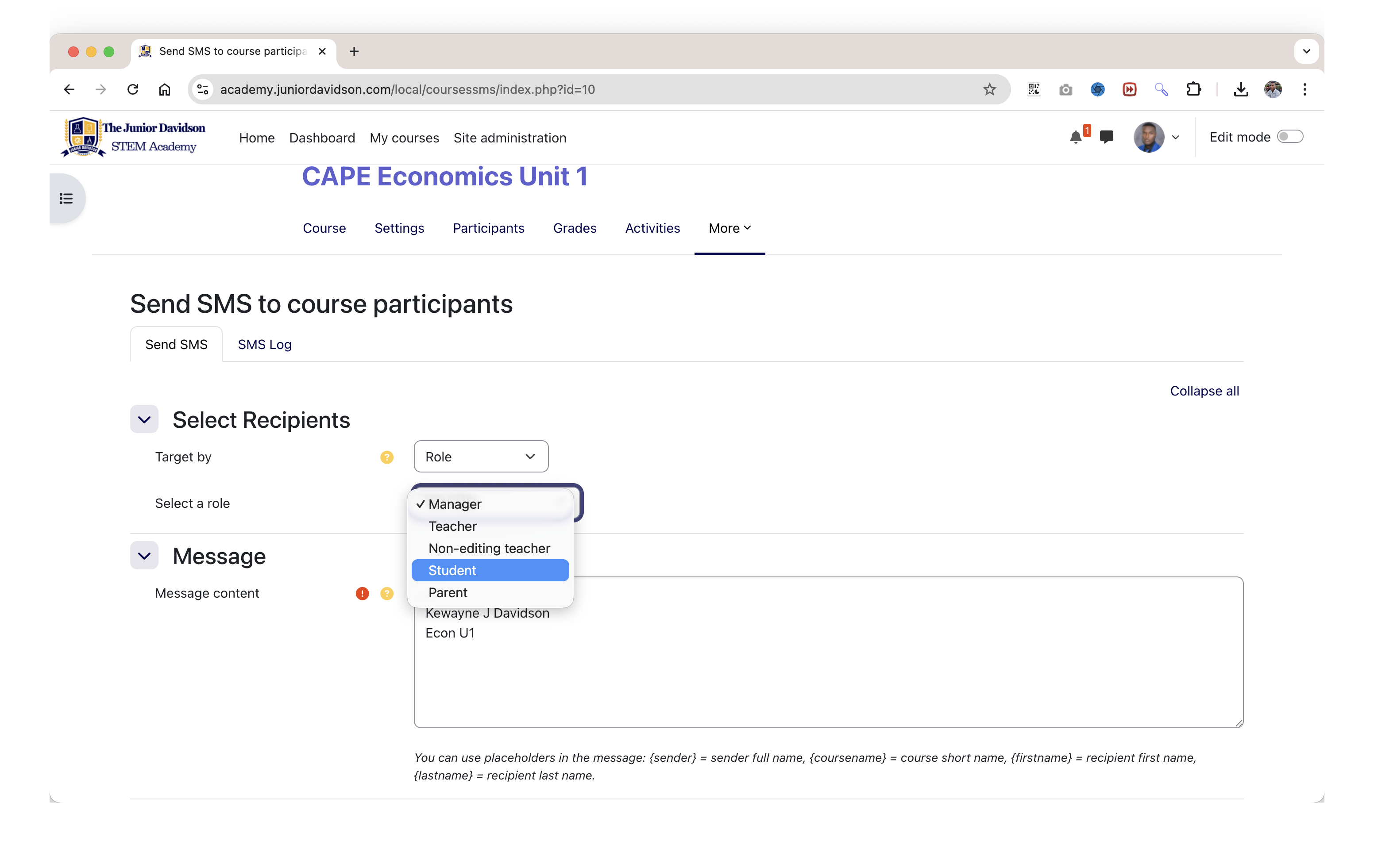
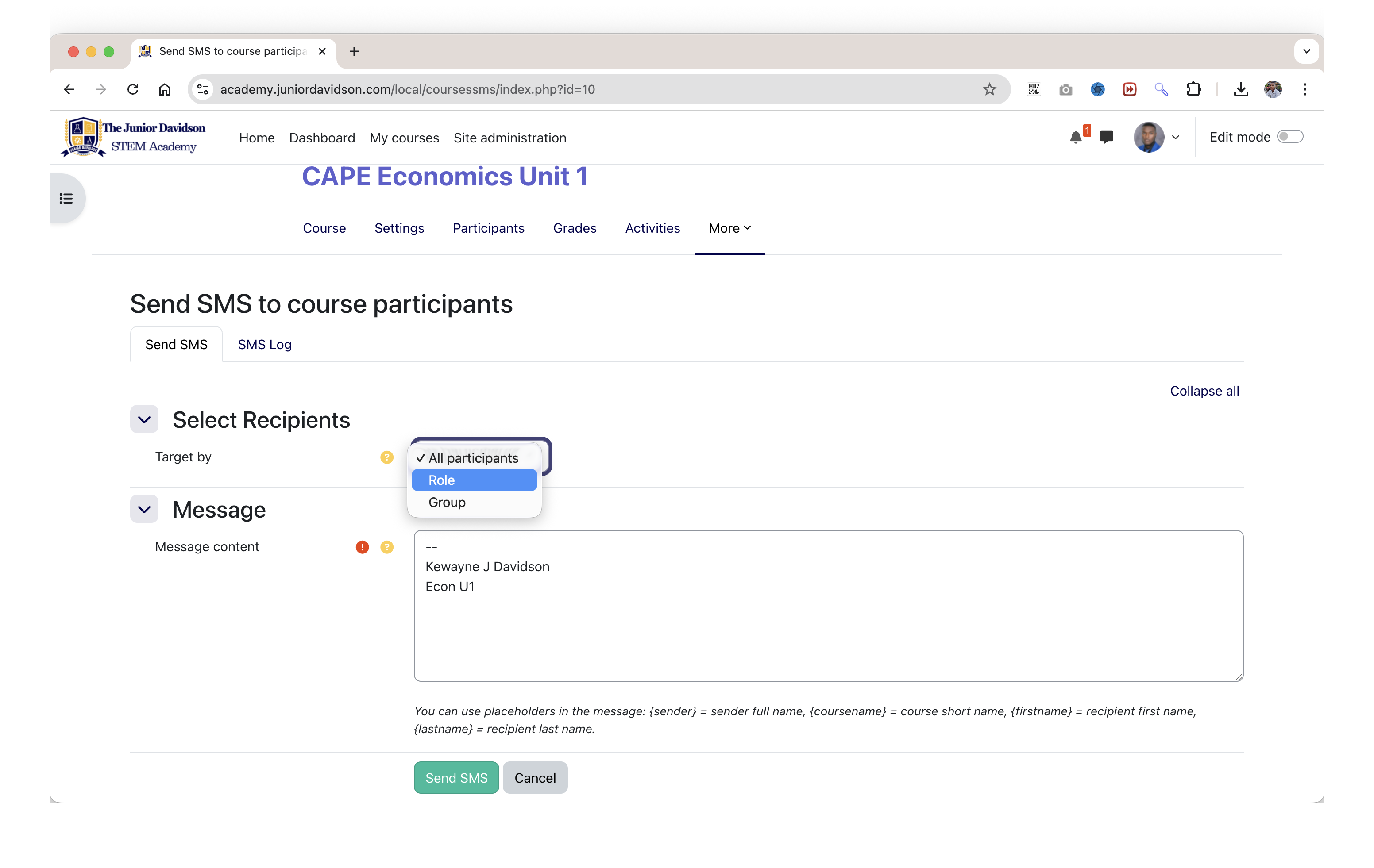
The plugin features a user-friendly interface that allows for sending messages to all participants, or targeting specific roles (like all students) or groups within a course. All sent messages are logged with detailed reports on successful and failed deliveries, providing a complete audit trail.
This plugin facilitates the sending of SMS messages from Moodle, but it does not send SMS messages for free. To use this plugin, you must have an active account with a third-party SMS gateway provider.
Moodle's SMS system supports various gateways, which you can configure in:
Site administration > Messaging > SMS gateways.
You will need to obtain API credentials from your chosen provider and enter them into Moodle. Without a configured and enabled gateway, this plugin will not be able to send any messages.
" Targeted Messaging: Send SMS messages to:
" Personalized Messages: Use placeholders like {firstname}, {lastname}, {sender}, and {coursename} to automatically insert recipient and course details into your messages.
" Comprehensive Logging: A detailed log of all sent messages is maintained, including:
" Permissions Control: The plugin includes capabilities (local/coursessms:sendsms and local/coursessms:viewlog) to control who can send messages and view logs. By default, this is available to Managers, Course Creators, and Teachers.
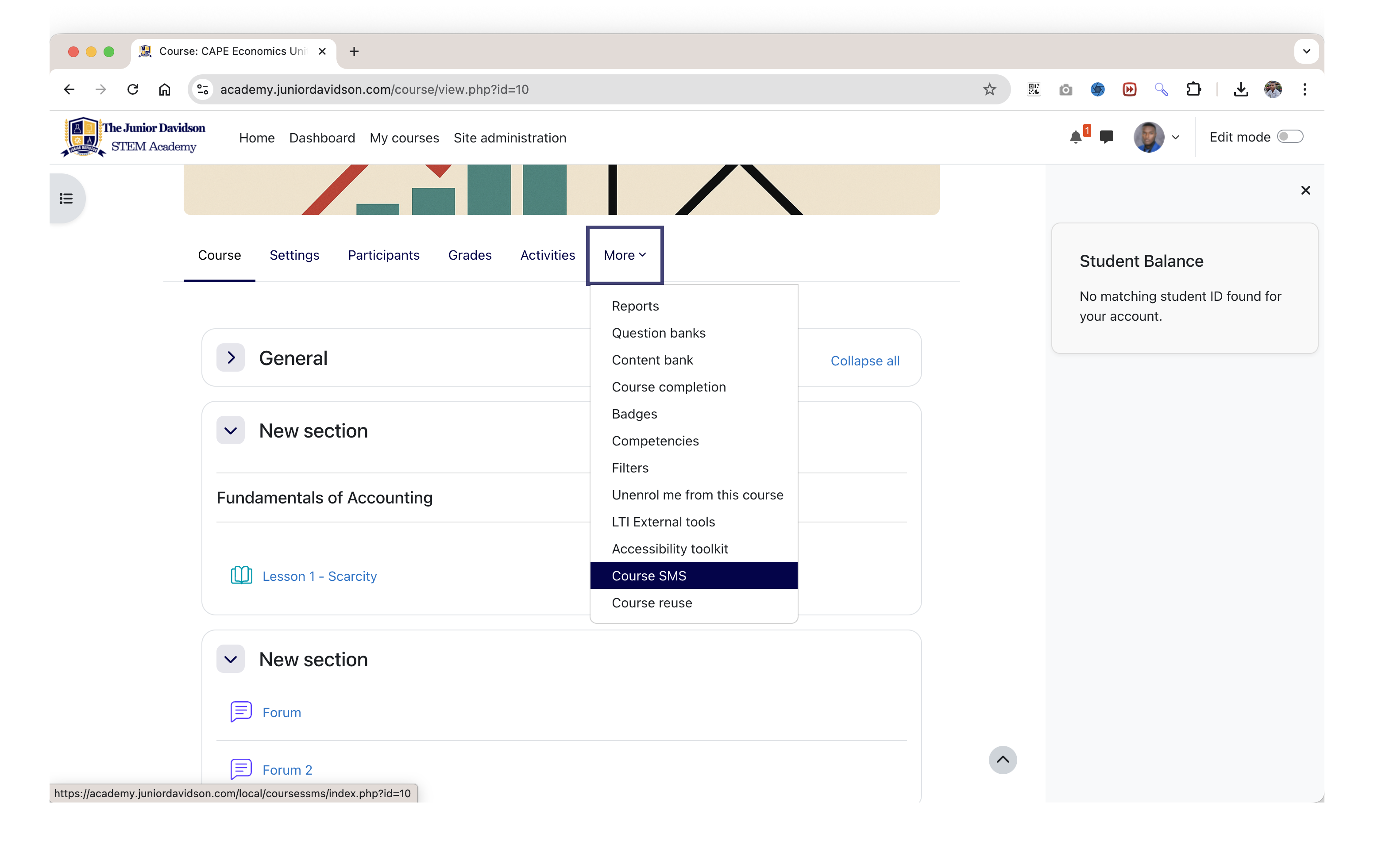
" Seamless Integration: Adds a "Course SMS" link to the course navigation for easy access.
Download the Plugin: Download the plugin ZIP file.
Install the Plugin:
Alternative: Manual Installation:
coursessms.coursessms folder to the local/ directory of your Moodle installation.Configure Permissions:
local/coursessms:sendsms.local/coursessms:viewlog.Set up SMS Gateway:
Navigate to a Course: Go to the Moodle course from which you want to send an SMS.
Open Course SMS: In the course navigation menu, click on "Course SMS".
Compose Your Message:
Check the Log:
Database Tables:
local_coursessms_log: Stores records of every SMS batch sent.Capabilities:
local/coursessms:sendsms: Allows sending SMS messages within a course.local/coursessms:viewlog: Allows viewing SMS logs for a course.This plugin is licensed under the GNU GPL v3 License.
