Tangat Baktybergen
Lead maintainer
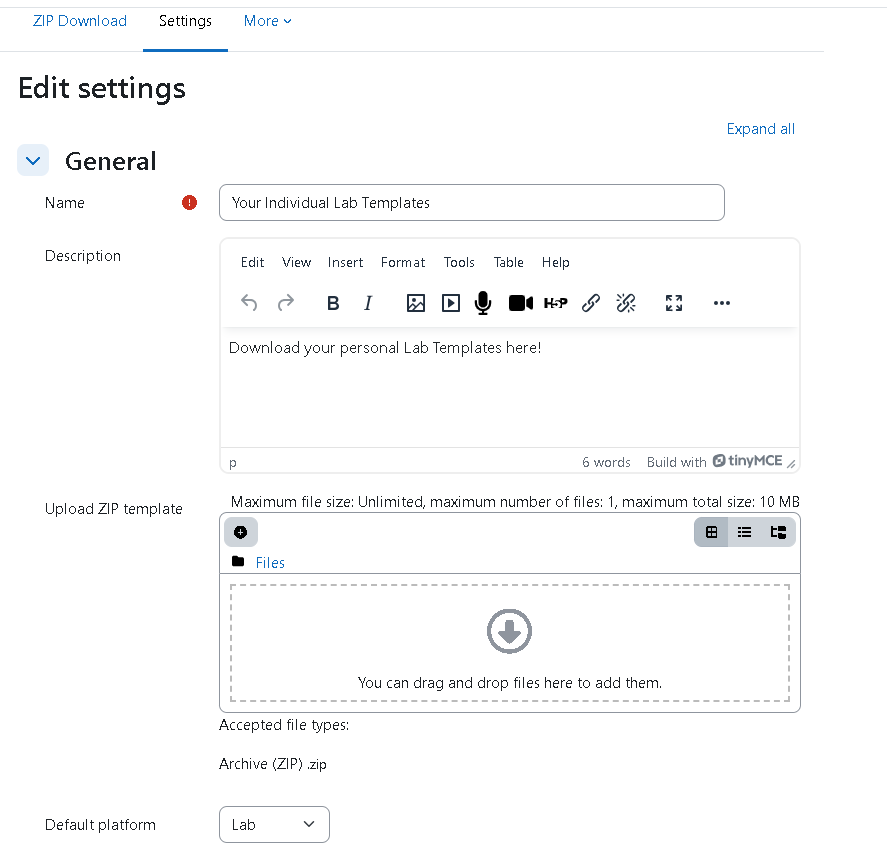
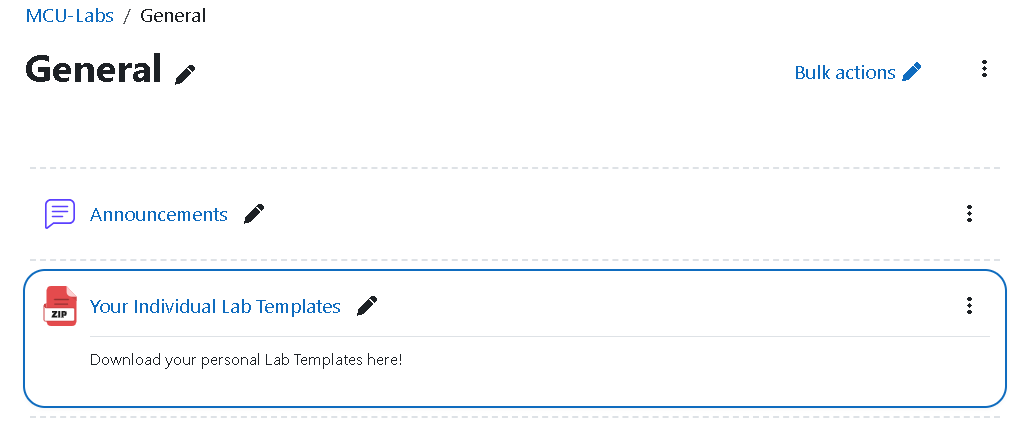
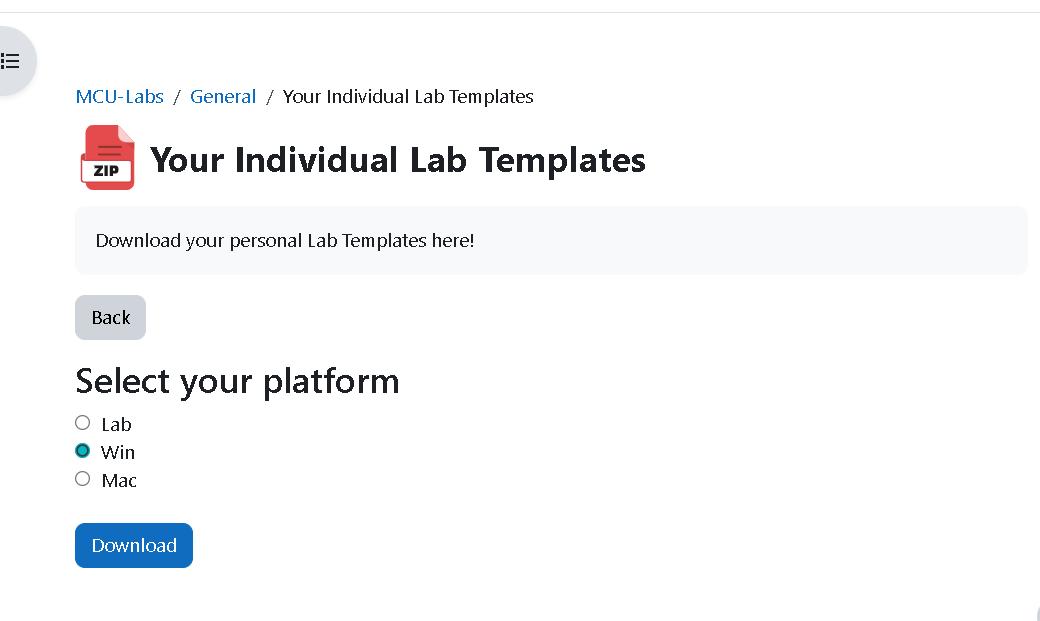
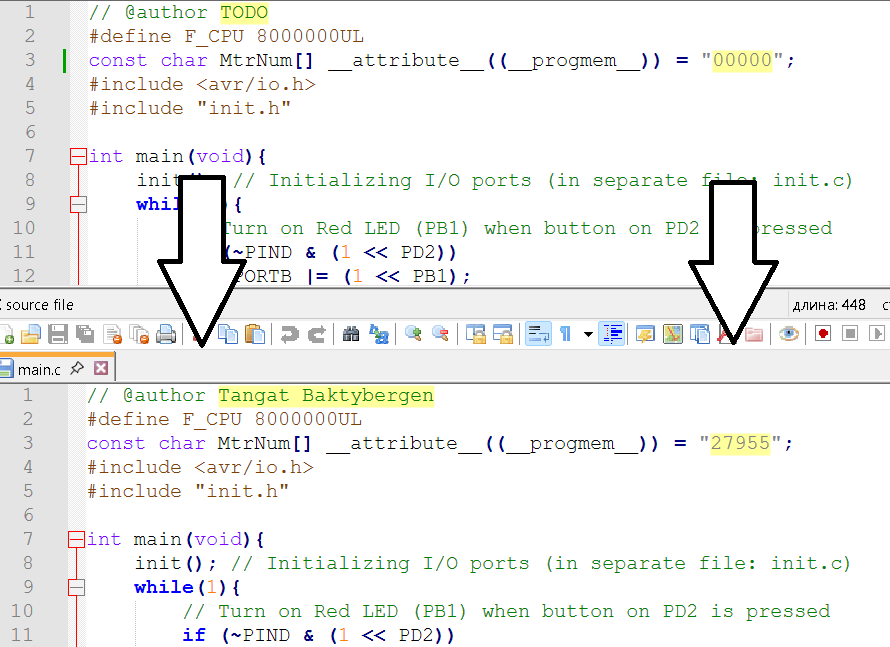
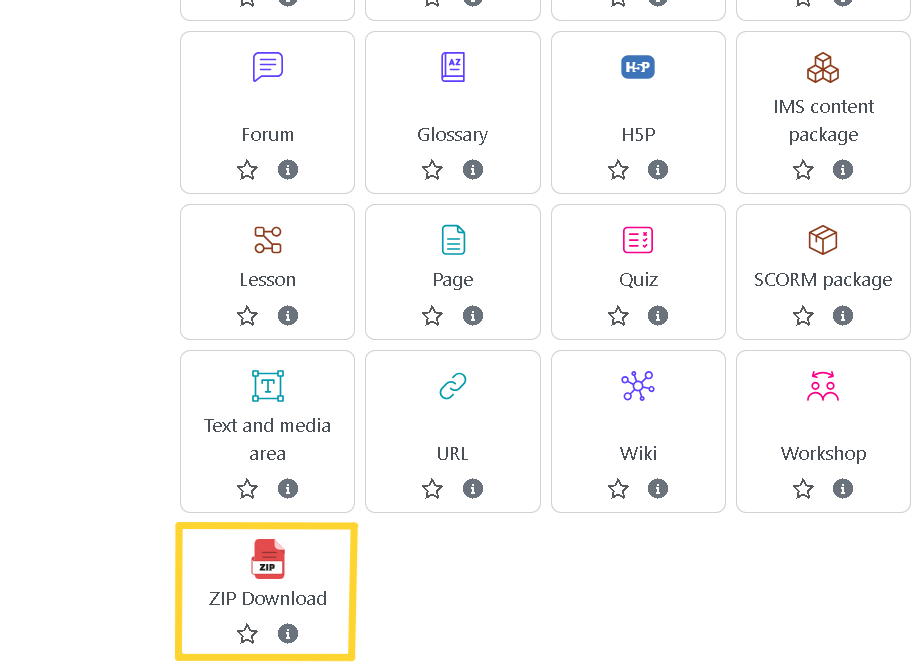
Personalized Code Distribution: Automatically generates a ZIP file for each student by replacing placeholders in C source files and the Makefile with their own name, student ID, and selected platform (Lab, Windows, Mac).
Template-Based: Teachers upload a ZIP template containing .c, .h files and Makefiles (including subfolders). The plugin handles all replacements automatically.
Easy Platform Selection: Students choose their platform on first click (Lab, Win, or Mac). The plugin updates the PORT= line in each Makefile accordingly.
Smart Naming: Output ZIP files are named with student ID and platform for easy identification, e.g., Template-12345-Win.zip.
Makefile Auto-Adaptation
Supports common serial port definitions:
Lab: /dev/ttyUSB_MySmartUSB
Win: COM3
Mac: /dev/tty.SLAB_USBtoUART
Effortless Automation: Eliminates manual editing — every student gets a fully personalized and platform-ready ZIP instantly.
Seamless Integration: Functions as a standard Moodle activity with intuitive setup.
Consistent Results: Reduces errors and confusion about setup or configuration in lab-based coding environments.
Programming, embedded systems, or robotics courses requiring individualized starter code.
Lab assignments needing personalized serial ports or author information.
Any C-based coursework with structured templates across multiple exercises.
Add the activity in your course: "Add an activity or resource" ' ZIP Download.
Upload your ZIP template with .c files and at least one Makefile.
Students access the activity, select their platform, and instantly download a customized ZIP package.
Instant ZIP generation for each student.
No extra tools or configuration needed for teachers.
Supports ZIP templates with complex subfolder structures.
Keeps your coursework clean, structured, and student-ready.
Take the busywork out of practical assignments—let your students focus on learning, not on editing files!
