
JClic
Maintained by
Sara Arjona, Pau Ferrer, Toni Ginard, Projectes TAC Dep. Educació Catalunya
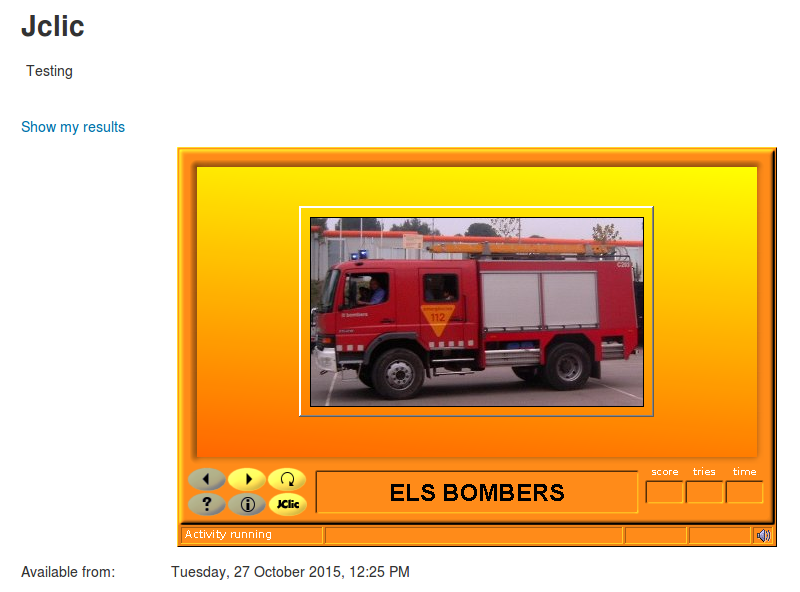
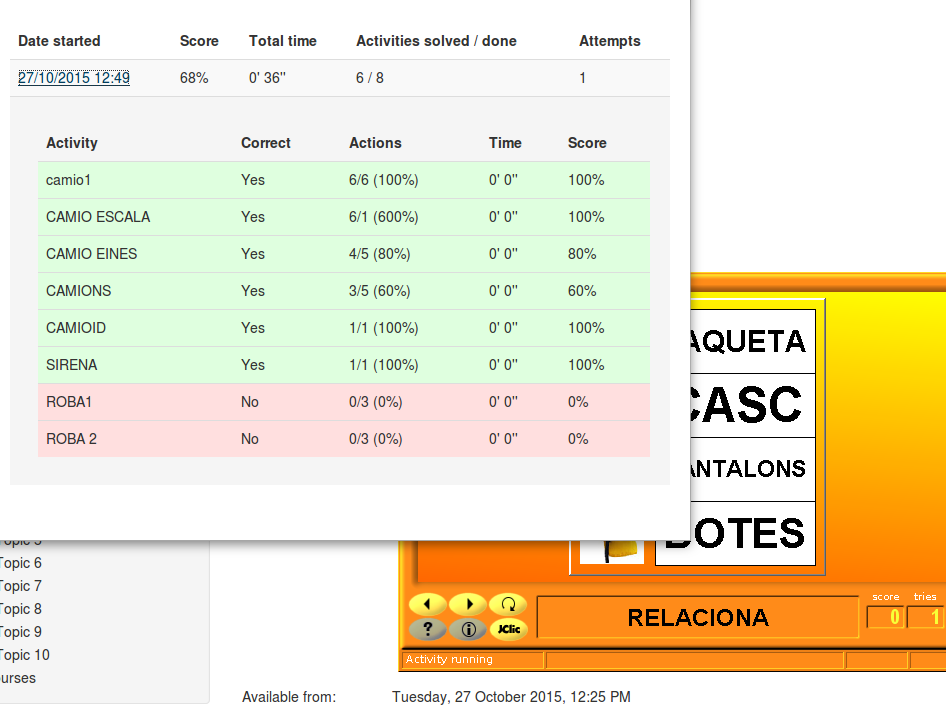
This module allows the incorporation of JClic activities in Moodle and save its state.
Comments
Comments are no longer open for new posts. Existing comments remain available to read.
Don't you intend to upgrade to Moodle 4?
I really miss the best puzzle game ever. No other tool has anything like it.
Thank you in advance!
I work with moodle 4.1.11, php 8.1 and mod_jclic v3.0.6.
I have checked that the plugin is working properly in my moodle but I don't see any recent updates, have you detected any performance issues with this plugin, are there any updates available?
The last update was 3 years ago.
Thanks for reporting this problem. I have found a possible cause of the error and fixed it in the new version 2.1.10 of jclic.js, which has been released a while ago. I hope the JClic activities are working properly now, even when full screen mode is activated once started.
As for the ability to automatically activate full screen mode, I'm afraid it's not possible, as it should always originate from a user action such as clicking a button. This is due to a browser security measure to prevent elements of a web page from playing media or capturing the entire screen without the explicit prior consent of the user.
So... the only way to put the browser in full screen is by clicking a button, or by pressing the F11 key on the keyboard. This also affects sound or video playback on the first screen of JClic activities: they may fail if the activity just opens in a new window or tab.
How are you? I am a 1st to 5th grade teacher in a public school in Brazil.
I use jclic in moodle and I would like to report a small bug and ask for a feature in a future version.
When the user is solving a swap puzzle and clicks the full screen button, the next moves leave the pieces in the wrong places. Sometimes it becomes impossible to continue. Please see the link:
https://drive.google.com/file/d/1l5ubg6iMq82Tx6veKegCJ1Eh2m7e6bHB/view?usp=sharing
And I would like to suggest a new option in moodle jclic plugin: start the activity in full screen.
Thank you for your attention.
We have already resolved this issue. The new version 2.1.1 of the JClic HTML5 runtime should fix the problems that occurred with some language codes.
Please check if it is working properly now, and report any issue to:
https://github.com/projectestac/jclic.js/issues
With the new version 1.1.22 of JClic.js (just released) you have a shortcut to achieve this: negative values of "width" and "height" will be considered as percentages. So, if you want the JClic panel fully expanded, just set "-100" as the "width" value in "Appearance". Height should always have an absolute value.
For now, that’s just a trick. We take note of your suggestion to implement it in future versions of the module.
Thank you very much for your great service. Would it be possible to allow the width to be defined as a percentage? (not just in pixels). With that, the content would adapt to mobile devices and desktops. Sincerely
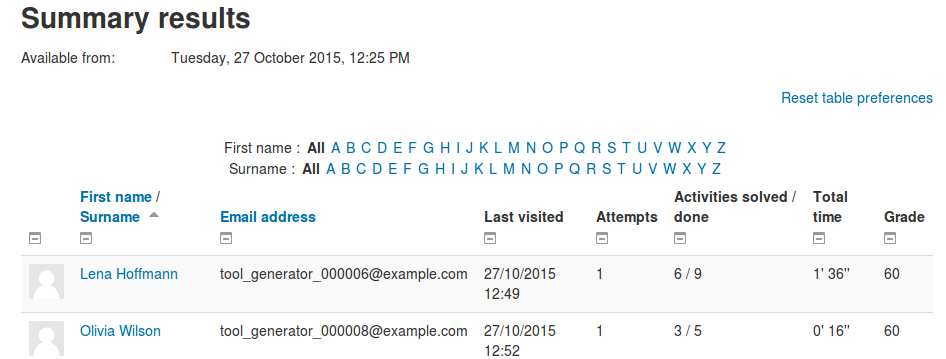
Así es: el módulo recopila directamente los resultados de las actividades JClic realizadas por los alumnos y los guarda en Moodle. No es necesario instalar ni configurar "JClic reports".
Desde JClic Author hay que exportar el archivo al formato HTML5/SCORM y subir el archivo ".scorm.zip" resultante a la actividad "JClic" creada en Moodle.
Entiendo que debo crear las actividades desde jclic author, pero la duda que tengo ya con este plugin me va a guardar los resultados y no tengo que activar nada de jclic reports o sí?