Rio Smart Tech Private Limited (Rudraksh Batra)
Lead maintainer
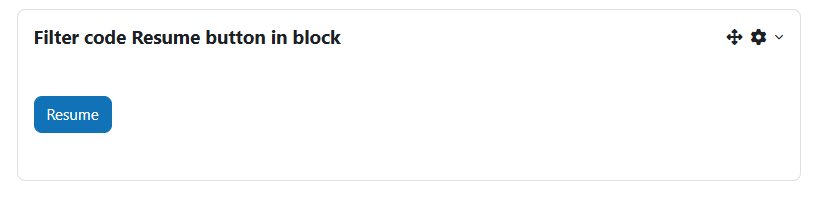
Embed Resume or Start Again Button Anywhere in Moodle Using Shortcodes
This filter plugin allows you to embed resume buttons for Moodle courses or sections using a simple shortcode syntax. It works in combination with the local_resume plugin and provides a dynamic, personalized experience for learners to continue where they left off.
local_resume[resumebutton courseid=2][resumebutton sectionid=5]filter/ directory:
moodle/filter/resumebutton
Resume Button Filter for Moodle This Moodle filter allows you to embed course or section-level resume/start buttons inside pages, labels, and HTML blocks using shortcodes.
Usage [resumebutton courseid=2] — Course-level resume/start button [resumebutton courseid=2 sectionid=1] — Specific section resume/start button [resumebuttons courseid=2] — All section buttons for course 2 Installation Upload this folder to moodle/filter/resumebutton Go to Site administration > Notifications to complete installation Enable the filter from: Site administration > Plugins > Filters > Manage filters
