
NLN Learning Object
Maintained by
Tony Butler
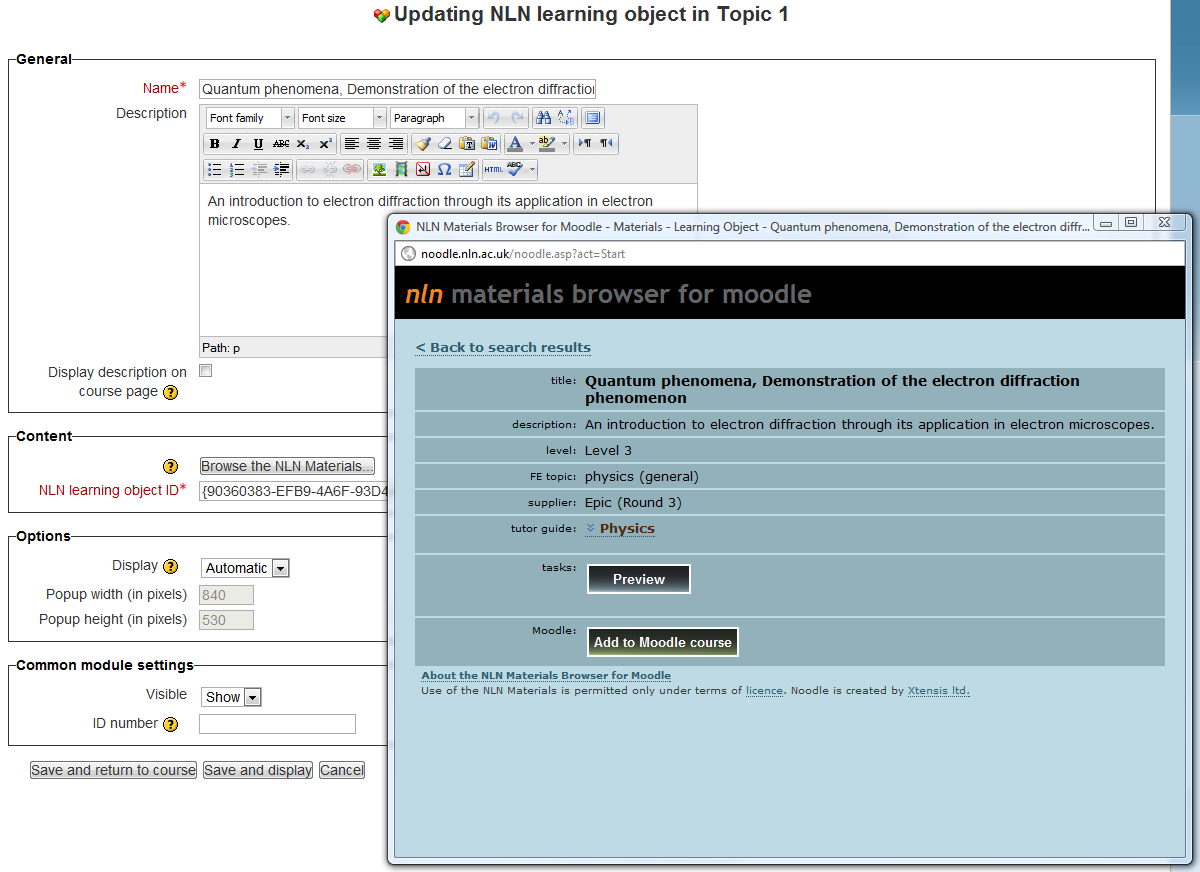
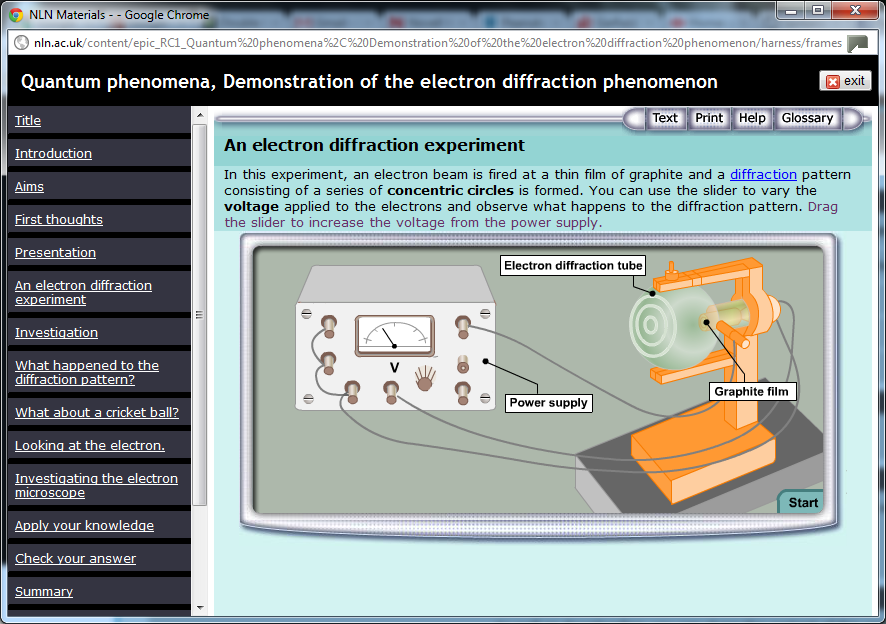
An activity module that allows teachers to find and add NLN Learning Objects to their Moodle courses with a minimum of effort. Originally developed by Xtensis.co.uk as a Moodle 1.8 resource type, the "Noodle" plugin ceased to be maintained when the NLN Materials website changed hands in July 2011. This new development is a direct conversion of the original plugin into a Moodle 2.x activity module.
Comments
Comments are no longer open for new posts. Existing comments remain available to read.
cheers, P
I've just tried too and the NLN website does indeed appear to be down. Hopefully it will be back up soon.
Cheers,
Tony
I tried to browse the NLN materials..a pop-up window opens with "HTTP/1.1 New Session Failed". I cannot even reach your website (nln.ac.uk)...I receive the same message (HTTP/1.1 New Session Failed). Any idea about the problem? Many thanks anyway. Roberto.
I've just tested it in the latest Moodle 2.7 dev build and it works fine, so it should work fine in 2.6 too. I've updated the version information in the directory entry to reflect this.
Cheers,
Tony
Thanks again
Annick
This seems to be related to IE's 'protected mode' when opening a popup window in one security zone from a parent window in a different security zone. It doesn't seem to be an issue (at least for me) when both windows are in the same zone, e.g. when accessing Moodle from the internet (of course the popup window is always in the 'internet' zone because it's browsing the NLN website). However if I'm accessing Moodle from within our college network (and hence Moodle is in the 'local intranet' zone) it seems that the JavaScript window.opener property called from the popup window (in the internet zone) can't identify the parent window (in the intranet zone).
A workaround in this case seems to be to turn on protected mode for the intranet zone ('Tools -> Internet options -> Security -> Local intranet' and check 'Enable Protected Mode (requires restarting Internet Explorer)'). If this doesn't work for you, you could try adding both your Moodle domain and nln.ac.uk to your 'trusted sites' zone.
I'm sure this never used to be an issue and I'm pretty sure protected mode used to be switched on be default, so I'm wondering if MS have changed some security settings in a recent Windows update.
Please let me know how you get on.
Cheers,
Tony
Works fine in Firefox...
Thanks
Annick
Thanks for the feedback. I haven't experienced this. Could you tell me which OS and browser you are using so I can try to reproduce it please?
Thanks,
Tony
Thanks.
Thanks a lot
It works
Best Regards,
Ravi
My apologies for this. I think I know what's causing it though.
Please replace with the updated version (2.2.3) of the module now available as a zip download at http://moodle.org/plugins/pluginversions.php?plugin=mod_nln and on GitHub at https://github.com/tonyjbutler/moodle-mod_nln. Actually the only file you really need to replace is mod_form.php.
Please let me know if this fixes the issue.
Kind regards,
Tony
Thanks for this nice contribution.
How to set up 'URL'?
I stuck at
"
Not Found
The requested URL /mod/nln/browse_start.php was not found on this server.
"
Best Regards,
Ravi