OpenRouter AI Provider for Moodle
This plugin integrates the OpenRouter API with Moodle's Core AI framework, enabling text generation, text summarisation, and image generation actions from Moodle placements.
Features
- Supports the core AI actions
generate_text, summarise_text, and generate_image.
- Configurable per-action model selection and endpoint URLs.
- Adds the required OpenRouter headers (
Authorization, HTTP-Referer, X-Title) automatically.
- Optional global and per-user rate limiting using Moodle's built-in rate limiter.
- Unit tests covering provider authentication, request construction, rate-limiting, and response handling pathways.
Requirements
- Moodle 5.0 (build 2025041400) or later.
- An active OpenRouter account with a valid API key.
Installation
- Copy the
openrouter directory into moodle/ai/provider/.
- Visit
Site administration ' Notifications to trigger the plugin installation and database upgrade.
Configurationac
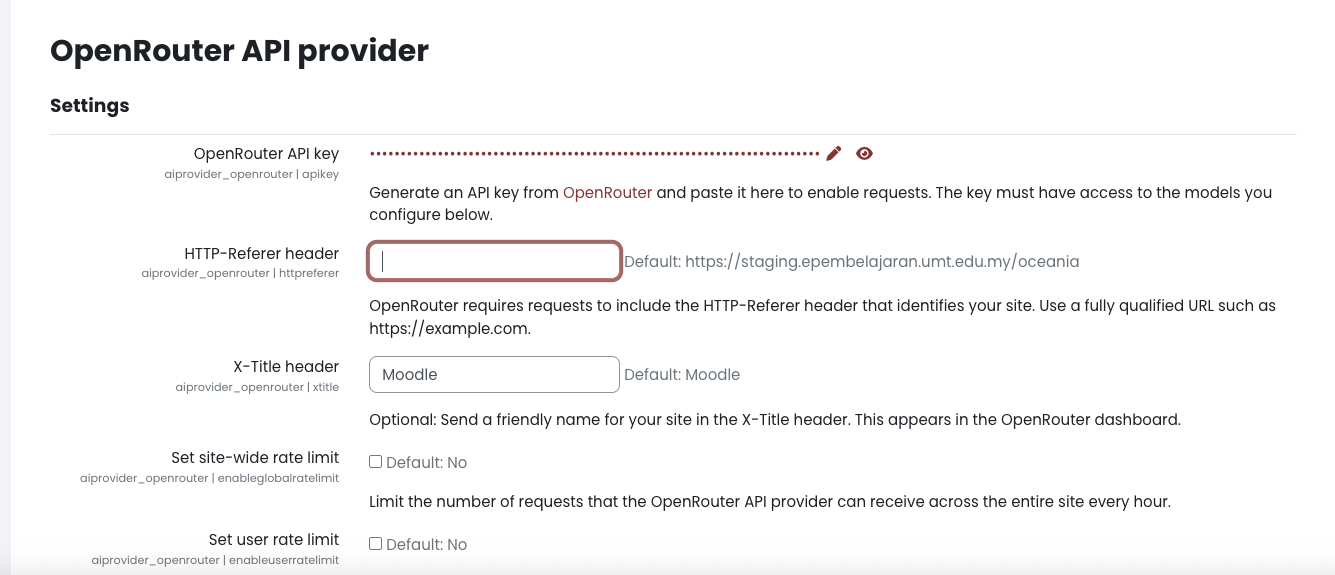
Navigate to Site administration ' Plugins ' AI ' OpenRouter API provider and configure:
- OpenRouter API key – create a key in your OpenRouter account and paste it here.
- HTTP-Referer header – required by OpenRouter; set this to the public URL of your Moodle site (for example
https://example.edu).
- X-Title header – optional friendly name displayed in your OpenRouter dashboard (defaults to the Moodle site name).
- Per-action settings – for each supported action you can define the default model (e.g.
openrouter/auto or openai/dall-e-3), endpoint URL, and system instructions.
- Rate limits – optionally enable and configure global or per-user hourly request caps.
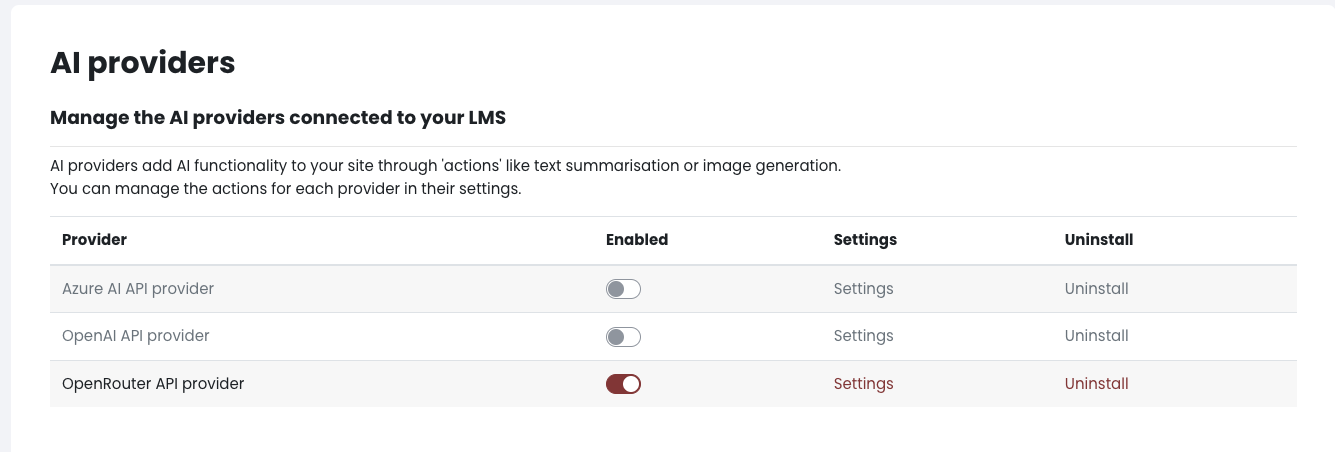
After saving the settings, ensure that each AI placement selects OpenRouter as its provider and chooses the appropriate action.
Testing
Automated tests live under the tests/ directory and exercise the provider, processors, and rate-limiter behaviour. From the Moodle root you can run:
vendor/bin/phpunit ai/provider/openrouter/tests
(Depending on your environment you may need to install PHPUnit via Composer first.)