Assignment AI
Maintained by
Data Curso
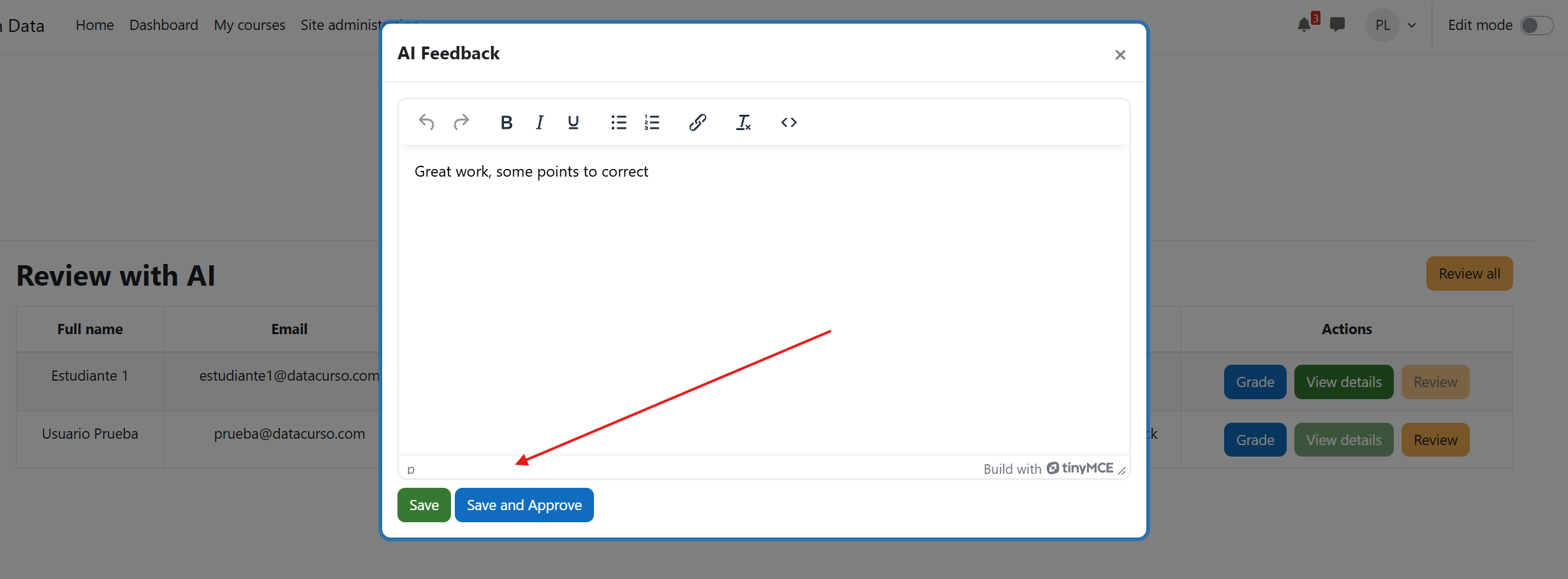
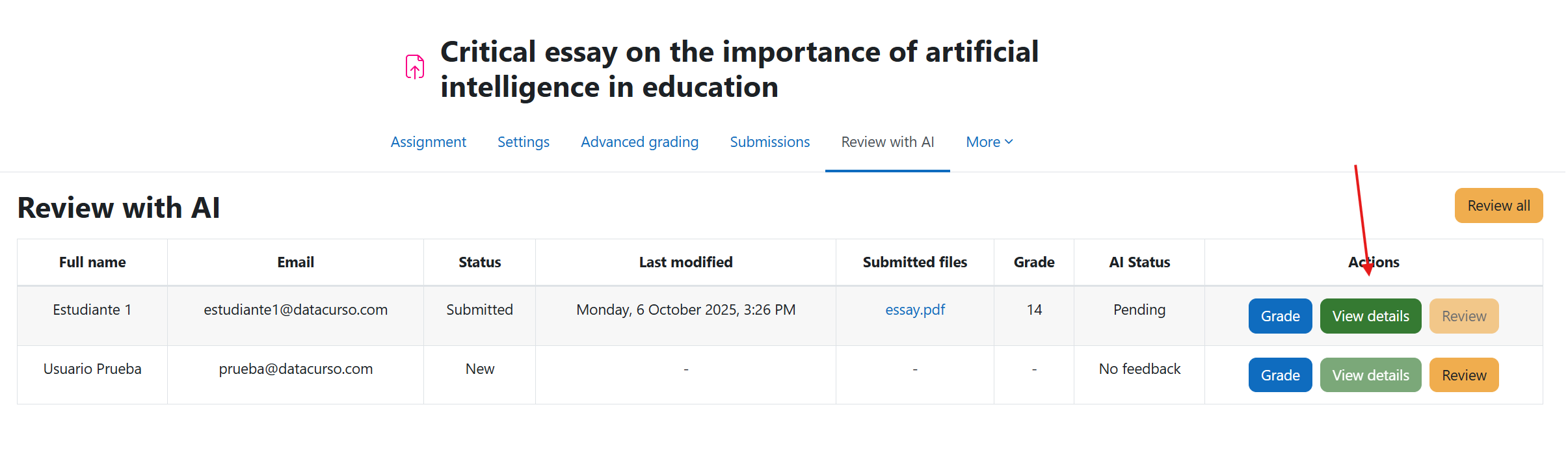
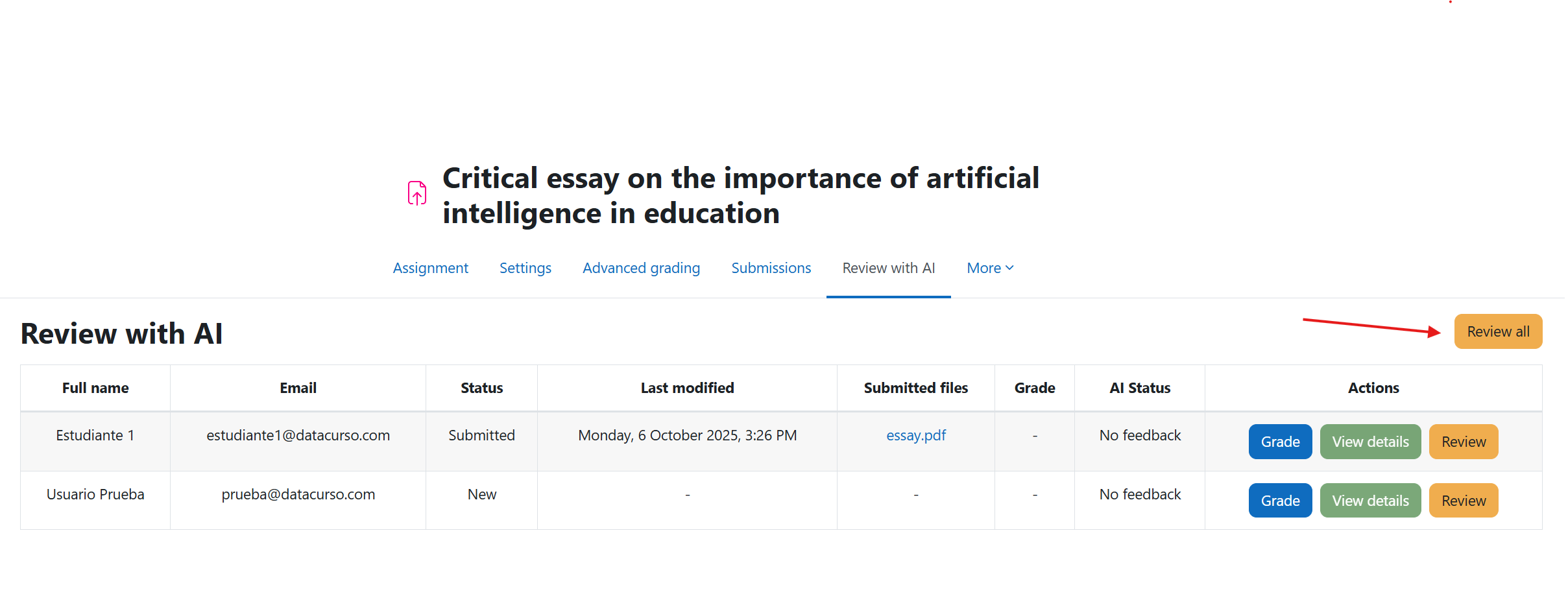
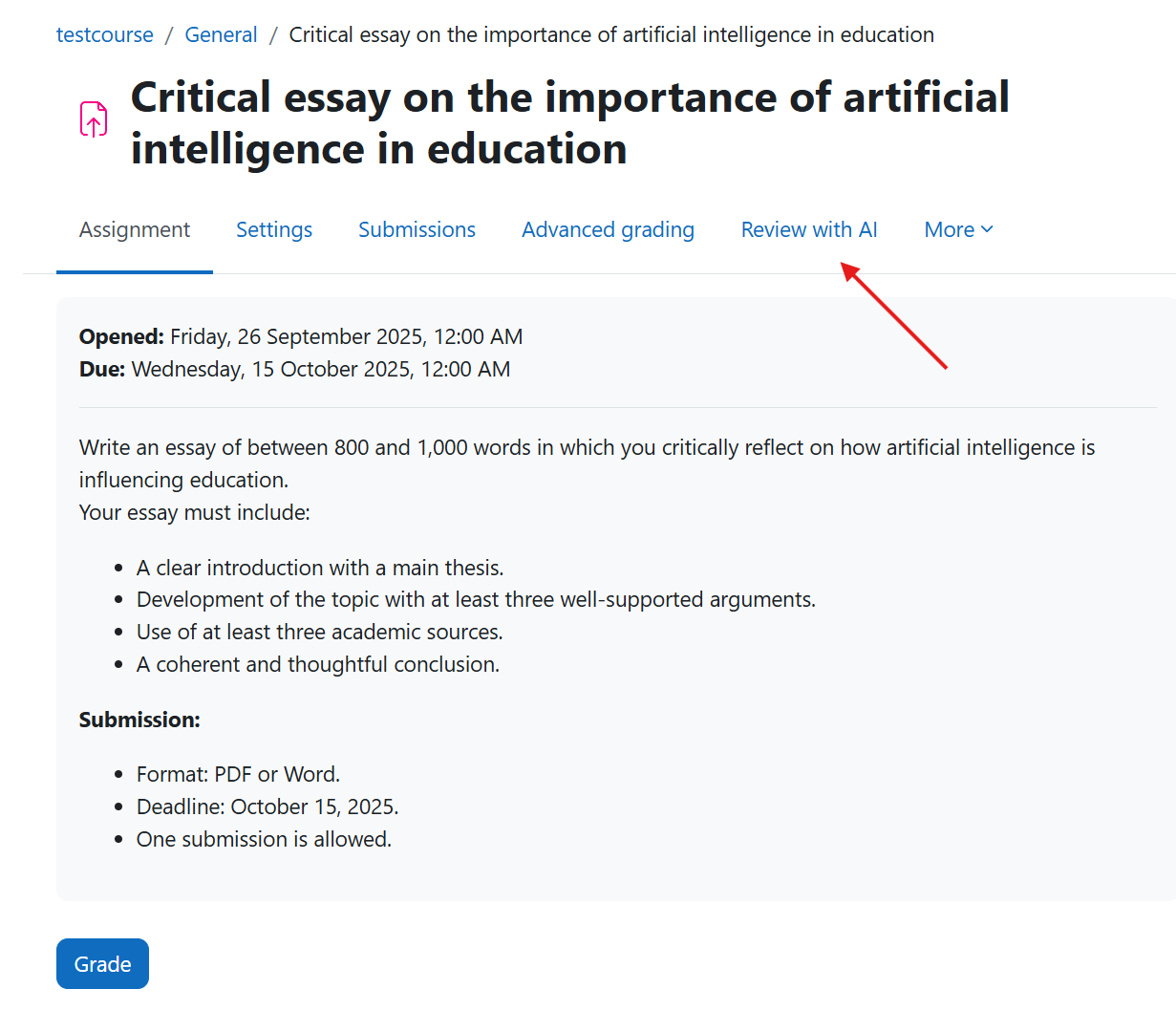
The Assignment AI plugin brings intelligent automation to the grading and feedback process within Moodle. Its main goal is to assist teachers and administrators in reviewing student submissions by analyzing the content of their assignments using Artificial Intelligence (AI).
Comments
Comments are no longer open for new posts. Existing comments remain available to read.
Please feel free to contact us if you have any additional questions or if you would like a more detailed demonstration of how the plugin works.
My use case is: a student draws a diagram by hand on paper, takes a photo, and uploads it as an Assignment file submission in Moodle.
Can the plugin analyze the uploaded image itself, compare it against a rubric or reference solution, and show the teacher AI-generated feedback and a suggested grade inside the Assignment grading page?
Thanks
In other words, does the plugin actually process uploaded image files using OpenAI vision capabilities, or does it only evaluate text-based submissions that may contain images or tables?
Regarding your second question about files containing images and tables, could you please clarify what you mean? Are you asking whether it can evaluate PDF files that include images or tables, or something else?
The engine (language model) at the heart of the plugin is OpenAI.
At the moment, it’s only possible to work with OpenAI’s predefined default model.
Yes, Russian is supported by the plugin.
We’ve published two videos on our YouTube channel showing the plugin’s real behavior and the kind of AI review/feedback it generates in practice. Please take a look there to see the full workflow and insight level.