
chimpAIgo!
Maintained by
Jorge Lopez
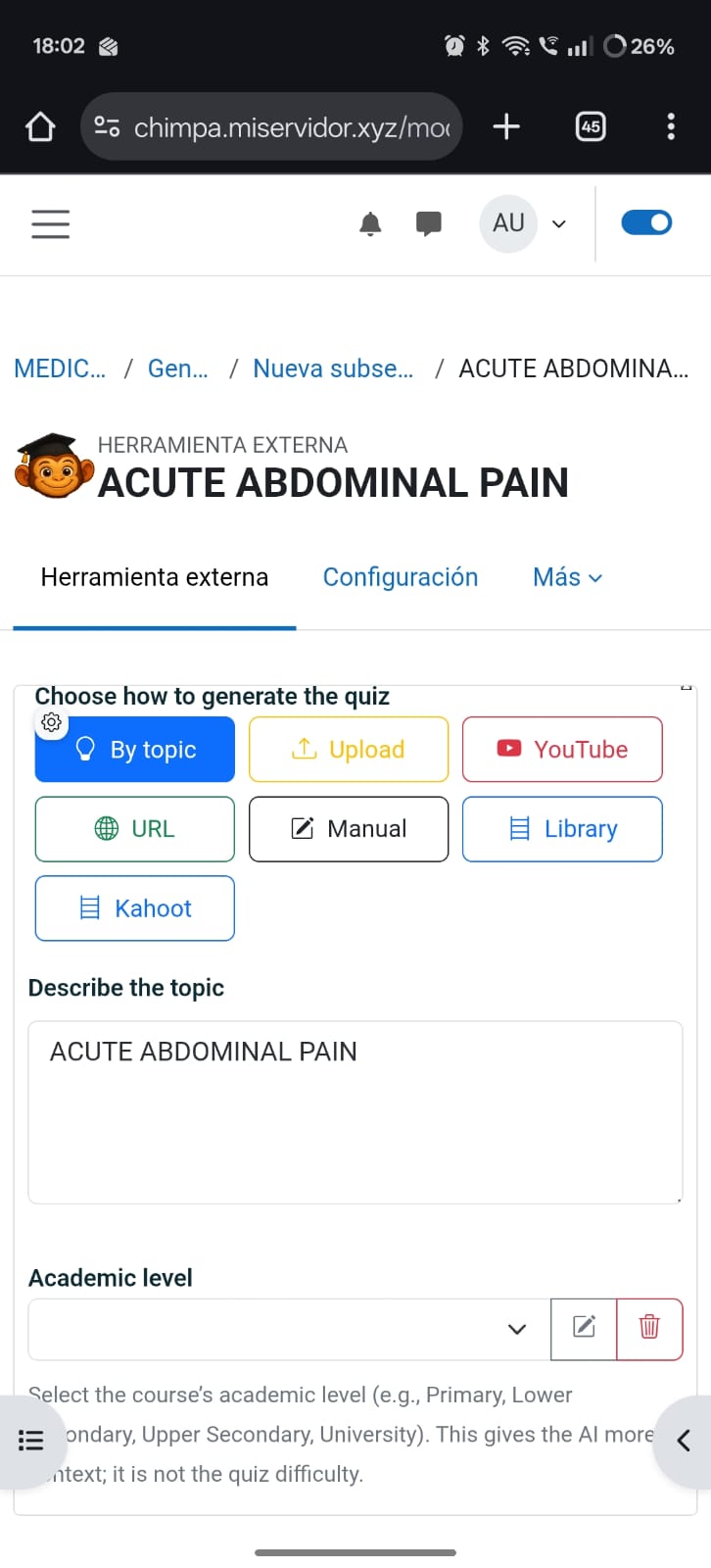
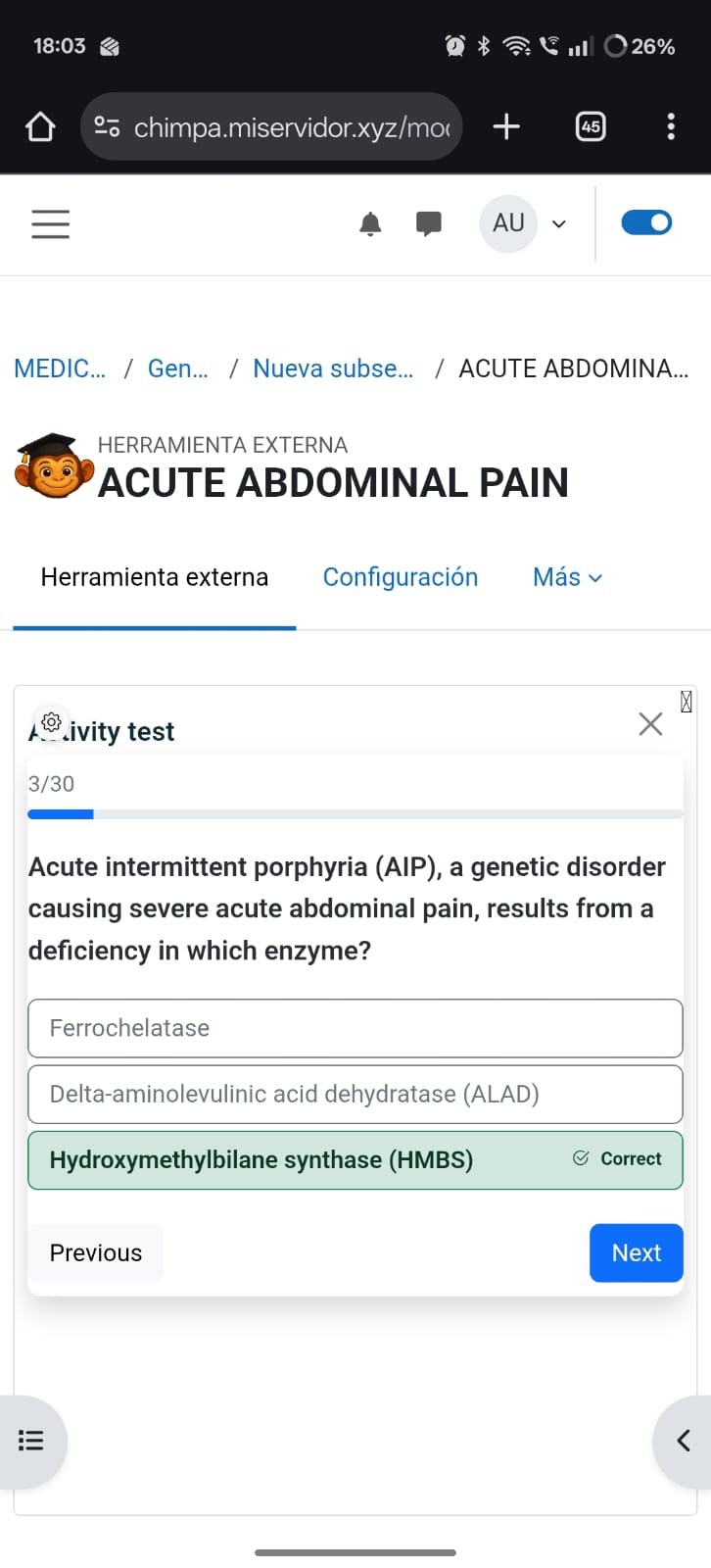
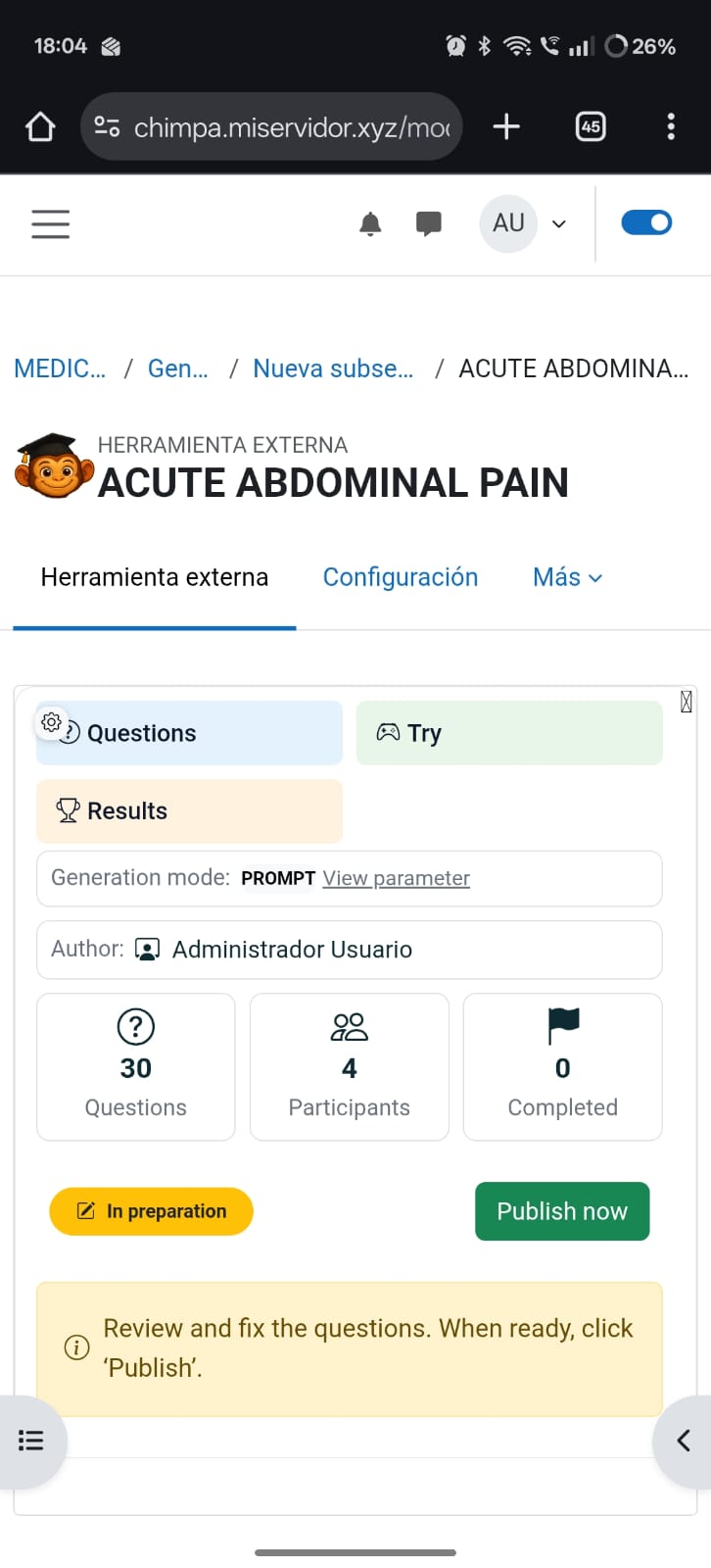
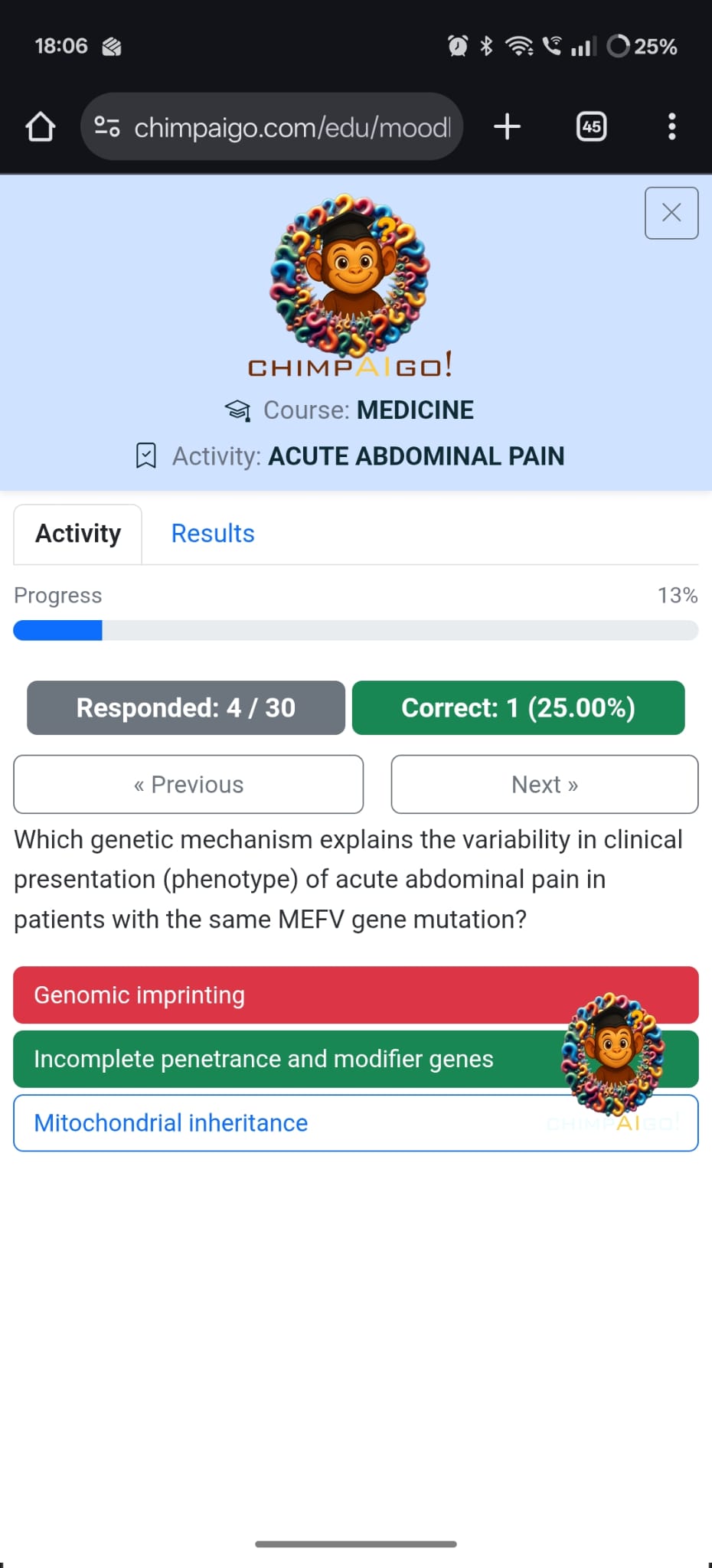
chimpAIgo! connects Moodle with an advanced AI quiz generator. Teachers can instantly create, edit, and assign intelligent quizzes powered by artificial intelligence—while students enjoy interactive, auto-graded challenges directly inside Moodle through secure LTI 1.3 integration.
Comments
Comments are no longer open for new posts. Existing comments remain available to read.
Thank you for the update.
Please check External Tool (LTI 1.3) configuration – possible parameter mismatch
The 403 error is very likely caused by one of the LTI 1.3 configuration parameters not matching what the service expects. This can sometimes happen depending on the Moodle version or how the tool was registered.
Could you please check the External Tool configuration again and share a screenshot of the full settings page?
Here is exactly how to get there in Moodle (English interface):
1. Go to **Site administration**
2. Click **Plugins**
3. Under **Activity modules**, click **External tool**
4. Click **Manage tools**
5. Find the tool named *chimpa* (or the name you used)
6. Click the **Edit (pencil icon)**
7. You will now see the **Tool settings** page
Please take a screenshot of the complete **Tool settings** page so I can see all parameters, especially:
* Tool URL
* LTI version
* Client ID
* Public key type
* Public keyset / key URL
* Initiate login URL
* Redirection URI(s)
It is possible that one of these values does not match what the platform expects, which would explain the 403 response.
Also please confirm:
* Your exact Moodle version (for example 4.5.x)
* Whether the error appears when saving the activity or when opening/launching it from the course page
With that information I can identify precisely which parameter is causing the issue.
It would be preferable if you send the information directly to my email:
info@usujuegos.com
Best regards,
Jorge
403 (Forbidden)
HttpRequestException: El código de estado de la respuesta no indica un resultado correcto: 403 (Forbidden)