Stefan Dani
Maintainer

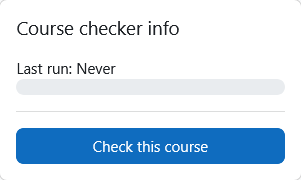
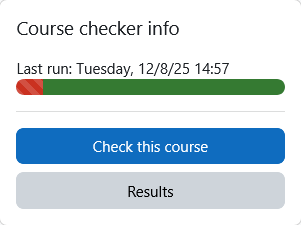
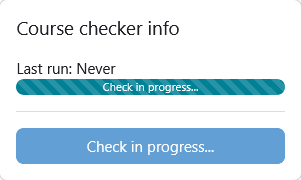

This Moodle block plugin displays the current status of course checks performed by the local_course_checker plugin. It provides quick access to the latest results, timestamps, and rerun options directly from the course page.
successful, warning, failed, error).This plugin requires the following to function properly:
local_course_checker — must be installed and operational.The plugin can be also installed by putting the contents of this directory to
{your/moodle/dirroot}/blocks/course_checker_infoAfterwards, log in to your Moodle site as an admin and go to Site administration > Notifications to complete the installation.
Alternatively, you can run
php admin/cli/upgrade.phpto complete the installation from the command line.
Clone the plugin into your Moodle instance:
cd /path/to/moodle
git clone https://github.com/ffhs/moodle-block_course_checker_info.git blocks/course_checker_info
Run the upgrade script:
php admin/cli/upgrade.phpOr complete the installation via the Moodle web interface: Site administration > Notifications
Once installed:

