
Shopping Cart
Maintained by
onbirdev
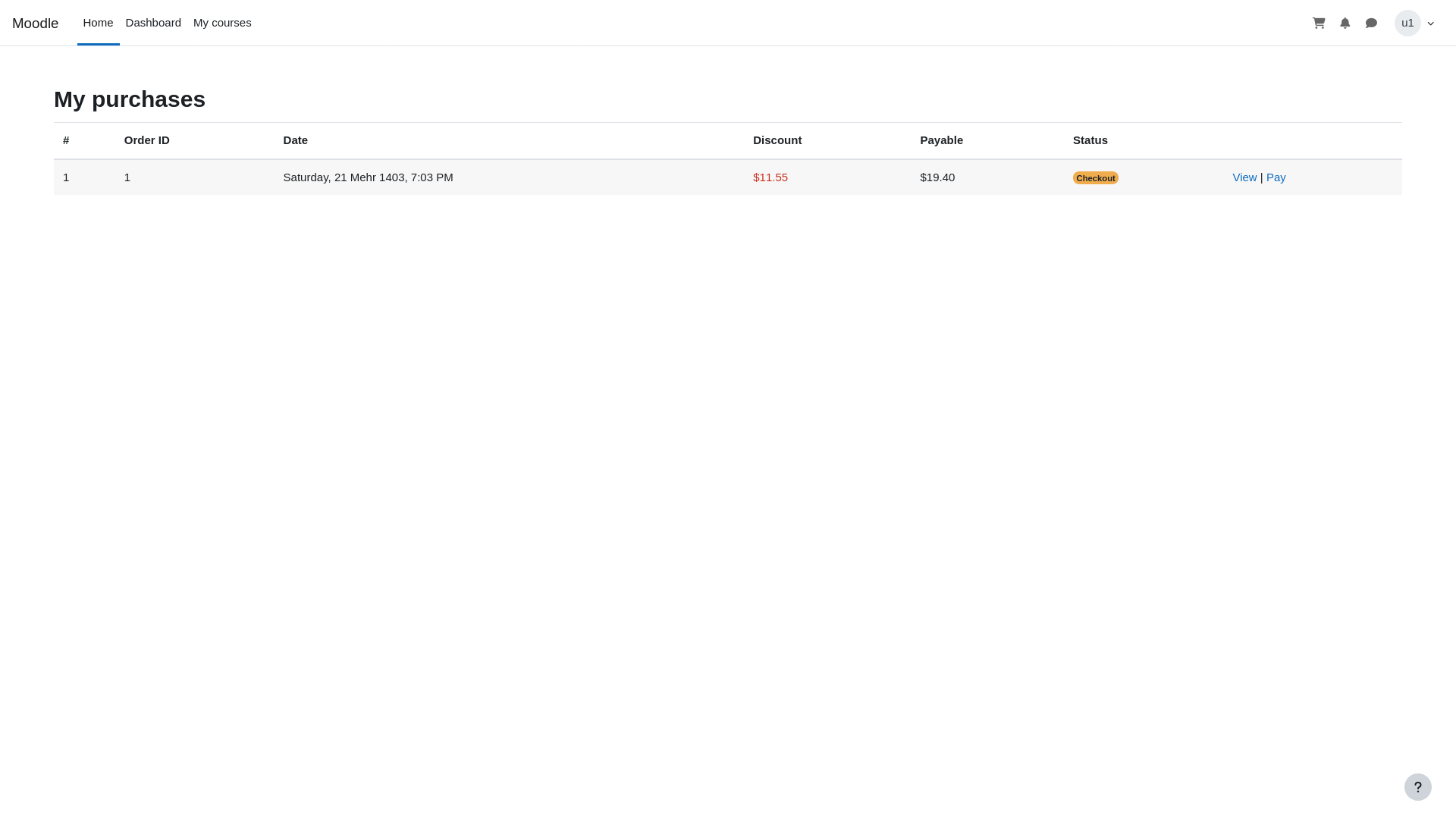
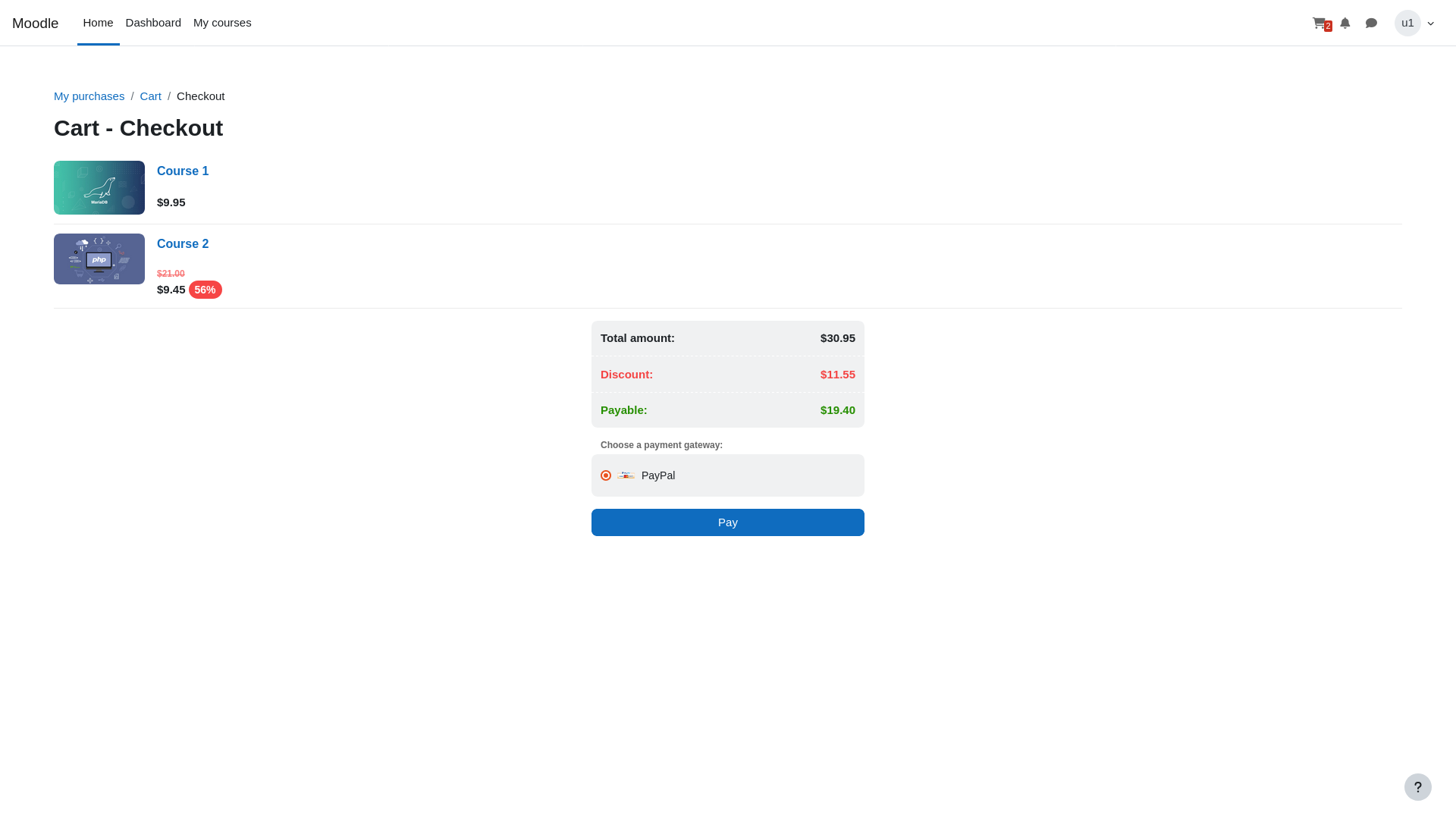
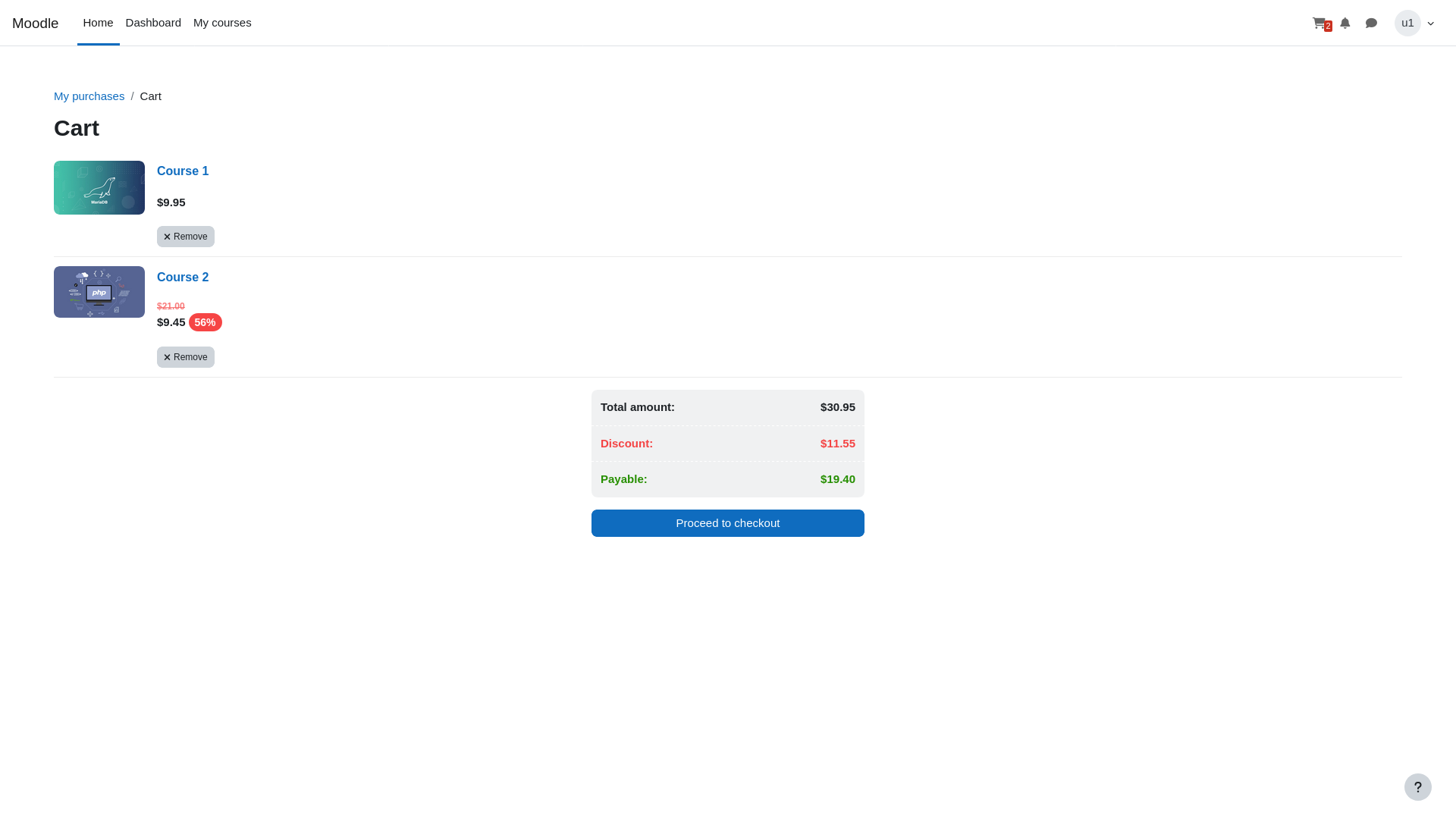
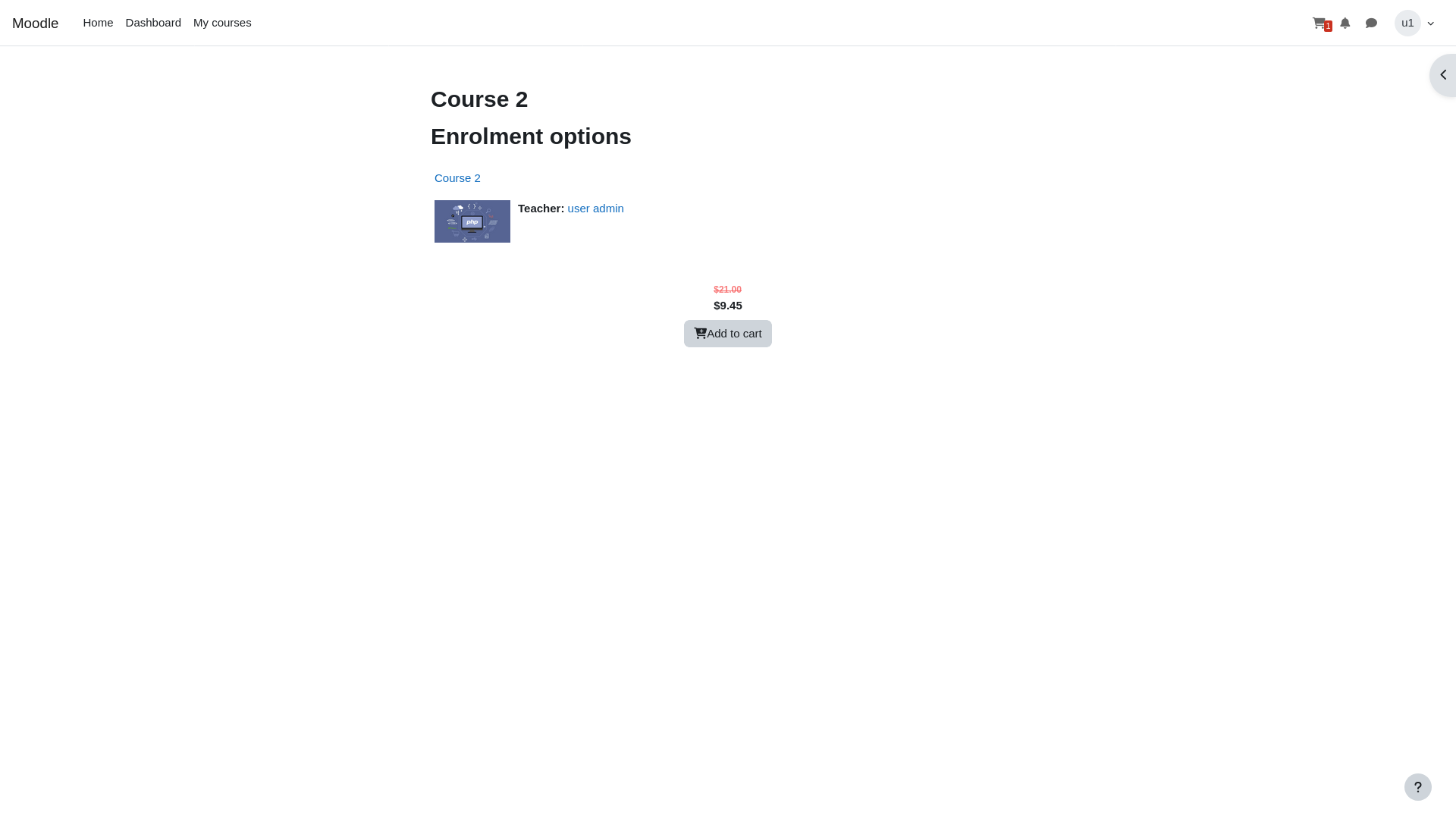
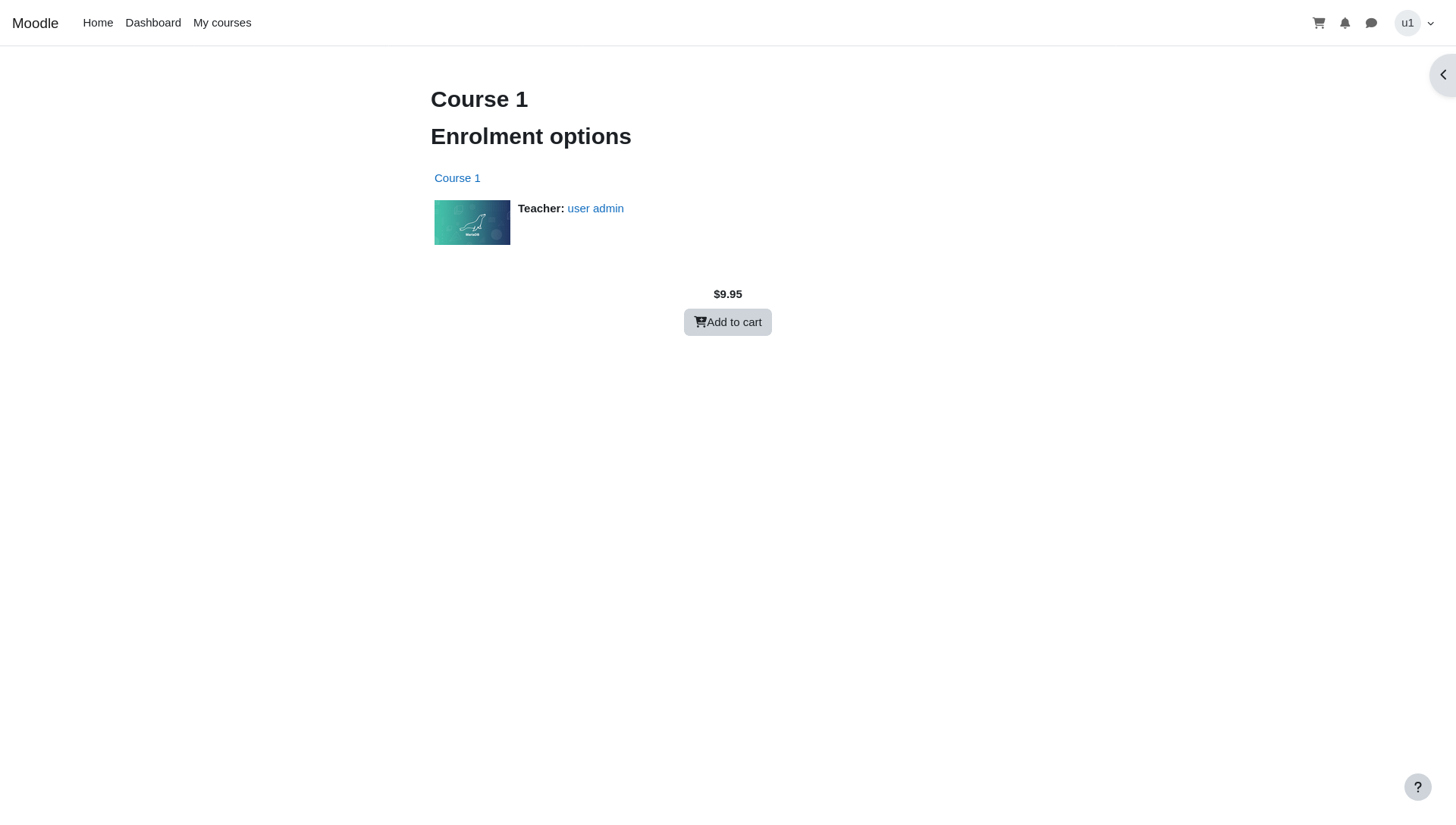
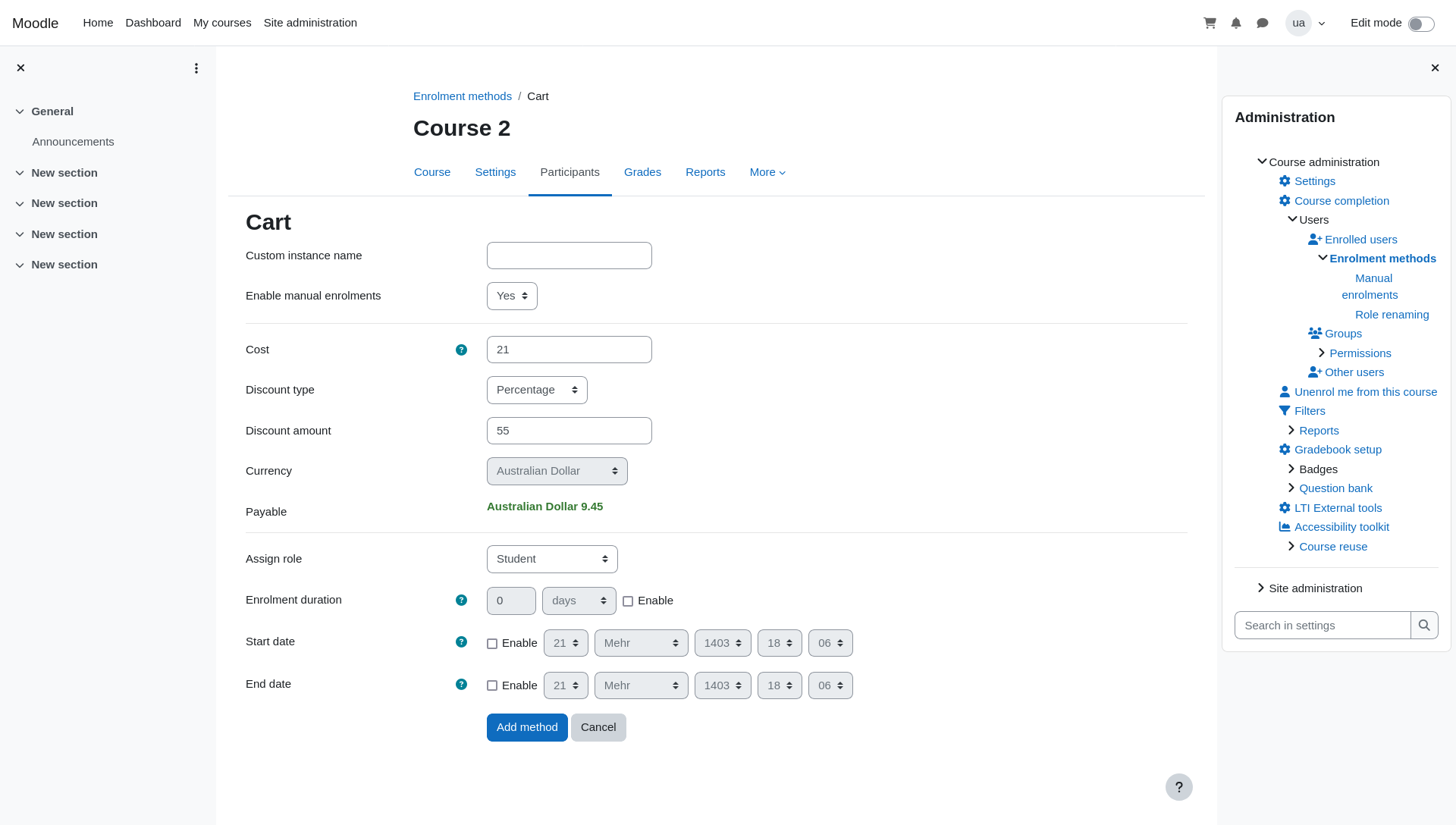
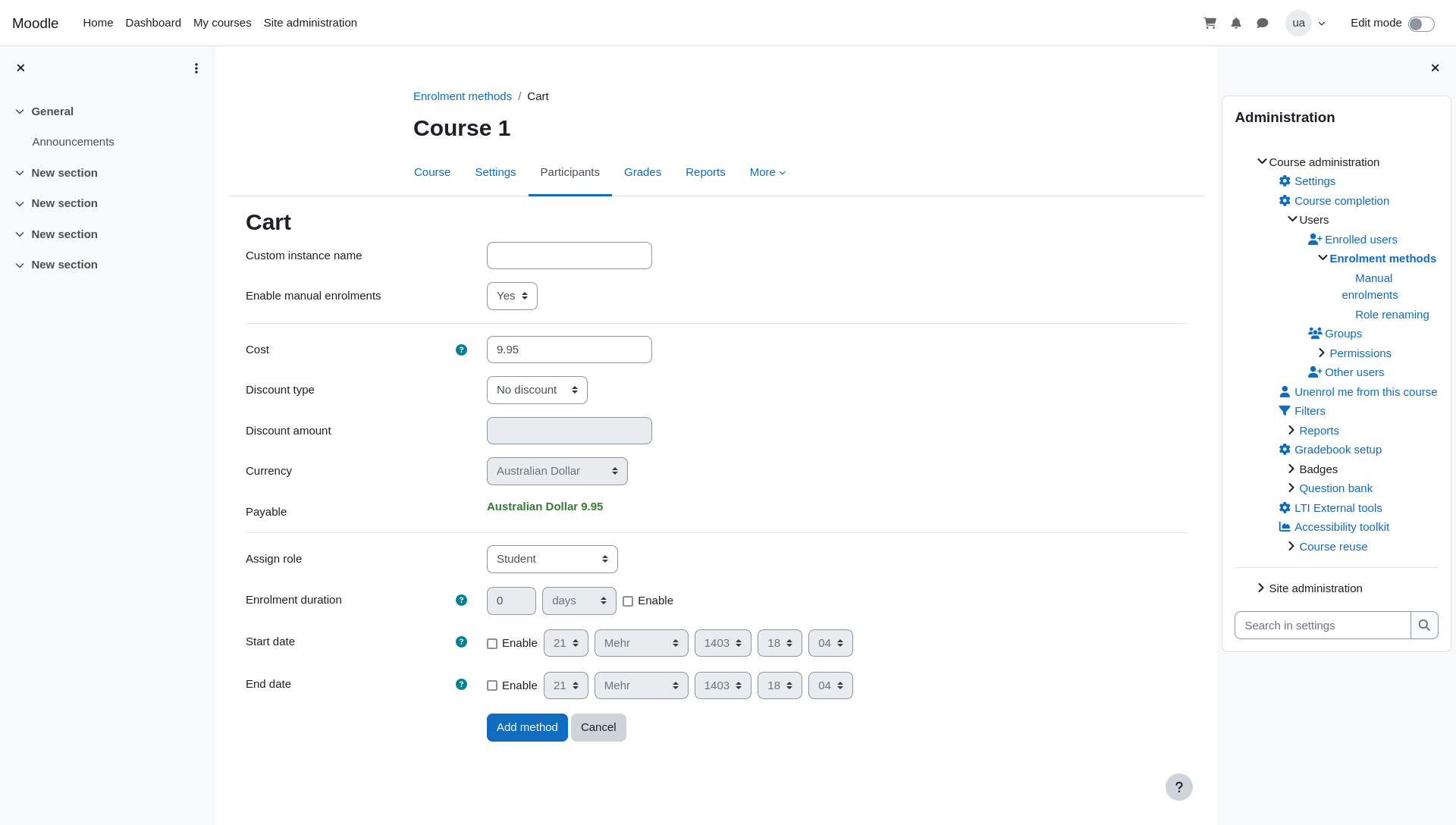
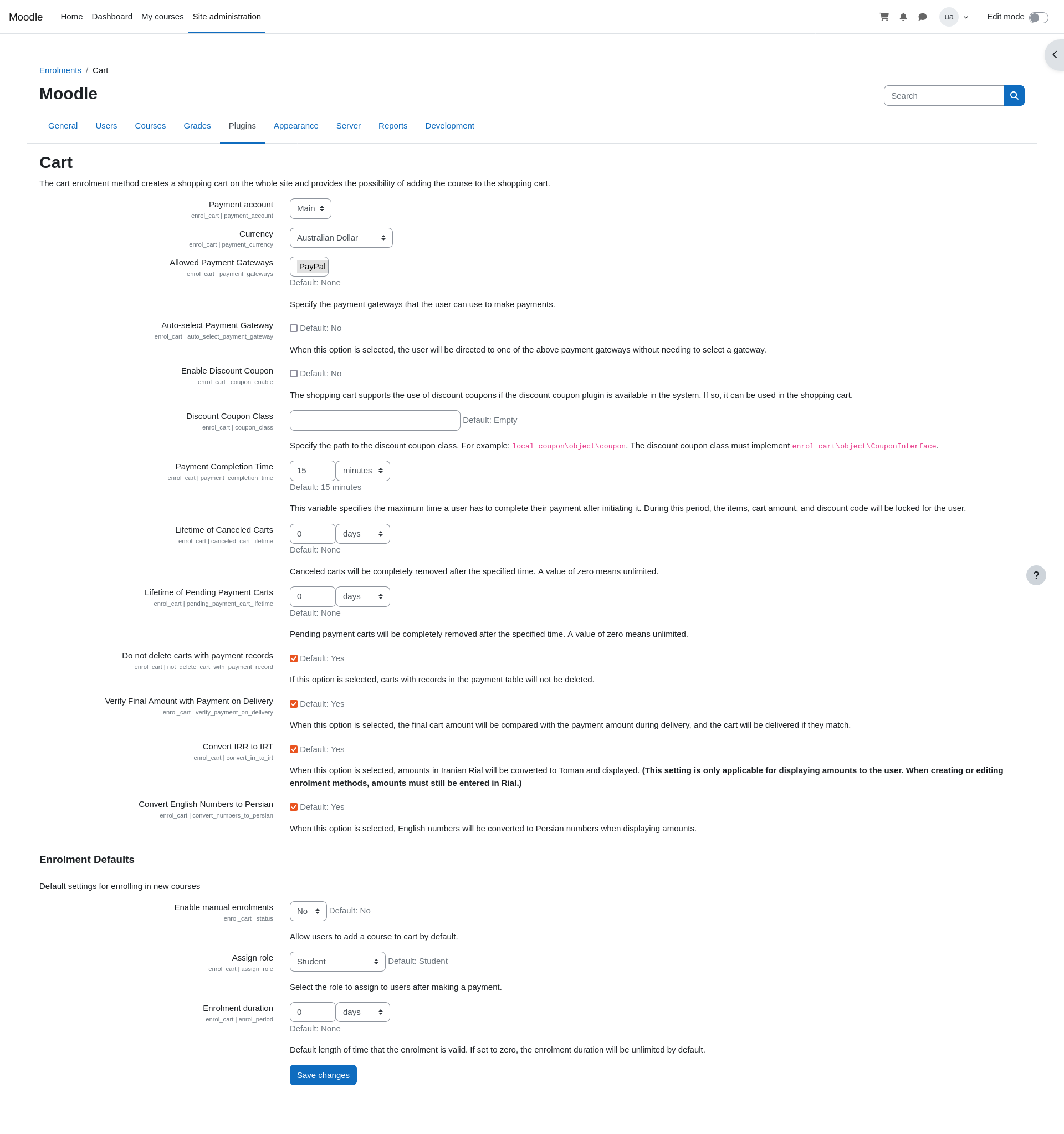
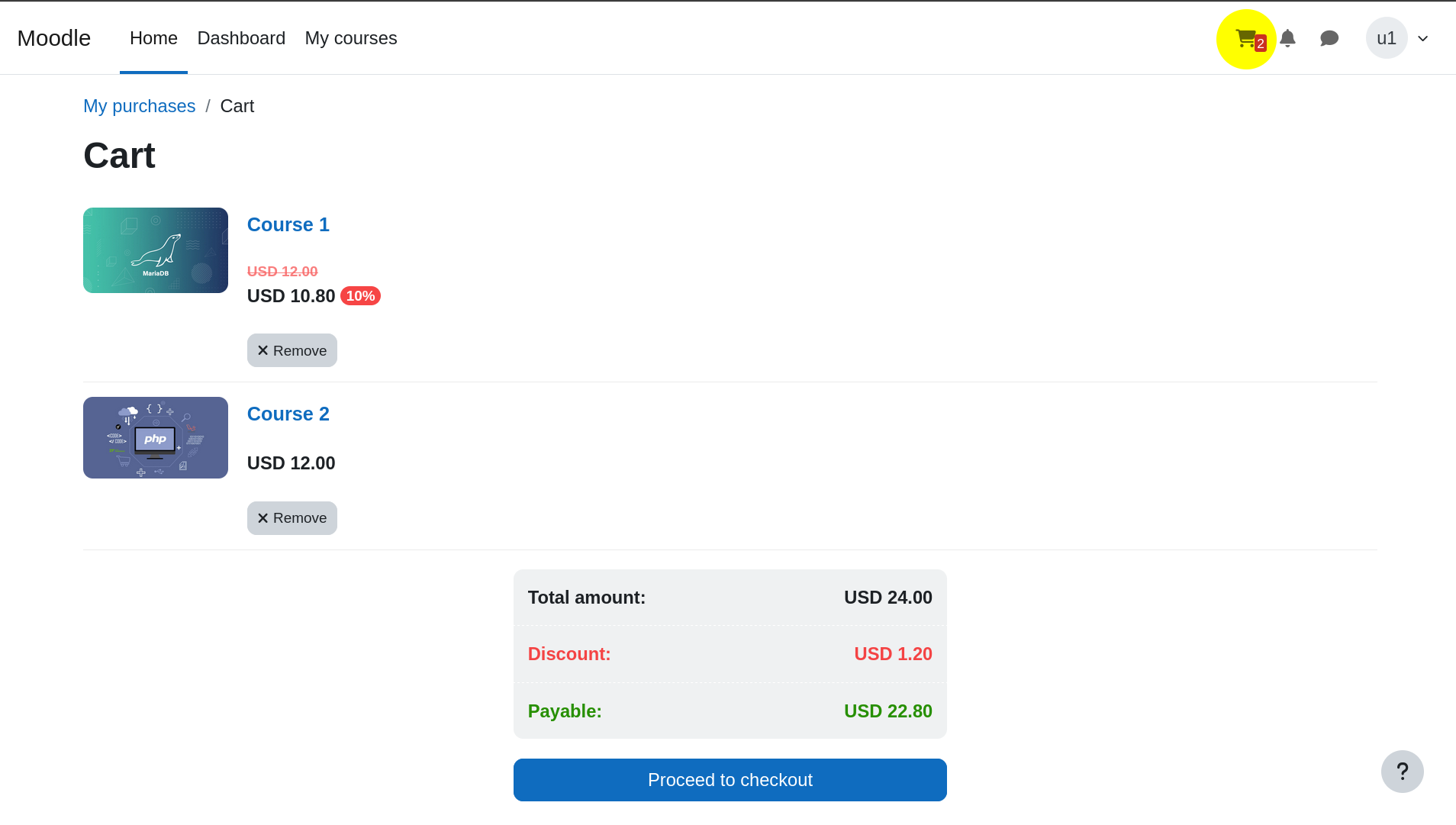
This plugin adds a complete shopping cart system to Moodle by introducing a new "Cart" enrolment method. Users can add courses to their cart and proceed to payment using any of the supported Moodle payment gateways.
Comments
Product ratings and reviews are coming to Moodle Marketplace. Until then, existing comments remain available to read, but new posts have been disabled.
If you’re still having problem, you can open an issue on GitHub and attach a screenshot so I can check and follow up.
The cart plugin doesn’t support different currencies for each enrolment instance. The reason is that checkout becomes impossible if a single cart contains courses priced in different currencies.
For this reason, the currency is defined globally. When the global currency changes, previous orders keep the currency they were paid with, while all new purchases must use the newly configured currency.
fix the issue where the course price is displayed with the wrong currency symbol (e.g., $) instead of the selected currency (e.g., INR) on the course enrolment page.
This change will force ALL enrolment instances to use the globally configured payment currency from the plugin settings, ignoring any currency value stored in the database for individual instances. This assumes that the site uses a single currency for all courses.
Proposed Changes
enrol_cart Plugin
[MODIFY]
cart_enrollment_instance.php
Update
after_find
method to unconditionally set $this->currency to the configured payment_currency.
This ensures that
get_price_formatted
and
get_payable_formatted
always use the correct currency symbol.
public function after_find() {
// Force currency to be the configured payment currency
$this->currency = (string)cart_helper::get_config('payment_currency');
Razorpay worked fine with direct “enrolment on payment”, but
Razorpay consistently failed only when going through the Cart flow.
So naturally we assumed “Cart must be the problem”.
Over the last few days we dug much deeper (checking webservice calls, JSON responses, DB queries, etc.), and we eventually found that the issue was not caused by the Cart plugin at all.
What was actually happening (technical summary):
The Cart plugin was correctly calling Moodle’s payment API with:
component = 'enrol_cart'
paymentarea = 'cart'
itemid = cart ID
In our setup, the Razorpay payment gateway (paygw_razorpay) webservice implementation (get_config_for_js) assumed that itemid is always an enrol instance ID and did:
$courseid = $DB->get_field('enrol', 'courseid', ['id' => $itemid]);
$course = get_course($courseid);
This works for direct enrolment (where itemid really is enrol.id), but for enrol_cart the itemid is actually the cart ID, so the lookup fails and throws the “Can’t find data record in database table course” error.
On top of that, in our environment we had some old / stale cart data from a previous install, which initially confused the diagnosis because some cart items pointed to non-existent enrol instances. We cleaned that up by uninstalling the cart plugin properly and dropping the old cart tables.
The actual fix ended up being in the Razorpay gateway, not in Cart:
When component = 'enrol_cart' and paymentarea = 'cart', we resolve the course via
{enrol_cart_items} → {enrol} → courseid using the cart_id (itemid),
and only then call the Razorpay helper.
We also made sure the webservice response always includes a currency field to match the external function definition.
Once we did that, your Cart plugin worked perfectly without any modifications.
So, to be clear:
There is no bug in the Cart plugin.
The problem was a combination of:
Our own environment (stale data from older installs), and
The way the Razorpay gateway’s get_config_for_js handled the enrol_cart case.
I’m really sorry for pointing the finger at your plugin earlier. It was a misunderstanding on our side while we were still learning how Moodle’s payment and enrolment APIs fit together.
Thank you for your work on the Cart plugin, and again, apologies for the noise.
Best regards,
This error took 72 dedicated hour of mine
I tested the integration using the Razorpay sandbox keys and everything worked correctly.
Since the issue only happens with production keys, please switch your site to developer/debug mode and check the browser console as well as the network tab.
send me the results of the requests made to service.php during the checkout/payment attempt so I can check further.
I’m having an issue with the cart + Razorpay payment gateway integration.
Environment:
Moodle version: 5.1
Cart plugin: latest version
Razorpay payment gateway plugin: latest version
Problem description:
I can add items to the cart without any issue.
I go to the cart page and click Proceed to checkout.
On checkout.php, the Razorpay payment method appears as a radio button.
When I select Razorpay and try to proceed with the payment, the Razorpay popup does not load.
Instead, I get redirected back to the checkout page, and this loop continues (checkout → select Razorpay → redirect back to checkout).
So the payment gateway never actually loads and the user cannot complete payment.
Could you please help identify what might be breaking in the flow and what minimal changes or fixes are needed on the plugin side? If you need any specific logs or settings screenshots, I can provide them.
Thanks!