
Certificate Element Activity
This is a Tool Certificate Subplugin Element type.
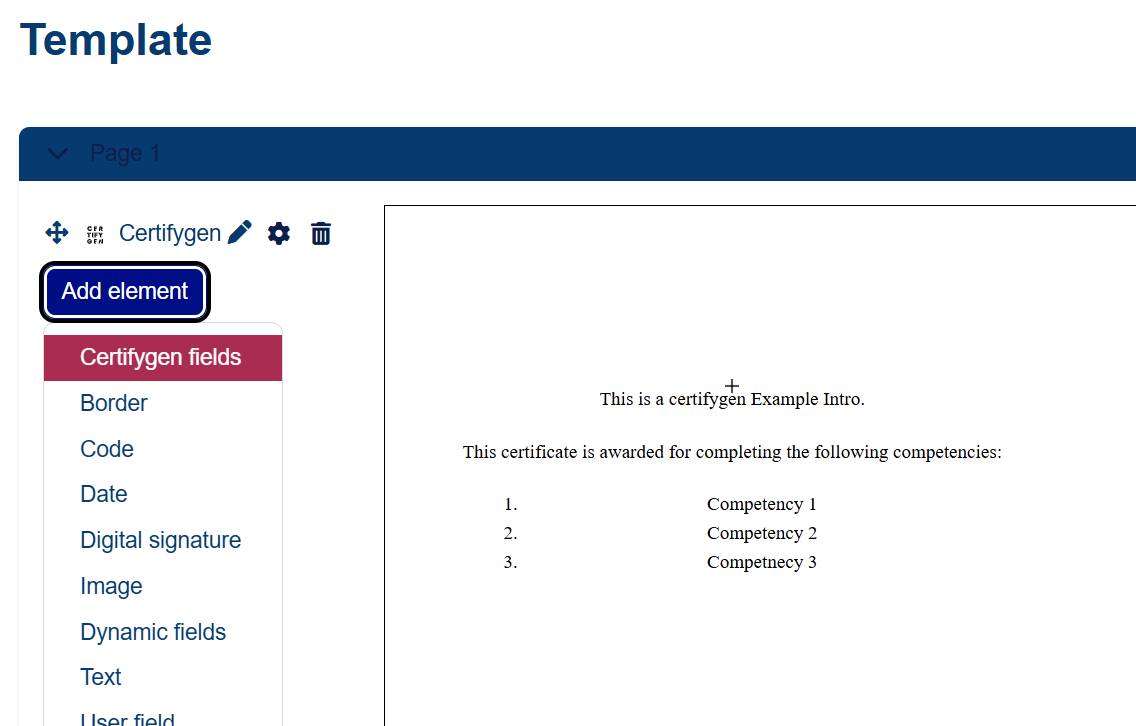
This subplugin lets you add the name or description of an activity to the certificate, making it easy to customize a section by entering the text directly into the certificate instance.
Compatibility
The plugin has been tested on the following versions:
- Moodle 4.1.1 (Build: 20230116) - 2022112801.00
Requirements
- Certifygen activity module
Languages
- English
- Spanish
- Catalan
- Euskera
- Galego
Installation via uploaded ZIP file
- Log in to your Moodle site as an administrator and go to Site Administration > Plugins > Install plugins.
- Upload the ZIP file with the plugin code. You should only be asked to add additional details if your plugin type is not automatically detected.
- Verify the plugin validation report and complete the installation.
Manual Installation
The plugin can also be installed by placing the contents of this directory in
{your/moodle/dirroot}/admin/tool/certificate/element/activity
Then, log in to your Moodle site as an administrator and go to Site Administration > Notifications to complete the installation.
Alternatively, you can run
php admin/cli/upgrade.php
to complete the installation from the command line.
Unit Test
You can run unit tests manually with the following command
vendor\bin\phpunit admin/tool/certificate/element/activity/tests/element_test.php