Gi Da
Lead maintainer

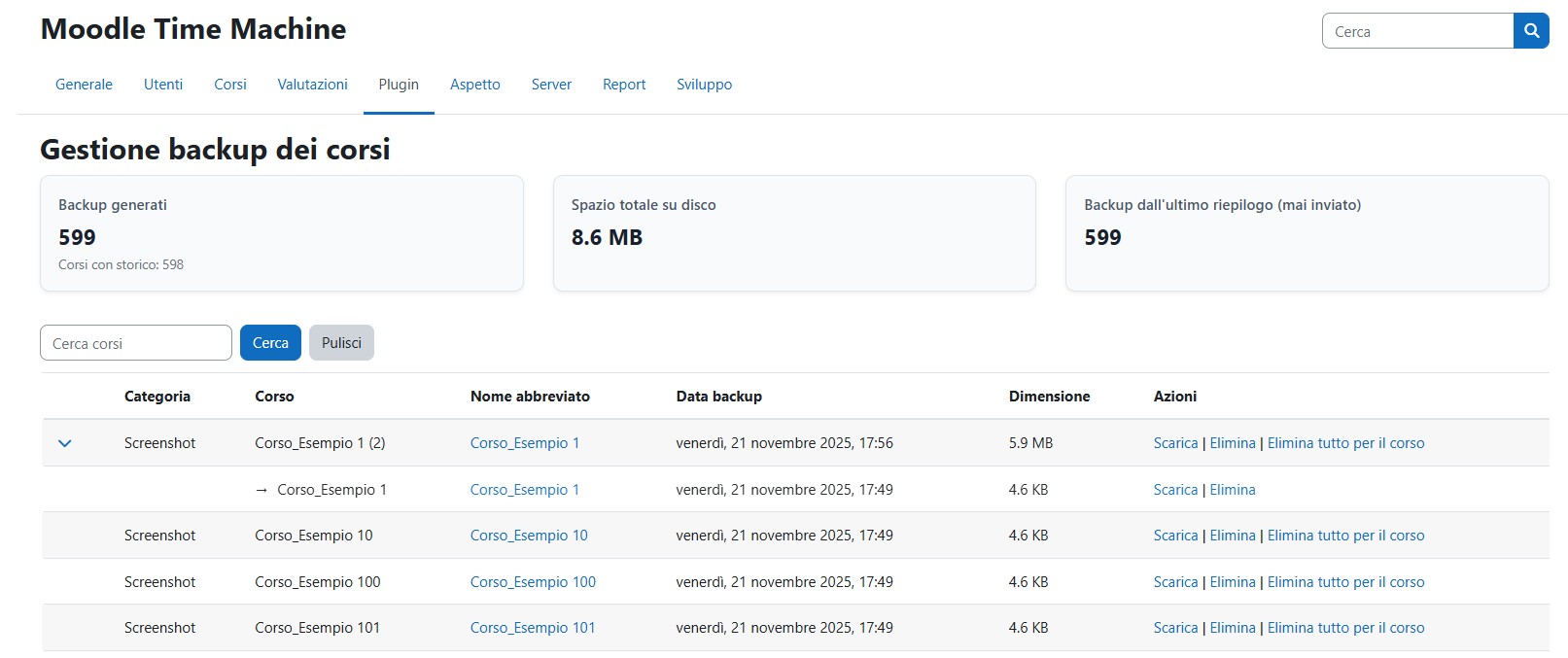
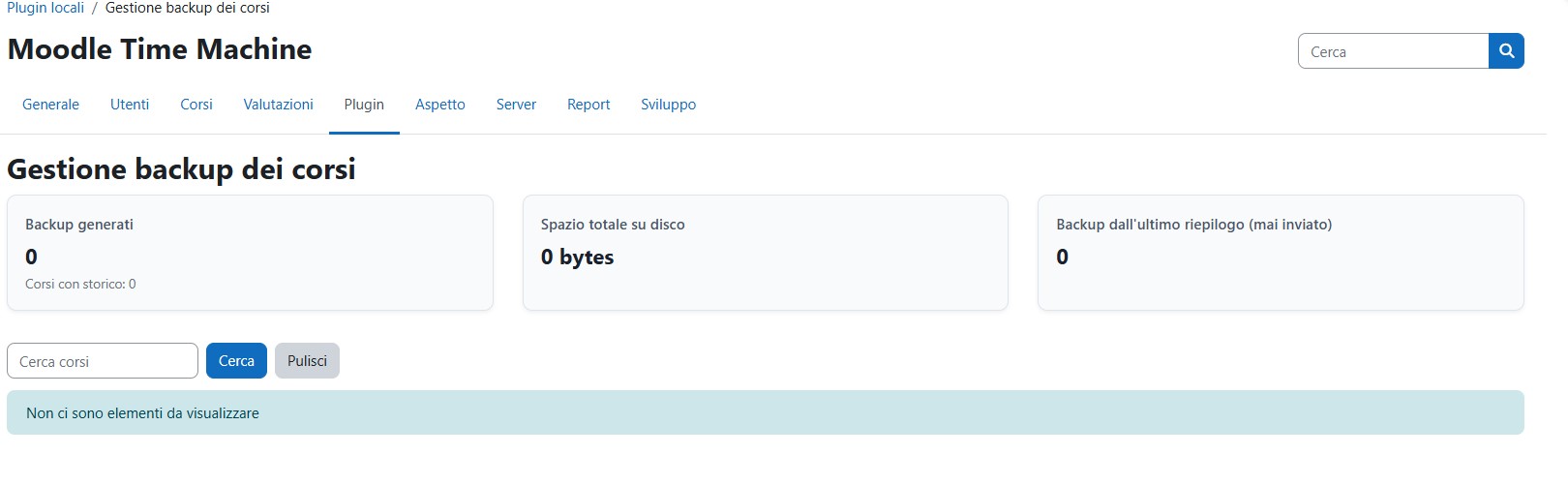
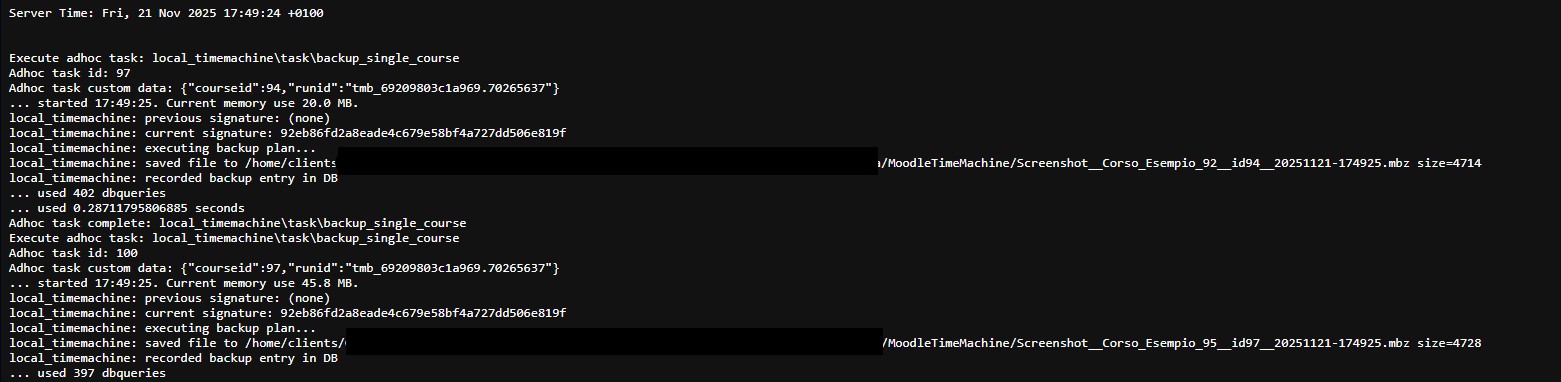

Admin-only local plugin that automatically creates course backups whenever content changes are detected. An administrator can select a category to monitor and define how many backup versions to retain (default: 7). All backups are stored in moodledata/MoodleTimeMachine and can optionally be uploaded to an FTP server.
The plugin includes an admin interface for browsing, downloading and deleting backups, and applies strict security checks to ensure safe file handling. Ideal for maintaining lightweight versioning of course content without relying on full scheduled backups.
