Justin Hunt
Lead maintainer

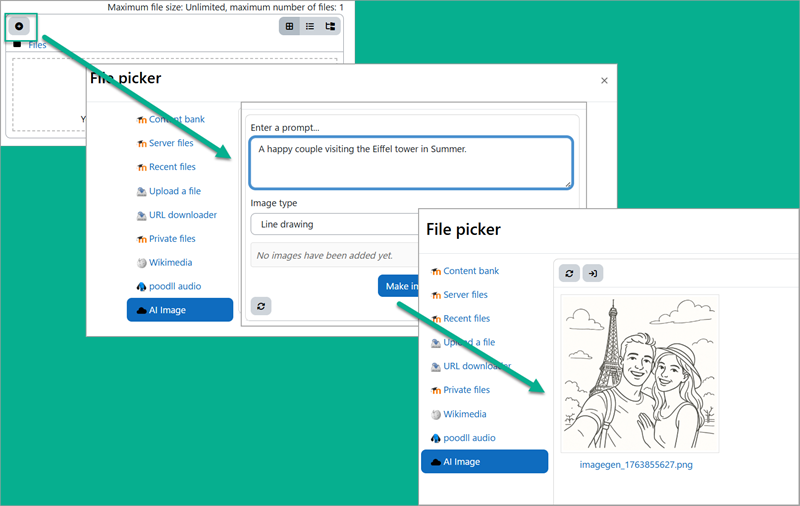
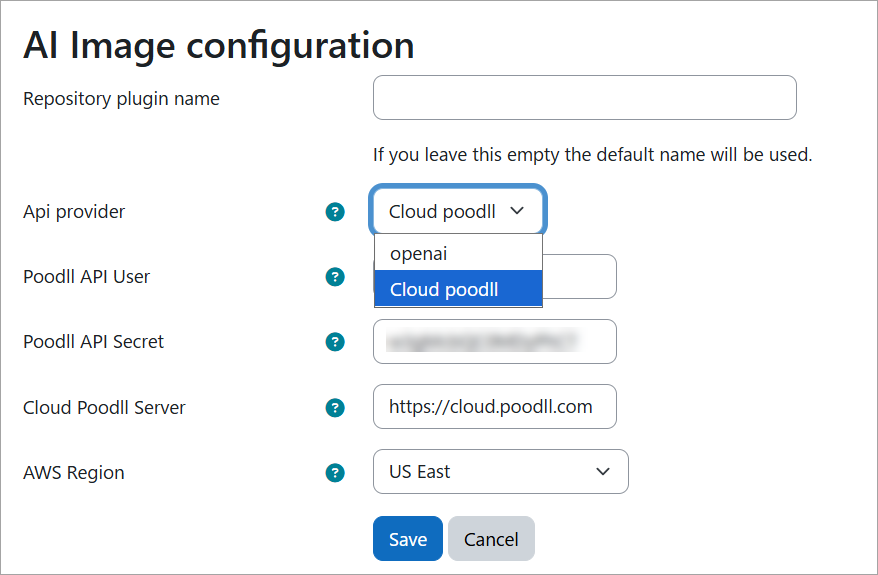
The AI Image repository allows you to add and edit image files from the Moodle file manager. It is also accessible via the HTML Editor. It will use the image generation capable AI Provider (eg OpenAI, Gemini) that you select. Or it can use a Poodll API user and secret.
Video Demonstration (8 mins)
Video demonstration of AI Image repository
Adding an Image
After a short time your image will be ready
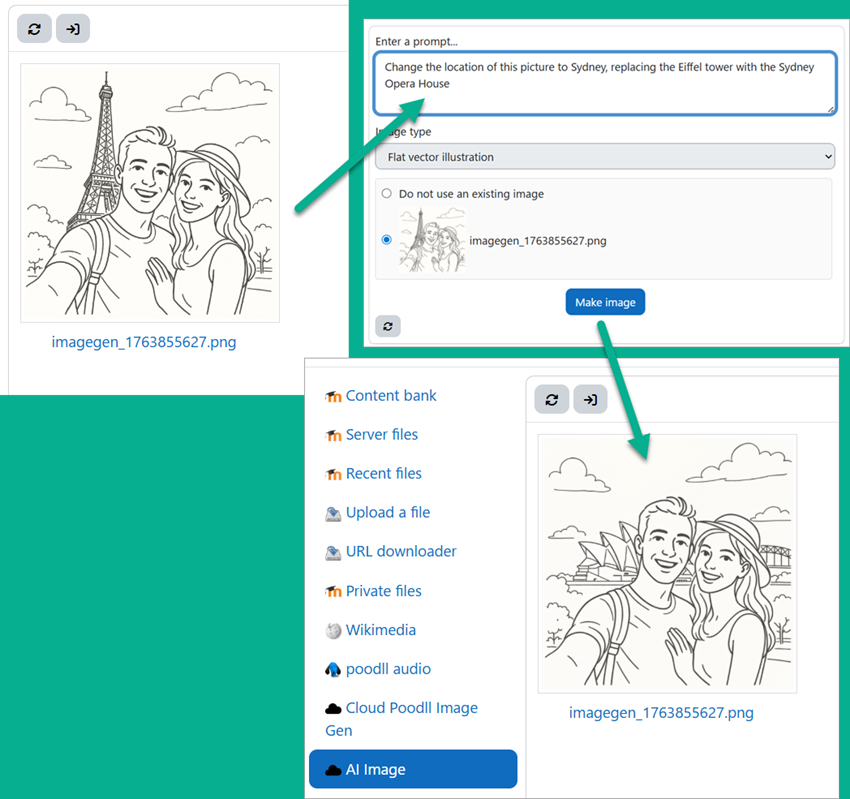
Editing an Image
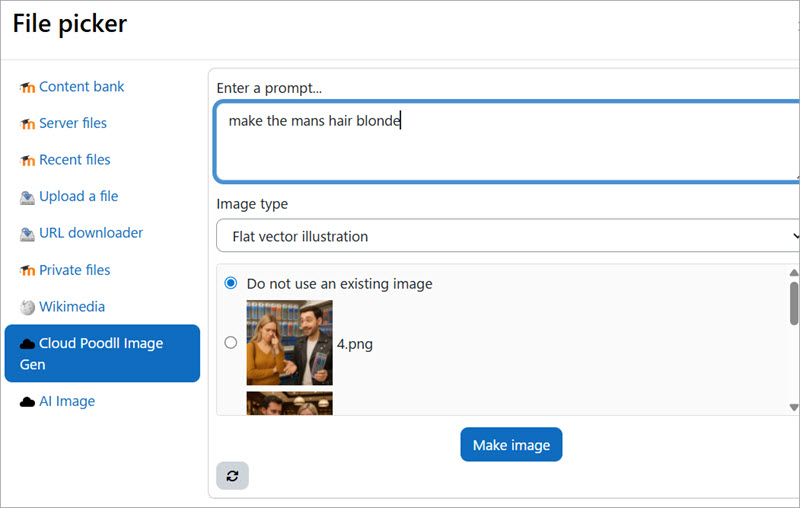
Open the AI Image repository in the same way as when creating a new image. If image editing is available, and there are files in the current file area to edit, they will be displayed in a list.
After a short time your image will be ready.
NB Sometimes after editing the image, your browser will continue to display the old image. This is browser caching, refresh your cache or confirm the change from a different browser.
Requirements for Image Editing
Before you start
Be sure to read the (brief) documentation:
https://support.poodll.com/support/solutions/folders/19000177907

