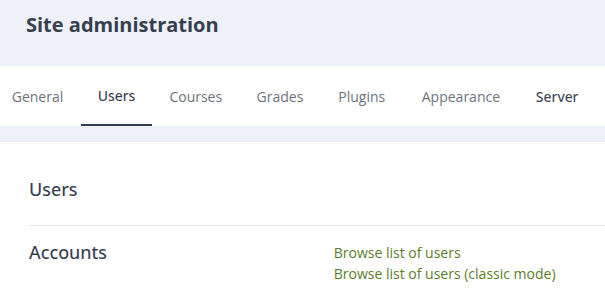
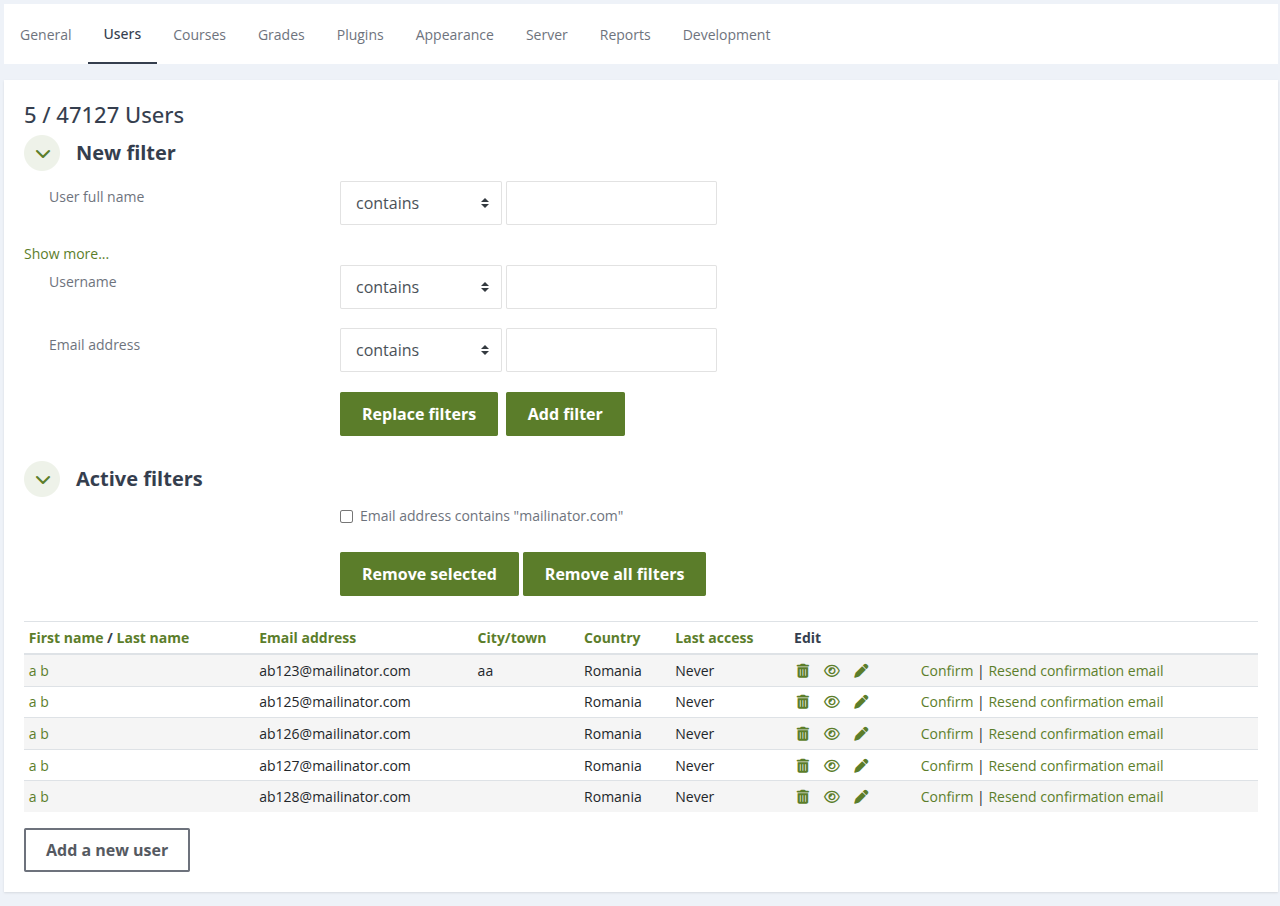
Browse list of users (classic mode)
Maintained by
Andrei
This is a simple Moodle plugin that brings back the classic (i.e. before Moodle 4.3) "Browse list of users" page
Comments
Comments are no longer open for new posts. Existing comments remain available to read.
change line 321 in user/editadvanced.php to redirect("$CFG->wwwroot/$CFG->admin/tool/browse_users_classic/index.php", get_string('changessaved'), null, \core\output\notification::NOTIFY_SUCCESS);
Indeed, I haven't noticed this side effect. Looking at the Moodle code, it seems this is not possible (because the redirection URLs are defined in user/editadvanced.php file) without some workarounds, like (listed in ordered from recommended, to less recommended):
A. add a new text block on the /admin/user.php page; for its content, add window.location='/admin/tool/browse_users_classic/index.php' inside a script element (use the View source option of the editor to make sure you enter it as plain HTML codes, not just text).
B. add an apache redirect from /admin/user.php to /admin/tool/browse_users_classic/index.php
C. patch /user/editadvanced.php to replace /$CFG->admin/user.php with /admin/tool/browse_users_classic/index.php
In addition to these options, in version 2025121200 I added two settings:
- display profile after editing (instead of redirecting back to the new user browse list)
- open profile editing in a different tab (to avoid loosing your current browsing page)
You could enable these two options and change a bit your workflow (i.e. click edit profile, opens new tab, make the changes, submit, close this tab to get back to the previous one, with the list).
Is it possible to make it so that, after you edit a profile and save, it does not default back to the 'new' "Browse list of users" page? It's only a minor issue, since I can just get there fast by hitting back or a bookmark, but it would make the plugin even better