
PDF.js Folder
Maintained by
André Camacho
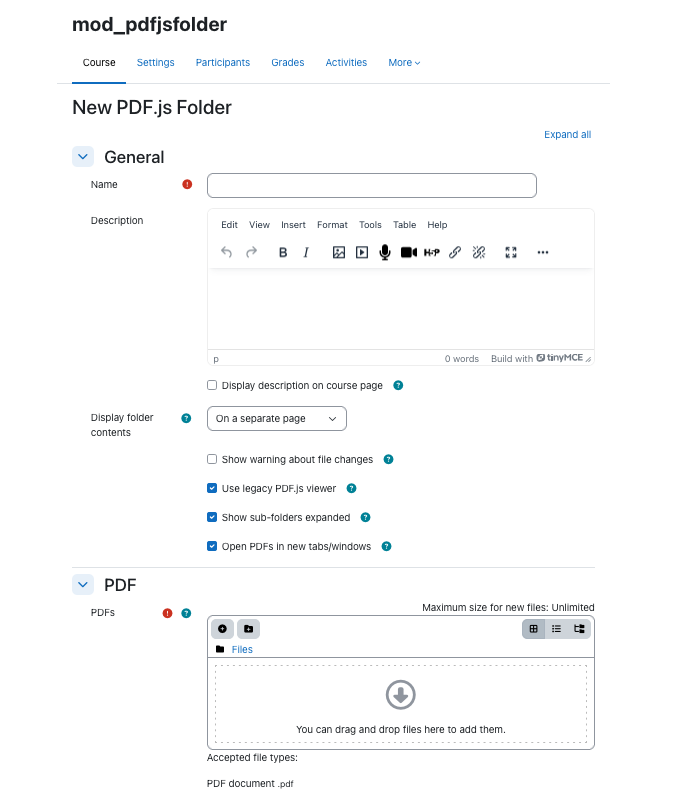
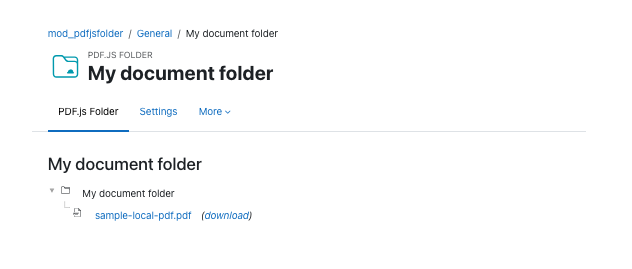
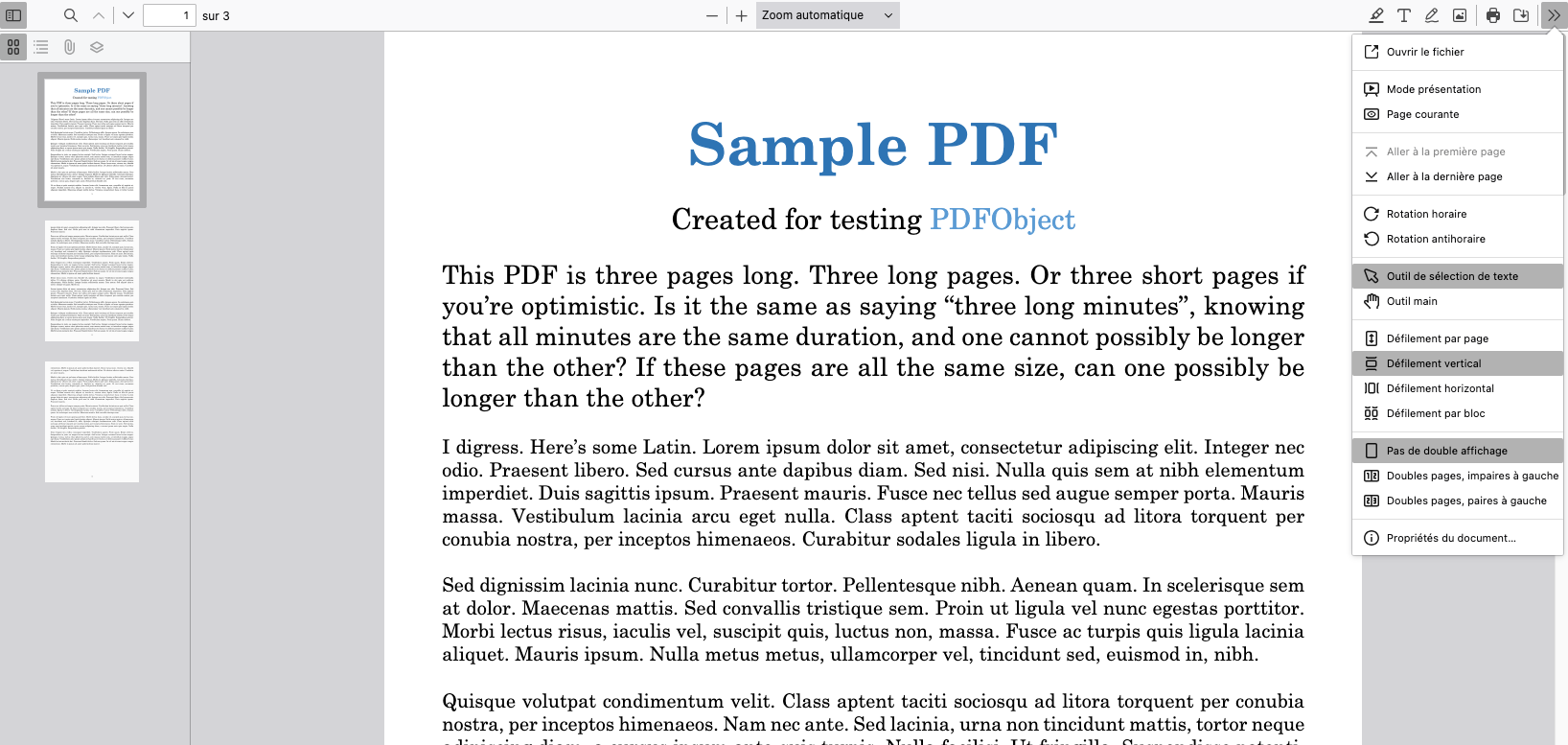
PDF.js Folder is a plugin intended to make sure that added PDF files always open in the browser.
Comments
Comments are no longer open for new posts. Existing comments remain available to read.
You can download it on my github onyet/onyetmpdf
I received a message that says my post is not clear, so I rewrite the post to show how you should modify the pdf.js files:
In version.php under mod/pdfjsfolder/ , find the lines like
$module->version = 2013120300;
$module->requires = 2012120300;
$module->cron = 0;
$module->component = 'mod_pdfjsfolder';
$module->maturity = MATURITY_BETA;
$module->release = '0.14';
and modify them to
$plugin->version = 2013120300;
$plugin->requires = 2012120300;
$plugin->cron = 0;
$plugin->component = 'mod_pdfjsfolder';
$plugin->maturity = MATURITY_BETA;
$plugin->release = '0.14';
In lib.php under mod/pdfjsfolder/ , find the line like
if ($cm->get_custom_data()) {
and modify it to
if ($cm->customdata) {
and also find the line like
$cm->get_custom_data() &&
and modify it to
$cm->customdata &&
That is all you have to do to make PDF.js Folder installable.
--- mod/pdfjsfolder/version.php.orig 2020-05-07 16:30:28.370170868 +0900
+++ mod/pdfjsfolder/version.php 2020-05-07 16:30:50.806427814 +0900
@@ -27,9 +27,9 @@
defined('MOODLE_INTERNAL') || die();
-$module->version = 2013120300;
-$module->requires = 2012120300;
-$module->cron = 0;
-$module->component = 'mod_pdfjsfolder';
-$module->maturity = MATURITY_BETA;
-$module->release = '0.14';
+$plugin->version = 2013120300;
+$plugin->requires = 2012120300;
+$plugin->cron = 0;
+$plugin->component = 'mod_pdfjsfolder';
+$plugin->maturity = MATURITY_BETA;
+$plugin->release = '0.14';
--- mod/pdfjsfolder/lib.php.orig 2020-05-07 16:35:25.249570732 +0900
+++ mod/pdfjsfolder/lib.php 2020-05-07 21:50:38.558981806 +0900
@@ -433,7 +433,7 @@
function pdfjsfolder_cm_info_dynamic(cm_info $cm) {
// The field 'customdata' is filled in only if folder is to be
// shown inline.
- if ($cm->get_custom_data()) {
+ if ($cm->customdata) {
$cm->set_no_view_link();
}
}
@@ -448,7 +448,7 @@
global $PAGE, $DB;
if ($cm->uservisible &&
- $cm->get_custom_data() &&
+ $cm->customdata &&
has_capability('mod/pdfjsfolder:view', $cm->context)) {
require_once(dirname(__FILE__) . '/locallib.php');
Installation aborted due to validation failure,
What to do?
Installation aborted due to validation failure,
It's worked on my Moodle 3.7.2+ (Build: 20191025)
in addition we have restricted pdfjs - no save, no print, no copy
Can this plugin be used for Moodle 2.9+?