
PDF.js Folder
Maintained by
André Camacho
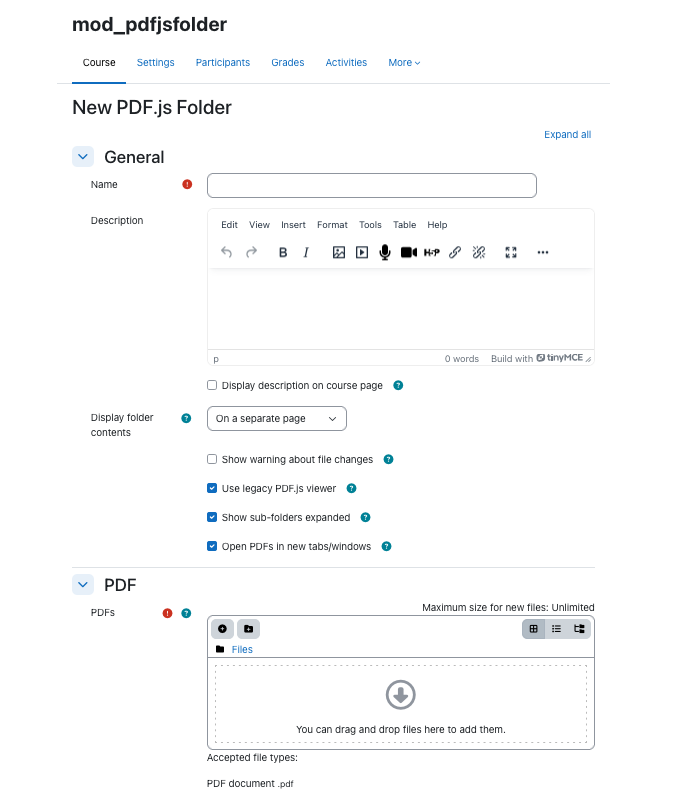
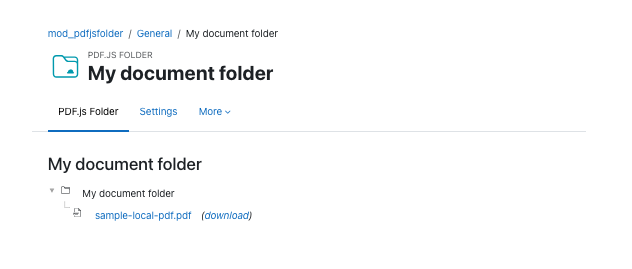
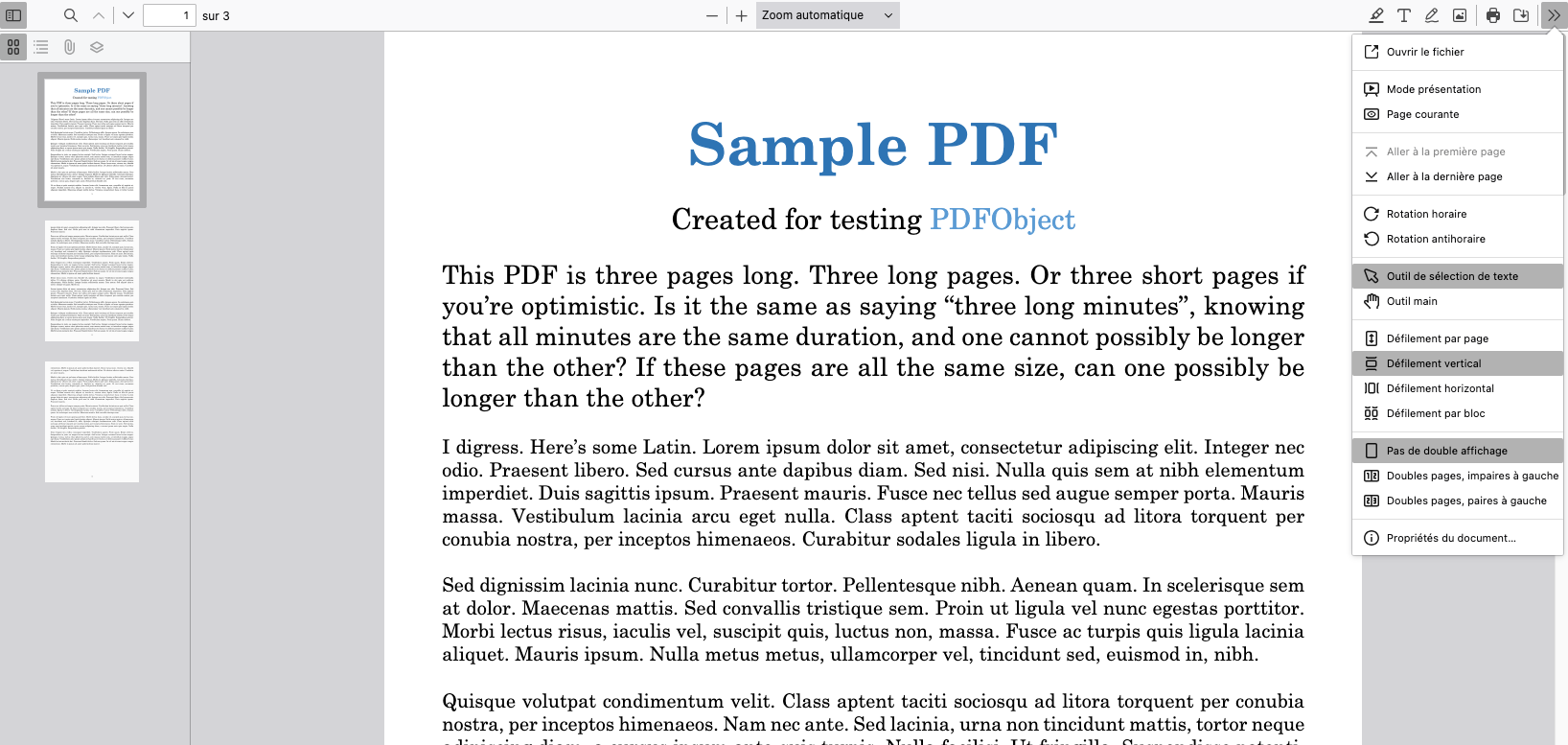
PDF.js Folder is a plugin intended to make sure that added PDF files always open in the browser.
Comments
Comments are no longer open for new posts. Existing comments remain available to read.
I've installed the plugin but still can't seem to use it. When i go to grade the submitted pdf's should i not be able to view from there? Is there perhaps a guide as to how to use it?
Apologies for my lack of knowledge, i'm new to Moodle.
Cian
https://support.google.com/chrome/answer/95669?p=e_awsnap&rd=1
Working fine in Firefox.
I will follow your instructions.
Thanks again
Ravi
About opening in a new window, it's kind of a tricky question as there are different "schools" of thought on the subject.
One perspective is that web pages should leave that choice up to the user. If the user sets the web browser settings to open in tabs, that choice should be respected. If the user shift-clicks a link (in Chrome anyway) the link should open in a new window, etc. Overriding that choice is seen as bad form. Many browsers also default to blocking popup windows or redirect opening new windows to tabs instead.
Another perspective is that users don't always want or need that choice. Some sites actually know better than the user how the material is best presented. Moodle, in general, give teachers options on how to open resources, etc. However, as written above, it's important to know that many browsers and users will override these settings and there is no guarantee that the intention is honored.
I personally prefer the first perspective but Moodle seems to lean to the other. So it seems like I should add the options that other resources provide.
In the meantime, perhaps you can tell your students that they can shift-click or similar on the pdf link (depending on which browser they are using)?
Hope that helps!
Best regards,
Jonas
PDF file open in new pop up window. how to achieve that? not in new tab.
Thanks again.
Ravi Vare
With that said, the original folder resource forces downloads because of security concerns with student uploads. From reading the issue tracker, it seems like a firm decision (for good reasons).
Secondly, even though PDF.js is the built-in reader in the Firefox browser, it works rather poorly on mobile devices. From my understanding, Larger PDFs and PDFs with large images are difficult to handle because devices (new and old) are limited in terms of RAM.
On the other hand, PDF.js is just becoming better and better so eventually it'll get there so I'm certainly not against this happening so a ticket seems in order.
Thanks for the feedback!
thanks for submitting this! Works perfect on moodle 2.6 here