Date: 2025-December-11
Release: v2025121101
Download Dropdown Fixed
On Moodle 4.5+ an issue was observed which caused the download dropdown to stop working. This has been fixed.
Bibliography/Quoted Materials Options Improvements
Bibliography/Quoted Materials options can now be edited after submissions have been made.
Date: 2025-October-29
Release: v2025102901
Grader Report Updated Correctly After Changing 'Marks Available'
When changing the 'Marks available' for a mod_turnitintooltwo activity after a user has already been graded, the updated grade from the submission was not pushed to the Moodle grade item. The original grade for that submission appeared in the grader report instead. This has now been fixed.
Cosmetic Improvements
Icons should now be rendered correctly on the Submission Inbox page.
Form Validation Improved
Clarified the error messaging around the 'instructions' textbox and improved error handling.
Performance Upgrades
Removed some unnecessary session locks and other minor bug fixes.
Date: 2025-May-29
Release: v2025052901
Duplicate Calendar Events No Longer Created
Previously modifying the assignment name could cause duplicate calendar events to be created. This will now no longer occur.
Icons Fixed
An issue was found where icons in the assignment view would not display correctly. This has now been fixed.
Temporary Courses Now Deleted Correctly
An issue was identified where sometimes courses with names made of a random string of letters would be created in Turnitin. These are now being deleted appropriately.
Course Copy Anonymous Marking Issue Fixed
An issue was identified where when copying a course, the end date would be copied across. If the assignment had anonymous marking enabled and the due date had passed, this would result in the assingment being unanonymized. This has now been fixed.
Date: 2024-September-11
Release: v2024091101
Database Dumps Fixed
Previously the Show Data Dump and Save Data Dump tabs would sometimes display an error. This is now functioning as expected.
Anonymous Marking Fixed
Some users encountered an issue where student first names would be shown while anonymous marking was enabled. This has now been fixed.
Date: 2024-August-01
Release: v2024080101
Icon Image Fixed
Previously when a file was submitted that did not meet the requirements for processing by Turnitin, an icon image would be displayed incorrectly. This has now been fixed.
Issue With Multiple Peermark Assignments
Previously when a Moodle Direct V2 assignment contained 2 or more Peermark assignments, there was an issue that stopped them from successfully opening. This has now been fixed.
Fixed Inbox Ordering On First Name
Previously when sorting submissions in the assignment inbox by first name, the order of the sorted items would be incorrect. This has now been resolved.
Error Logged While Creating Course
Previously there was a bug which would sometimes cause an error to be logged while creating a course. This has now been resolved.
PHP 8.1+ Deprecation Warnings
We have resolved several deprecation warnings that would be displayed when running under PHP 8.1+.
Issue With Bulk Editing of Completion Settings
Previously there was an error when editing completion settings in bulk that would prevent the page from loading. This has now been resolved.
Error Generating Pseudo Last Names
Previously when generating dummy lastnames for students for data privacy purposes, the process would fail if no last name was set. This has now been resolved.
Error when Max Grade Set To Zero
Previously when a single part of a multi-part assignment had its max grade set to zero, the percentage grade would fail to be calculated and an error message would be shown instead. This has now been resolved and grades are shown correctly.
Error when restoring a course
Previously when deleting and later restoring a course, the course restoration would fail if the course end date had already passed. This was because the start date was being set to be after the end date. In cases where this would occur, we now set the end date to today, which allows the course to be restored correctly.
Bug in student enrolment
There was previously a bug in student enrolment that meant that sometimes suspended users were being enrolled on courses when they should have been skipped. This has now been resolved.
Checks For Submission File Types
Previously we were missing a check for the file types of submissions. This meant that students could always submit files of any type, which would cause their submissions to become stuck in a pending state. This has now been resolved, and if the option is enabled, students can upload only files of supported types.
Date: 2024-March-29
Release: v2024032901
Export Buttons Fixed
The export buttons along with the individual submission refresh and download buttons and the bulk submission download buttons are now functioning as expected.
Date: 2024-February-06
Release: v2024020601
Anonymous Marking Fixed
An issue has been resolved with anonymous marking, where previously when an instructor made a request to reveal a student’s name prior to the feedback release date, the required reason field for the early reveal was not actually being enforced. Instructors will now be required to fill in this field when deciding to reveal a student name early.
Removed Summary Content in Moodle Direct V2 Assignment Inbox
In versions 4.0+ of Moodle, the assignment summary content was being displayed twice in two separate locations. This update removes the display of the summary content from the Moodle Direct V2 inbox and it is now only displayed just above the inbox.
Resolved Deprecated Warning Messages
This release resolves the issue with deprecated SOAP warnings displaying in PHP 8+.
Date: 2023-March-27
Release: v2023032701
Percentage grades now display in the assignment inbox
We have fixed an issue for institutions using PHP 8+ which prevented the assignment inbox from loading when the assignment grade was set to display as a percentage.
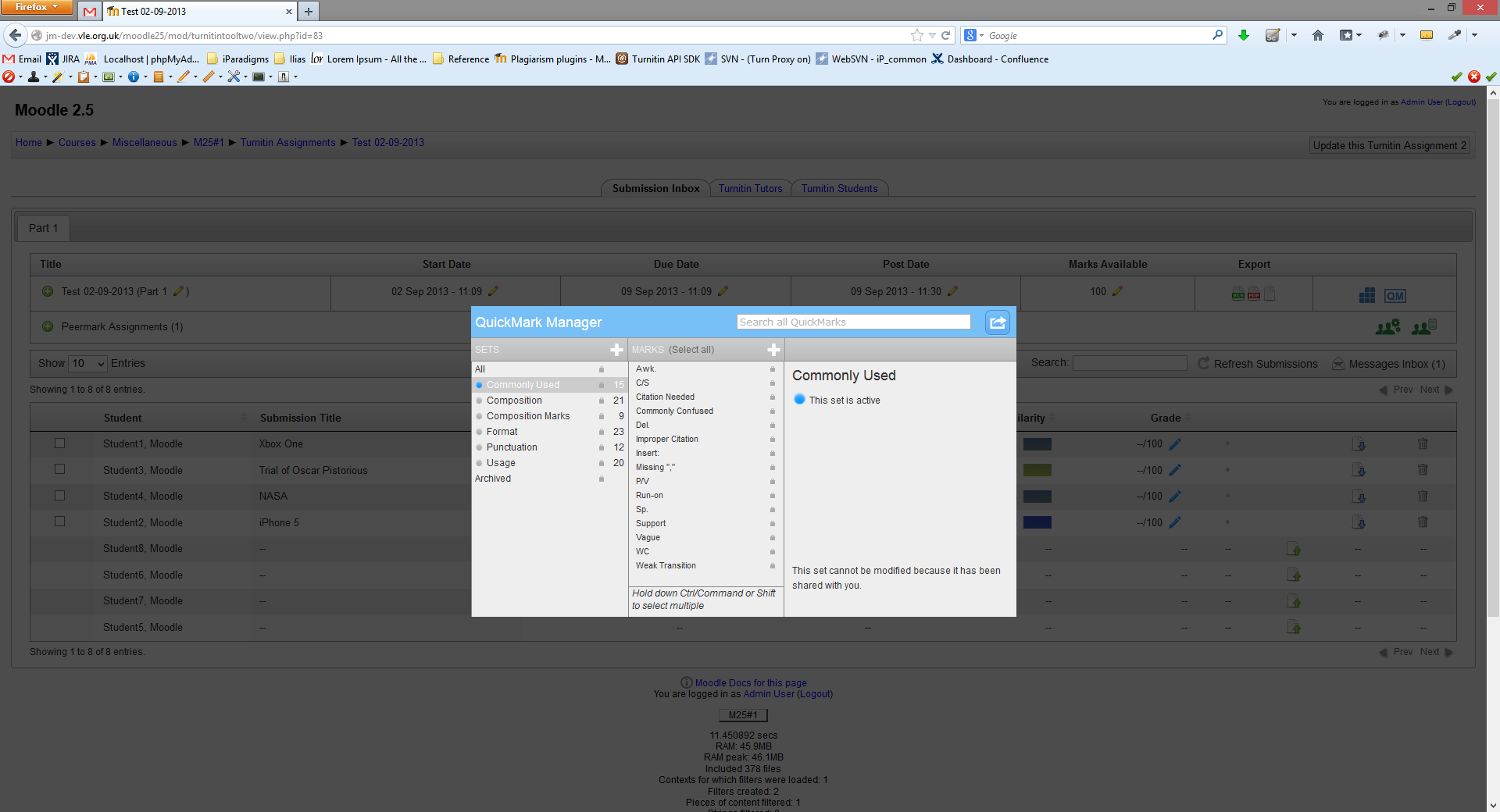
The PeerMark UI has been improved
We have fixed an issue with the PeerMark manager modal, which previously caused the ‘+’ icon to appear cut off in the user interface.
Date: 2022-May-12
Release: v2022051201
UI improvements to support new 4.0 Boost theme.
We’ve made some improvements to how our interfaces looks when using Moodle’s new 4.0 Boost Theme. Everything will still feel familiar, but there shouldn’t be any elements that squashed when making the switch to the new theme.
Notify students who have not submitted yet
A bug had caused our Notify Non-Submitters feature to break temporarily. We’ve fixed this issue, and you can now notify students when they have not submitted to the assignment yet.
Date: 2022-Feb-03
Release: v2022020301
Setting an assignment to grade type ‘none’ will no longer create a Moodle gradebook column
Creating an assignment with the grade type set to ‘none’ would create a column in the Moodle gradebook after the first submission to the assignment. We’ve fixed this bug, and the column will no longer be created.
Grades will update when a grade item can’t be found
When the automatic scheduler (cron) runs to update grades, it could fail when it tried to update a grade item that couldn’t be found. We’ve improved how grades update, and this scenario will no longer prevent the rest of the grades from updating.
Submit on behalf of a student, even when ‘allow late submissions’ is not enabled
The ‘allow late submissions’ setting should only prevent students from submitting to class. You, as the instructor, should always have control over the assignments you create. This change allows you to submit on behalf of a student without needing to open up late submissions for the entire class.
Date: 2021-Jun-08
Release: v2021060801
Support for Moodle 3.11
You can now confidently use this integration with Moodle 3.11.
Submit button is no longer visible after the due date
The submit button will no longer be shown to students who have already submitted to the assignment when the due date has passed. The current functionality will remain for users who have not already submitted.
Delete parts without errors
The option to delete a part will now only show after there is more than one part used. When there is only one part, we’ll no longer show the deletion option to prevent the assignment from potentially breaking.
Date: 2020-Nov-18
Release: v2020111801
:wrench: Fixes and enhancements
Rubrics sync back to the assignment
A bug could cause a rubric that is attached to a multi-part assignment from within the Turnitin viewer to become detached after opening it again. Rubrics will now correctly sync to the assignment and remain attached.
Tooltip shows correct maximum file size limit
Turnitin updated our maximum file size limit quite some time ago, but the file size provided in the tooltip had slipped through the net! It will now accurately reflect the maximum file size.
Date: 2020-Jul-22
Release: v2020072201
:zap: What's new
####Support for Moodle 3.9
Moodle Direct V2 now supports Moodle version 3.9.
:wrench: Fixes and enhancements
Paper deletion icon now appears
A visual bug had caused the ‘trash can’ icon to now appear when using Moodle version 3.8 or later. The icon now appears as intended.
Undefined Index warnings no longer show in Apache logs
PHP warnings and notices could occasionally appear in your Apache logs from Turnitin due to a reference to an undefined variable. This issue has been fixed and these warnings will no longer appear.
The submission form displays better in Moodle versions 3.7 and above
A visual bug had caused the submission form to be pressed into a much smaller area in Moodle versions 3.7 and above. While functionality remained the same, this bug has been fixed to give the submission form more room and make it easier to use.
Date: 2019-Jul-02
Release: v2019070201
:zap: What's new
Moodle 3.7 support and course overview bug fixes
We've been working on supporting Moodle 3.7 and improving the course overview area.
We've given the student and instructor views a refresh, and squashed some bugs that were affecting the Moodle timeline and student submissions. The details of the bug fixes are below.
:wrench: Fixes and enhancements
Moodle timeline bug resolved
There was a bug impacting the Moodle timeline that occurred when resetting courses with new assignment dates. As a result of this bug, after resetting, the new assignment wasn’t visible. This has now been resolved.
Overdue messaging bug resolved
Students were experiencing a bug that was causing the 'Recently Overdue' message to display even after students had submitted to the assignment. The message would only disappear once the submission has been graded. The message no longer displays once the student has submitted.
Date: 2019-May-01
Release: v2019050101
:wrench: Fixes and enhancements
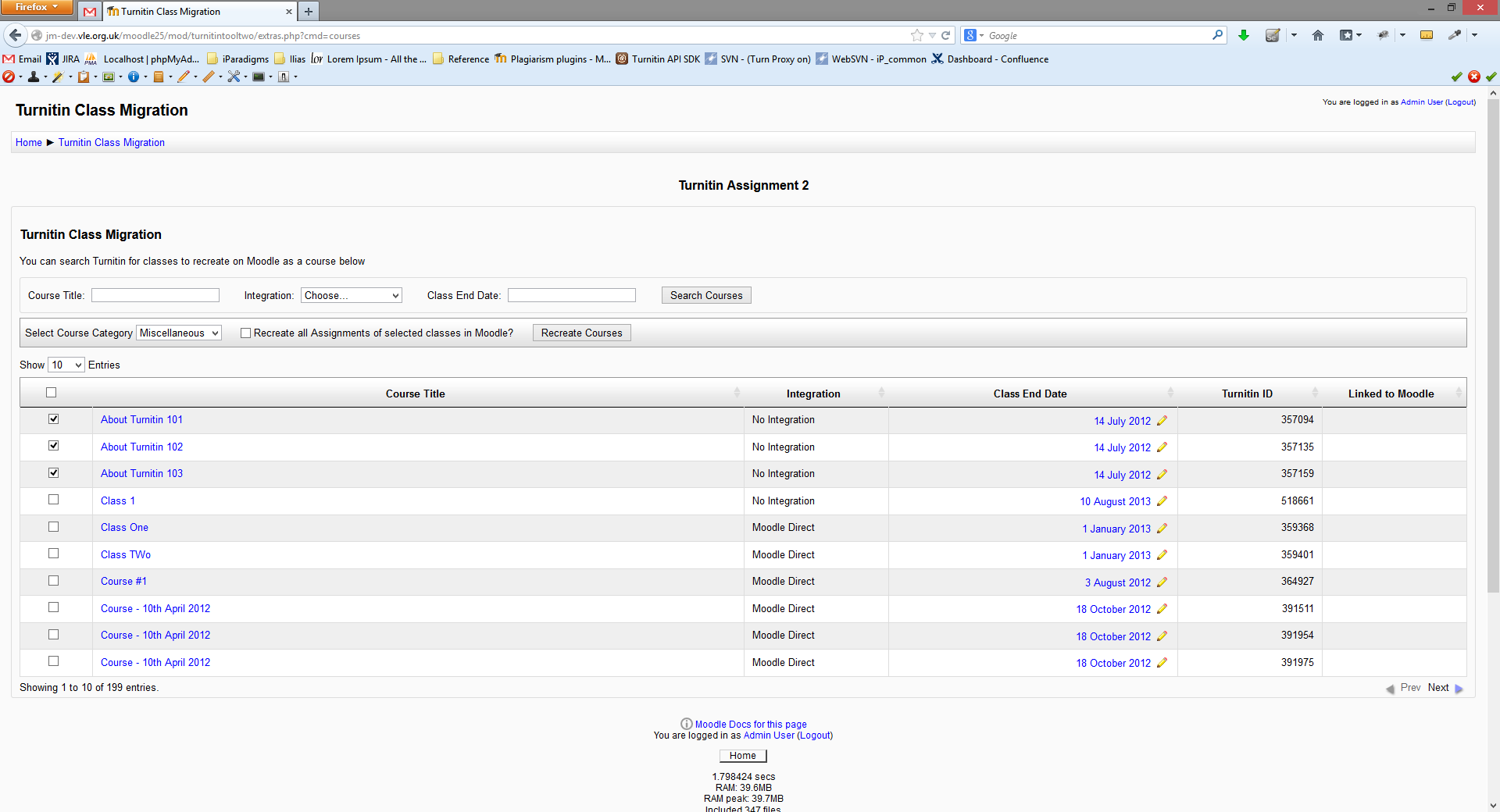
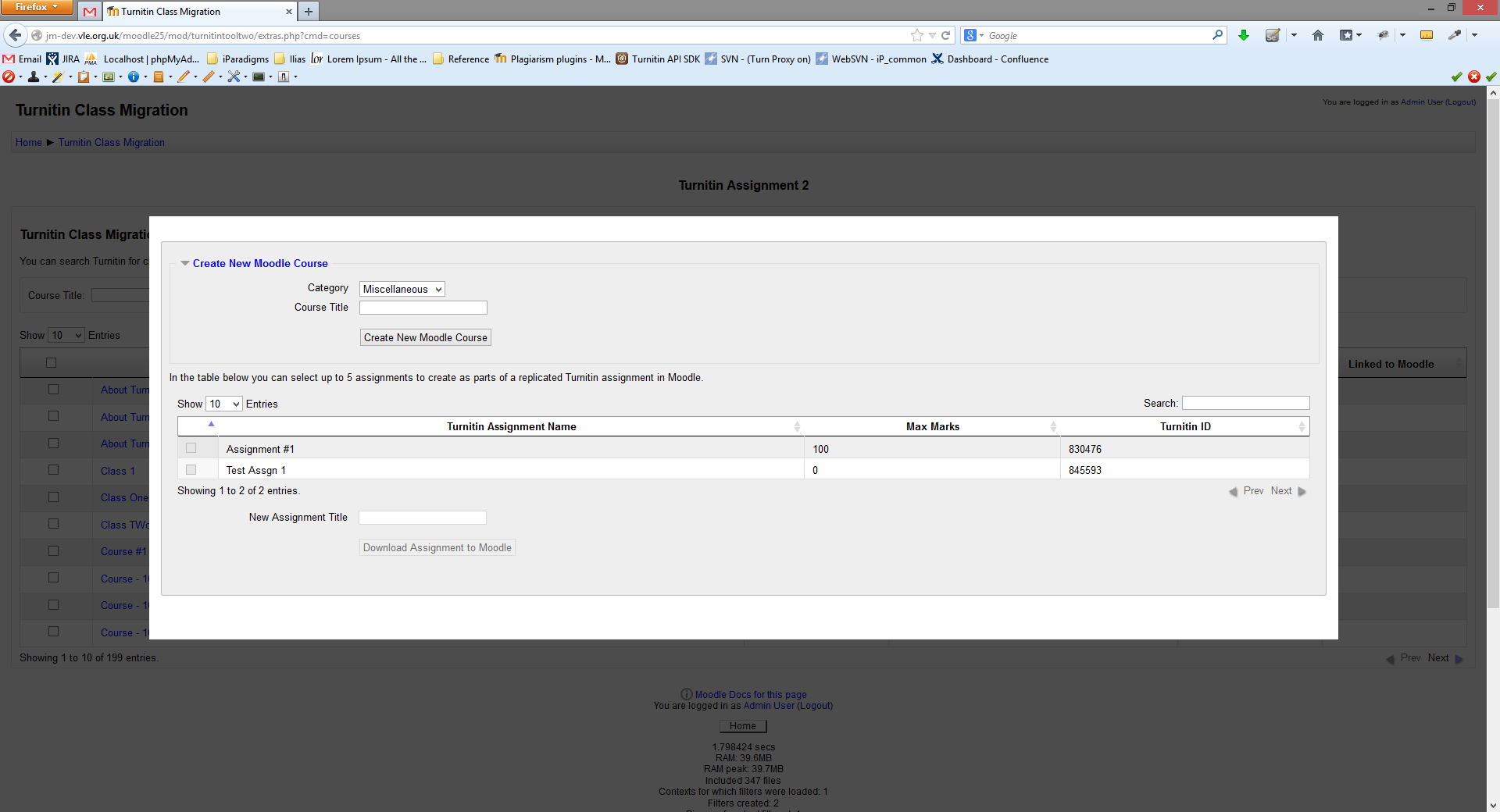
Migration tool modal improvements
We've made sure that the modal displays when using our migration tool. If your migration is successful, then a green notification box will be displayed to confirm this.
Download student file button visibility
We’ve been improving usability by clarifying available options to instructors. Previously, the download student files button was hidden until a student was selected. We’ve now made the button visible at all times, but it is only possible to invoke the button once a student has been selected.
Migration bugs resolved
There were some bugs affecting the migration process. One was causing assignment parts that had been deleted in V1 to reappear after the migration to V2. The other was placing new parts of migrated assignments in the incorrect class within Turnitin. These issues have been resolved.
Student grades hidden until post date
Now students will be unable to see grades in the Moodle grade book until the post date has passed. Big thanks to Neill Magill for the pull request with the fix to this issue!
Privacy settings updates
We now carry over privacy settings from Moodle V1 to Moodle V2 when the user migrates.
Date: 2019-January-24
Release: v2019012401
:wrench: Fixes and enhancements
You can now use special characters in file names
When using special characters, such as an umlaut or a dash, in student names or submission titles could cause an error message to show for a small number of users using Windows servers. We've improved how our system reads extended character sets and are happy to report that this error message should no longer be shown.
Non-submitters and Messages boxes will now close correctly
A bug had prevented some users from closing the boxes that appear for the non-submitters and Messages screens.
Big thanks to Rex Lorenzo for the pull request with the fix to this issue!
Support for Moodle PHP 7.2
We had received some reports that unit tests could fail when upgraded to PHP 7.2
Many thanks to ilya-catalyst for the pull request and fix!
General security fixes.
Date: 2018-December-21
Release: v2018122101
:wrench: Fixes and enhancements
Grade categories are now migrated between V1 and V2
When you migrate from Moodle Direct V1 to Moodle Direct V2, we’ll now keep the grading category associated with the V1 assignment when we perform the transition.
Date: 2018-December-18
Release: v2018121801
:zap: What's new
We now support Moodle 3.6
Getting a head start on the new year by upgrading your Moodle instance? We’ve got you covered. Our Moodle Direct v2 plugin now supports Moodle 3.6. Check out Check out our guide for a full list of the version of Moodle we support.
:wrench: Fixes and enhancements
You can now set ETS as a default setting
Are you a fan of ETS e-rater? Us too! To help you take advantage of it, you can now enable ETS e-rater as a default setting for your assignments.
A new warning message when you try to change the Marks Available column
A new warning message when you try to change the Marks Available column - We’ve added this notification just to make sure that editing this field is what you want to do. Editing this field after you’ve finished grading, can change entries in the Moodle gradebook. Don’t worry, you can still edit this field should you need to!
A couple of backend security fixes.
Date: 2018-October-26
Release: v2018102601
Fixes and enhancements
The course restoration tool has now been restored for use!
Were you previously using Turnitin.com or TurnitinUK.com before making the switch over to Moodle? The course restoration tool allows you to take your old classes and assignments with you by recreating them within Moodle. Previously, a bug had prevented this functionality from working as intended. Want to learn more? Check out our guide.
Date: 2018-October-19
Release: v2018101901
Fixes and enhancements
Assignments now display correctly on Moodle’s timeline
We’ve made three separate fixes following Moodle’s new timeline support:
- When creating a V2 assignment using course reset and the "use new dates" option, your assignment now displays correctly on the timeline.
- By changing the due date of the assignment, this now will update on the timeline.
- Providing that the assignment’s due date hasn’t already passed, any assignments created prior to our previous fix in v2018082801 will now appear on the timeline after an instructor accesses the assignment.
Thanks to Paul Damiani and Rossco Hellmans
We've received some invaluable bug fixes, in the form of pull requests, to help us improve Moodle V2. We’re really grateful!
Date: 2018-August-28
Release: v2018082801
:wrench: Fixes and enhancements
The administrator default option for student paper storage is now visible to instructors
We noticed a blip, where the administrator default option for student paper storage wasn't passed to instructors during assignment creation. We've corrected this problem so that the "Store student papers" drop-down menu now populates with the preferred administrator option.
Note: All instructor default settings will override the global settings of an administrator.
V2 assignments are now available on the Moodle course overview page
We found that Moodle V2 assignments failed to appear on the Moodle course overview page when using Moodle 3.3+ which made it difficult to access assignments. This issue was a direct result of Moodle making a change to their course overview block. To resolve this, we've implemented Moodle's release notesCalendar Action Events API. All is back to normal.
The link to the Moodle support wizard is no longer available in Moodle
Our Moodle support wizard has been broken for some time, and while we try to fix it, we're removing access to it to prevent confusion. But don't worry! You can still contact Turnitin via email at tiisupport@turnitin.com. We're currently thinking about how we can reintroduce a working version of the form in the future.
We've removed the plugin update checker from Turnitin administrator settings
Moodle has superseded this update checker with a tool that not only checks for Turnitin plugin updates but updates to all plugins within Moodle!
You can find Moodle's Check for available updates button by visiting: Site administration > Plugins > Plugins overview.
Date: 2018-May-23
Release: v2018052301
:zap: What's new
We now support Moodle 3.5
You can find out more about Moodle 3.5 via Moodle's release notes.
Turnitin's Moodle V2 plugin is GDPR compliant!
To support upcoming changes to European data protection law, we’ve focused our efforts on refreshing our processes around how we use your data.
Repository settings are more transparent
We've made