A comprehensive Moodle activity module that enables teachers to add a search bar to courses, allowing students to search through course content with automatic highlighting of search terms.
Key Features
Powerful Search
- Comprehensive search through all course content types (Pages, Forums, Books, Labels, Wiki, Lessons, Glossary, Database, H5P, Folders)
- Multiple occurrences support - finds all matches in content
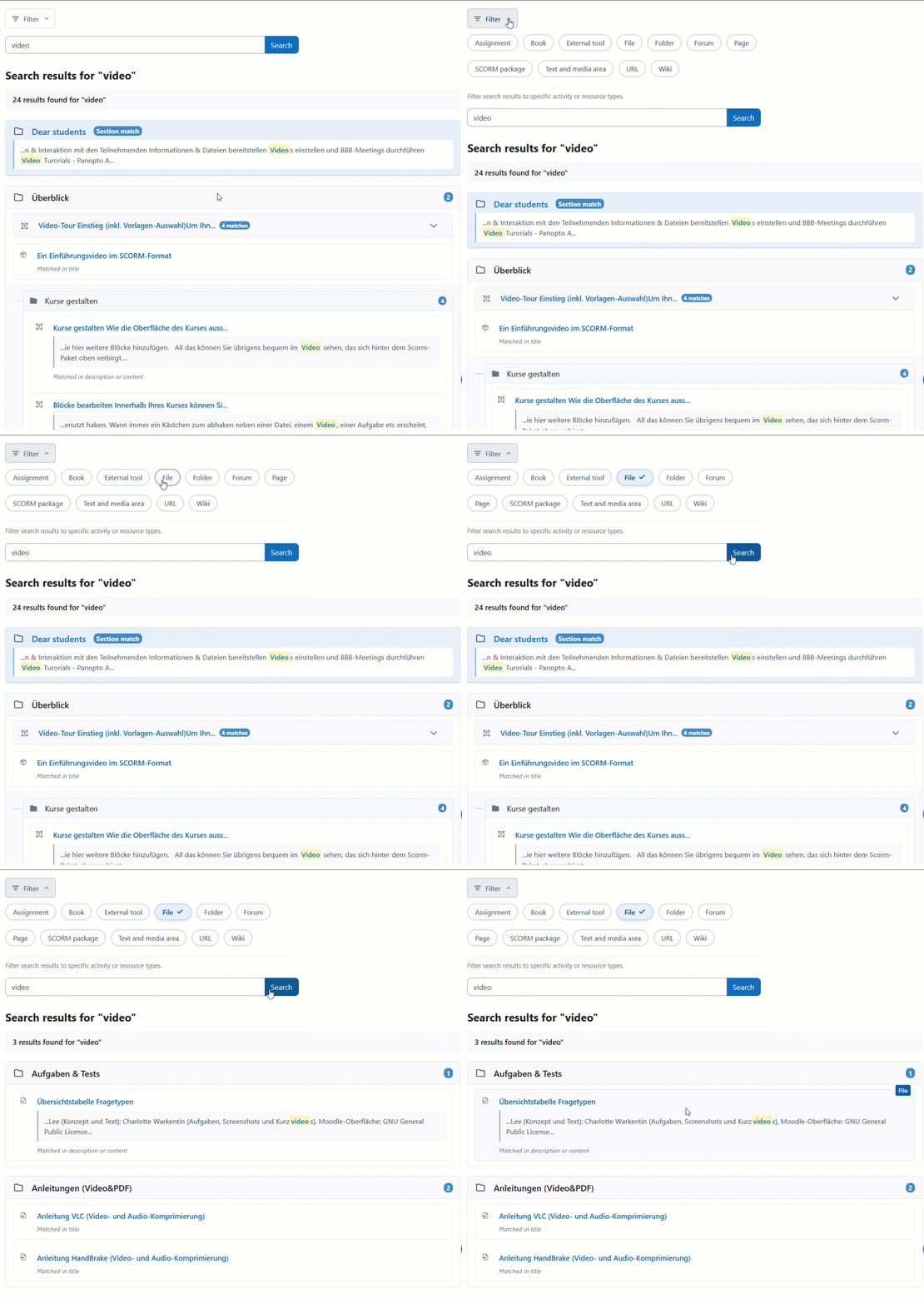
- Search filter options
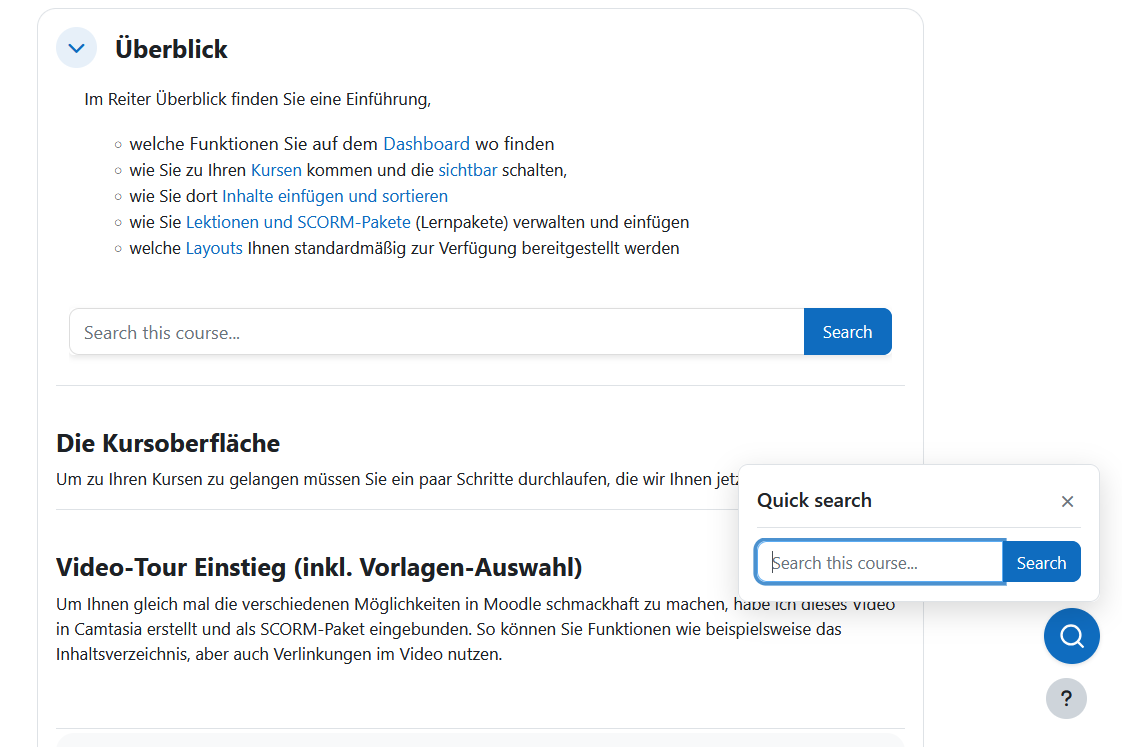
- Embedded mode to show search bar directly on course page
|
Smart Result Organization
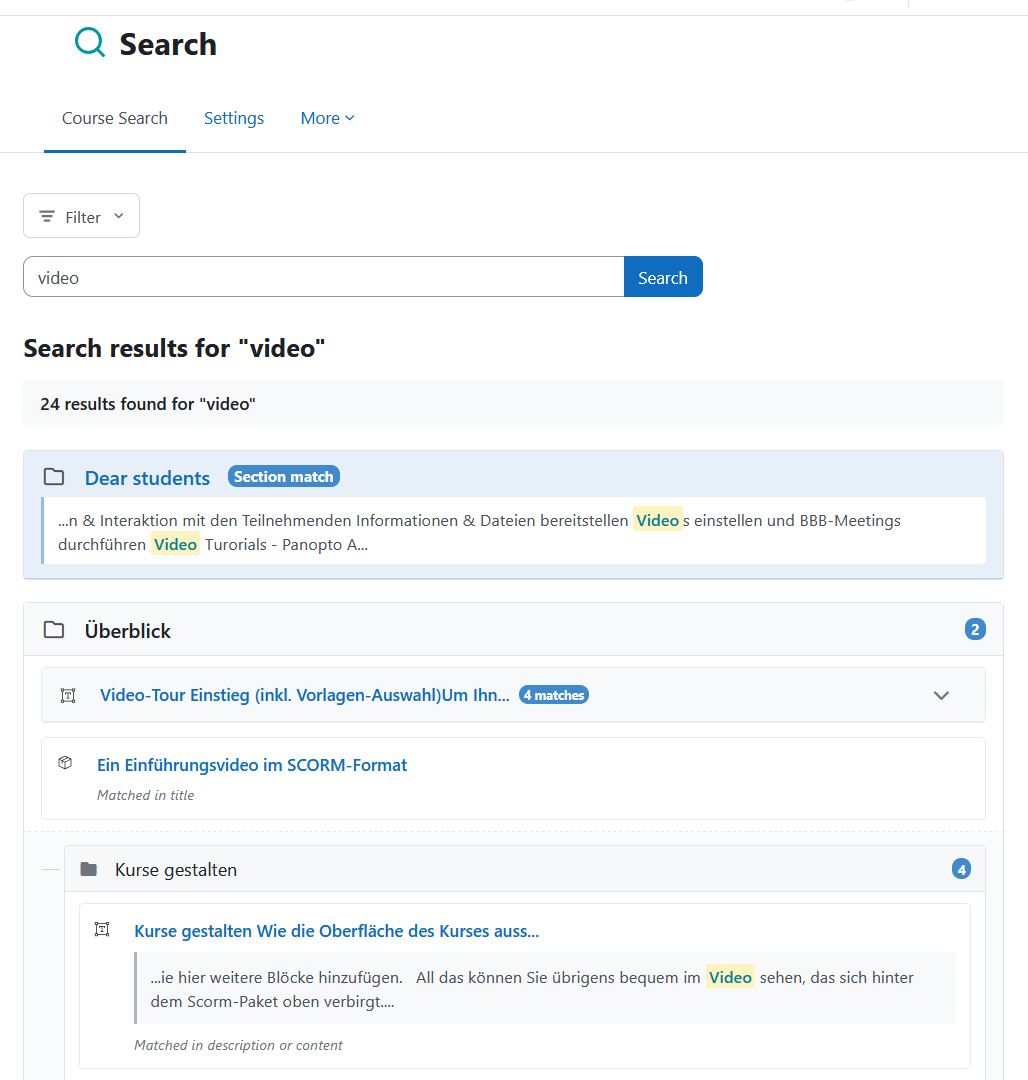
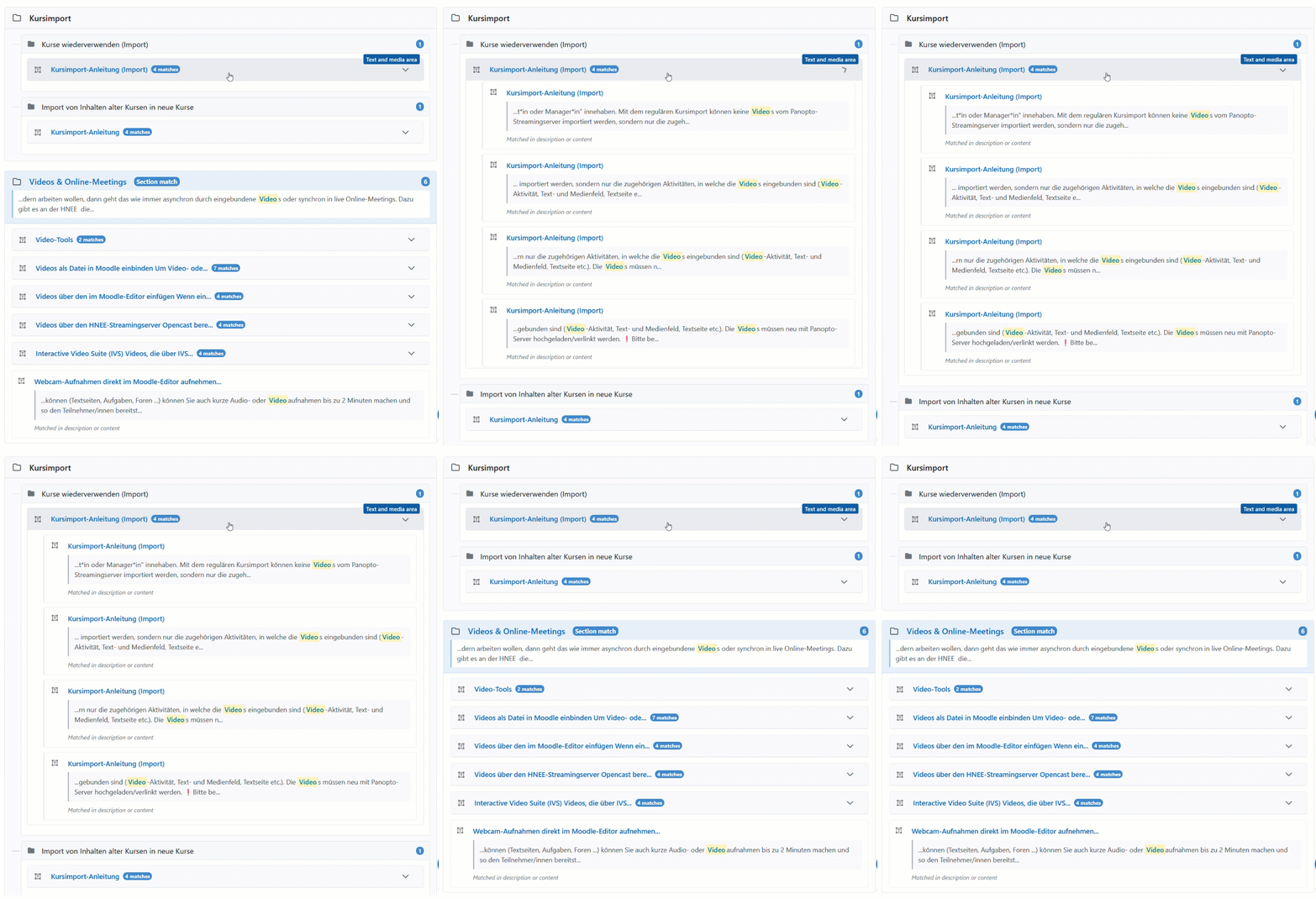
- Results grouped by course sections (optional per activity)
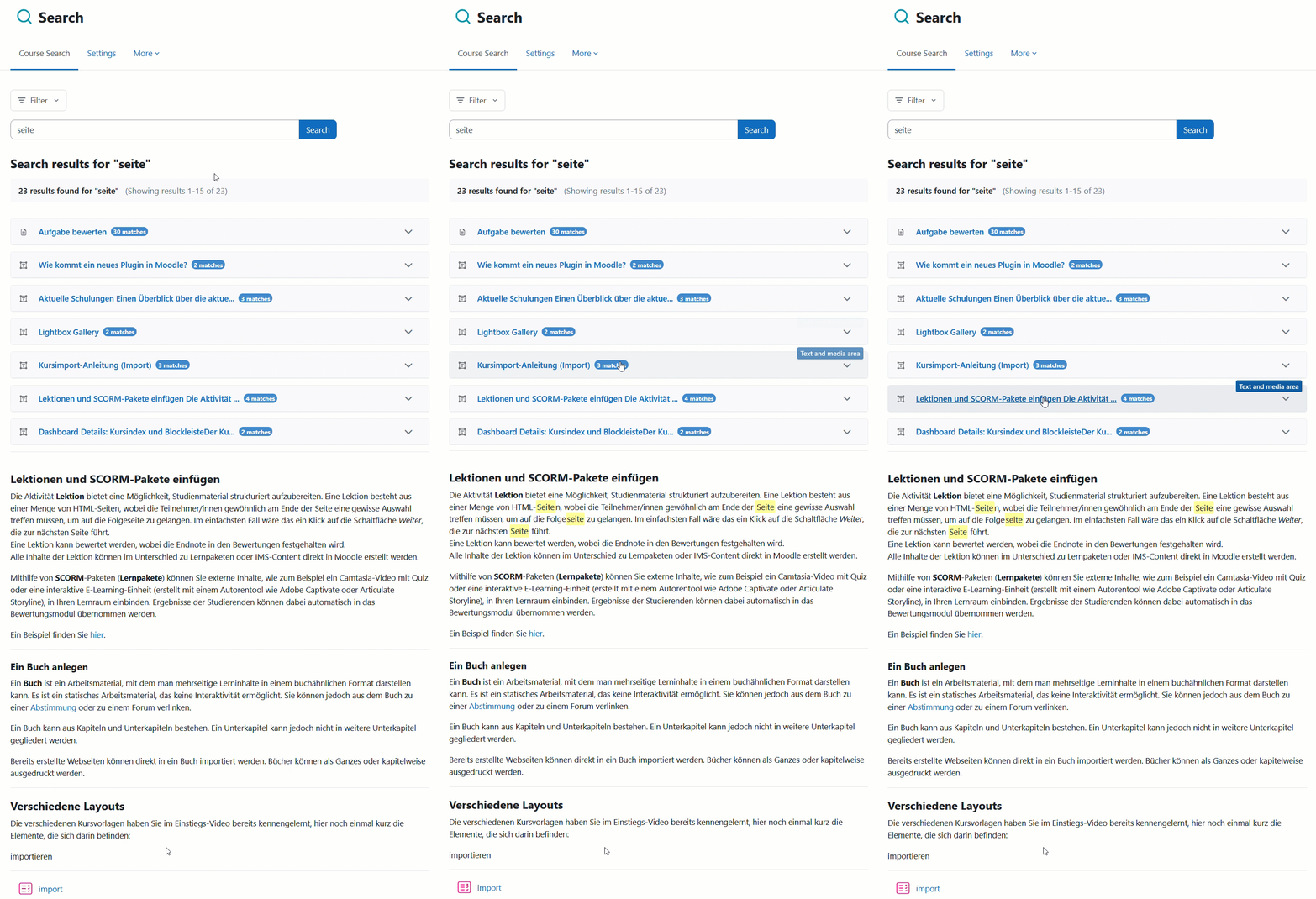
- Collapsible activity grouping - multiple matches within the same activity are grouped together
- Pagination for large result sets
- Teachers can choose between grouped or flat list display
|
Floating Quick-Access Widget
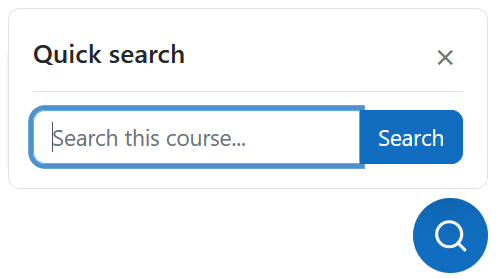
- Floating search widget appears on course page
- Instant access to search without navigating to the activity page
- Configurable vertical offset position
- Automatically adapts to Moodle theme colors
|
Advanced Highlighting
- Automatic scrolling to matched content
- Multi-occurrence highlighting - highlights ALL matches when opening grouped results
- Specific occurrence highlighting - highlights exact match when clicking individual results
- Smart fallback for text inside links
- Bootstrap accordion support (automatically expands collapsed sections)
- Works on: Pages, Books, Lessons, Wiki, Forums, Glossary, Database, Labels

|
Admin Settings
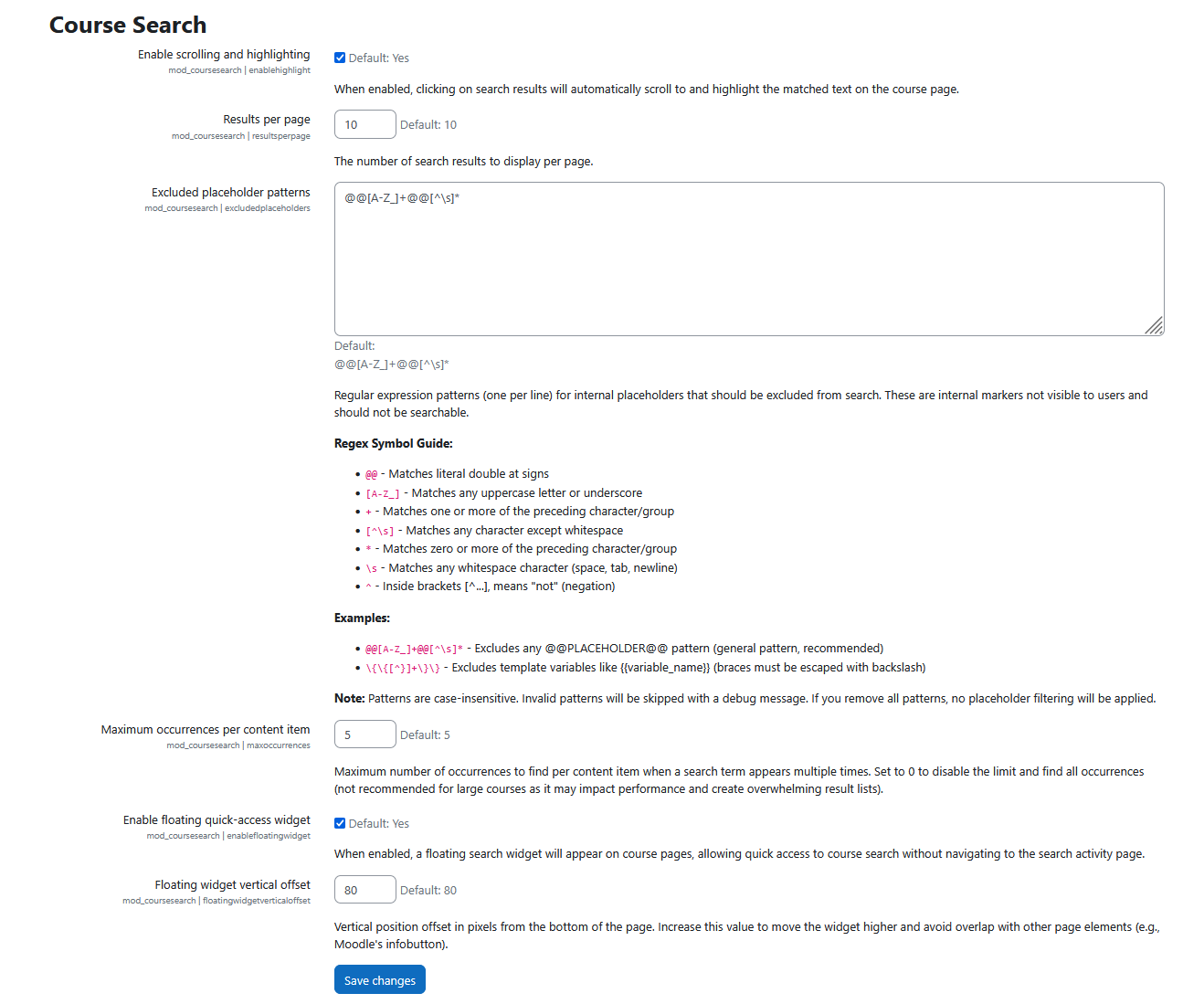
- Enable/disable highlighting globally
- Enable/disable floating widget
- Configure floating widget position
- Configure results displayed per page
- Configure maximum occurrences per content item
- Configure placeholder exclusion patterns
|
Supported Languages: English, German, Ukrainian
Requirements: Moodle 4.4+, PHP 7.4+, modern browser with JavaScript enabled