RTCLab LiveWebinar
Lead maintainer

LiveWebinar Meeting adds a Moodle activity which creates and manages LiveWebinar sessions directly in courses.
Installation:
1) Install the ZIP via Site administration ' Plugins ' Install plugins.
2) Complete the upgrade if prompted.
Configuration:
Go to Site administration ' Plugins ' Activity modules ' LiveWebinar Meeting and set:
- Identifier (default: livewebinar)
- Client ID and Client Secret (from LiveWebinar API Apps)
- App domain (optional, default https://app.livewebinar.com)
Usage:
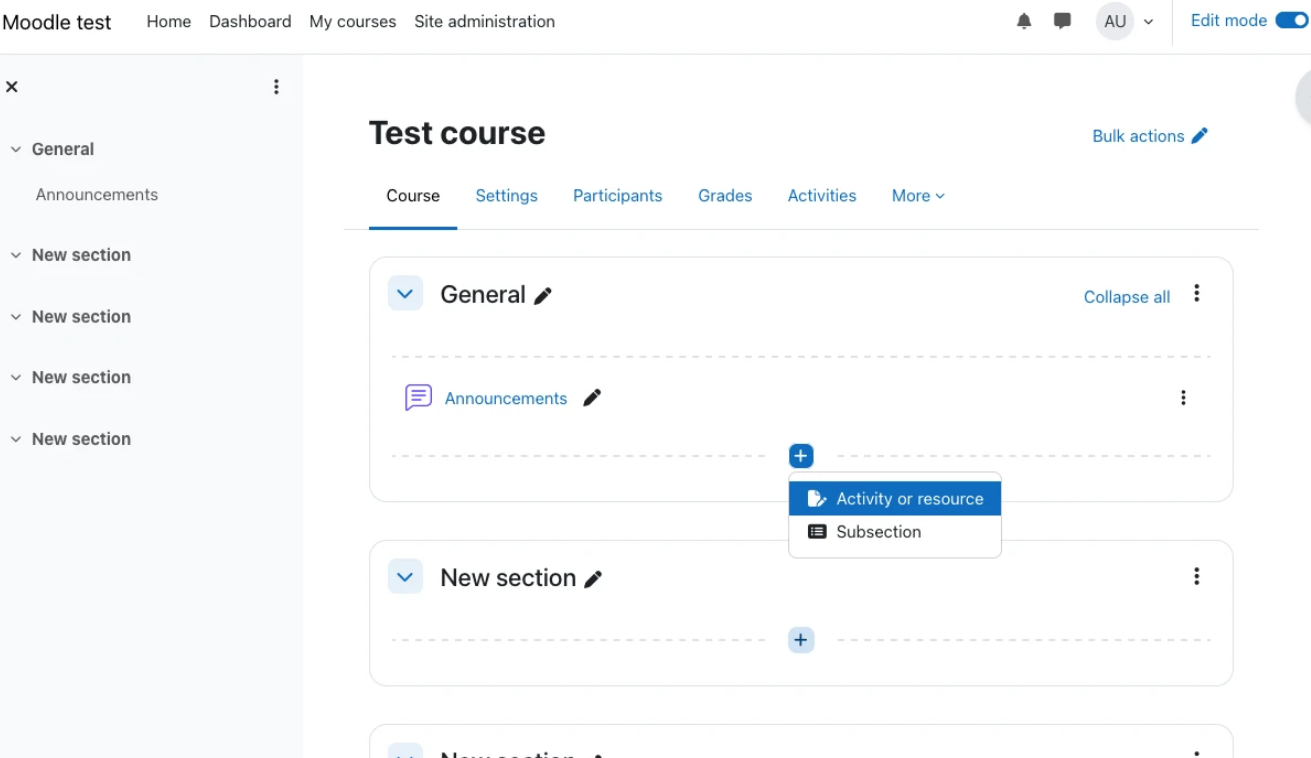
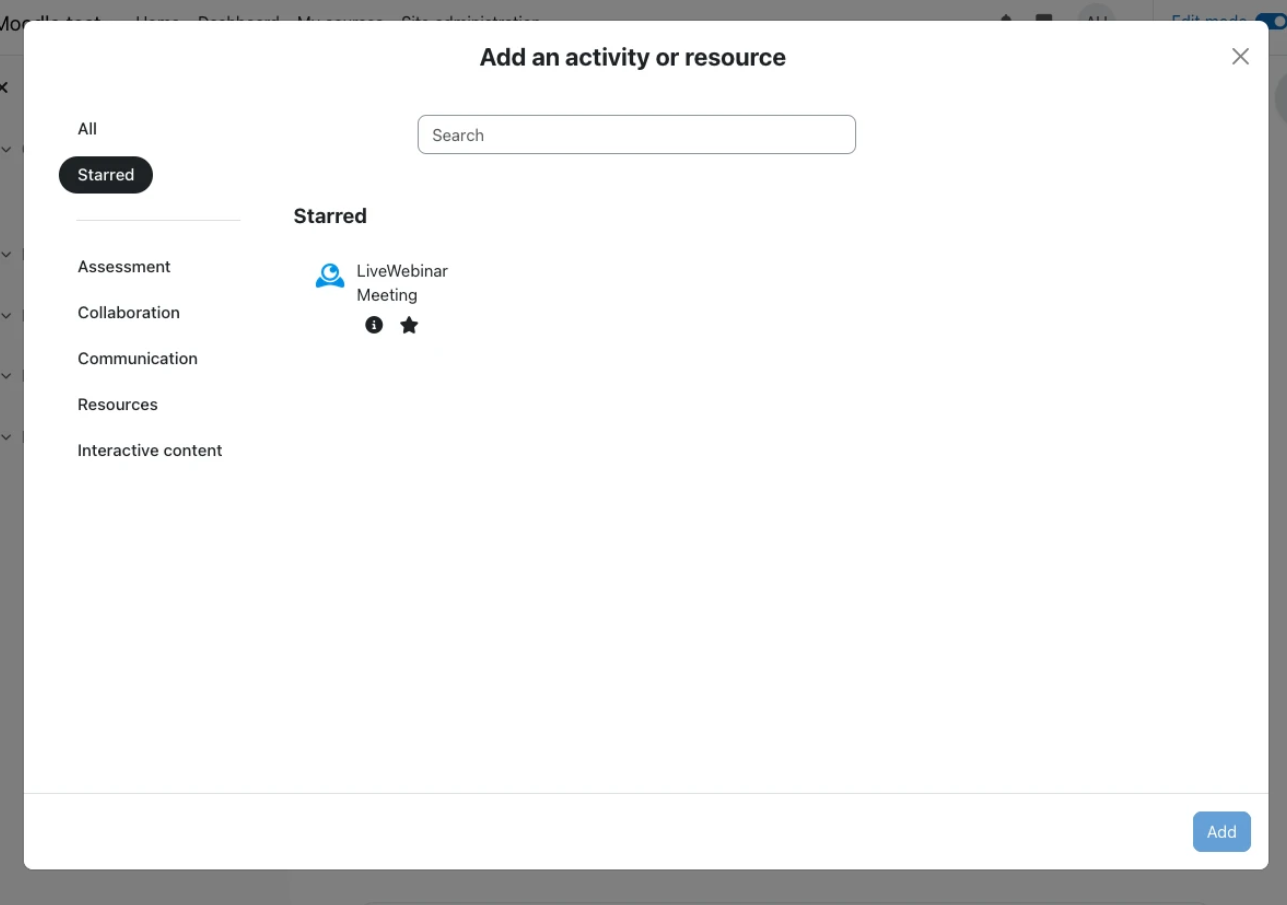
In a course, turn editing on ' Add an activity or resource ' LiveWebinar Meeting.
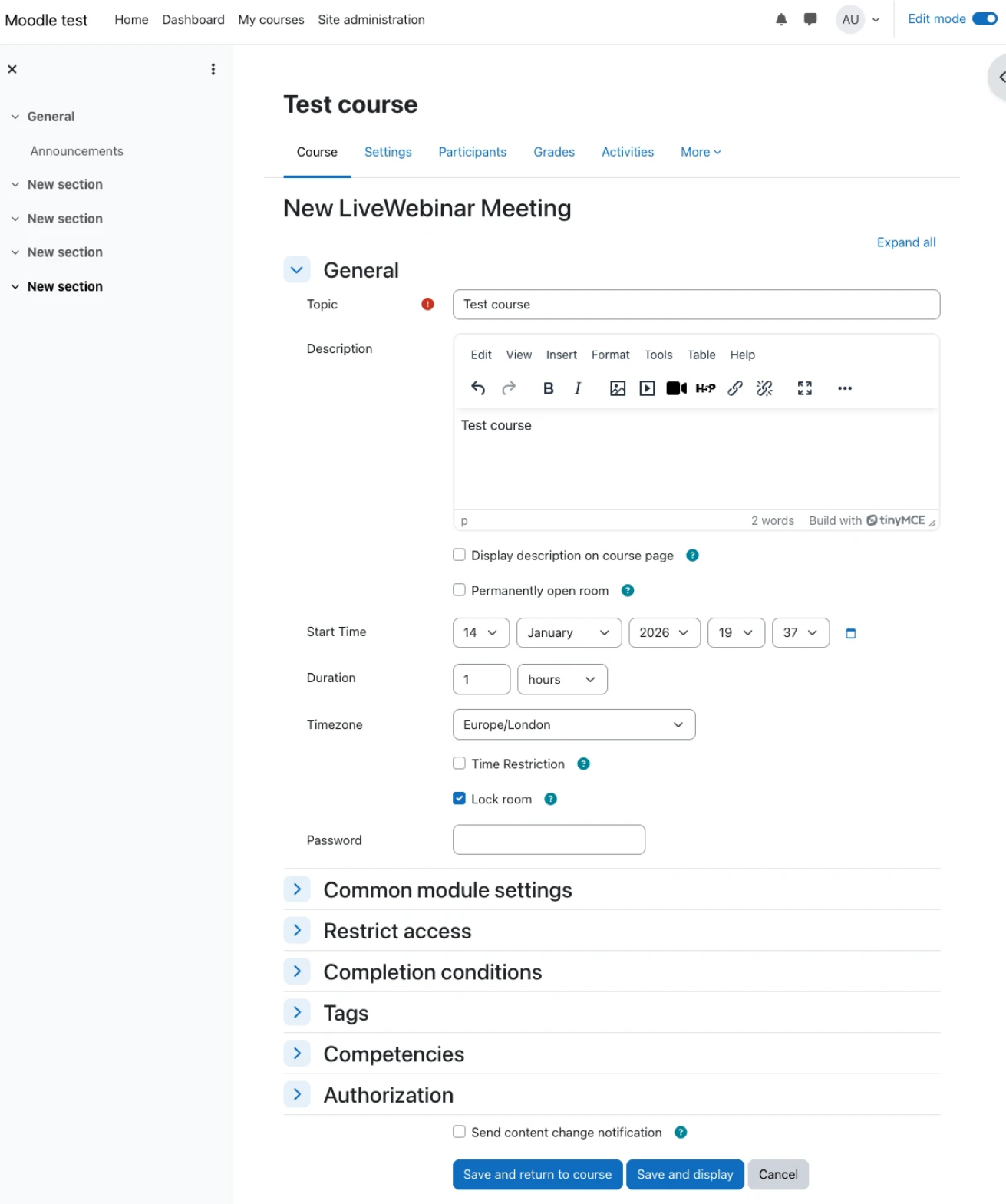
Fill meeting details and save. Teachers/managers can generate reports and open the App Panel from the activity page.

